









- Which customer acquisition channels will be affected by cross-border marketing trends in 2026?Sep 06, 2026View details
- Which homogenization risks should be considered in an analysis of the AI-powered website building industry?Aug 30, 2026View details
- How Will AI Marketing Trends 2026 Change Advertising Budget AllocationAug 28, 2026View details
- Is the EV SSL certificate market shrinking or upgrading? How should companies assess certificate procurement?Aug 11, 2026View details
- Why the old AMP SEO 2020 practices no longer work and what has changed in current optimization prioritiesAug 02, 2026View details
- How to Choose Topics for an Industry News Section to Attract More Organic Search TrafficJul 29, 2026View details
How can you optimize the loading speed of a machinery foreign trade independent website without losing inquiries?
When working on a mechanical machinery foreign trade website, many project managers encounter the same problem: the website content is already online and the inquiry form is working properly, but as soon as overseas visitors open the page, it starts lagging. After waiting several seconds without seeing the page load, they simply close it. On the surface, it may seem like the website is just “a little slow,” but in reality, this can simultaneously affect time on site, bounce rate, Google indexing, and advertising landing page performance. It is difficult to make up for these losses later, even by increasing the budget.
What makes the situation more complicated is that mechanical machinery websites commonly have large product images, deep page structures, and multiple language versions. After numerous functions are installed in the backend, speed issues are often caused by multiple factors rather than a single one. To understand how to optimize the loading speed of a mechanical machinery foreign trade website, you cannot focus only on “compressing images.” You need to consider the site architecture, resource loading, caching, and overseas access routes together.
First Identify Where the Slowdown Occurs Instead of Immediately Changing the Template
When many teams discover that their website is slow, they immediately change the theme or rebuild the homepage, only to find that the problem remains. A more reliable approach is to first determine whether the initial screen is slow, the entire page is slow, or only certain overseas regions experience slow loading. For example, if the homepage content takes a long time to appear, images, fonts, and scripts are often delaying rendering. If the page becomes increasingly sluggish while scrolling after entering a product details page, there are usually too many page elements, or videos, carousels, and third-party plugins are consuming too many resources.
You can first use your browser’s developer tools to check the loading order and observe which files are large, which requests are numerous, and which resources are blocking the main thread. Then conduct simple tests under network conditions in different regions to determine whether the overseas access route itself is unstable. Once you complete this troubleshooting process, the optimization sequence will become much clearer.
Several Common Causes of Slowdown on Mechanical Machinery Websites
Mechanical machinery foreign trade websites are different from ordinary corporate showcase websites, and many pages are naturally more “resource-intensive.” Product images need to display details, parameter tables need to be complete, and PDF manuals, demonstration videos, and 3D models may all be included. The issue is not whether this content can be displayed, but whether it is loaded in an appropriate way.
- Homepage images are too large and have not been compressed or adapted to the required dimensions.
- Too many product cards and images are loaded at once on product listing pages.
- Fonts, animations, and carousel plugins are layered together, resulting in too many resources being loaded above the fold.
- Forms, chat tools, and analytics scripts are loaded in an unreasonable order.
- The server is too far from the main customer markets, resulting in high overseas access latency.
If you are dealing with a similar problem, do not rush to pursue “complete functionality.” First ensure that the page loads quickly and that key information appears first.
Prioritize Images and Videos, the Areas Most Likely to Deliver Immediate Results
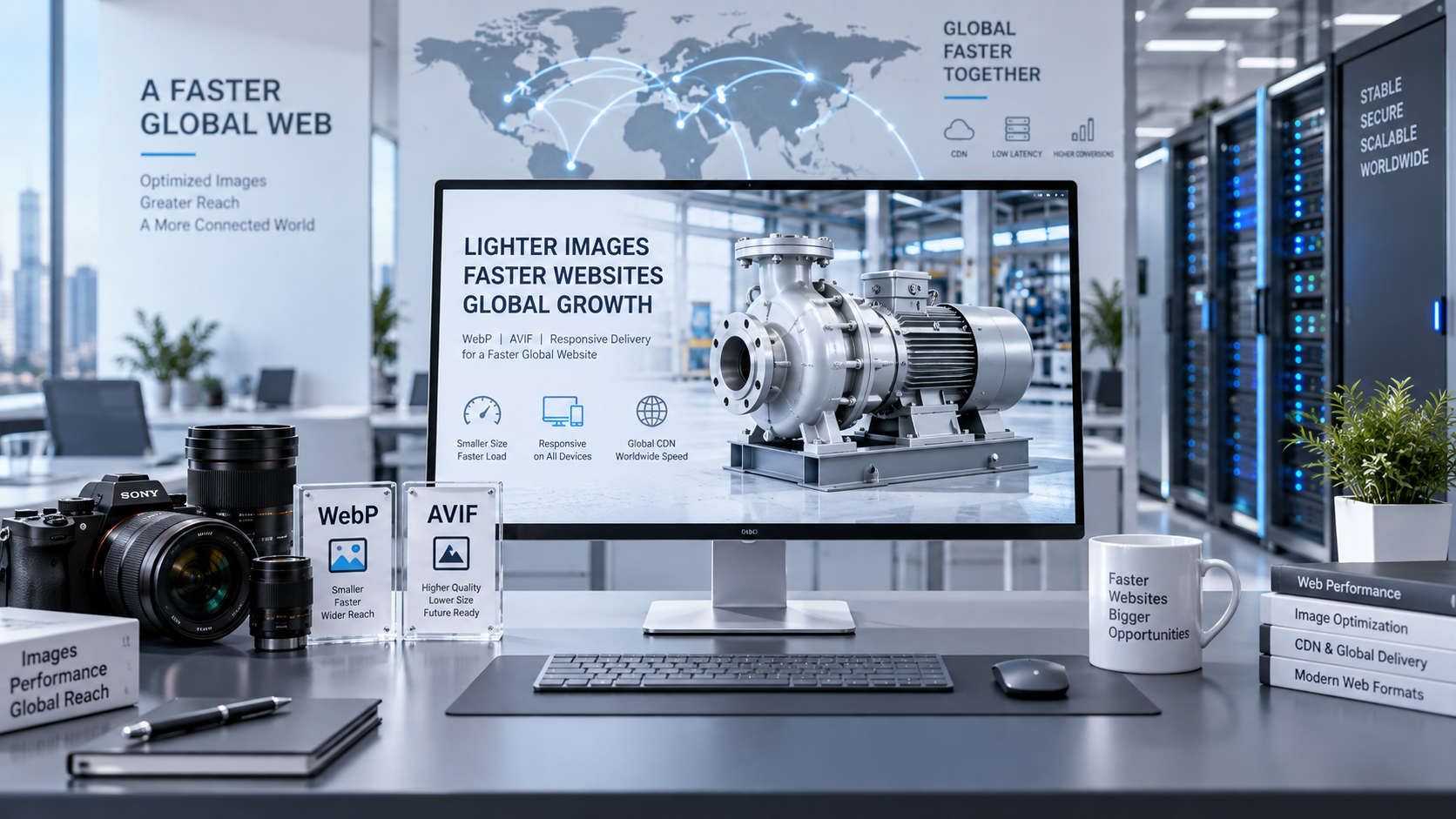
On mechanical machinery websites, images are often the primary source of speed problems. The solution is not simply to make images smaller, but to process them according to the actual display scenario: use small thumbnails on listing pages, output an appropriate image size according to the container width on details pages, and avoid uploading an oversized original image and calling it directly on the frontend. In terms of format, use lighter resources whenever possible. If WebP can be used, avoid continuing to load large images in traditional formats.
Videos also require careful handling. Product demonstration videos should not autoplay and are even less suitable for direct loading above the fold. A more reliable approach is to display a cover image first and load the video only after the user clicks. This keeps the initial screen lightweight and prevents visitors from being held up by a large number of media resources.
Handle Caching and Static Resources Separately
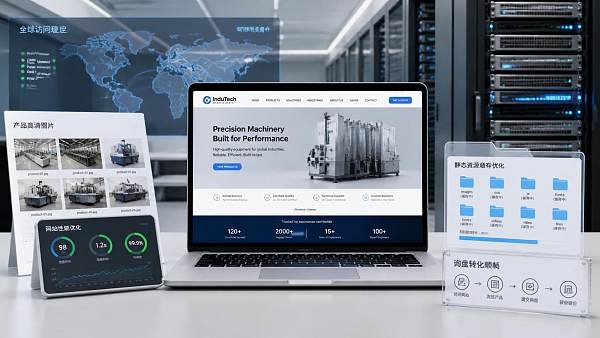
Some websites are slow not because the content itself is slow, but because the same group of files is requested repeatedly during every visit. If caching is not configured properly, every visitor opening the page experiences something similar to a first visit, resulting in a poor user experience. A practical approach is to cache resources that do not change frequently for as long as possible, while refreshing the main page content as needed.
It is also recommended to combine static resources and load them with a delay. For example, scripts that do not affect the initial screen, comment components, and social media plugins can be loaded after the page content. If certain third-party tracking codes are not needed immediately, they should not be placed at the very beginning. For a mechanical machinery foreign trade website, displaying the product and contact entry points first is more important than loading all functions at once.
Consider the Overseas Access Experience Instead of Looking Only at Domestic Loading Speed
Many teams find that their website is “quite fast” during local testing, but overseas customers experience a noticeable slowdown. The cause is usually not a problem with a single file, but the combined effect of server location, CDN, DNS resolution, and cross-border network routes. Mechanical machinery foreign trade websites face customers in different countries and regions, so if the main markets are in North America, Europe, or Southeast Asia, the access route must be designed with the experience in those regions in mind.
If the website system supports multiple languages and global distribution, it is recommended to place images, styles, and scripts in a more stable static resource acceleration environment so that visitors in different regions can obtain resources more quickly. Systems such as Yiyingbao’s AI-driven website building and overseas marketing platform typically handle website building, caching, and multilingual pages within the same process, reducing performance losses caused by repeated switching between the frontend and backend. If you already have an existing website, you can also use this as a reference for optimization rather than necessarily rebuilding the site.
Do Not Overload the Page with Content; Streamline the Information Hierarchy
Customers in the mechanical machinery industry are primarily concerned with models, specifications, application scenarios, and contact information. They do not necessarily need all materials to be displayed on the homepage. The more content there is, the heavier the page becomes. A better approach is to place core information first and move detailed descriptions, downloadable materials, and technical details further down the page or into collapsible sections to reduce the burden on the initial screen.
Another easily overlooked factor is the number of page components. Many websites add too many carousels, tabs, floating buttons, and pop-ups in an attempt to “look professional.” As a result, the browser has more elements to process at the same time, which instead slows down the website. You can retain only the most important conversion elements at first, then gradually add other modules back while observing the changes in loading speed.
How to Determine Whether the Optimization Has Gone Off Track
After making adjustments, do not rely only on the loading experience on your own computer. There are three more practical criteria: whether the initial screen content appears faster, whether switching between product pages is smoother, and whether access remains stable across different overseas regions. You should also check whether users can see the core information and inquiry entry points more easily on advertising landing pages and organic traffic pages after loading performance improves.
If you have already compressed images, configured caching, and organized scripts but the speed is still unsatisfactory, you need to examine the architecture level. Is the server location unsuitable? Is the page template itself too heavy? Or is the loading method of the multilingual website not lightweight enough? Optimizing the loading speed of a mechanical machinery foreign trade website is often not something that can be solved with a single button. Instead, it requires reducing the burden at every layer.
For project managers, the most worry-free approach is not to wait until problems become serious before addressing them, but to treat speed as one of the launch standards during the website-building stage. Less complexity at the beginning means less rework later, and the inquiry process will also be more stable.
Related Articles


Related Products
 Yiyingbao SaaS Intelligent Website Building and Marketing SystemYiyingbao SaaS Intelligent Website Building and Marketing System, AI-powered no-code website building, rapid creation of multilingual B2B international websites in 10 minutes, global server acceleration, AI-powered SEO optimization, helping businesses connect efficiently with global markets. The perfect integration of technology and operation makes building an international trade website remarkably simple
 AI+SEM Intelligent Advertising Marketing SystemAI+SEM drives intelligent ad creation, empowering full-funnel precision advertising marketing. The system automatically generates weekly/monthly reports, AI recommends keywords and target countries, monitors core metrics in real-time with intelligent alerts, and enables one-click high-conversion ad solutions to help quickly acquire customers and improve ROI.
 AI+SEO Dual-Engine System Optimization ServicesYiyingbao’s AI+SEO dual-engine optimization system helps foreign trade enterprises acquire high-quality organic traffic through AI-powered keyword research, content generation, and comprehensive technical optimization, significantly improving search rankings and conversion rates.
 AI+SNS Social Media Marketing SystemYingbao AI+SNS Social Media Marketing System - Precision social capture for the social media era. Supports one-click content synchronization across major platforms like Facebook and LinkedIn. AI intelligently rewrites posts for enhanced relevance. 24/7 AI customer service and user profiling analysis empower businesses to efficiently expand into global markets.
 AI+SEO营销解决方案易营宝AI+SEO营销解决方案,通过AI批量写作、智能生成TDK、精准关键词扩词等功能,全面优化网站SEO效果,提升流量与转化率。助力企业构建高效智能网站新生态。
 AI+SEM Advertising Marketing SolutionsAI+SEM Advertising Marketing Solution leverages AI technology to deeply empower SEM ad campaigns. It automatically generates weekly/monthly reports using AI, presenting account data across multiple dimensions for comprehensive insights into campaign performance and trends. The system precisely recommends keywords and target countries, intelligently generates high-conversion ad copy, and enables one-click activation of efficient campaign plans to help businesses rapidly acquire customers. Simultaneously, it monitors core metrics in real time, intelligently identifies abnormal fluctuations, and issues timely alerts to ensure stable, high-return advertising results.
 Domain Name ServicesEasyWin provides professional domain name services, including intelligent queries, one-stop registration, brand protection, and full lifecycle management, helping businesses build a digital brand image.
 EasyOperate B2C Cross-Border E-Commerce Platform & Independent WebsiteEasyStore B2C Cross-border E-commerce Independent Store is an intelligent website building and cross-border e-commerce integrated solution independently developed by EasyStore Information Technology (Beijing) Co., Ltd. The system is specially designed for small and medium-sized as well as large export enterprises, integrating 'website building, operation, marketing, advertising, and conversion' into one, helping enterprises quickly establish cross-border e-commerce independent stores to achieve brand globalization and global sales growth.
The platform supports multiple languages, multiple currencies, and multi-channel marketing, with built-in AI intelligent translation and SEO optimization systems, suitable for mainstream markets such as Southeast Asia, Europe and America, Latin America, and the Middle East, assisting Chinese manufacturing enterprises in efficiently deploying international e-commerce strategies. SSL证书易营宝提供专业SSL安全证书服务,包括单域名和泛域名证书,确保网站数据传输加密、身份验证和完整性保护,助力企业建立安全可信的在线业务环境。









