









- What stages does the cross-border services ecosystem include? How do website building, promotion, payment, and compliance work togetherJun 22, 2026View details
- How will email marketing costs change in 2026Jun 22, 2026View details
- The China-US tariff arrangement has reached a preliminary consensus, and the trade association will be establishedJun 15, 2026View details
- Should overseas brand marketing start with ads or contentJun 21, 2026View details
- What determines B2C cross-border e-commerce website development costs? A breakdown of features, interfaces, and deployment methodsJun 17, 2026View details
- China-Morocco zero-tariff access, a breakthrough in the cost of Moroccan goods exports to ChinaJun 11, 2026View details
- What signal should be released for the suspension of exports to JapanJun 10, 2026View details
- China's May LNG imports rebounded, with increased volumes from Russia and Canada filling the Middle East supply gapJun 10, 2026View details
What to do if WhatsApp cannot verify the phone number?
What should I do if WhatsApp cannot verify my phone number? Don’t panic—this article will walk you through common causes, from not receiving the verification code and incorrect number format to network issues and device restrictions, so you can quickly identify the problem and restore normal verification.
For foreign trade companies, cross-border e-commerce sellers, and brand teams going global, WhatsApp is often more than just a chat tool; it is a key touchpoint for overseas inquiries, customer follow-up, and post-ad conversion. Once a phone number cannot be verified, communication may be delayed by 1–3 days, and in severe cases, it can affect sales lead handoff, independent site conversions, and overseas social media operating rhythm.
In a website + marketing service integrated scenario, the stability of communication tools is directly related to the efficiency of lead conversion. Especially when a business is building an overseas independent site, running Google ads, or operating Facebook lead ads, if WhatsApp verification fails, the customer service system and marketing pipeline can easily break down.
First, identify where the problem is: 4 common high-frequency causes
Most verification failures are not due to a permanently abnormal account, but occur in 4 areas: number format entry, verification code reception, network environment, and device restrictions. It is recommended to troubleshoot in order; usually the cause can be located within 10–20 minutes, avoiding repeated verification code requests that prolong the waiting time.
Incorrect number format or wrong country/region code selection
This is one of the most common problems. When entering a mobile number, first select the correct country or region code, such as +86 for mainland China. The number usually does not need the area code entered again, and do not add spaces, parentheses, or a leading 0. When employees switch to overseas numbers, format confusion is more likely to occur.
Quick check method
- Confirm that the country code matches the mobile number's country of origin
- Remove extra symbols and keep only numbers
- Check whether a landline number or virtual number was entered by mistake
- Confirm that the number can normally receive SMS or voice calls
Verification code not received or delayed
SMS verification codes are generally delivered within 1–5 minutes, and during peak periods may be delayed to around 10 minutes. If you frequently click “resend,” the system may trigger a short-term limit, and the waiting period may extend from a few minutes to several hours. At this point, it is more advisable to first check the phone signal, SMS filtering, and carrier status.
The table below is suitable for quickly determining the priority order for handling different verification exceptions, and is especially useful for cross-border teams to establish a standardized troubleshooting process in customer service, sales, and ad account collaboration.
From a troubleshooting priority perspective, number format and SMS reception issues usually rank first. If three or more people in a company share the same business number, avoid frequently operating on multiple devices, otherwise the probability of verification failure will increase.
Restore verification step by step: process from network to device
If the number format is confirmed to be correct, the next step is to check the network and device environment. For companies relying on overseas marketing, stable verification is not only related to immediate communication, but also to the follow-up conversion efficiency of ad landing pages, independent site buttons, and social media private message entry points.
Step 1: Check whether the network environment is stable
It is recommended to switch once between stable Wi-Fi and mobile data for testing, and restart the device if necessary. If the network latency is high or the connection is frequently interrupted, WhatsApp may be unable to complete the verification code request or callback verification. A common issue for cross-border teams is using a restricted network environment, which causes the verification process to be interrupted.
Step 2: Confirm the device has not triggered restrictions
Frequently changing phones, repeatedly installing and uninstalling the app, or multiple devices taking turns to log in to the same number within a short period may be recognized by the system as abnormal behavior. It is recommended to try to complete verification on only 1 device within 24 hours, and keep the system time, region settings, and the number's country of origin basically consistent.
Step 3: Prioritize voice verification
If SMS fails to arrive 2 times in a row, you can wait for the countdown to end and then switch to voice verification. For some overseas numbers or scenarios where international SMS delivery rates are low, voice verification is often more stable. Before answering the call, ensure that incoming calls are not blocked and confirm that the phone has not enabled the unknown number silent mode.
To help corporate teams establish a unified process more quickly, you can refer to the following 5-step troubleshooting checklist, suitable for internal collaboration among sales, customer service, and operations staff.
The core of this process is not “repeated attempts,” but reducing ineffective operations. For companies, establishing a standardized troubleshooting table is more effective than relying on employees' experience, and it can better reduce lead loss and communication interruption risks.
From the marketing pipeline perspective, why verify WhatsApp as soon as possible
In overseas lead generation, WhatsApp is often embedded in independent site buttons, landing page inquiry entry points, Facebook pages, and post-ad communication links. If business number verification fails, users after clicking an ad may not receive a response within 5 minutes, directly affecting inquiry conversion rates and customer experience.
3 business impacts brought by verification exceptions
- Sales response slows down, and hot inquiries can easily be lost within 24 hours.
- The independent site conversion path is interrupted, making it difficult for website traffic to form valid business opportunities.
- Multilingual market communication is blocked, especially in the Middle East, Southeast Asia, and Latin America where customers rely more on instant messaging.
A more stable handling approach for businesses
If a company is in the stage of website launch, ad placement, or overseas social media promotion, it is recommended to include WhatsApp verification in the basic launch checklist, along with domain resolution, form testing, conversion tracking, and parallel inspection. Usually, communication tool preparation completed 3–7 days before project launch can reduce temporary issues after official promotion.
Platforms like EasyYingbao, which integrate website + marketing services, can help companies sort out conversion entry points, customer service touchpoints, and multi-channel handoff logic simultaneously during intelligent site building, ad placement, and overseas social media operations, avoiding the common problem of “website traffic exists, but the communication tool has gone offline.”
If your company is targeting North America, Europe, Southeast Asia, or the Middle East with independent site customer acquisition, it is recommended to complete WhatsApp verification troubleshooting as soon as possible, and simultaneously check website inquiry buttons, ad landing pages, and customer handoff processes. EasyYingbao can provide foreign trade companies, manufacturing factories, cross-border sellers, and brand teams going global with a one-stop solution from AI intelligent site building and multilingual official websites to SEO, ad placement, and social media operations, helping you truly convert traffic into inquiries and orders. Contact us now to get a customized solution that is more suitable for the overseas expansion stage of your business.
Related Articles
 Are you really hitting the right target with Google FB for truck bed exports?
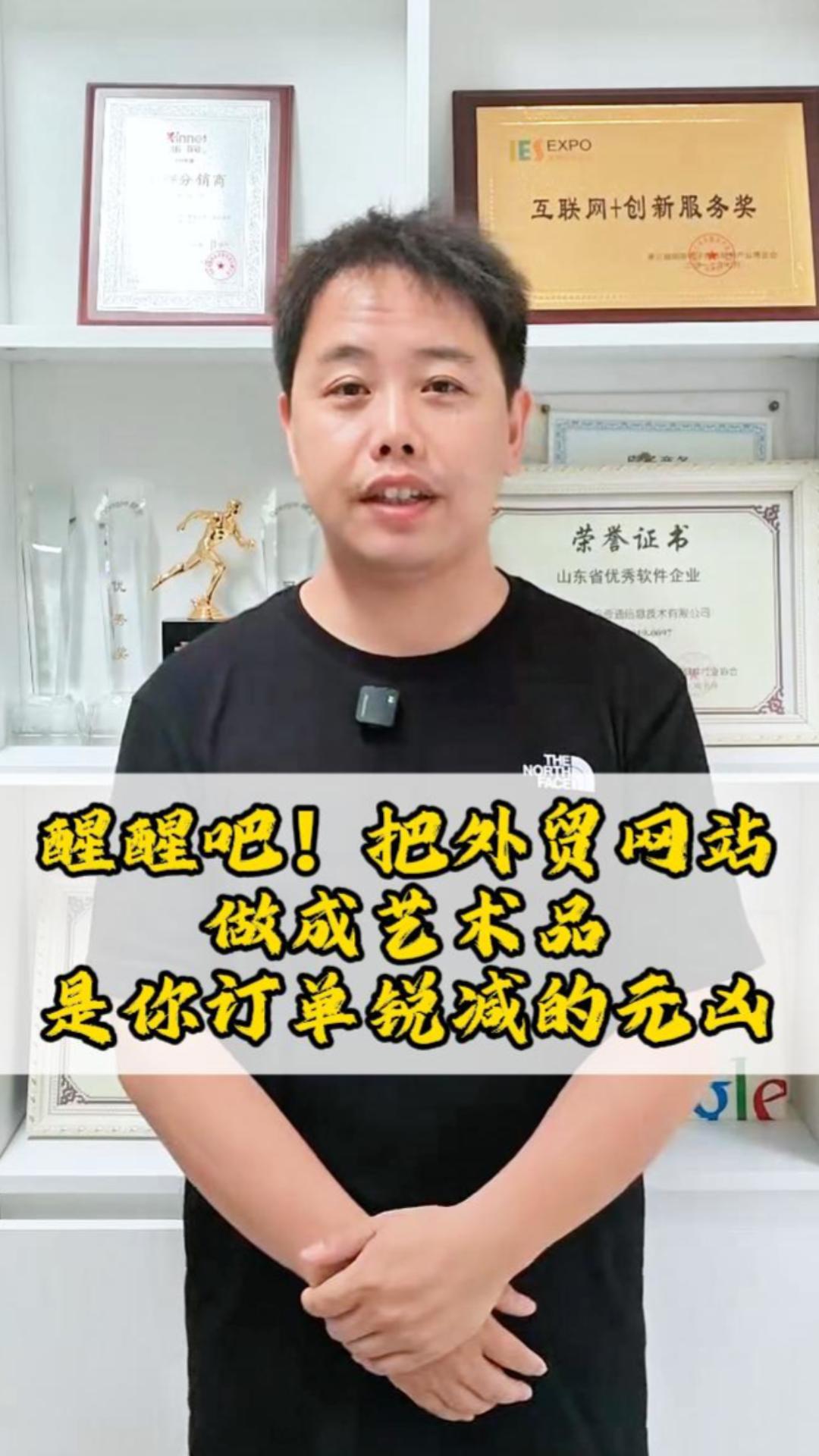
 It's easy to turn a foreign trade website into a piece of art, but it's the ultimate culprit behind your order decline
 Foreign trade website efficiency revolution! Yiyingbao component upgrade + inquiry optimization, inquiries surge!


Related Products
 EasyCamp SaaS Smart Website Marketing SystemE-Yingbao SaaS Smart Website Marketing System: AI-powered, zero-code website building. Rapidly launch multilingual independent e-commerce sites in just 10 minutes. Global server acceleration and AI-driven SEO optimization empower businesses to efficiently connect with global markets. The seamless integration of technology and user-friendly operation makes building e-commerce sites incredibly simple.
 AI+SEM Intelligent Advertising Marketing SystemAI+SEM drives intelligent ad creation, empowering full-funnel precision advertising marketing. The system automatically generates weekly/monthly reports, AI recommends keywords and target countries, monitors core metrics in real-time with intelligent alerts, and enables one-click high-conversion ad solutions to help quickly acquire customers and improve ROI.
 AI+SEO Dual Engine Optimization ServiceEasyWin AI+SEO Dual Engine Optimization System leverages AI-powered keyword mining, content generation, and comprehensive technical optimization to help foreign trade enterprises acquire high-quality organic traffic, significantly improving search rankings and conversion rates.
 AI+SNS Social Media Marketing SystemYingbao AI+SNS Social Media Marketing System - Precision social capture for the social media era. Supports one-click content synchronization across major platforms like Facebook and LinkedIn. AI intelligently rewrites posts for enhanced relevance. 24/7 AI customer service and user profiling analysis empower businesses to efficiently expand into global markets.
 AI+SEO营销解决方案易营宝AI+SEO营销解决方案,通过AI批量写作、智能生成TDK、精准关键词扩词等功能,全面优化网站SEO效果,提升流量与转化率。助力企业构建高效智能网站新生态。
 AI+SEM Advertising Marketing SolutionsAI+SEM Advertising Marketing Solution leverages AI technology to deeply empower SEM ad campaigns. It automatically generates weekly/monthly reports using AI, presenting account data across multiple dimensions for comprehensive insights into campaign performance and trends. The system precisely recommends keywords and target countries, intelligently generates high-conversion ad copy, and enables one-click activation of efficient campaign plans to help businesses rapidly acquire customers. Simultaneously, it monitors core metrics in real time, intelligently identifies abnormal fluctuations, and issues timely alerts to ensure stable, high-return advertising results.
 Domain Name ServicesEasyWin provides professional domain name services, including intelligent queries, one-stop registration, brand protection, and full lifecycle management, helping businesses build a digital brand image.
 EasyOperate B2C Cross-Border E-Commerce Platform & Independent WebsiteEasyStore B2C Cross-border E-commerce Independent Store is an intelligent website building and cross-border e-commerce integrated solution independently developed by EasyStore Information Technology (Beijing) Co., Ltd. The system is specially designed for small and medium-sized as well as large export enterprises, integrating 'website building, operation, marketing, advertising, and conversion' into one, helping enterprises quickly establish cross-border e-commerce independent stores to achieve brand globalization and global sales growth.
The platform supports multiple languages, multiple currencies, and multi-channel marketing, with built-in AI intelligent translation and SEO optimization systems, suitable for mainstream markets such as Southeast Asia, Europe and America, Latin America, and the Middle East, assisting Chinese manufacturing enterprises in efficiently deploying international e-commerce strategies. SSL证书易营宝提供专业SSL安全证书服务,包括单域名和泛域名证书,确保网站数据传输加密、身份验证和完整性保护,助力企业建立安全可信的在线业务环境。









