









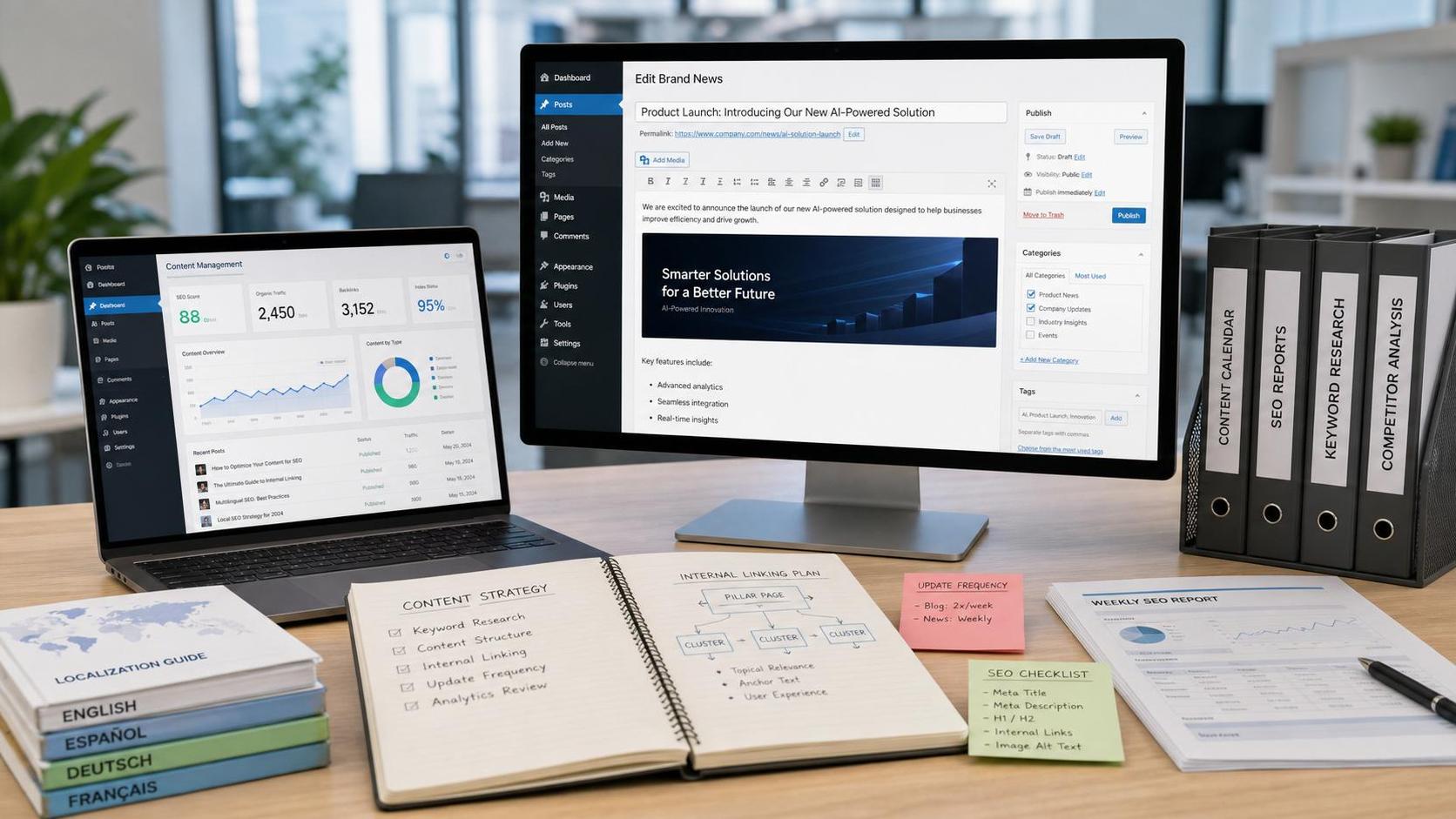
- How Can a Brand Updates Page Be Made More SEO-Friendly? Analysis of Update Frequency, Content Structure, and Internal Linking StrategyJun 28, 2026View details
- What stages does the cross-border services ecosystem include? How do website building, promotion, payment, and compliance work togetherJun 22, 2026View details
- How will email marketing costs change in 2026Jun 22, 2026View details
- The China-US tariff arrangement has reached a preliminary consensus, and the trade association will be establishedJun 15, 2026View details
- Should overseas brand marketing start with ads or contentJun 21, 2026View details
- What determines B2C cross-border e-commerce website development costs? A breakdown of features, interfaces, and deployment methodsJun 17, 2026View details
- China-Morocco zero-tariff access, a breakthrough in the cost of Moroccan goods exports to ChinaJun 11, 2026View details
- What signal should be released for the suspension of exports to JapanJun 10, 2026View details
Enterprise Self-Service Website Builder Tutorial: Beginner Onboarding Process
This enterprise-level self-service website builder tutorial is designed for beginner operators. Covering everything from website preparation and feature configuration to the launch process, it helps you quickly master how to build a corporate website and improve website-building efficiency and marketing conversion capability.
Why beginners need to first understand the core logic of an enterprise-level self-service website builder tutorial

When many operators first come into contact with website building, they are most likely to fall into the misconception of “choose a template first, then change the text.” In fact, the focus of an enterprise-level self-service website builder tutorial is not whether the page looks good, but whether the website can support customer acquisition, conversion, data tracking, and subsequent marketing work.
For the integrated website + marketing service industry, a corporate website is no longer just a simple display page, but an entry point connecting search traffic, advertising campaigns, social media communication, and customer management. If operators only know how to upload images and edit copy, it is often difficult to truly bring out the value of the website.
Since its establishment in 2013, Yiyingbao Information Technology (Beijing) Co., Ltd. has continuously built full-chain capabilities around intelligent website building, SEO optimization, social media marketing, and advertising campaigns. For beginners, the value of this kind of platform-based solution lies in reducing technical barriers and compressing complex website-building and marketing configurations into executable workflows.
- First clarify the website goal: brand display, inquiry generation, or product transactions.
- Then organize the page structure to ensure that navigation, content, forms, and conversion entry points are clear.
- Finally configure marketing capabilities, including search-friendly settings, data analytics, and customer follow-up mechanisms.
Step 1 of the enterprise-level self-service website builder tutorial: what to prepare before building a website
Before beginners get started, preparing materials is more important than rushing to build pages. Common delays in corporate website building are often not caused by difficult tools, but by incomplete materials, which lead to repeated rework on pages. Operators should divide the preparation work into four parts: “brand materials, content materials, functional requirements, and marketing goals.”
Website building materials checklist
- Basic company information: company profile, contact details, address, main business, and brand slogan.
- Visual assets: logo, primary colors, product images, scenario images, team photos, and promotional videos.
- Content structure: homepage copy, product or service introductions, case descriptions, FAQs, and contact us page content.
- Functional requirements: online forms, chat tools, inquiry collection, payment capability, language switching, and data statistics.
- Launch goals: expected delivery time, promotion channels, key countries or regions, and core keyword layout direction.
If the enterprise is targeting overseas markets, website-building preparation should also include factors such as multiple languages, multiple currencies, loading speed, and security strategies. Especially for cross-border business, whether the website has localization capabilities often directly affects bounce rate and inquiry quality.
To help beginners quickly determine whether preparations are sufficient, the table below can be directly used as a pre-website-building checklist and is also one of the most practical execution modules in an enterprise-level self-service website builder tutorial.
From an execution perspective, the more complete the preparation stage is, the more efficient the subsequent template selection, feature configuration, and content launch will be. Many corporate website-building delays are not due to system complexity, but to missing early-stage materials causing workflow bottlenecks.
When beginners build a corporate website, how should page structure and functions be configured
After entering the hands-on stage of an enterprise-level self-service website builder tutorial, the first step is to determine the website structure. For most corporate websites, it is recommended to adopt the basic framework of “Home—About Us—Products or Services—Cases or Advantages—News—Contact Us.” This structure is clear and convenient for subsequent search layout and conversion guidance.
Key configuration points for commonly used pages
- The homepage should highlight core value, application scenarios, trust information, and clear inquiry entry points.
- Product or service pages should not only list parameters, but also answer what customers can gain and what needs they are suitable for.
- Case or solution pages are suitable for carrying industry scenarios and helping visitors quickly identify with the content.
- The contact us page should include forms, phone number, email, instant communication methods, and map information.
If the enterprise needs to balance brand display and transaction conversion, it can consider integrating e-commerce capabilities as well. For example, for cross-border retail, direct-to-consumer brands, or overseas industry website scenarios, Yiyingbao B2C Cross-Border Store, Independent Website can integrate multilingual adaptation, multi-currency switching, global acceleration, and content generation capabilities into the same backend, reducing the operational burden for beginners.
For operators, the value of choosing a drag-and-drop website-building tool is very direct: pages can be built quickly without writing code; at the same time, pages can automatically adapt to desktop, tablet, and mobile devices, avoiding the impact of display issues across devices on the visitor experience.
In an enterprise-level self-service website builder tutorial, how to judge whether the system is truly suitable for enterprise use
When selecting a system, many companies only look at price or the number of templates, which makes it easy to overlook subsequent operating costs. A system truly suitable for enterprise use should not only be able to build websites, but also support search visibility, ad traffic handling, customer retention, and data review.
The comparison table below is suitable for beginners to use directly during procurement or internal evaluation. It not only covers page-level aspects, but also the key capabilities required for integrated website + marketing services.
From the perspective of long-term usage costs, enterprise-level solutions are usually more suitable for companies that need continuous customer acquisition and market expansion. Especially for teams that need to balance content production, advertising coordination, and customer management, a unified backend can significantly reduce collaboration difficulty.
From page building to official launch, what process should beginners follow
The most critical part of an enterprise-level self-service website builder tutorial is to break website building into executable steps. Beginners should not try to handle all issues at once, but should proceed according to the process to ensure that each step has a clear output.
Recommended launch process
- Create the website and choose an industry template, first confirming the homepage and navigation framework.
- Upload company materials and visual assets, and complete the filling of basic page content.
- Configure forms, online consultation, social media buttons, and contact methods to connect conversion entry points.
- Set page titles, descriptions, friendly links, image descriptions, and sitemap.
- Integrate analytics tools and check traffic sources, consultation paths, and key button click performance.
- Preview across multiple devices and test speed, links, form submission, and page display effects.
- Bind the official domain name and publish, then enter the continuous optimization stage.
If the website is aimed at overseas users, it is recommended to focus on testing language switching, currency display, mobile loading speed, and form accessibility before launch. These factors often affect conversion more than page appearance alone.
Solutions such as Yiyingbao B2C Cross-Border Store, Independent Website are more suitable for teams that need fast launch, fast validation, and fast iteration in areas such as multilingual automatic adaptation, intelligent SEO optimization, AI content assistant, and global data visualization, especially for operational roles lacking dedicated technical staff.
What to focus on during procurement and selection to avoid later rework
If the wrong website-building tool is selected, common later-stage problems include pages that look fine but cannot convert, content that is difficult to maintain, slow search indexing, and leads that are difficult to track after advertising campaigns. When selecting a system, operators are advised to focus on the following dimensions rather than only comparing prices.
Selection recommendation checklist
- Whether it supports zero-code operation to avoid excessive dependence on external technical teams.
- Whether it has a search-friendly structure, such as automatic generation of Meta information, XML sitemap, and broken-link repair support.
- Whether it can form a closed loop with advertising, social media, and customer management, rather than using multiple disconnected systems.
- Whether it has global access speed optimization, security protection, SSL encryption, and data backup mechanisms.
- Whether it supports subsequent expansion, such as multilingual support, localized marketing, remarketing, and tiered customer operations.
From industry experience, the integration of website + marketing services has become the choice of more and more enterprises. The reason is simple: a website is not an isolated asset, but the center for traffic conversion and customer retention. If the website-building system cannot work in coordination with marketing actions, labor costs in the later stage will continue to increase.
Common misconceptions and FAQ: what issues are most easily overlooked in an enterprise-level self-service website builder tutorial
Is it true that the more templates, the better?
Not necessarily. A large number of templates does not mean they are suitable for the business. For operators, what matters more is whether the template matches industry scenarios, whether it is easy to modify, and whether it supports mobile responsiveness and subsequent content expansion. A template may look good, but if the structure is chaotic, it will instead slow down the launch speed.
What scenarios is an enterprise-level self-service website builder tutorial suitable for?
It is suitable for teams that need to launch a corporate website quickly, lack technical development resources, and still want to balance brand display and marketing conversion. It is especially suitable for cross-border sellers, direct-to-consumer brand stores, overseas manufacturing websites, and localized marketing sites.
After launch, is it no longer necessary to manage it?
No. Launching the website is only the beginning. Afterward, it is still necessary to continuously add content, track keyword performance, optimize form conversion, analyze visitor paths, and adjust landing pages together with advertising and social media channels. Only through continuous operation can a website steadily generate value.
How long is a reasonable delivery cycle?
If the materials are complete and the requirements are clear, a standard corporate website can usually complete the initial version relatively quickly; if it involves multiple languages, multi-region content, localized marketing configuration, and e-commerce functions, the timeline will increase accordingly. The key factor affecting the cycle is not the tool itself, but the complexity of the requirements and the level of material preparation.
Why choose us: from website building to marketing growth, how to obtain more reliable implementation support
For beginner operators, what is truly difficult is often not “whether you can build pages,” but “how to turn the website into an asset that can bring inquiries, transactions, and sustained growth.” This is also why Yiyingbao Information Technology (Beijing) Co., Ltd. continues to focus deeply on the integration of website + marketing services.
Relying on full-chain capabilities driven by artificial intelligence and big data, the team can carry out overall planning around intelligent website building, search optimization, social media marketing, advertising campaigns, and customer management, helping enterprises avoid detours caused by repeated construction and disconnected systems. For enterprises planning to go global or upgrading their official website system, this kind of integrated capability has more practical value.
- If you are confirming website-building parameters, you can consult on page structure, language versions, device adaptation, and data analytics configuration.
- If you are selecting a product, you can discuss website-building tools, store capabilities, marketing integration, and subsequent expansion plans.
- If you are concerned about the delivery timeline, you can evaluate the implementation arrangement based on material preparation, feature complexity, and launch milestones.
- If you need a customized solution, you can further confirm the target market, localization needs, budget range, and conversion goals.
A truly effective enterprise-level self-service website builder tutorial does not just teach you how to build a website, but also helps you connect the website-building process, content management, and marketing growth into a closed loop. If you are promoting an official website upgrade, cross-border independent website construction, or multilingual site implementation, you can now communicate more specifically around selection, quotation, delivery timeline, and customization requirements.
Related Articles
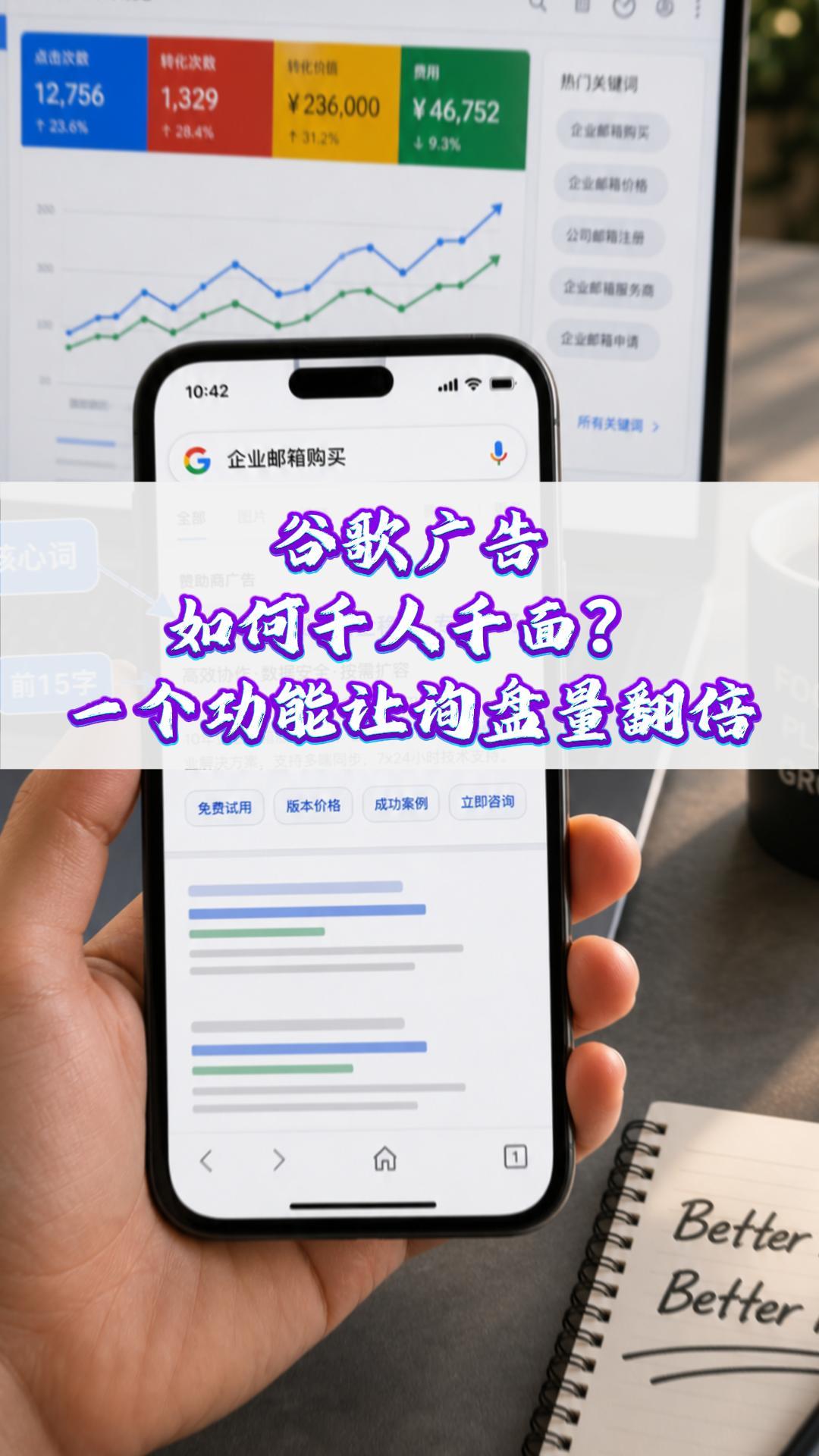
 How can Google Ads deliver one-to-one personalization? One feature can double your inquiry volume#ExportMarketing#OverseasPromotion#GoogleAds#SocialMediaMarketing#ForeignTradeIndependentWebsite
 Why a Google-optimized independent website is essential for trailer exports
 How Can a Brand Updates Page Be Made More SEO-Friendly? Analysis of Update Frequency, Content Structure, and Internal Linking Strategy

Related Products
 EasyCamp SaaS Smart Website Marketing SystemE-Yingbao SaaS Smart Website Marketing System: AI-powered, zero-code website building. Rapidly launch multilingual independent e-commerce sites in just 10 minutes. Global server acceleration and AI-driven SEO optimization empower businesses to efficiently connect with global markets. The seamless integration of technology and user-friendly operation makes building e-commerce sites incredibly simple.
 AI+SEM Intelligent Advertising Marketing SystemAI+SEM drives intelligent ad creation, empowering full-funnel precision advertising marketing. The system automatically generates weekly/monthly reports, AI recommends keywords and target countries, monitors core metrics in real-time with intelligent alerts, and enables one-click high-conversion ad solutions to help quickly acquire customers and improve ROI.
 AI+SEO Dual Engine Optimization ServiceEasyWin AI+SEO Dual Engine Optimization System leverages AI-powered keyword mining, content generation, and comprehensive technical optimization to help foreign trade enterprises acquire high-quality organic traffic, significantly improving search rankings and conversion rates.
 AI+SNS Social Media Marketing SystemYingbao AI+SNS Social Media Marketing System - Precision social capture for the social media era. Supports one-click content synchronization across major platforms like Facebook and LinkedIn. AI intelligently rewrites posts for enhanced relevance. 24/7 AI customer service and user profiling analysis empower businesses to efficiently expand into global markets.
 AI+SEO营销解决方案易营宝AI+SEO营销解决方案,通过AI批量写作、智能生成TDK、精准关键词扩词等功能,全面优化网站SEO效果,提升流量与转化率。助力企业构建高效智能网站新生态。
 AI+SEM Advertising Marketing SolutionsAI+SEM Advertising Marketing Solution leverages AI technology to deeply empower SEM ad campaigns. It automatically generates weekly/monthly reports using AI, presenting account data across multiple dimensions for comprehensive insights into campaign performance and trends. The system precisely recommends keywords and target countries, intelligently generates high-conversion ad copy, and enables one-click activation of efficient campaign plans to help businesses rapidly acquire customers. Simultaneously, it monitors core metrics in real time, intelligently identifies abnormal fluctuations, and issues timely alerts to ensure stable, high-return advertising results.
 Domain Name ServicesEasyWin provides professional domain name services, including intelligent queries, one-stop registration, brand protection, and full lifecycle management, helping businesses build a digital brand image.
 EasyOperate B2C Cross-Border E-Commerce Platform & Independent WebsiteEasyStore B2C Cross-border E-commerce Independent Store is an intelligent website building and cross-border e-commerce integrated solution independently developed by EasyStore Information Technology (Beijing) Co., Ltd. The system is specially designed for small and medium-sized as well as large export enterprises, integrating 'website building, operation, marketing, advertising, and conversion' into one, helping enterprises quickly establish cross-border e-commerce independent stores to achieve brand globalization and global sales growth.
The platform supports multiple languages, multiple currencies, and multi-channel marketing, with built-in AI intelligent translation and SEO optimization systems, suitable for mainstream markets such as Southeast Asia, Europe and America, Latin America, and the Middle East, assisting Chinese manufacturing enterprises in efficiently deploying international e-commerce strategies. SSL证书易营宝提供专业SSL安全证书服务,包括单域名和泛域名证书,确保网站数据传输加密、身份验证和完整性保护,助力企业建立安全可信的在线业务环境。









