









- How Can a Brand Updates Page Be Made More SEO-Friendly? Analysis of Update Frequency, Content Structure, and Internal Linking StrategyJun 28, 2026View details
- What stages does the cross-border services ecosystem include? How do website building, promotion, payment, and compliance work togetherJun 22, 2026View details
- How will email marketing costs change in 2026Jun 22, 2026View details
- The China-US tariff arrangement has reached a preliminary consensus, and the trade association will be establishedJun 15, 2026View details
- Should overseas brand marketing start with ads or contentJun 21, 2026View details
- What determines B2C cross-border e-commerce website development costs? A breakdown of features, interfaces, and deployment methodsJun 17, 2026View details
- China-Morocco zero-tariff access, a breakthrough in the cost of Moroccan goods exports to ChinaJun 11, 2026View details
- What signal should be released for the suspension of exports to JapanJun 10, 2026View details
How to Optimize LCP for Core Web Vitals? Image, Cache, and Render-Blocking Troubleshooting Methods
How to Optimize LCP for Core Web Vitals: Identify the Largest Element First, Then Fix the Loading Path
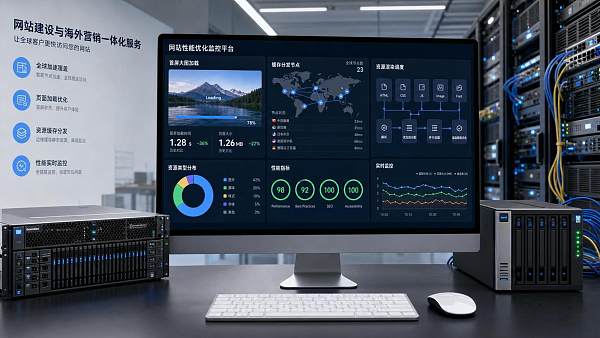
When it comes to how to optimize LCP for Core Web Vitals, the key is not simply applying one compression task, but first identifying exactly which element is the largest content element above the fold.
Many websites start by changing cache settings or removing scripts, only to find later that what is really slowing the page down is a large above-the-fold image, a carousel image, or even a large headline background image.
From a technical assessment perspective, LCP optimization should be broken down by the loading path: whether the resource is discovered early enough, whether the resource size is too large, whether the server response is too slow, and whether the main thread is blocked.
This is also why the same image can have completely different impacts on LCP across different websites.
If you want to answer how to optimize LCP for Core Web Vitals, the first step is always to cross-check real user data with lab data, rather than making adjustments based on assumptions.
First Clarify What LCP Measures
LCP measures the time it takes for the largest content element within the viewport to finish rendering. This is usually an above-the-fold image, hero banner, large text block, or video poster image.
A common industry target is to keep it within 2.5 seconds. Once this threshold is exceeded, users will clearly feel that the page is taking too long to appear.
For marketing websites, independent websites, and multilingual official websites, LCP often directly affects bounce rate, ad landing page conversion, and organic search performance.
Why Images Most Often Become the LCP Bottleneck
When discussing how to optimize LCP for Core Web Vitals, images are almost impossible to avoid. This is because the largest above-the-fold element is most commonly the main visual image.
The problem is usually not only that the file is large, but also that it appears late in the loading sequence. If the browser discovers the image late, LCP can still be high even if the file size is not excessive.
Four Key Points for Image Troubleshooting
- Whether the above-the-fold image uses an original image that is larger than the displayed size.
- Whether older formats with relatively large file sizes are still being used.
- Whether the image is inserted late through scripts, causing the browser to discover it too late.
- Whether lazy loading is incorrectly enabled for the main above-the-fold image.
Actionable Methods for Image Optimization
First, make sure the size of the main above-the-fold image matches the display area. Do not shrink a 2000-pixel large image into a 600-pixel display area.
In terms of format, prioritize WebP or AVIF. For product images, banner images, and landing page visuals, this step can usually directly reduce the transfer size.
Do not lazy-load the main image. Resources that truly affect LCP should be requested as early as possible, rather than downloaded only after scrolling or script execution.
If the main image comes from a CSS background, extra caution is also needed. Background images are often discovered later than images in HTML, which directly increases LCP.
How Caching Strategy Affects LCP, Not Just Return Visit Speed
When many people think about caching, they only think of faster repeat visits for existing users. In fact, when it comes to how to optimize LCP for Core Web Vitals, caching also affects resource scheduling efficiency.
If the caching strategy for static resources is disorganized, the browser will revalidate resources frequently, and key above-the-fold resources may waste time on request round trips.
What to Check During a Technical Assessment
- Whether images, fonts, styles, and scripts have reasonable strong caching settings.
- Whether file fingerprinting is used to ensure resources can be safely cached after updates.
- Whether CDN nodes cover the target markets, especially overseas access regions.
- Whether Time to First Byte is stable and whether the origin server has fluctuations.
For websites targeting North America, Europe, or Southeast Asia, a fast local network does not necessarily mean fast real-world access. Node distribution and origin pull strategy often determine the upper limit of LCP.
In actual business scenarios, if ad traffic is heavily directed overseas but static resources still mainly rely on a single-region origin server, LCP fluctuations will be very obvious.
How to Check Render-Blocking Resources and Why Scripts Are Often Misjudged
Continuing with how to optimize LCP for Core Web Vitals, the third key point is render blocking. Many pages are not slowed down because resources are too large, but because the main thread is too busy.
Common situations include loading too many third-party scripts, analytics codes, chat plugins, carousel libraries, and unsplit main bundles before the above-the-fold content.
Prioritize These Three Types of Blocking Issues
- Render-blocking CSS. Oversized stylesheet files and overly long dependency chains can delay above-the-fold content painting.
- Synchronous scripts. They pause HTML parsing and directly affect when the main image and headline appear.
- Third-party resources. Slow external requests and heavy execution are often the hardest hidden bottlenecks to identify.
A More Reliable Way to Handle Them
Keep only essential styles for the above-the-fold area, and defer non-critical styles. Scripts should be loaded asynchronously whenever possible and deferred whenever they can be deferred.
Third-party scripts should be evaluated for value. Anything that does not directly support conversion, attribution, or core interactions deserves to be reviewed again.
If the page relies on a front-end framework, you should also check whether above-the-fold hydration is too heavy. The page may appear to have rendered visually, but actual rendering completion is still delayed.
An LCP Troubleshooting Sequence Suitable for Technical Assessment
To put how to optimize LCP for Core Web Vitals into execution, it is recommended to troubleshoot in a fixed sequence. This is the most efficient approach and makes it easier to identify the primary cause.
The benefit of this sequence is that it prevents the team from spending time on marginal optimizations while missing the bottleneck that truly affects LCP.
From Website Development to Marketing Campaigns, LCP Optimization Must Be Viewed Together with Business Scenarios
For intelligent website building, overseas marketing, and multilingual independent websites, how to optimize LCP for Core Web Vitals cannot be discussed separately from business goals.
For example, ad landing pages focus more on above-the-fold conversion, B2B official websites care more about regional access stability, while cross-border e-commerce stores often face product image, multiple script, and multi-region distribution issues at the same time.
The value of AI-driven enterprise-level SaaS intelligent website building and overseas marketing platforms like 易营宝 lies in evaluating website development, resource scheduling, SEO optimization, and overseas access experience within the same system.
The result is not just a better performance score, but the real implementation of goals such as indexability, promotability, and convertibility.
Conclusion: Turn LCP Optimization into an Ongoing Practice
Returning to the original question of how to optimize LCP for Core Web Vitals, the answer can be summarized in one sentence: first identify the largest element, then break it down along three paths: images, caching, and render blocking.
First solve the discovery and size issues of the main above-the-fold image, then correct caching and CDN configuration, and then clean up styles, scripts, and third-party resources that block the above-the-fold area.
Only when this method becomes part of the daily release process will LCP stop repeatedly going out of control with every redesign, new feature, or new campaign page.
Truly effective optimization ultimately comes back to one thing: allowing users to see the most important content as quickly as possible and move smoothly to the next conversion step.
Related Articles
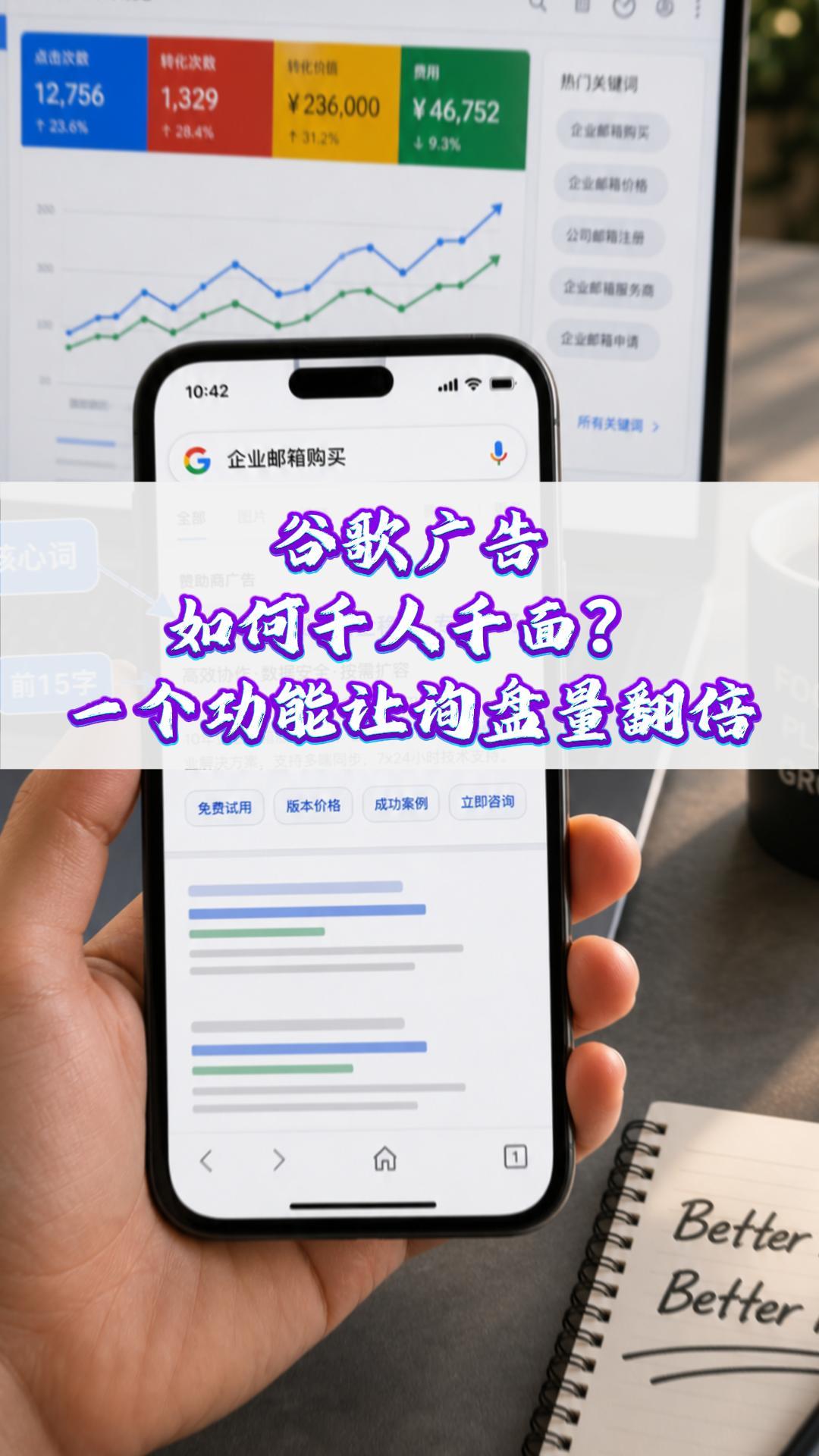
 How can Google Ads deliver one-to-one personalization? One feature can double your inquiry volume#ExportMarketing#OverseasPromotion#GoogleAds#SocialMediaMarketing#ForeignTradeIndependentWebsite
 Why a Google-optimized independent website is essential for trailer exports
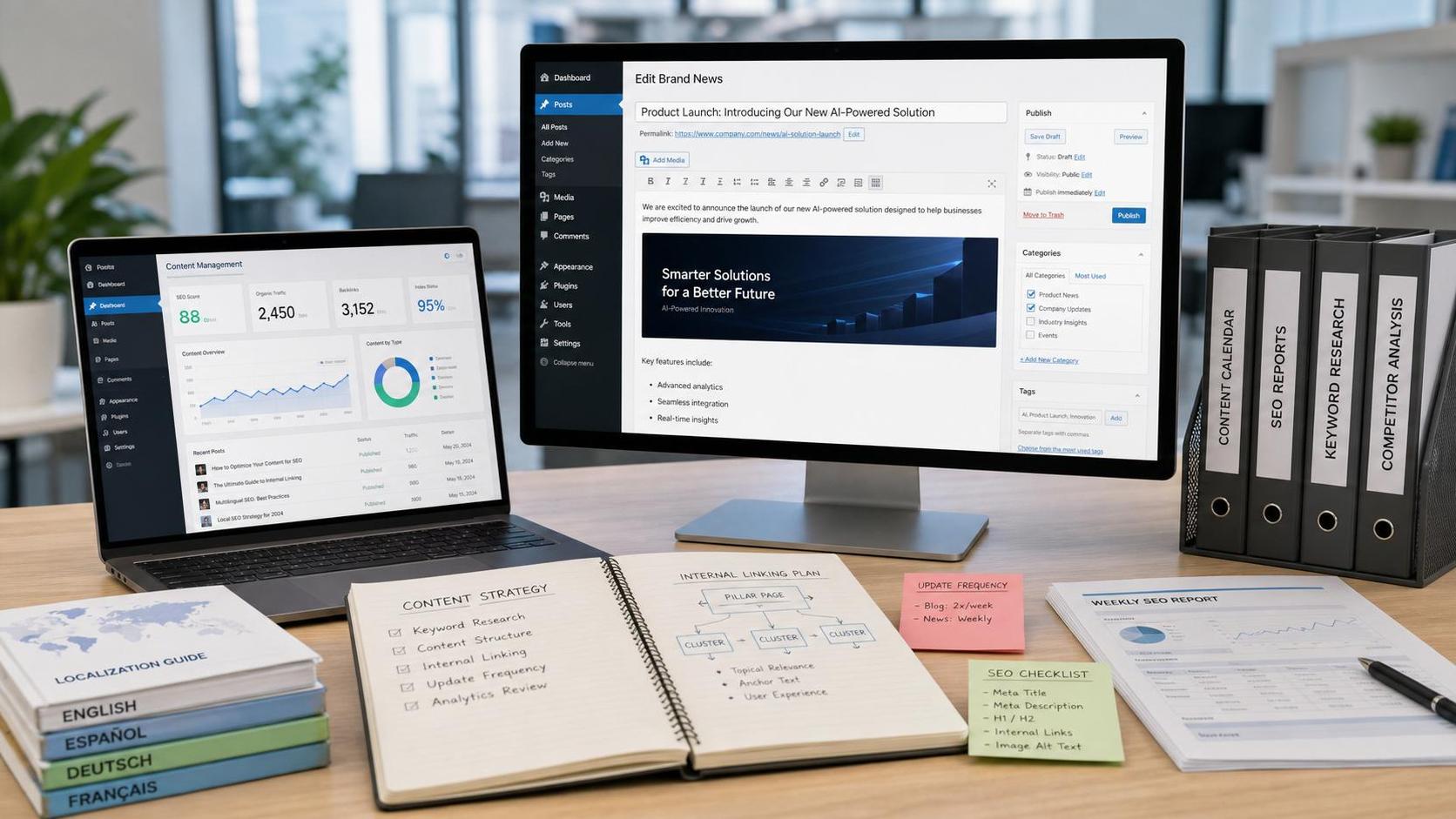
 How Can a Brand Updates Page Be Made More SEO-Friendly? Analysis of Update Frequency, Content Structure, and Internal Linking Strategy

Related Products
 EasyCamp SaaS Smart Website Marketing SystemE-Yingbao SaaS Smart Website Marketing System: AI-powered, zero-code website building. Rapidly launch multilingual independent e-commerce sites in just 10 minutes. Global server acceleration and AI-driven SEO optimization empower businesses to efficiently connect with global markets. The seamless integration of technology and user-friendly operation makes building e-commerce sites incredibly simple.
 AI+SEM Intelligent Advertising Marketing SystemAI+SEM drives intelligent ad creation, empowering full-funnel precision advertising marketing. The system automatically generates weekly/monthly reports, AI recommends keywords and target countries, monitors core metrics in real-time with intelligent alerts, and enables one-click high-conversion ad solutions to help quickly acquire customers and improve ROI.
 AI+SEO Dual Engine Optimization ServiceEasyWin AI+SEO Dual Engine Optimization System leverages AI-powered keyword mining, content generation, and comprehensive technical optimization to help foreign trade enterprises acquire high-quality organic traffic, significantly improving search rankings and conversion rates.
 AI+SNS Social Media Marketing SystemYingbao AI+SNS Social Media Marketing System - Precision social capture for the social media era. Supports one-click content synchronization across major platforms like Facebook and LinkedIn. AI intelligently rewrites posts for enhanced relevance. 24/7 AI customer service and user profiling analysis empower businesses to efficiently expand into global markets.
 AI+SEO营销解决方案易营宝AI+SEO营销解决方案,通过AI批量写作、智能生成TDK、精准关键词扩词等功能,全面优化网站SEO效果,提升流量与转化率。助力企业构建高效智能网站新生态。
 AI+SEM Advertising Marketing SolutionsAI+SEM Advertising Marketing Solution leverages AI technology to deeply empower SEM ad campaigns. It automatically generates weekly/monthly reports using AI, presenting account data across multiple dimensions for comprehensive insights into campaign performance and trends. The system precisely recommends keywords and target countries, intelligently generates high-conversion ad copy, and enables one-click activation of efficient campaign plans to help businesses rapidly acquire customers. Simultaneously, it monitors core metrics in real time, intelligently identifies abnormal fluctuations, and issues timely alerts to ensure stable, high-return advertising results.
 Domain Name ServicesEasyWin provides professional domain name services, including intelligent queries, one-stop registration, brand protection, and full lifecycle management, helping businesses build a digital brand image.
 EasyOperate B2C Cross-Border E-Commerce Platform & Independent WebsiteEasyStore B2C Cross-border E-commerce Independent Store is an intelligent website building and cross-border e-commerce integrated solution independently developed by EasyStore Information Technology (Beijing) Co., Ltd. The system is specially designed for small and medium-sized as well as large export enterprises, integrating 'website building, operation, marketing, advertising, and conversion' into one, helping enterprises quickly establish cross-border e-commerce independent stores to achieve brand globalization and global sales growth.
The platform supports multiple languages, multiple currencies, and multi-channel marketing, with built-in AI intelligent translation and SEO optimization systems, suitable for mainstream markets such as Southeast Asia, Europe and America, Latin America, and the Middle East, assisting Chinese manufacturing enterprises in efficiently deploying international e-commerce strategies. SSL证书易营宝提供专业SSL安全证书服务,包括单域名和泛域名证书,确保网站数据传输加密、身份验证和完整性保护,助力企业建立安全可信的在线业务环境。









