








- Fujian Announces the First Batch of Provincial-Level Cross-Border E-Commerce Industrial Parks and Key Brands for CultivationNov 14, 2026View details
- Amazon Global Store Announces the Launch of the 2026 Black Friday Global Shopping SeasonNov 14, 2026View details
- CCTV.com Examines APEC’s Role in China’s Foreign TradeNov 12, 2026View details
- China’s Tariff Commission of the State Council Adjusts Additional Tariffs on U.S. Goods: 24% Tariff Suspended for Two MonthsNov 10, 2026View details
- APEC Shenzhen Spotlight: Cross-Border E-Commerce Orders Promote Asia-Pacific Trade and Economic CooperationNov 08, 2026View details
- China-Europe Railway Express and CIIE Hold Business Matchmaking Event, Focusing on Cross-Border E-commerce B2B ExportsNov 07, 2026View details
How can you identify the cause when overseas customers complain that a website is loading slowly?
“U.S. customers take more than ten seconds to open product pages, German customers occasionally see a blank screen, while everything works normally from within China.” This type of complaint can easily put after-sales maintenance staff on the defensive: Is the customer's network poor, or is there really a server problem? When overseas customers complain about slow website loading, the key to identifying the issue is not to modify code immediately, but to first reconstruct “slow” into a verifiable data path: who, in which region, on what network, accessed which page, and where the delay occurred.
For foreign trade websites, cross-border online stores, and advertising landing pages, loading speed is more than just a user experience issue. Customers may close the page while waiting for the first screen to load, ad clicks may be wasted, and search engine crawling and Core Web Vitals may also be affected. Especially for websites with multiple languages, many images, and multiple marketing tools integrated, the issue is often not a single-point failure, but several small delays amplified in overseas network environments.
First confirm whether the complaint can be reproduced: Do not draw conclusions for overseas customers using a domestic network
After receiving feedback, it is recommended to first ask the customer for four types of information: the country or city of access, the type of network used (corporate broadband, mobile network, or VPN), the device and browser used, and the specific page URL and approximate time when the issue occurred. Do not simply ask, “Is it still slow now?” because routing fluctuations, carrier restrictions, and cache status may vary at different times.
Then use overseas-node speed testing tools to simulate access, selecting at least one node in the customer's region and one in a neighboring region for testing. For example, if North American customers report slow performance, observe nodes on both the U.S. East and West Coasts; for European customers, compare nodes in the UK, Germany, France, and other locations. Where possible, also ask customers to provide a Network waterfall chart or HAR file from browser developer tools. Such data is far more valuable than a screenshot showing a long loading spinner.
Two situations need to be distinguished here: if multiple overseas nodes are slow while access from China is normal, focus should generally be placed on CDN coverage, origin server location, and international network links; if only a particular country, carrier, or corporate network is slow, the issue may be related to local network routing, DNS resolution, or regional access policies. The handling approaches for these two situations are entirely different.

When reviewing a waterfall chart, do not focus only on “total load time”
Slow page loading is the sum of multiple durations. After-sales staff can review speed test reports and browser waterfall charts in the following order. This is more likely to identify the real bottleneck than compressing images right away.
1. Abnormal DNS, connection, and TLS handshake times
If a request remains for a long time at the “domain name resolution,” “connection establishment,” or “SSL handshake” stage, page content has not yet begun to transfer. Common causes include unstable DNS resolution in the target region, geolocation-based resolution not being enabled, a server located too far from the customer, or an incomplete certificate chain configuration that increases handshake time.
When handling this issue, check whether the domain uses a stable global DNS service, whether the CDN has correctly bound the HTTPS domain, and whether the certificate includes the complete intermediate certificate chain. For websites mainly accessed overseas, DNS status should not be judged solely based on DNS resolution speed in China.
2. High TTFB: Focus on the origin server, dynamic APIs, or cache bypass
TTFB (Time to First Byte) reflects the time a browser waits for the server to start returning content. If the TTFB of an HTML document remains high and different resources are all waiting, the issue usually lies in origin server performance, database queries, application APIs, server load, or the CDN origin-fetch link.
Further check whether the CDN cache is being hit. If static pages, product images, CSS, and JavaScript frequently fetch from the origin, overseas users will have to wait across oceans; dynamic content such as logins, shopping carts, and real-time inventory cannot simply be strongly cached, so API responses, slow database queries, and session policies need to be checked. A common misconception is that “installing a CDN means the site will not be slow.” In fact, if cache rules are configured improperly, the CDN merely becomes a relay that takes an extra route before returning to the origin.
3. Long download stage: Review resource size and delivery strategy together
If the server responds quickly but images, videos, fonts, or scripts download slowly, first calculate the total transfer size and number of requests for a single page. Common issues on marketing homepages include uncompressed large carousel images above the fold, loading multiple sizes of the same image, autoplaying product videos, oversized font files, or mobile devices still downloading desktop assets.
Images should preferably use web-suitable formats and be output according to their display dimensions; key above-the-fold images can be preloaded, while below-the-fold images should use lazy loading. Brotli or Gzip compression should be enabled for text, styles, and scripts. Note that lazy loading is not suitable for core above-the-fold visual resources; otherwise, users will first see blank areas, which instead harms perceived speed.
4. The browser is “stuck,” rather than the network “downloading slowly”
Some speed test reports show that resources have finished downloading, but the page remains unresponsive for a long time. In this case, review JavaScript execution, main-thread blocking, and rendering metrics. Complex animations, unsplit front-end scripts, pop-up components, chat tools, and tracking code can all cause lag, particularly on mobile and low- to mid-range devices.
During after-sales troubleshooting, non-essential scripts can be temporarily disabled for comparison. Pay particular attention to tags added within Google Tag Manager containers, live chat, heatmaps, social media pixels, review plugins, and A/B testing tools. Third-party code is often not directly controlled by the website team, but its timeouts occur directly in the customer's browser. Non-critical scripts should be configured for deferred loading, asynchronous loading, or fallback on loading failure, rather than waiting indefinitely.
Organize troubleshooting results into a “diagnostic table” for much smoother communication
When dealing with customer complaints, it is not advisable to reply only, “We have optimized it.” A more effective approach is to record the test time, test country, network node, target URL, total load time, TTFB, largest resource, cache-hit status, and third-party request anomalies. This not only helps the technical team review the issue, but also prevents similar issues from having to be assessed from scratch next time.
Do not overlook that “different pages have different issues”
The performance risks of homepages, product detail pages, inquiry pages, and checkout pages are not the same. Homepages are generally affected by visual assets and marketing components; product detail pages can become heavy due to image galleries, recommended products, and multilingual content; inquiry, login, or checkout processes rely more heavily on dynamic APIs and third-party verification services. Therefore, when identifying the cause of overseas customer complaints about slow website loading, prioritize testing the customer's actual conversion path rather than testing only the homepage.
For websites operated through coordinated intelligent website building, cross-border online stores, SEO optimization, and advertising, speed monitoring should also be incorporated into daily publishing processes. Adding tracking code, replacing homepage assets, launching promotional pop-ups, or adjusting multilingual content may all change overseas access performance. For platforms such as Yiyingbao that cover website building and overseas marketing stages, it is more suitable to review page resources, cache configurations, marketing scripts, and access data from different regions from the same maintenance perspective, reducing the information gap where “the website-building team says everything is normal while the advertising team says the landing page is slow.”
Replies to customers should provide both conclusions and boundaries
If the issue has been identified on the website side, clearly explain the affected pages, regions, causes, and expected corrective actions; if data shows that it is limited to a specific network environment, truthfully inform the customer that cross-regional verification has been completed and provide suggestions for testing with an alternative network or browser. Do not attribute every issue to the customer's network, and do not promise “instant loading worldwide” without data.
The truly reliable approach is to retain records of every overseas-node test, log, and comparison before and after optimization. This way, the next time a customer says, “The website loads slowly,” after-sales staff will no longer have to troubleshoot based only on intuition, but can quickly identify the link worth addressing along the path of region, network, response, resources, and scripts.
Related Articles
 How should you choose which markets to enter first for global growth?
 China Securities Journal: Double 11 Reflects the Upgrading of Cross-Border E-Commerce
 How to Diagnose Slow Growth in B2B Export Inquiries



Related Products
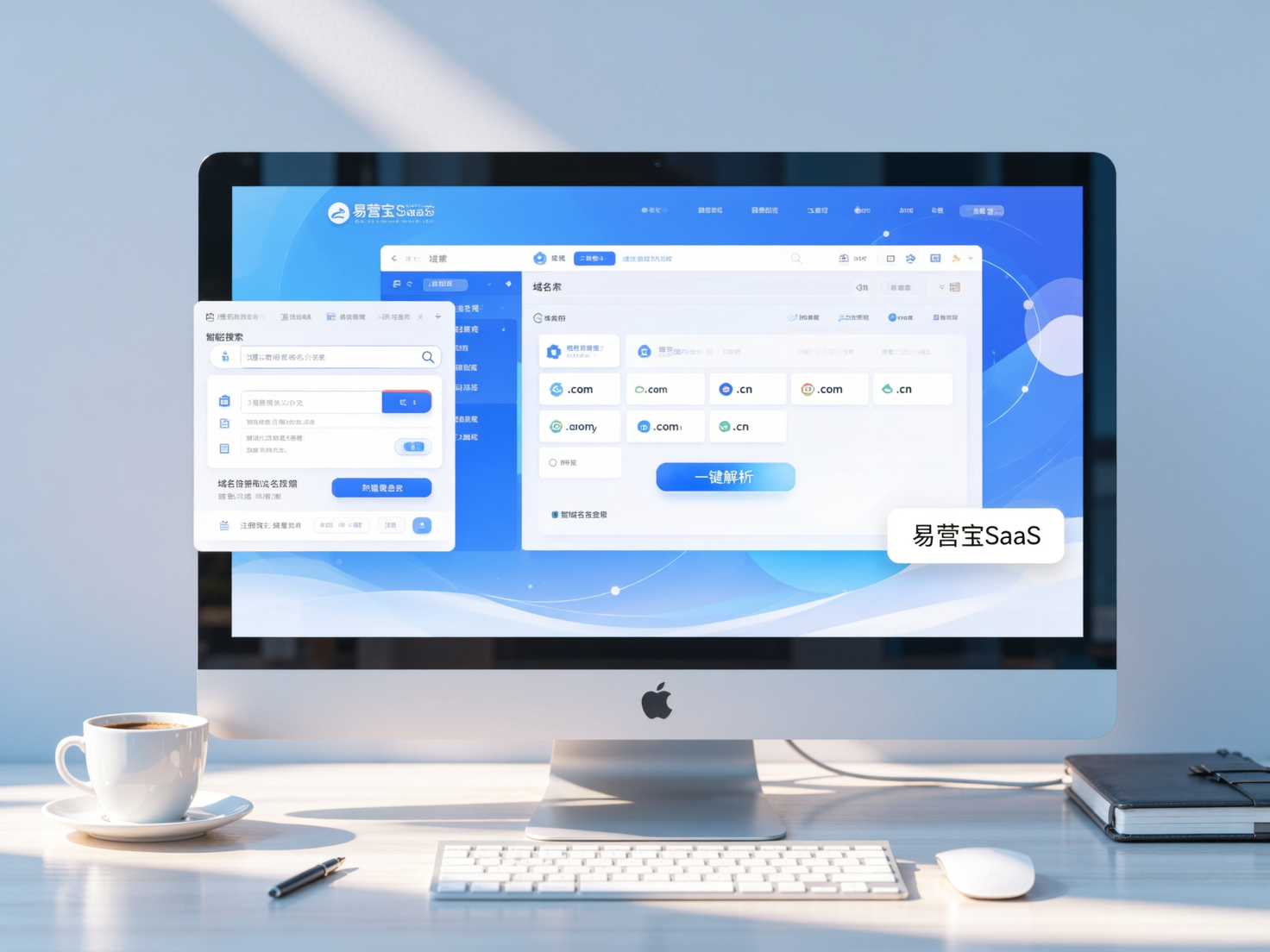
 Yiyingbao SaaS Intelligent Website Building and Marketing SystemYiyingbao SaaS Intelligent Website Building and Marketing System, AI-powered no-code website building, rapid creation of multilingual B2B international websites in 10 minutes, global server acceleration, AI-powered SEO optimization, helping businesses connect efficiently with global markets. The perfect integration of technology and operation makes building an international trade website remarkably simple
 AI+SEM Intelligent Advertising Marketing SystemAI+SEM drives intelligent ad creation, empowering full-funnel precision advertising marketing. The system automatically generates weekly/monthly reports, AI recommends keywords and target countries, monitors core metrics in real-time with intelligent alerts, and enables one-click high-conversion ad solutions to help quickly acquire customers and improve ROI.
 AI+SEO Dual-Engine System Optimization ServicesYiyingbao’s AI+SEO dual-engine optimization system helps foreign trade enterprises acquire high-quality organic traffic through AI-powered keyword research, content generation, and comprehensive technical optimization, significantly improving search rankings and conversion rates.
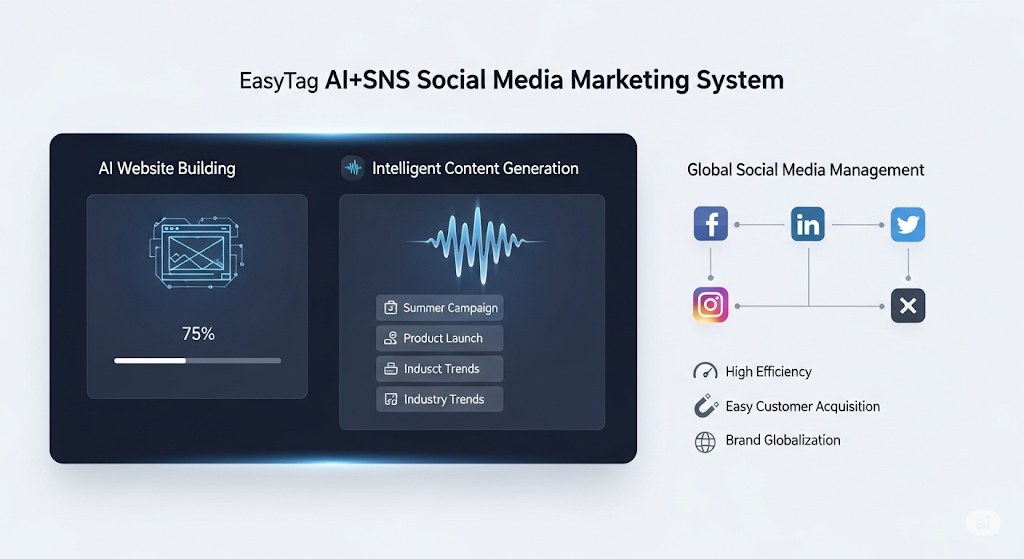
 AI+SNS Social Media Marketing SystemYingbao AI+SNS Social Media Marketing System - Precision social capture for the social media era. Supports one-click content synchronization across major platforms like Facebook and LinkedIn. AI intelligently rewrites posts for enhanced relevance. 24/7 AI customer service and user profiling analysis empower businesses to efficiently expand into global markets.
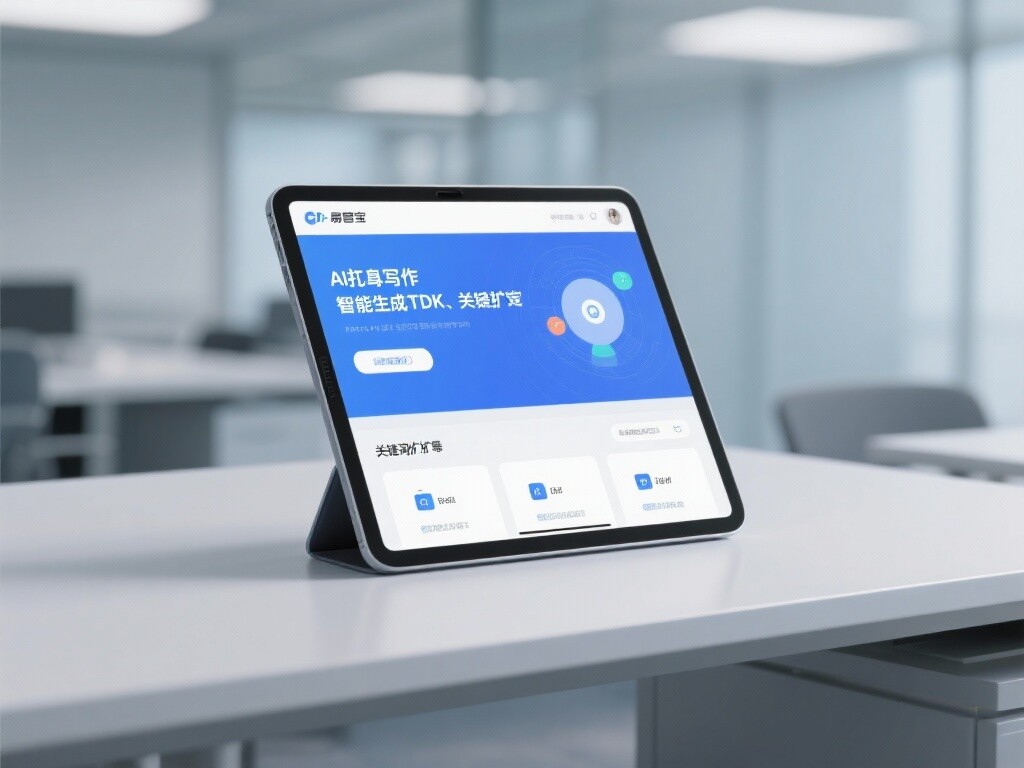
 AI+SEO营销解决方案易营宝AI+SEO营销解决方案,通过AI批量写作、智能生成TDK、精准关键词扩词等功能,全面优化网站SEO效果,提升流量与转化率。助力企业构建高效智能网站新生态。
 AI+SEM Advertising Marketing SolutionsAI+SEM Advertising Marketing Solution leverages AI technology to deeply empower SEM ad campaigns. It automatically generates weekly/monthly reports using AI, presenting account data across multiple dimensions for comprehensive insights into campaign performance and trends. The system precisely recommends keywords and target countries, intelligently generates high-conversion ad copy, and enables one-click activation of efficient campaign plans to help businesses rapidly acquire customers. Simultaneously, it monitors core metrics in real time, intelligently identifies abnormal fluctuations, and issues timely alerts to ensure stable, high-return advertising results.
 Domain Name ServicesEasyWin provides professional domain name services, including intelligent queries, one-stop registration, brand protection, and full lifecycle management, helping businesses build a digital brand image.
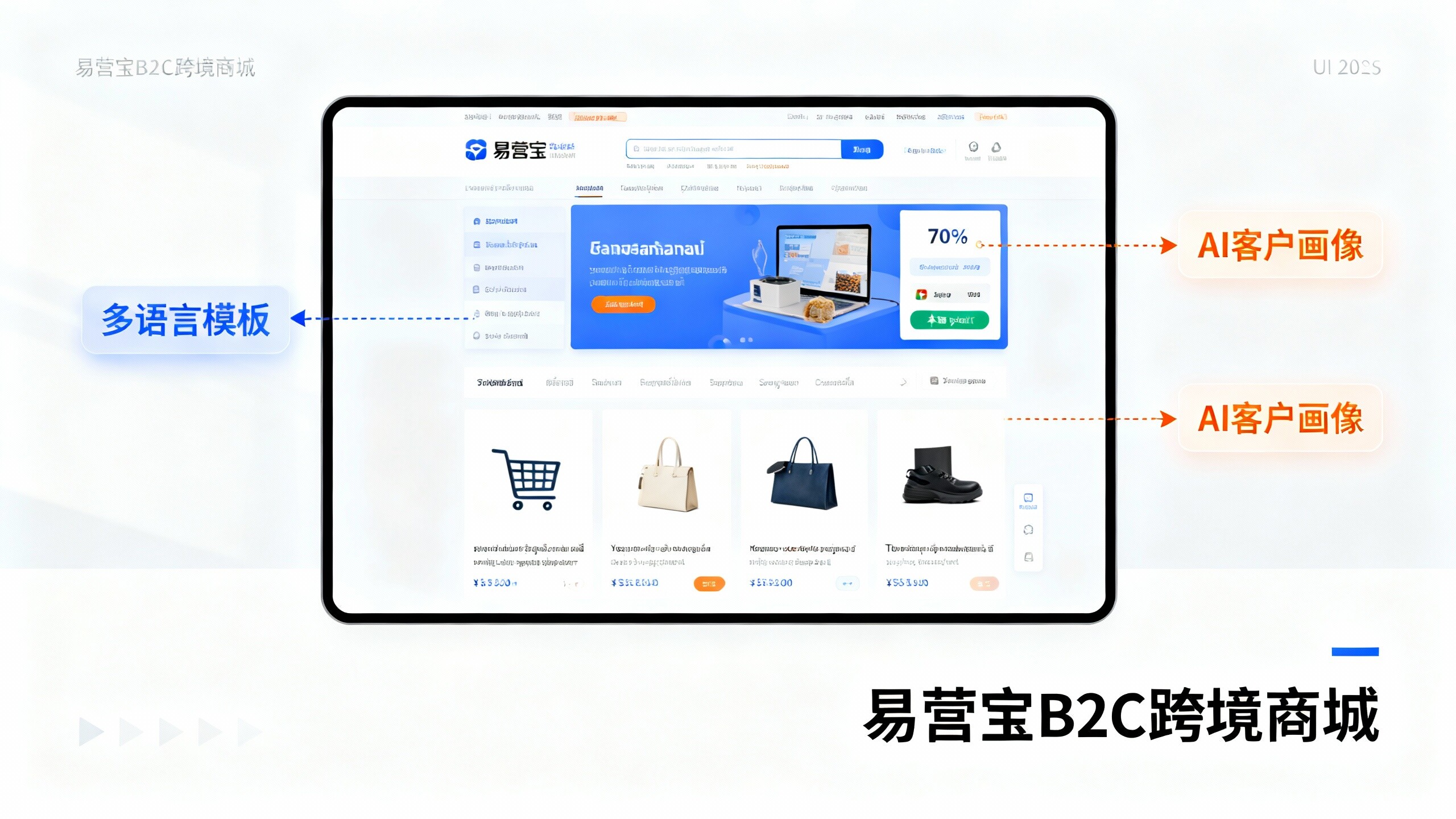
 EasyOperate B2C Cross-Border E-Commerce Platform & Independent WebsiteEasyStore B2C Cross-border E-commerce Independent Store is an intelligent website building and cross-border e-commerce integrated solution independently developed by EasyStore Information Technology (Beijing) Co., Ltd. The system is specially designed for small and medium-sized as well as large export enterprises, integrating 'website building, operation, marketing, advertising, and conversion' into one, helping enterprises quickly establish cross-border e-commerce independent stores to achieve brand globalization and global sales growth.
The platform supports multiple languages, multiple currencies, and multi-channel marketing, with built-in AI intelligent translation and SEO optimization systems, suitable for mainstream markets such as Southeast Asia, Europe and America, Latin America, and the Middle East, assisting Chinese manufacturing enterprises in efficiently deploying international e-commerce strategies. SSL证书易营宝提供专业SSL安全证书服务,包括单域名和泛域名证书,确保网站数据传输加密、身份验证和完整性保护,助力企业建立安全可信的在线业务环境。