






- 21st Century Business Herald: AI and CTV Become Core Growth Engines for Digital Marketing in Overseas MarketsNov 18, 2026View details
- China Presents 25 Cooperation Outcomes in Areas Including Cross-Border E-Commerce During APECNov 18, 2026View details
- AI Products Drive Hong Kong Exports Up 64.9% in September, Fastest Growth in Over 40 YearsNov 17, 2026View details
- National Bureau of Statistics: Foreign trade grew rapidly in October, providing stable support for global tradeNov 17, 2026View details
- The U.S. has ended the $800 de minimis exemption for non-postal shipments; express courier packages must be formally declared.Nov 16, 2026View details
- ASEAN Signs Digital Economy Framework Agreement, Moving Toward Harmonized Cross-Border E-Commerce RulesNov 15, 2026View details
Is an enterprise multilingual CMS secure? How to assess access control
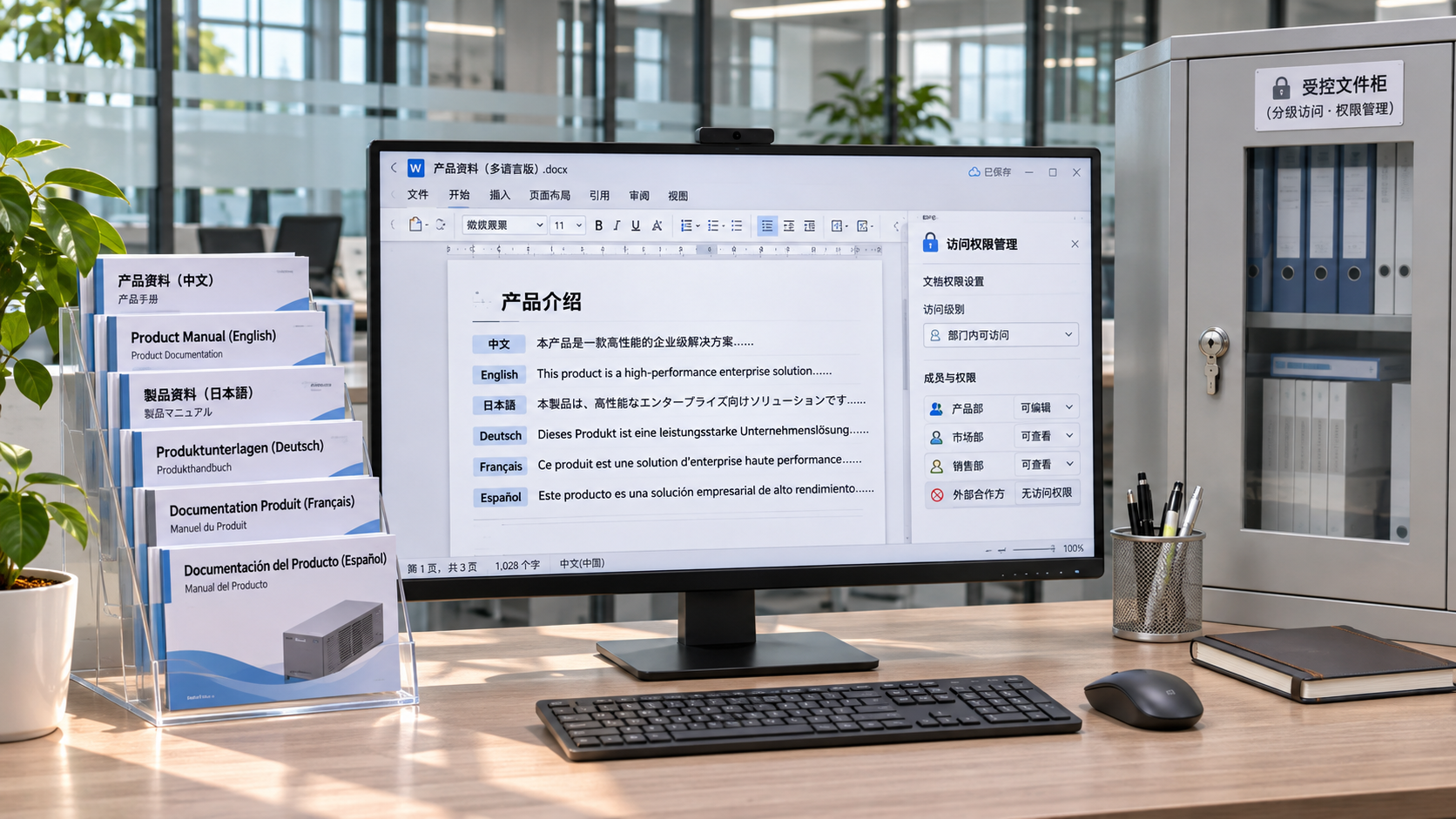
Is an enterprise multilingual CMS secure? You cannot assess this simply by checking whether it supports role settings. Key points to verify include whether permissions can be assigned by language, site, and action; whether the publishing workflow prevents unauthorized access; and whether critical actions are traceable. Account security, data isolation, and system operations also affect overall security.
For example, a translator may need to edit a French product page, but should not thereby gain permission to publish English pages. A regional team may be able to update content for its own region, but that does not mean it should be able to change site-wide templates. If permission boundaries are set too broadly, incorrect content may spread across languages, and it may later be difficult to determine who edited and published it.
Break permissions down by actual operations
When evaluating a system, do not stop at role names such as “administrator,” “editor,” and “visitor.” Ask the vendor to demonstrate which resources and actions each role can actually access, and verify them with test accounts. At a minimum, permissions should be distinguished across the following dimensions:
- Content scope: Can access be granted by site, section, page, or content type? If there are multiple brand or regional sites, also check whether sites are isolated from one another.
- Language scope: Can users be restricted to editing specific languages? Can viewing the source, editing a translation, and publishing a translation be controlled separately?
- Action type: Are creating, editing, deleting, reviewing, publishing, rolling back, and exporting separate permissions? Editing permission should not include publishing permission by default.
- Administrative scope: Are role assignments, template changes, plugin configuration, and system settings restricted to controlled administrator accounts?
Pay particular attention to permission inheritance and how permissions are combined: If a user belongs to multiple teams, does the system apply the union or the intersection of their permissions? Does authorization for a section automatically extend to its child pages? Do existing login sessions become restricted immediately after permissions change? These details determine whether role definitions on paper work in practice.

Multilingual content requires controls for publishing as well as editing
In cross-language workflows, the relationships between source content, translations, and shared assets can create hidden risks. Suppose product pages in multiple languages use the same product image. If a regional editor replaces the asset, will it also change on pages in other languages? List shared fields, common components, and templates separately, and confirm who can modify them, which pages will be affected, and whether the changes require reapproval.
A more reliable process separates translation, content review, and final publication, with independent checks for high-risk content. When reviewing the workflow, focus on verifying the following:
- After a translation is saved as a draft, can it bypass review and go live directly? Can reviewers see the corresponding source text, changes, and version?
- When the source text is updated, does the system alert users that related translations may be outdated? If not, is there a manual tracking and review process?
- If content is modified after approval, does it need to be reviewed again, rather than retaining its previous approval status?
- Are authorization, records, and post-publication review controls in place for emergency publishing? Who can create, modify, or cancel scheduled publishing tasks?
You should also distinguish preview access from public access. If preview links can be forwarded freely, unpublished product information or pricing may still be exposed. Confirm whether previews require login, whether links expire, and whether they remain accessible after permissions are revoked.
Audit logs should let you reconstruct a change
Logs should record more than just that “someone logged in.” In the event of a content dispute or accidental publication, you should be able to identify at least the account, time, source, affected item, action, and outcome. For content changes, you should also be able to locate the versions before and after the change, as well as records of review, publication, and rollback. Timestamps should include a clear time zone or use a consistent time standard to avoid ambiguity when comparing records across regions.
Choose a test page and check whether records cover the full process, from editing and submitting for review to publication. Then try changing role permissions, deleting content, and failing to log in, and confirm whether these events are recorded. For API calls, bulk imports, and automated tasks, also check whether logs can distinguish the identity used for each call, rather than showing the same system account for everything.
Also ask how long logs are retained, how they can be searched and exported, who can access them, and whether administrators can delete or modify records. If long-term retention or tamper resistance is required, confirm whether logs can be sent to an independent system and clarify which party is responsible for retaining them. The specific retention period should be determined according to internal company policies and applicable requirements.
Verify with unauthorized-access tests, not just a feature checklist
In an authorized test environment, prepare separate accounts for translators, reviewers, publishers, and administrators, and run a test item through the complete workflow. In addition to verifying what each account can do, test whether actions it should not be allowed to perform are blocked:
- Have the translator account try to edit pages in other languages, call a publishing API, or access an administrative page by entering its address directly.
- Have the reviewer account try to modify content awaiting review and then approve it directly, or review high-risk content it submitted itself.
- Have an account removed from a team or disabled try to continue accessing the system using an existing session, API credentials, or preview links.
- Check for ways to bypass normal permission workflows through bulk imports, page duplication, the asset library, or API operations.
Verify test results at both the interface and server levels: Hiding a button does not mean an action is blocked; the server must still check permissions for each request. Save rejected actions and their corresponding logs as acceptance evidence. If unauthorized access is found, first revoke the relevant permissions, then confirm the scope of impact, the remediation, and the results of retesting.
Account and operational controls also affect the assessment
Check multi-factor authentication, single sign-on, deactivation of departing employees’ accounts, and periodic reviews of privileged accounts in the context of your company’s existing identity management processes. Third-party translators and contractors should use individual accounts with limited scope and duration to avoid the inability to trace responsibility caused by shared accounts. API tokens should also have permissions limited to their intended use and support revocation and rotation.
Finally, verify backup and recovery arrangements and the division of responsibilities: Are content and configuration backed up? How are permissions and audit records handled after recovery? What security updates, vulnerability response, and data protection responsibilities belong to the vendor and to the company? For SaaS, also confirm how data is isolated between tenants and what evidence is available. If the vendor cannot demonstrate key controls, provide verifiable explanations, or specify a remediation plan for high-risk issues, do not assume the system is secure based on feature claims alone.
Related Articles
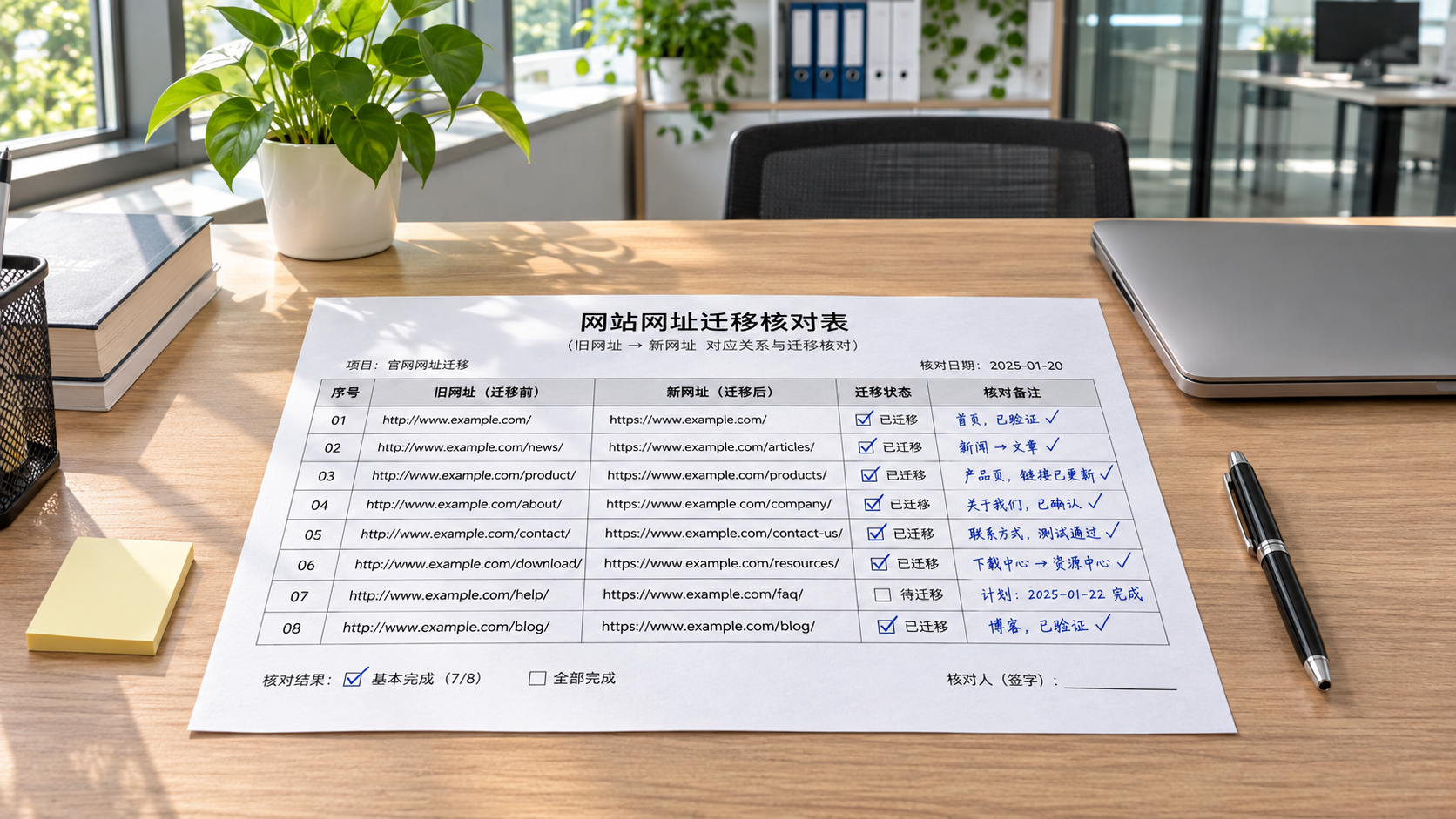
 How to Set Up 301 Redirects During a Website Migration?
 Is an enterprise multilingual CMS secure? How to assess access control
 How Can You Prevent Traffic Drops During an International Trade Website Redesign? A URL Migration and Indexing Checklist

Related Products
 Yiyingbao SaaS Intelligent Website Building and Marketing SystemYiyingbao SaaS Intelligent Website Building and Marketing System, AI-powered no-code website building, rapid creation of multilingual B2B international websites in 10 minutes, global server acceleration, AI-powered SEO optimization, helping businesses connect efficiently with global markets. The perfect integration of technology and operation makes building an international trade website remarkably simple
 AI+SEM Intelligent Advertising Marketing SystemAI+SEM drives intelligent ad creation, empowering full-funnel precision advertising marketing. The system automatically generates weekly/monthly reports, AI recommends keywords and target countries, monitors core metrics in real-time with intelligent alerts, and enables one-click high-conversion ad solutions to help quickly acquire customers and improve ROI.
 AI+SEO Dual-Engine System Optimization ServicesYiyingbao’s AI+SEO dual-engine optimization system helps foreign trade enterprises acquire high-quality organic traffic through AI-powered keyword research, content generation, and comprehensive technical optimization, significantly improving search rankings and conversion rates.
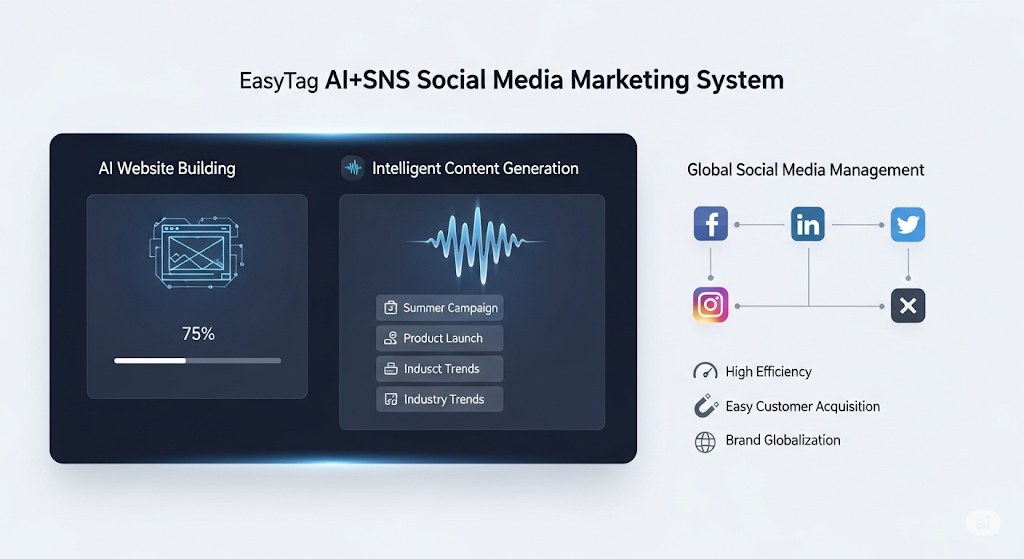
 AI+SNS Social Media Marketing SystemYingbao AI+SNS Social Media Marketing System - Precision social capture for the social media era. Supports one-click content synchronization across major platforms like Facebook and LinkedIn. AI intelligently rewrites posts for enhanced relevance. 24/7 AI customer service and user profiling analysis empower businesses to efficiently expand into global markets.
 AI+SEO营销解决方案易营宝AI+SEO营销解决方案,通过AI批量写作、智能生成TDK、精准关键词扩词等功能,全面优化网站SEO效果,提升流量与转化率。助力企业构建高效智能网站新生态。
 AI+SEM Advertising Marketing SolutionsAI+SEM Advertising Marketing Solution leverages AI technology to deeply empower SEM ad campaigns. It automatically generates weekly/monthly reports using AI, presenting account data across multiple dimensions for comprehensive insights into campaign performance and trends. The system precisely recommends keywords and target countries, intelligently generates high-conversion ad copy, and enables one-click activation of efficient campaign plans to help businesses rapidly acquire customers. Simultaneously, it monitors core metrics in real time, intelligently identifies abnormal fluctuations, and issues timely alerts to ensure stable, high-return advertising results.
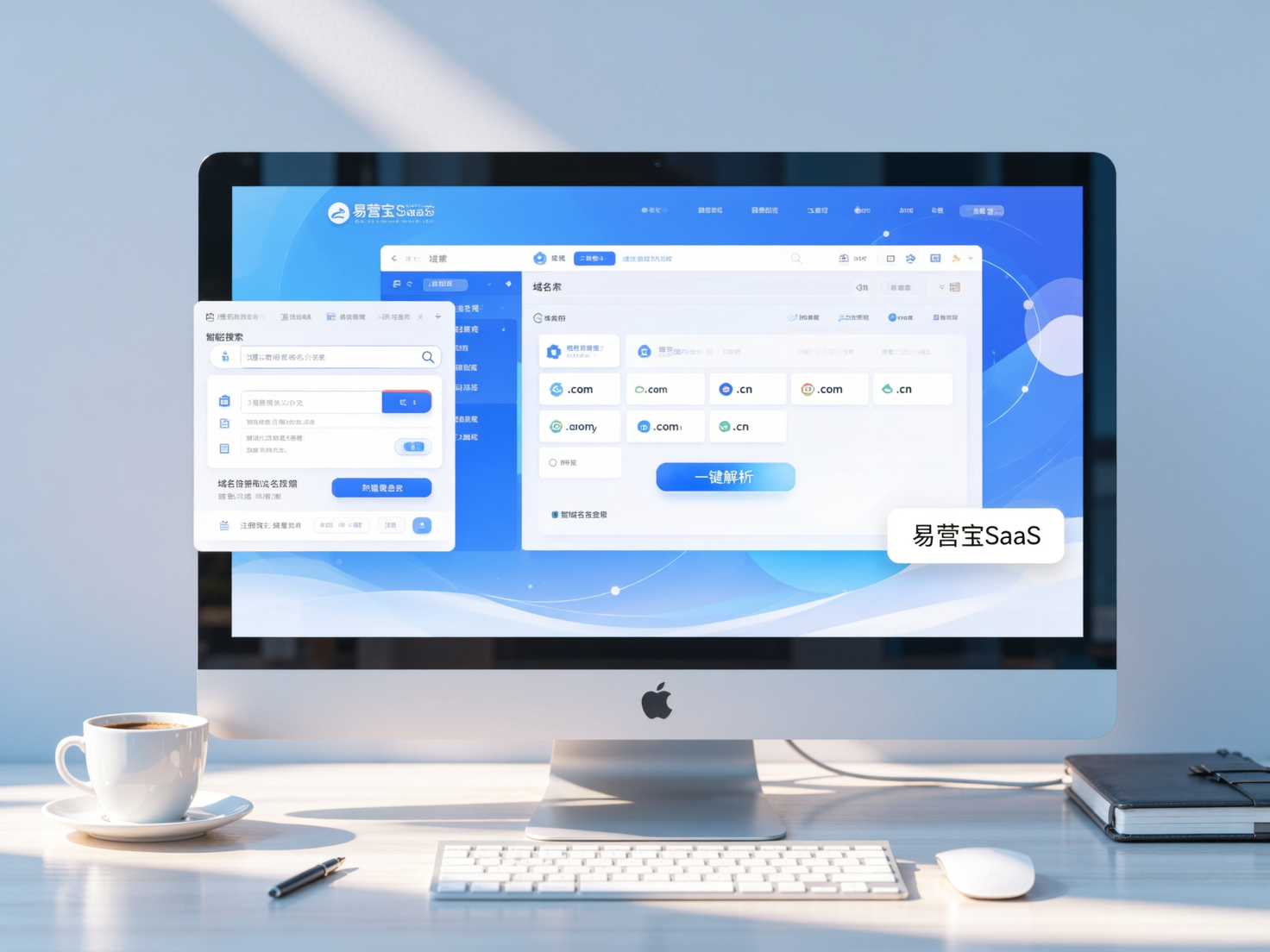
 Domain Name ServicesEasyWin provides professional domain name services, including intelligent queries, one-stop registration, brand protection, and full lifecycle management, helping businesses build a digital brand image.
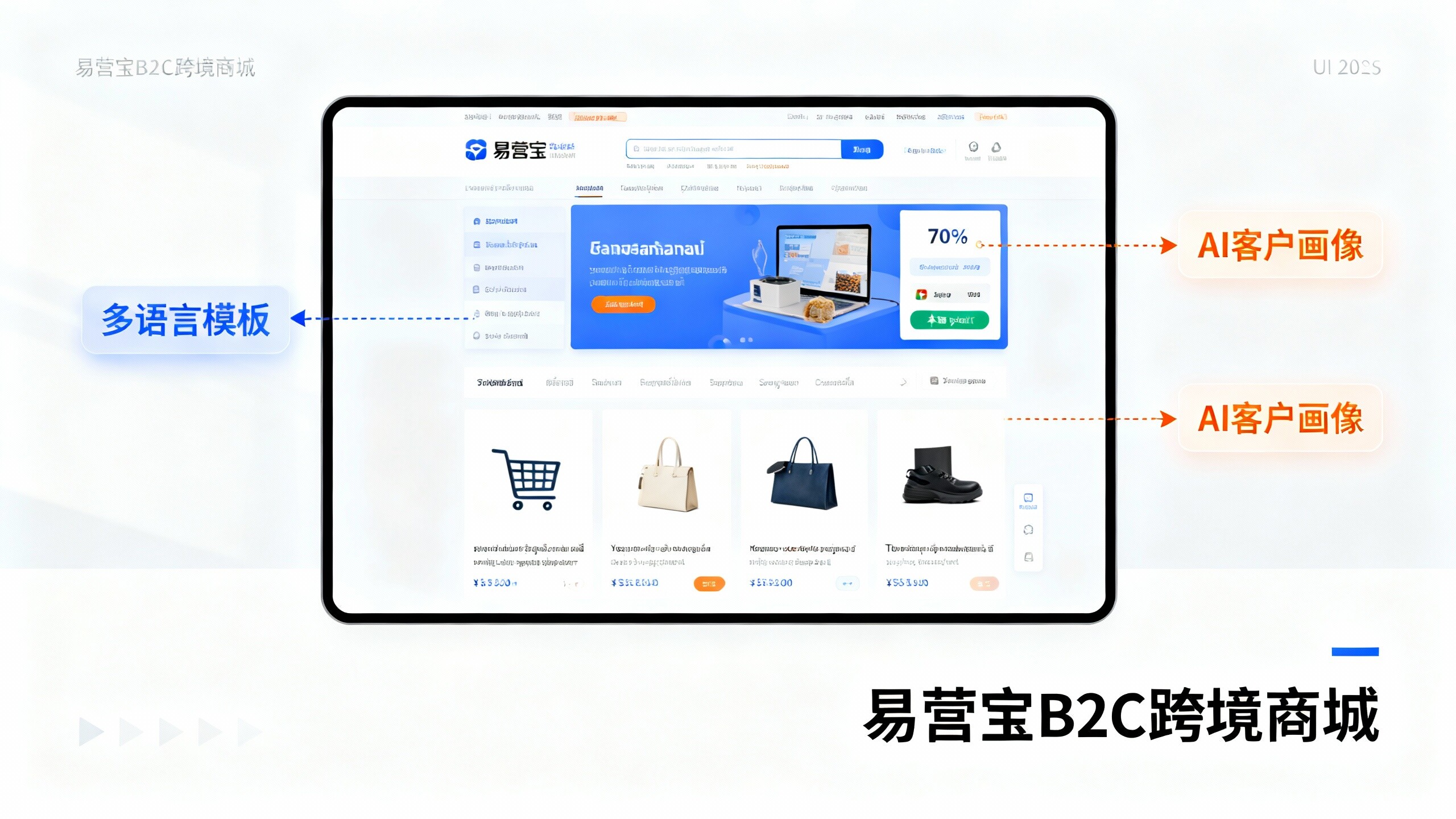
 EasyOperate B2C Cross-Border E-Commerce Platform & Independent WebsiteEasyStore B2C Cross-border E-commerce Independent Store is an intelligent website building and cross-border e-commerce integrated solution independently developed by EasyStore Information Technology (Beijing) Co., Ltd. The system is specially designed for small and medium-sized as well as large export enterprises, integrating 'website building, operation, marketing, advertising, and conversion' into one, helping enterprises quickly establish cross-border e-commerce independent stores to achieve brand globalization and global sales growth.
The platform supports multiple languages, multiple currencies, and multi-channel marketing, with built-in AI intelligent translation and SEO optimization systems, suitable for mainstream markets such as Southeast Asia, Europe and America, Latin America, and the Middle East, assisting Chinese manufacturing enterprises in efficiently deploying international e-commerce strategies. SSL证书易营宝提供专业SSL安全证书服务,包括单域名和泛域名证书,确保网站数据传输加密、身份验证和完整性保护,助力企业建立安全可信的在线业务环境。