







- Hapag-Lloyd’s $4.2 billion acquisition of ZIM faces a closing delay; ZIM reports third-quarter net profit of $830 millionNov 24, 2026View details
- SCFI falls for a third straight week to 3,503.78 points, with blank sailings on trans-Pacific routes rising to 10Nov 24, 2026View details
- Lazada 11.11 Mega Sale: LazMall Contributes Nearly Two-Thirds of GMVNov 23, 2026View details
- Shein’s European Revenue Falls 16% as Tighter Rules on Low-Value Direct Shipments Take EffectNov 23, 2026View details
- EU Low-Value Parcel Rules Impact Cargo Flows: Air Freight Volume from China to Europe Down 17% in OctoberNov 23, 2026View details
- Indonesia and the EU Sign Comprehensive Economic Partnership Agreement, 90.4% of Tariff Lines to Become Duty-Free ImmediatelyNov 23, 2026View details
How to Set Up a Facebook Page for Your Business
To set up a Facebook Page for a business, create it using a real personal account. Enter the business name, category, and contact details, then configure the call-to-action button, access permissions, and security measures. Publish content and test the customer contact path. The key action behind “configurer facebook pour une entreprise” is not converting a personal account into a business account, but creating a business Page that multiple people can manage collaboratively.
Before the Page goes live, decide what you want customers to do after viewing its content: send a message, visit your website, or contact sales directly. This choice affects how you configure the button, contact details, and subsequent conversion path.
configurer facebook pour une entreprise: What to prepare before creating a Page
A personal Facebook account is used to log in and manage the Page, while a business Page is used to present the business publicly; they are not the same type of asset. Do not use a shared personal account in place of a Page. If a staff member leaves or a password is compromised, this approach makes asset handover and security management more difficult.
Before creating the Page, prepare your business name, business category, logo, cover image, description, website, and contact details where customers can send inquiries. Keep the name as consistent as possible with your website, quotation documents, and other social media accounts. Avoid wording that is unrelated to your actual business or could mislead customers.
- For business buyers: Prepare your product or service range, target markets, and a URL for your inquiry page.
- For end consumers: Prepare your store or product page URL, customer service channels, and applicable business information.
- For multiple countries or regions: Decide in advance which languages to use most, and ensure the language of the Page information matches that of the landing pages.
Create a Page and complete its public information
After logging in to Facebook, go to the relevant Page entry and select the option to create a new Page. Follow the prompts to enter the Page name and category. Interface labels and entry points may change depending on the device, account, and platform updates. If you cannot find the same wording, search for “Pages” within Facebook or consult the Meta Help Center.
- Enter a name and category: Use a business or brand name customers can recognize, and choose the category that most closely matches your main business. The category affects which information fields are displayed, so check after creation whether it needs to be changed.
- Write a description: Briefly explain what products or services you offer, which markets you serve, and how customers can contact you. Avoid using only a promotional slogan that leaves new visitors unable to understand the scope of your business.
- Upload a profile picture and cover image: Use a clear business logo for the profile picture. The cover image can showcase your products, applications, or services. After uploading, check how each image is cropped on mobile and desktop.
- Complete the details: Add applicable information such as your website, email, phone number, address, and business hours. If you do not have a public-facing business location, do not make up an address just to fill in the details.
- Check the Page status: See whether the Page has been published, then use another account or a public view to check that the name, images, links, and contact details are visible.
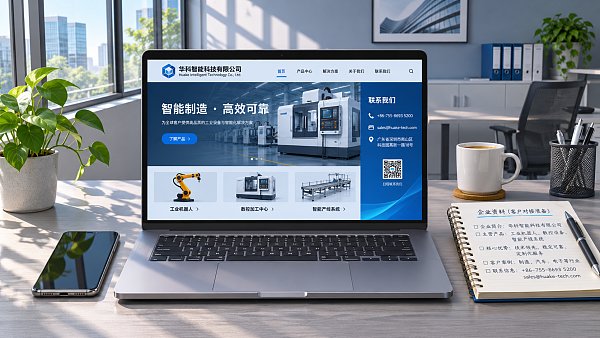
When customizing your Page username or URL, try to keep it consistent with your brand name so customers can easily find and share it. Username availability is subject to platform rules and availability. If your preferred name is unavailable, choose a clear, business-related variation and avoid hard-to-read combinations of numbers.
Turn Page visits into inquiries you can handle
Complete Page information does not necessarily mean customers can contact your business easily. Set up a call-to-action button that fits your business process and test it yourself: does it open the right page, can the form be submitted, and does someone receive the message?
Available buttons and connection methods depend on the Page category, region, and features offered by the platform; refer to the actual interface. If a button links to an external website, the landing page should match the content promoted on the Page and provide a clear way to get in touch. Do not make customers click through multiple pages only to find that there is still no way to submit an inquiry.
For example, a hypothetical industrial components company seeking purchasing inquiries from French-speaking markets could describe its product range in the Page description, link the button to a French-language inquiry page, and ask for specifications and estimated order quantities in the form. If the website does not yet have a French page, clearly state which languages are available for communication to avoid being unable to follow up after a customer submits an inquiry.
Set staff permissions and account security
When multiple people manage the Page, assign permissions to their individual accounts according to their actual responsibilities through the Page access settings or a management tool such as Meta Business Suite, rather than sharing login passwords. Strictly limit accounts with high-level permissions to manage access. Grant staff who only reply to messages or publish content the permissions they need from the options available.
- Enable two-factor authentication for personal accounts with access, and have each person use their own login credentials.
- Ensure trusted staff retain the necessary management capabilities, so someone can manage the Page if the only administrator cannot log in.
- Establish a process for staff changes: hand over content, messages, and related assets, then promptly remove access that is no longer needed.
- If you need to connect an ad account, Instagram, or a third-party tool, first confirm asset ownership and the permissions being requested, then have an authorized person proceed.
Page access permissions, business asset permissions, and ad account permissions are not exactly the same. Before connecting an ad account or collaborating with an external team, confirm who can manage the Page, who can run ads, and how to revoke access when the collaboration ends.
How to check performance after publishing
After publishing the Page, prepare basic content such as a business introduction, descriptions of representative products or services, and answers to frequently asked questions. This helps visitors understand your business and find ways to contact you. Before publishing images or videos, confirm that you have the right to use them. For information on pricing, delivery times, or product performance, use details that are currently accurate and can be fulfilled.
Regularly review available metrics such as content engagement, messages, and Page visits in the data tools provided by Meta, and assess performance alongside your website inquiry records. Follower count is not the same as qualified leads: if visits are high but inquiries are few, check whether the button is prominent, the landing page is relevant, and responses are timely.
After the Page has been running for a while, recheck your website link, contact details, and business information, and sample recent messages to make sure they have been handled. The Page should direct overseas visitors into a business process that can be followed up consistently. Simply creating a Page without maintaining its content, permissions, and inquiry channels often makes it difficult to generate effective conversions.
Related Articles
 How to Set Up a Facebook Page for Your Business
 How to Choose Local Creators for Short-Form Video Marketing in the European Market
 How Can Facebook Content Management Improve Post Engagement?

Related Products
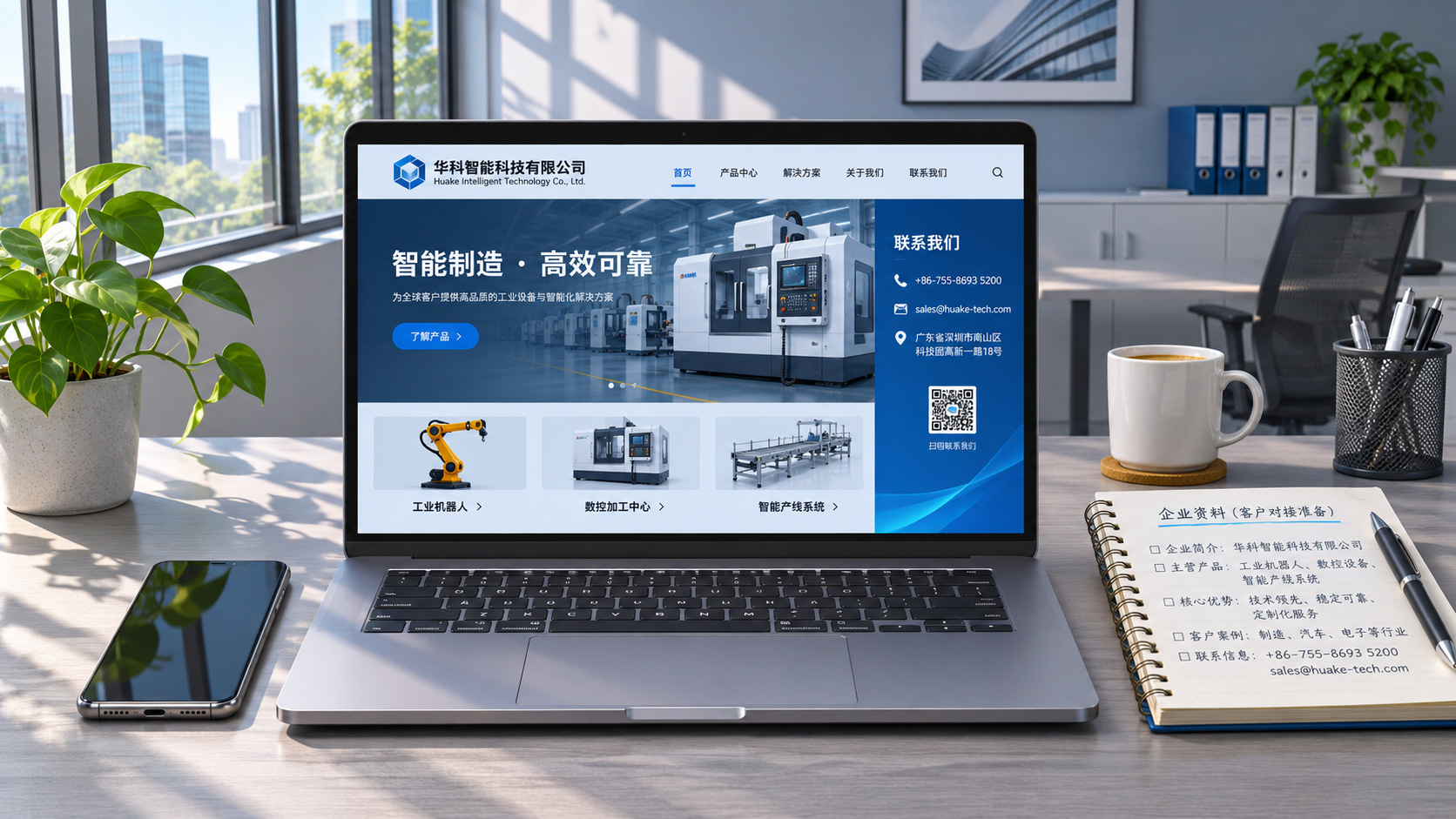
 Yiyingbao SaaS Intelligent Website Building and Marketing SystemYiyingbao SaaS Intelligent Website Building and Marketing System, AI-powered no-code website building, rapid creation of multilingual B2B international websites in 10 minutes, global server acceleration, AI-powered SEO optimization, helping businesses connect efficiently with global markets. The perfect integration of technology and operation makes building an international trade website remarkably simple
 AI+SEM Intelligent Advertising Marketing SystemAI+SEM drives intelligent ad creation, empowering full-funnel precision advertising marketing. The system automatically generates weekly/monthly reports, AI recommends keywords and target countries, monitors core metrics in real-time with intelligent alerts, and enables one-click high-conversion ad solutions to help quickly acquire customers and improve ROI.
 AI+SEO Dual-Engine System Optimization ServicesYiyingbao’s AI+SEO dual-engine optimization system helps foreign trade enterprises acquire high-quality organic traffic through AI-powered keyword research, content generation, and comprehensive technical optimization, significantly improving search rankings and conversion rates.
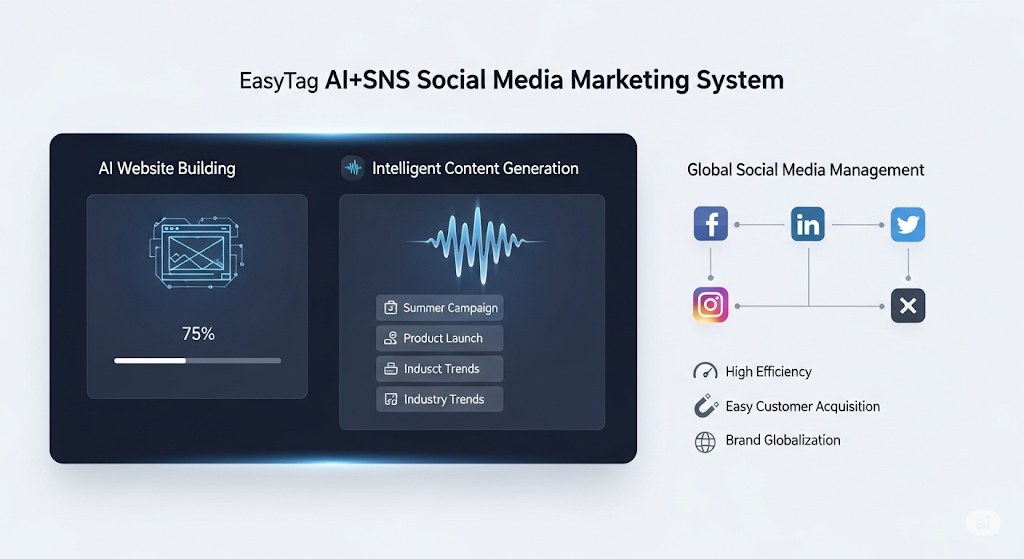
 AI+SNS Social Media Marketing SystemYingbao AI+SNS Social Media Marketing System - Precision social capture for the social media era. Supports one-click content synchronization across major platforms like Facebook and LinkedIn. AI intelligently rewrites posts for enhanced relevance. 24/7 AI customer service and user profiling analysis empower businesses to efficiently expand into global markets.
 AI+SEO营销解决方案易营宝AI+SEO营销解决方案,通过AI批量写作、智能生成TDK、精准关键词扩词等功能,全面优化网站SEO效果,提升流量与转化率。助力企业构建高效智能网站新生态。
 AI+SEM Advertising Marketing SolutionsAI+SEM Advertising Marketing Solution leverages AI technology to deeply empower SEM ad campaigns. It automatically generates weekly/monthly reports using AI, presenting account data across multiple dimensions for comprehensive insights into campaign performance and trends. The system precisely recommends keywords and target countries, intelligently generates high-conversion ad copy, and enables one-click activation of efficient campaign plans to help businesses rapidly acquire customers. Simultaneously, it monitors core metrics in real time, intelligently identifies abnormal fluctuations, and issues timely alerts to ensure stable, high-return advertising results.
 Domain Name ServicesEasyWin provides professional domain name services, including intelligent queries, one-stop registration, brand protection, and full lifecycle management, helping businesses build a digital brand image.
 EasyOperate B2C Cross-Border E-Commerce Platform & Independent WebsiteEasyStore B2C Cross-border E-commerce Independent Store is an intelligent website building and cross-border e-commerce integrated solution independently developed by EasyStore Information Technology (Beijing) Co., Ltd. The system is specially designed for small and medium-sized as well as large export enterprises, integrating 'website building, operation, marketing, advertising, and conversion' into one, helping enterprises quickly establish cross-border e-commerce independent stores to achieve brand globalization and global sales growth.
The platform supports multiple languages, multiple currencies, and multi-channel marketing, with built-in AI intelligent translation and SEO optimization systems, suitable for mainstream markets such as Southeast Asia, Europe and America, Latin America, and the Middle East, assisting Chinese manufacturing enterprises in efficiently deploying international e-commerce strategies. SSL证书易营宝提供专业SSL安全证书服务,包括单域名和泛域名证书,确保网站数据传输加密、身份验证和完整性保护,助力企业建立安全可信的在线业务环境。