








- Fujian Announces the First Batch of Provincial-Level Cross-Border E-Commerce Industrial Parks and Key Brands for CultivationNov 14, 2026View details
- Amazon Global Store Announces the Launch of the 2026 Black Friday Global Shopping SeasonNov 14, 2026View details
- CCTV.com Examines APEC’s Role in China’s Foreign TradeNov 12, 2026View details
- China’s Tariff Commission of the State Council Adjusts Additional Tariffs on U.S. Goods: 24% Tariff Suspended for Two MonthsNov 10, 2026View details
- APEC Shenzhen Spotlight: Cross-Border E-Commerce Orders Promote Asia-Pacific Trade and Economic CooperationNov 08, 2026View details
- China-Europe Railway Express and CIIE Hold Business Matchmaking Event, Focusing on Cross-Border E-commerce B2B ExportsNov 07, 2026View details
How to Avoid Broken Glyphs When Optimizing Fonts for Arabic Websites
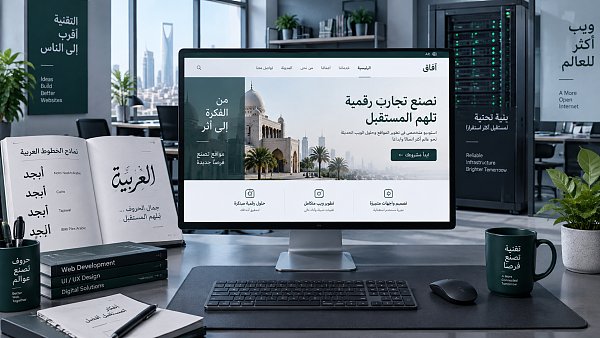
When Arabic text on a webpage appears “broken,” the issue is usually not damage to a single font file. It is more often caused by font fallback, missing glyph-shaping capabilities, or a text-processing workflow that disrupts the contextual relationships of Arabic script. Arabic characters change form depending on whether they appear at the beginning, middle, end, or independently within a word. If the browser does not process consecutive characters with the same font, direction, and correct rendering rules, letters may appear separated, joined writing may be interrupted, punctuation may be misplaced, and even number order may become confused.
Therefore, font optimization for Arabic websites should not only check whether “Arabic characters can be displayed on the page.” It should verify whether fonts, CSS, the content system, and target devices collectively support normal Arabic character joining. During technical evaluation, prioritize checking font coverage and fallback chains, then examine RTL layout and the text output process. This is often more effective than simply replacing fonts.
First distinguish: missing font characters or a text-shaping issue
The visible symptoms of broken Arabic glyphs can be similar, but the solutions differ. When a font lacks certain characters, the browser automatically uses system fonts as replacements. If characters in the same word fall into different fonts, their joining forms may become inconsistent. In another case, the font contains Arabic characters but lacks proper OpenType layout rules, or the page environment does not execute glyph shaping correctly. In this case, the characters exist but cannot join contextually.
One point that is easy to misjudge is that a page screenshot that “looks like Arabic” does not mean it is ready to go live. Test text should not use only short words or individual characters. It should include common words with different joining positions at the beginning, middle, and end, while also covering mixed content with diacritics, Arabic numerals, English model numbers, parentheses, and currency symbols. Product specifications, quotation tables, and form fields on foreign trade websites are precisely where problems are most likely to be exposed.
Font selection should consider complete language support, not just visual style
Many projects start with Latin fonts and then leave Arabic characters to the browser's default fonts. This approach is not easily noticed on English pages, but after switching to Arabic it can easily result in broken text, abrupt font-weight changes, and inconsistent line height. The primary font used for Arabic pages should at least cover commonly used Arabic glyphs, numerals, punctuation, and necessary symbols, and should support normal joining, alternate glyphs, and positioning rules.
For font file formats, prioritize WOFF2, which is well supported by modern browsers, and retain WOFF as a compatibility supplement. Do not end the evaluation simply by uploading an “Arabic.ttf” file from an unknown source: a file that loads does not necessarily have a complete character set, nor does it mean its licensing scope is suitable for website use. If brand guidelines require Latin and Arabic scripts to maintain a consistent style, choose a font family that covers both writing systems. If two font sets must be combined, specifically check their font weights, apparent sizes, baselines, and line heights rather than comparing font names alone.
CSS should explicitly declare a fallback order available for Arabic to prevent missing characters from randomly falling back to device default fonts. For example, the font stack should first include a verified Arabic Web Font, followed by trusted system Arabic fonts, and only then a generic font family. At the same time, splitting @font-face unicode-range by language can reduce downloads of irrelevant characters, but the configured range must cover the character ranges required for Arabic. Incorrect subsetting is a frequent cause of “part of the text suddenly breaking.”
Direction properties must be applied to the language content itself
Arabic pages are read from right to left, but direction: rtl does not mean everything is solved by applying it once to the page container. The most reliable approach is to set lang="ar" and dir="rtl" on the Arabic document or the relevant language section, allowing browsers, assistive technologies, and font rendering to receive the correct language and direction information.
At the layout level, technical teams should prioritize logical properties such as margin-inline-start, padding-inline-end, and text-align: start, rather than mechanically replacing left with right throughout Arabic styles. The former adjusts according to text direction, whereas the latter is more likely to leave omissions in responsive components, pop-ups, carousels, and form validation messages.
Mixed content requires additional handling. Product model numbers, email addresses, URLs, phone numbers, SKUs, percentages, and prices usually use Latin characters or numbers, and visual order may be misaligned when they are directly embedded in RTL text. For these independent segments, wrap them in elements with dir="ltr"; for content in an unknown language returned by user input or APIs, dir="auto" is often more suitable. Do not keep experimenting with spaces, hyphens, or invisible characters until it appears correct. Such temporary fixes are difficult to sustain through content updates and rendering on multiple devices.
Broken glyphs may also originate from the content system, not CSS
Arabic script depends on the context of adjacent characters. If a rich text editor, translation plug-in, front-end highlighting component, or dynamic interpolation logic splits one word across multiple span elements, text nodes, or even multiple components, the browser may be unable to shape the entire word as intended. Features such as character-by-character animations, keyword highlighting, separated prices and units, automatic link insertion, and search result highlighting often unintentionally break character sequences.
The inspection method is straightforward: view the DOM of the affected word in browser developer tools. If a normal word is split into multiple nodes, first restore it as a continuous text node, then determine whether segmented styling must be retained. If variables do need to be inserted into an Arabic sentence, keep each variable as an intact segment and test the visual order of characters and punctuation before and after it. The server side, CMS, database, and API should also consistently use UTF-8 to prevent content from being replaced with incompatible characters during import, transcoding, or sanitization.
Before launch, test by “content path” rather than only validating the homepage
In technical evaluations, homepage banners usually contain very little text and cannot represent the quality of an Arabic website. It is more valuable to cover actual conversion paths: category page filters, long product detail descriptions, specification tables, inquiry forms, email subscriptions, on-site search results, payment or checkout fields, and advertising landing pages. Different modules may be generated by different components and scripts, and their font inheritance and direction rules may also differ.
- Prepare a set of Arabic test text containing joined words, words with symbols, Arabic numerals, English model numbers, and links.
- Check the actual font loading status in mainstream browsers on desktop and mobile devices, and confirm that no unexpected fallback occurs.
- Switch between different network conditions and observe whether replacement fonts cause layout shifts or temporary breakage before fonts have finished loading.
- Check text direction after copying, pasting, on-site searching, and form submission to avoid cases where “it looks correct but becomes disordered after being sent.”
- Have Arabic content proofreaders verify reading order, terminology spelling, and button semantics; technical correctness does not necessarily mean the language is natural.
For multilingual standalone websites, the Arabic version should not simply copy an English template and replace the copy. Whether a website-building platform can reliably manage lang, dir, and font resources across language versions, component levels, form fields, and SEO pages directly affects subsequent maintenance costs. When evaluating platforms such as Yiyingbao for multilingual website building and overseas marketing scenarios, focus on confirming their Arabic language packs, RTL component adaptation, font resource configuration permissions, and whether retesting by page and device is supported after content publication. The key consideration here is not the platform name, but whether it can avoid relying on extensive manual CSS overrides to maintain Arabic pages.
Several approaches that seem convenient but carry high long-term costs
First, converting Arabic copy into images. This can temporarily bypass font issues, but it weakens text copyability, accessibility, and search engine comprehension, and images must be recreated whenever products are updated. Unless it is fixed brand visual material, it should not be used as a solution for body text.
Second, relying only on system fonts available on users' devices. Available fonts vary across regions, system versions, and browsers, resulting in normal display on test devices but fallback on actual visitor devices. Verified Web Fonts should be loaded for core body content and conversion areas.
Third, manually inserting directional control characters into content to “fix” mixed text. This may resolve a single piece of copy, but it creates hidden issues for CMS editing, content copying, and subsequent translation. Priority should be given to semantic tags, the dir attribute, and component output rules.
Finally, raise the acceptance standard from “Arabic characters can be displayed” to “Arabic content can be read continuously on real conversion pages, entered reliably, and presented across devices.” If any of the font file, RTL layout, or content output is mismatched, broken glyphs may reappear after launch. First use complete test text to determine whether the problem is related to fonts, direction, or DOM splitting, then address it specifically. This can usually prevent repeatedly replacing fonts without resolving the root cause.
Related Articles
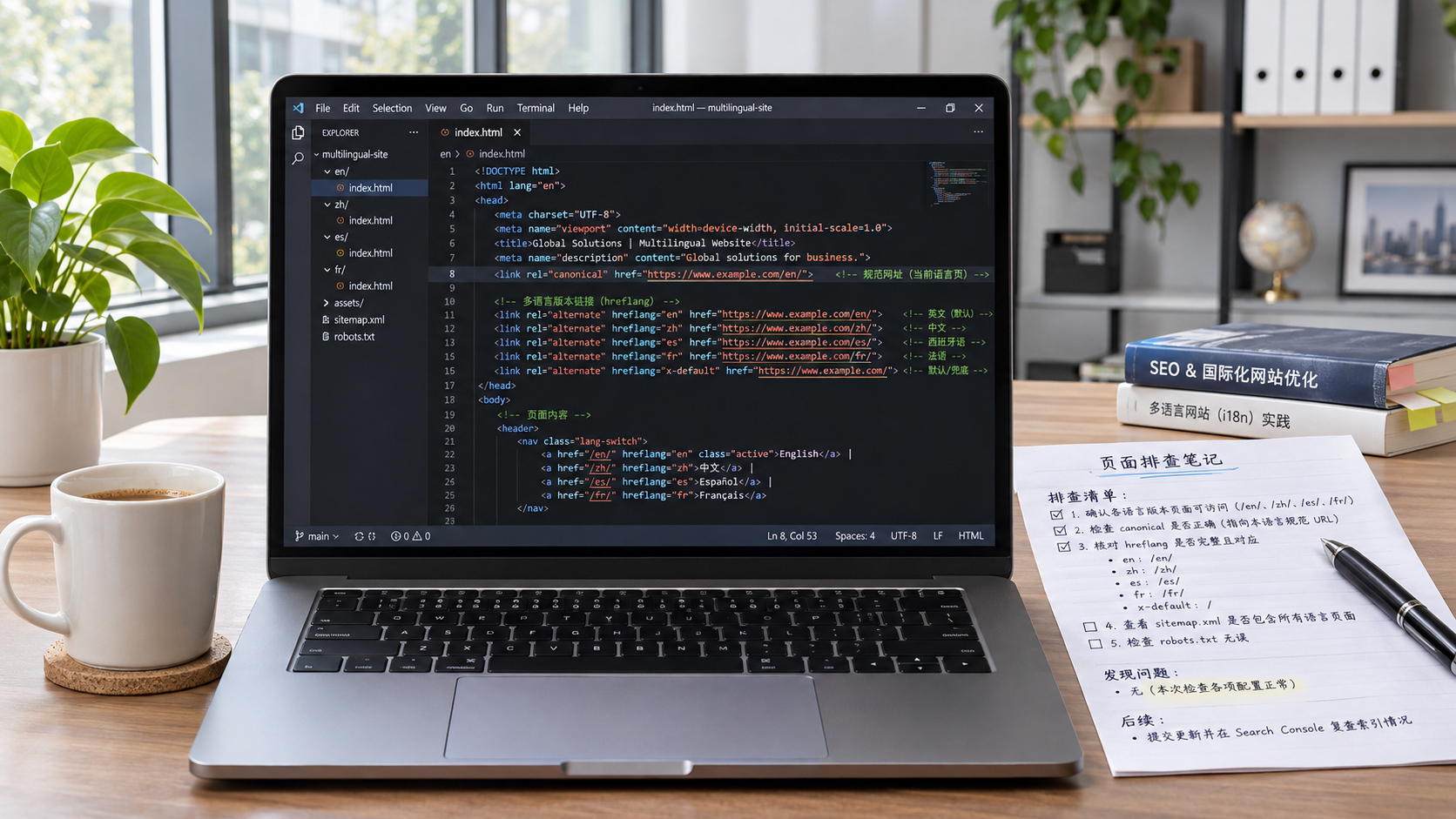
 Why Might a Page Not Be Indexed Even When hreflang Is Configured Correctly?
 How Should a B2C Multilingual Website Set Currencies for Different Regions?
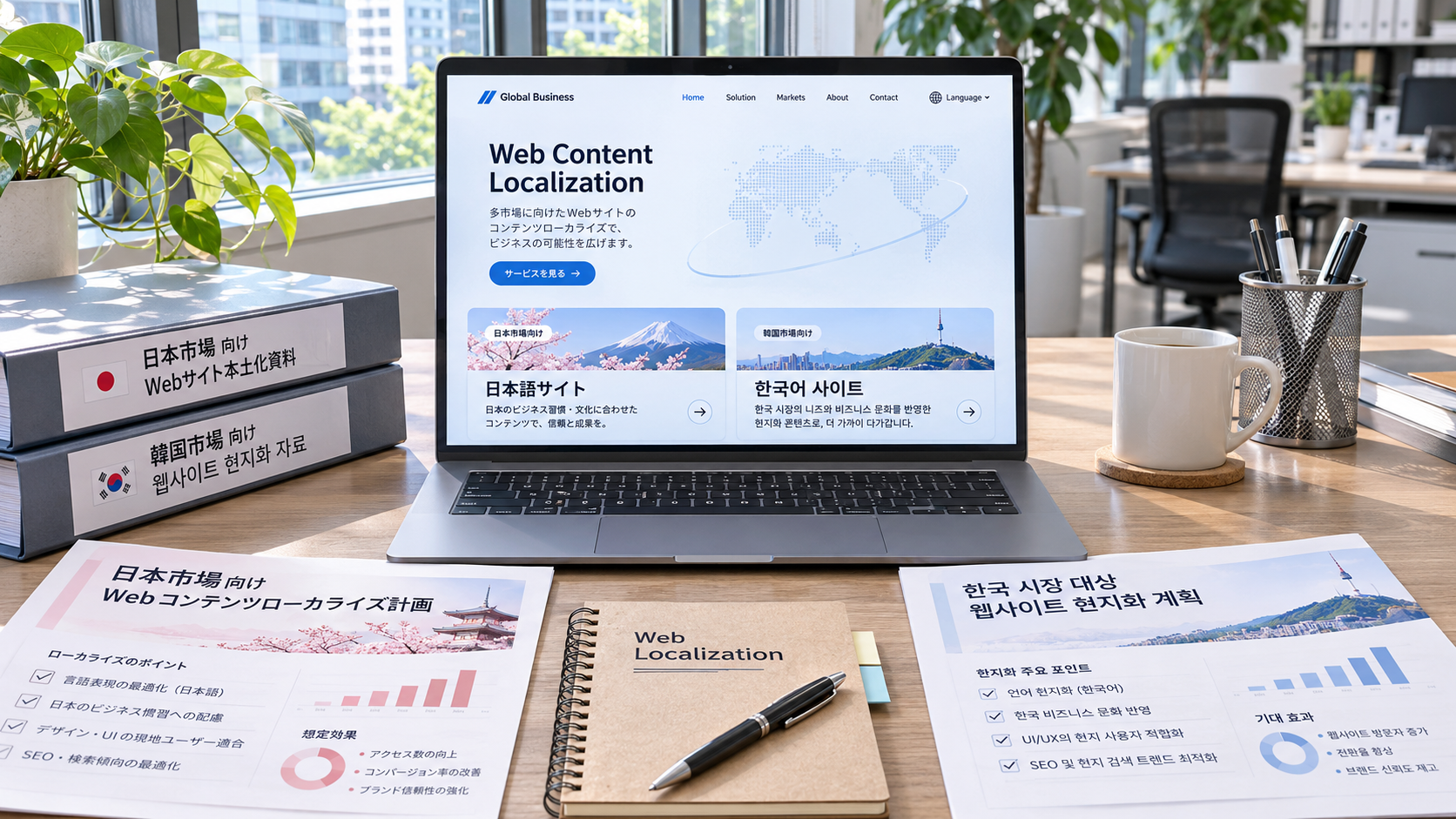
 Can a Korean-language website reach Japanese customers when expanding into the Japanese and South Korean markets?

Related Products
 Yiyingbao SaaS Intelligent Website Building and Marketing SystemYiyingbao SaaS Intelligent Website Building and Marketing System, AI-powered no-code website building, rapid creation of multilingual B2B international websites in 10 minutes, global server acceleration, AI-powered SEO optimization, helping businesses connect efficiently with global markets. The perfect integration of technology and operation makes building an international trade website remarkably simple
 AI+SEM Intelligent Advertising Marketing SystemAI+SEM drives intelligent ad creation, empowering full-funnel precision advertising marketing. The system automatically generates weekly/monthly reports, AI recommends keywords and target countries, monitors core metrics in real-time with intelligent alerts, and enables one-click high-conversion ad solutions to help quickly acquire customers and improve ROI.
 AI+SEO Dual-Engine System Optimization ServicesYiyingbao’s AI+SEO dual-engine optimization system helps foreign trade enterprises acquire high-quality organic traffic through AI-powered keyword research, content generation, and comprehensive technical optimization, significantly improving search rankings and conversion rates.
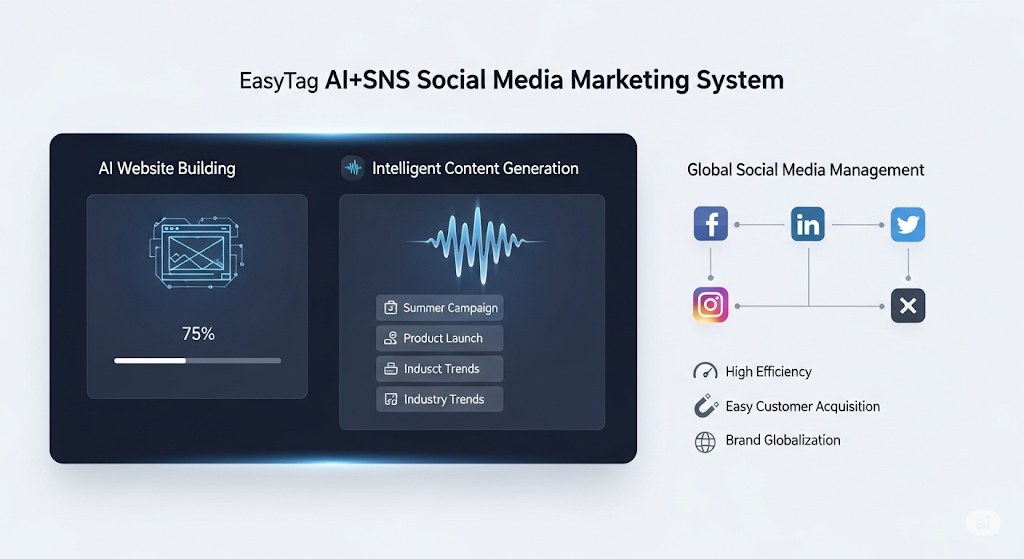
 AI+SNS Social Media Marketing SystemYingbao AI+SNS Social Media Marketing System - Precision social capture for the social media era. Supports one-click content synchronization across major platforms like Facebook and LinkedIn. AI intelligently rewrites posts for enhanced relevance. 24/7 AI customer service and user profiling analysis empower businesses to efficiently expand into global markets.
 AI+SEO营销解决方案易营宝AI+SEO营销解决方案,通过AI批量写作、智能生成TDK、精准关键词扩词等功能,全面优化网站SEO效果,提升流量与转化率。助力企业构建高效智能网站新生态。
 AI+SEM Advertising Marketing SolutionsAI+SEM Advertising Marketing Solution leverages AI technology to deeply empower SEM ad campaigns. It automatically generates weekly/monthly reports using AI, presenting account data across multiple dimensions for comprehensive insights into campaign performance and trends. The system precisely recommends keywords and target countries, intelligently generates high-conversion ad copy, and enables one-click activation of efficient campaign plans to help businesses rapidly acquire customers. Simultaneously, it monitors core metrics in real time, intelligently identifies abnormal fluctuations, and issues timely alerts to ensure stable, high-return advertising results.
 Domain Name ServicesEasyWin provides professional domain name services, including intelligent queries, one-stop registration, brand protection, and full lifecycle management, helping businesses build a digital brand image.
 EasyOperate B2C Cross-Border E-Commerce Platform & Independent WebsiteEasyStore B2C Cross-border E-commerce Independent Store is an intelligent website building and cross-border e-commerce integrated solution independently developed by EasyStore Information Technology (Beijing) Co., Ltd. The system is specially designed for small and medium-sized as well as large export enterprises, integrating 'website building, operation, marketing, advertising, and conversion' into one, helping enterprises quickly establish cross-border e-commerce independent stores to achieve brand globalization and global sales growth.
The platform supports multiple languages, multiple currencies, and multi-channel marketing, with built-in AI intelligent translation and SEO optimization systems, suitable for mainstream markets such as Southeast Asia, Europe and America, Latin America, and the Middle East, assisting Chinese manufacturing enterprises in efficiently deploying international e-commerce strategies. SSL证书易营宝提供专业SSL安全证书服务,包括单域名和泛域名证书,确保网站数据传输加密、身份验证和完整性保护,助力企业建立安全可信的在线业务环境。