







- Fujian Announces the First Batch of Provincial-Level Cross-Border E-Commerce Industrial Parks and Key Brands for CultivationNov 14, 2026View details
- Amazon Global Store Announces the Launch of the 2026 Black Friday Global Shopping SeasonNov 14, 2026View details
- CCTV.com Examines APEC’s Role in China’s Foreign TradeNov 12, 2026View details
- China’s Tariff Commission of the State Council Adjusts Additional Tariffs on U.S. Goods: 24% Tariff Suspended for Two MonthsNov 10, 2026View details
- APEC Shenzhen Spotlight: Cross-Border E-Commerce Orders Promote Asia-Pacific Trade and Economic CooperationNov 08, 2026View details
- China-Europe Railway Express and CIIE Hold Business Matchmaking Event, Focusing on Cross-Border E-commerce B2B ExportsNov 07, 2026View details
7 SEO Methods to Increase Organic Website Traffic, from Content to Internal Linking
Increasing organic search traffic is not simply a matter of publishing more articles. It means helping search engines discover your pages and ensuring those pages accurately answer users’ questions. Start by checking indexation and page quality, then optimize content around search needs that matter to your business, and finally connect related pages with internal links.
When searching for “7 technique pour développer son seo,” the real need is to answer a set of actionable questions: which topics to choose, which pages to update, and how to tell whether optimization is working. The methods below use Google Search as an example and can also help guide website optimization for other search engines.
1. Build a keyword list around search intent
Don’t choose keywords based only on product names. Searches for the same product may reflect different needs, such as specifications, applications, supplier selection, or maintenance methods. Each need calls for a different page. For example, someone searching for “industrial valve supplier” may want to learn about supply capabilities, while someone searching for “how to select an industrial valve” is more likely to need specifications and application requirements.
Use Google Search Console’s Search results report, questions from existing website inquiries, and search results pages to compile keywords and their corresponding intent. For each entry, record the search term, target language, existing page, intended action, and priority. This helps prevent multiple pages from competing repeatedly for the same type of search need.
Prioritize topics that are relevant to your business and already receive impressions but few clicks, or that have a suitable page that can be improved. For multilingual websites, also check the terms local users actually use. Don’t simply translate Chinese keywords word for word and publish them in bulk.
2. Make your content answer searchers’ questions directly
Review the results page for your target search term. Determine whether the results are mainly product pages, tutorials, or category pages, then choose the appropriate page format. If users are comparing equipment selection criteria, a page with only a brief introduction and an inquiry button is usually not enough to meet their needs.
Add information relevant to the decision-making process. For example, product pages can explain suitable applications, key specifications, available configurations, and the factors to confirm before purchasing. Tutorial pages should explain the steps, limitations, and common mistakes. If you can’t publish prices, you can explain the factors that affect quotes instead of relying on repeated adjectives in place of specific information.
When updating older content, first check whether it is outdated or omits important questions, then decide whether to expand or consolidate it. AI can help organize outlines and prepare first drafts, but specifications, certifications, applicable scope, and translations still need to be checked by a person. Publishing articles in bulk without adding new information should not be treated as a shortcut to traffic growth.
3. Improve titles, descriptions, and page presentation
A page title should clearly state the topic and match the actual content of the page. Rather than cramming several similar keywords into a title, “Industrial Valve Selection Guide: Pressure, Media, and Materials” makes it easier for searchers to judge whether the page is relevant. Use distinct titles for important pages whenever possible, and avoid reusing the same template across large numbers of pages.
A meta description can summarize the problem a page addresses and help users decide whether to click, but search engines may generate a different snippet based on the query. Changes to titles and descriptions also do not guarantee higher rankings or click-through rates. Evaluate their impact by comparing impressions and clicks for the same pages and similar queries in Search Console.
In the body text, organize information with clear subheadings and keep important content visible. Give images meaningful alt text that describes their content rather than mechanically stuffing it with keywords. On mobile devices, make sure text is readable and buttons are usable, and avoid pop-ups that obscure the main content.
4. Check crawling, indexation, and duplicate pages
Even high-quality pages are unlikely to attract the expected traffic if search engines cannot access them or if they have been mistakenly set not to be indexed. Start by checking the reasons for pages not being indexed in Search Console’s Page indexing report. Then use the URL Inspection tool to test important pages and confirm there are no incorrect status codes, redirect errors, or unnecessary noindex directives.
Submitting a sitemap containing canonical URLs can help search engines discover pages, but submission does not guarantee indexation. For duplicate URLs generated by filter or tracking parameters, identify which pages should appear in search results and use canonical links or other methods to indicate the preferred version. Don’t point every page to the homepage if those pages serve different purposes.
For multilingual pages, also check that language versions correspond correctly to one another. When using hreflang tags, make sure they point to the correct, accessible corresponding pages. These tags help search engines understand language and regional versions; they do not replace localization of the content itself.
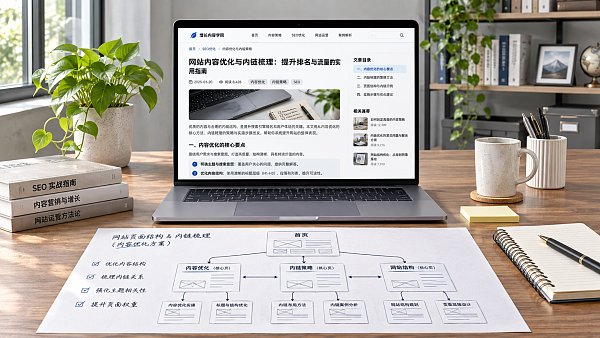
5. Improve loading experience by addressing actual issues first
Slow page speed is not necessarily caused by the server. Uncompressed large images, too many third-party scripts, and render-blocking resources can all slow a page down. Use PageSpeed Insights to check mobile performance, and refer to field data and diagnostic recommendations in the report to distinguish real user experience from lab test results.
Start by addressing issues that affect the loading of the main content: resize and reformat images, remove unnecessary plugins or scripts, then check caching and server response times. Test again after making changes, and confirm that inquiry forms, language switching, and tracking functions are unaffected. Don’t focus solely on tool scores at the expense of page readability and usability.
When a website has many pages, the AI+SEO dual-engine system optimization service can help with keyword organization, technical audits, and internal linking. Suggestions generated automatically should still be reviewed in light of each page’s purpose, language accuracy, and actual test results.
6. Connect related pages with internal links instead of distributing links evenly
Internal links help users explore a topic further and help search engines discover pages and understand how they relate to one another. A good practice is to link naturally from relevant body content to the next information users need. For example, link an article on “choosing valve materials” to the relevant product category, then link from the category page to specific models.
Anchor text should describe the destination page. For example, “View corrosion-resistant valve specifications” is more informative than “click here.” When checking links, focus on important pages that have no inbound links from other pages, links pointing to URLs that no longer work, and multiple links that use the same vague wording.
More internal links are not always better. Links unrelated to the current content can distract users, and important pages should not be accessible only through site search or complex filters. Navigation, category pages, and links in the body text should work together to form an understandable browsing path.
7. Review performance regularly by page and business results
Set up a monthly review schedule and use Search Console alongside website analytics tools. Use the former to monitor search impressions, clicks, queries, and page performance, and the latter to track key actions after organic search visits, such as form submissions or qualified inquiries. The two types of tools use different measurement methods, so their figures do not need to match exactly.
Diagnose issues based on the situation. If impressions are high but clicks are low, first check search intent, titles, and competition in the search results. If clicks are increasing but inquiries are not improving, check whether the traffic comes from target markets and whether the page provides enough product information and a clear way to get in touch. If an important page gets no impressions, review its indexation status, internal links, and content relevance.
Record the date, page, and details of each change, and compare performance with a similar period before the change. Also take seasonality and changes in other channels into account. SEO results are affected by many factors, so a single ranking fluctuation is not enough to prove that a change worked. Track relevant search traffic and qualified conversions over time to decide what to optimize next.
Related Articles
 How Long Does It Take to See an Increase in Inquiries from SEO for Your Website?
 How Should You Strategically Place Inquiry-Generating Keywords on Your Export Website to Attract Potential Customers?
 Does a Poor Mobile Experience Affect Google Rankings?
Related Products
 Yiyingbao SaaS Intelligent Website Building and Marketing SystemYiyingbao SaaS Intelligent Website Building and Marketing System, AI-powered no-code website building, rapid creation of multilingual B2B international websites in 10 minutes, global server acceleration, AI-powered SEO optimization, helping businesses connect efficiently with global markets. The perfect integration of technology and operation makes building an international trade website remarkably simple
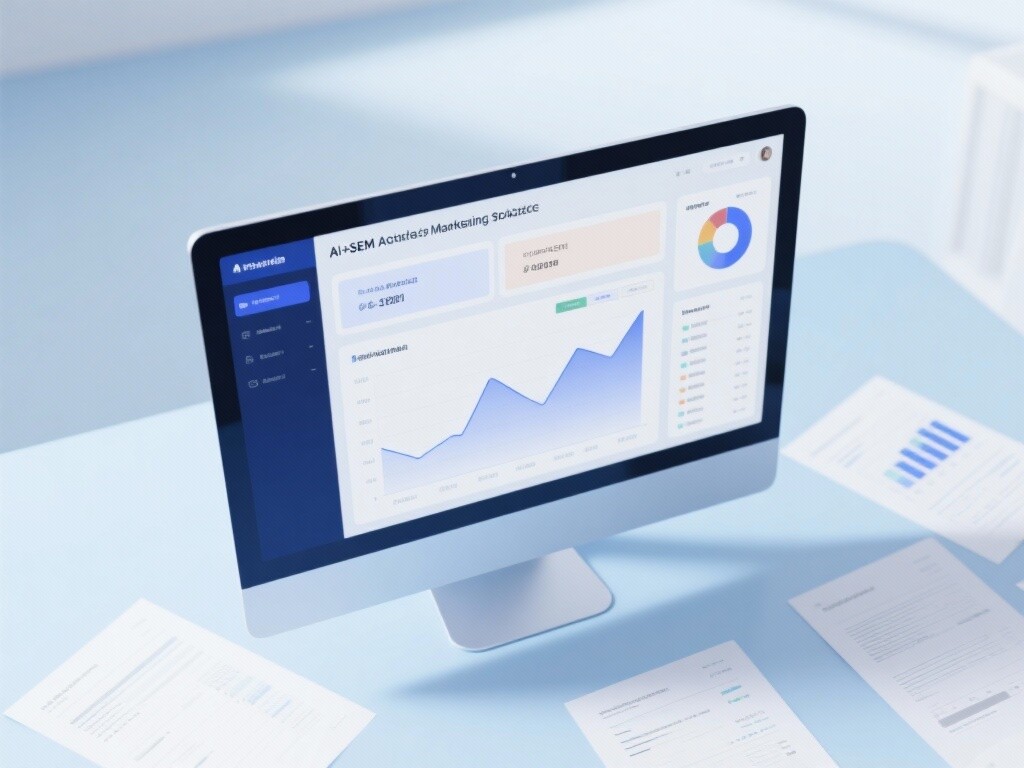
 AI+SEM Intelligent Advertising Marketing SystemAI+SEM drives intelligent ad creation, empowering full-funnel precision advertising marketing. The system automatically generates weekly/monthly reports, AI recommends keywords and target countries, monitors core metrics in real-time with intelligent alerts, and enables one-click high-conversion ad solutions to help quickly acquire customers and improve ROI.
 AI+SEO Dual-Engine System Optimization ServicesYiyingbao’s AI+SEO dual-engine optimization system helps foreign trade enterprises acquire high-quality organic traffic through AI-powered keyword research, content generation, and comprehensive technical optimization, significantly improving search rankings and conversion rates.
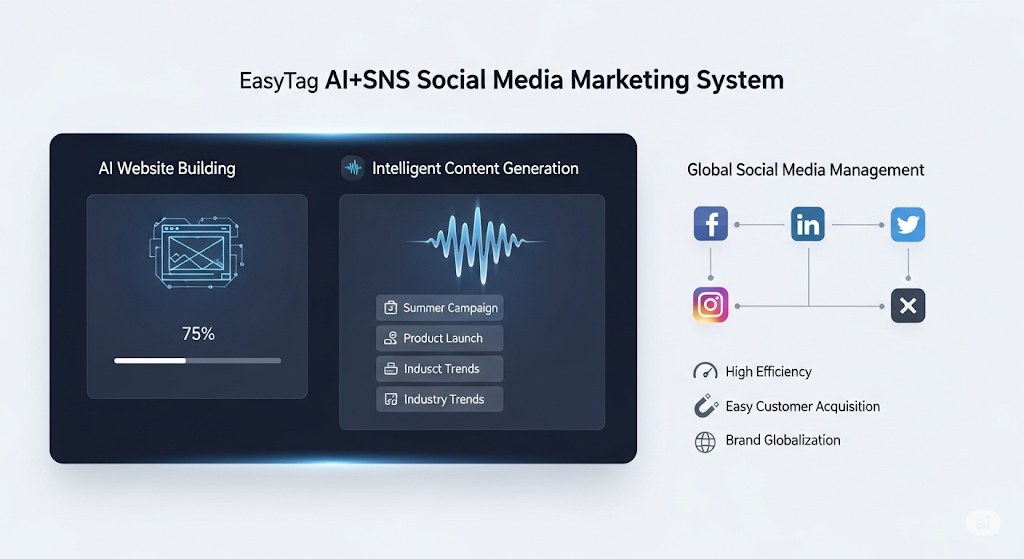
 AI+SNS Social Media Marketing SystemYingbao AI+SNS Social Media Marketing System - Precision social capture for the social media era. Supports one-click content synchronization across major platforms like Facebook and LinkedIn. AI intelligently rewrites posts for enhanced relevance. 24/7 AI customer service and user profiling analysis empower businesses to efficiently expand into global markets.
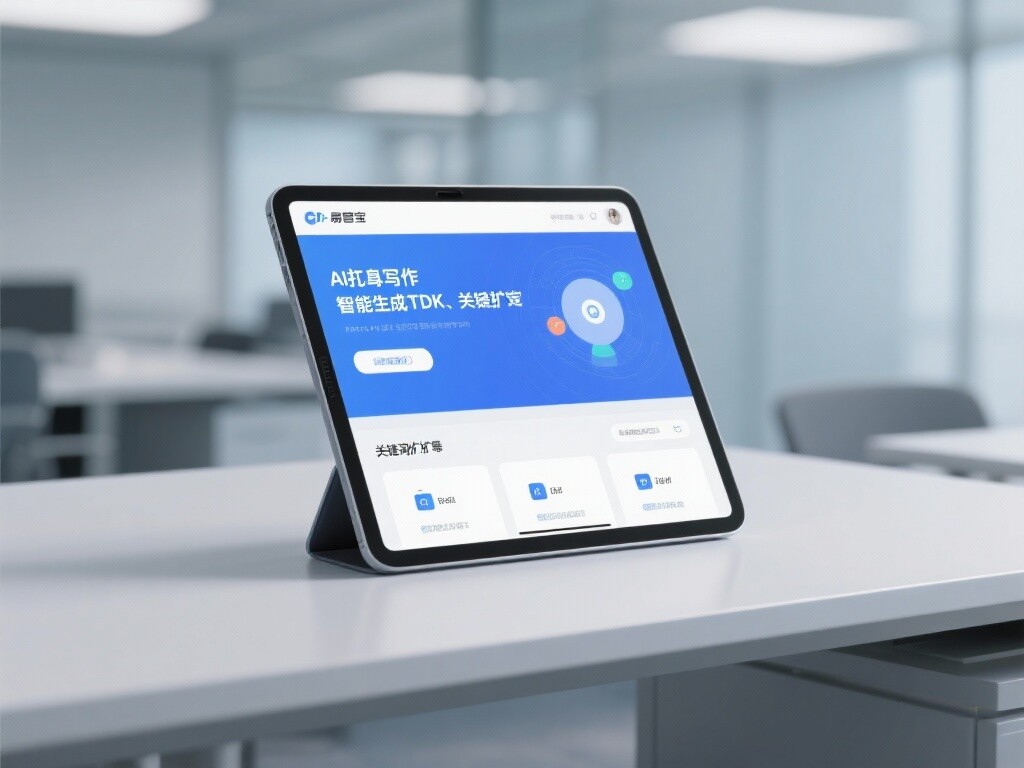
 AI+SEO营销解决方案易营宝AI+SEO营销解决方案,通过AI批量写作、智能生成TDK、精准关键词扩词等功能,全面优化网站SEO效果,提升流量与转化率。助力企业构建高效智能网站新生态。
 AI+SEM Advertising Marketing SolutionsAI+SEM Advertising Marketing Solution leverages AI technology to deeply empower SEM ad campaigns. It automatically generates weekly/monthly reports using AI, presenting account data across multiple dimensions for comprehensive insights into campaign performance and trends. The system precisely recommends keywords and target countries, intelligently generates high-conversion ad copy, and enables one-click activation of efficient campaign plans to help businesses rapidly acquire customers. Simultaneously, it monitors core metrics in real time, intelligently identifies abnormal fluctuations, and issues timely alerts to ensure stable, high-return advertising results.
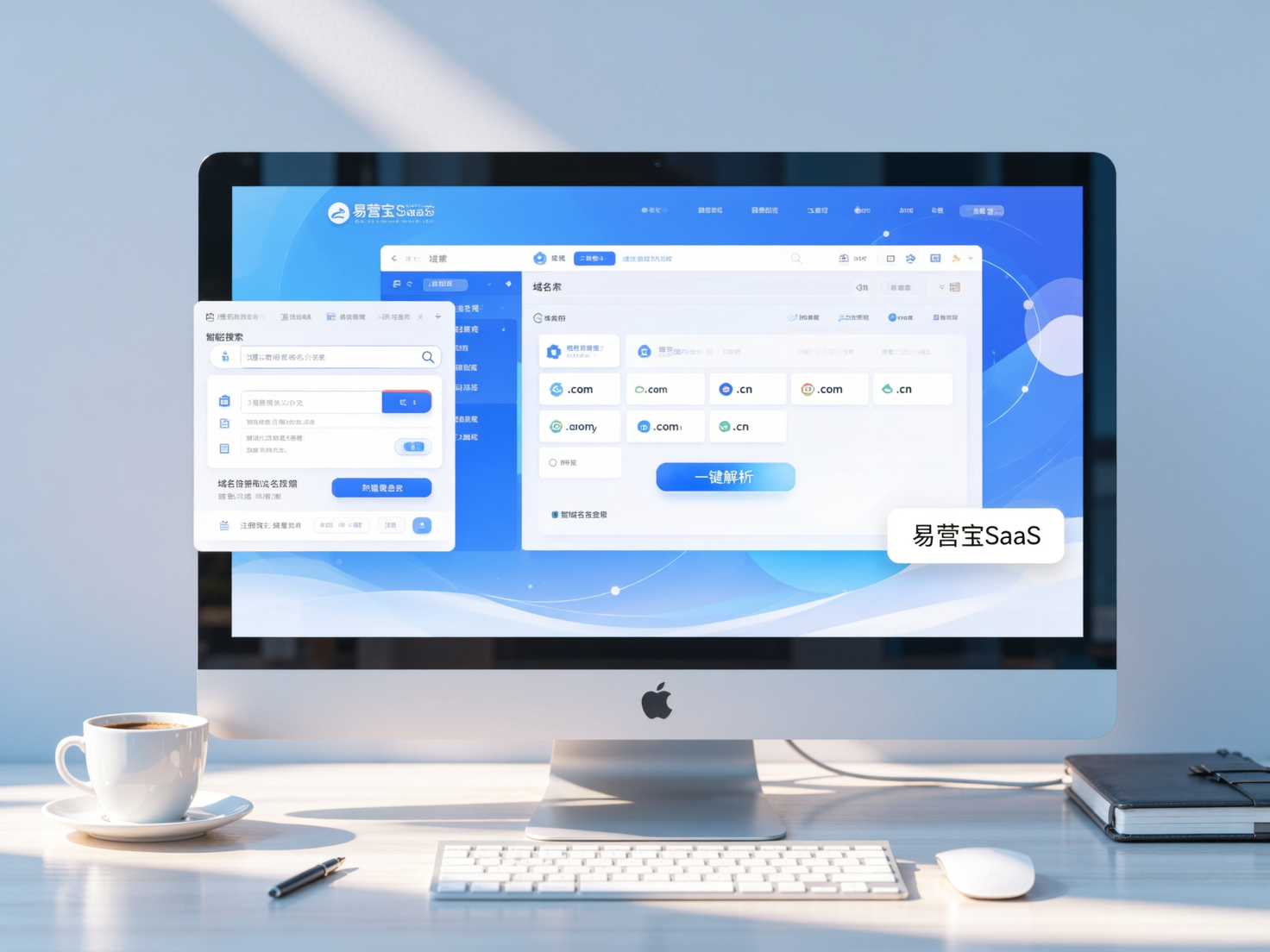
 Domain Name ServicesEasyWin provides professional domain name services, including intelligent queries, one-stop registration, brand protection, and full lifecycle management, helping businesses build a digital brand image.
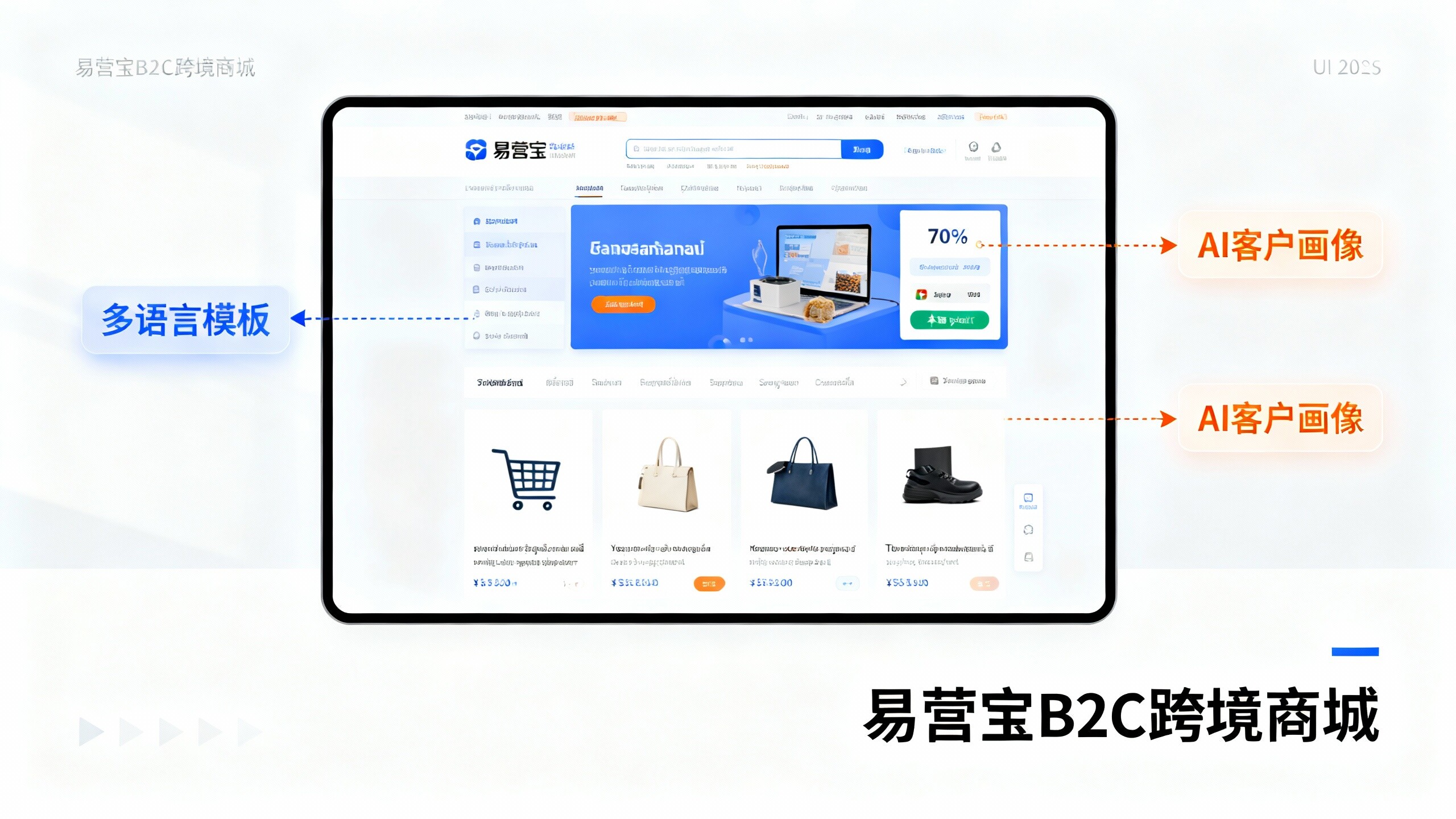
 EasyOperate B2C Cross-Border E-Commerce Platform & Independent WebsiteEasyStore B2C Cross-border E-commerce Independent Store is an intelligent website building and cross-border e-commerce integrated solution independently developed by EasyStore Information Technology (Beijing) Co., Ltd. The system is specially designed for small and medium-sized as well as large export enterprises, integrating 'website building, operation, marketing, advertising, and conversion' into one, helping enterprises quickly establish cross-border e-commerce independent stores to achieve brand globalization and global sales growth.
The platform supports multiple languages, multiple currencies, and multi-channel marketing, with built-in AI intelligent translation and SEO optimization systems, suitable for mainstream markets such as Southeast Asia, Europe and America, Latin America, and the Middle East, assisting Chinese manufacturing enterprises in efficiently deploying international e-commerce strategies. SSL证书易营宝提供专业SSL安全证书服务,包括单域名和泛域名证书,确保网站数据传输加密、身份验证和完整性保护,助力企业建立安全可信的在线业务环境。