








- Fujian Announces the First Batch of Provincial-Level Cross-Border E-Commerce Industrial Parks and Key Brands for CultivationNov 14, 2026View details
- Amazon Global Store Announces the Launch of the 2026 Black Friday Global Shopping SeasonNov 14, 2026View details
- CCTV.com Examines APEC’s Role in China’s Foreign TradeNov 12, 2026View details
- China’s Tariff Commission of the State Council Adjusts Additional Tariffs on U.S. Goods: 24% Tariff Suspended for Two MonthsNov 10, 2026View details
- APEC Shenzhen Spotlight: Cross-Border E-Commerce Orders Promote Asia-Pacific Trade and Economic CooperationNov 08, 2026View details
- China-Europe Railway Express and CIIE Hold Business Matchmaking Event, Focusing on Cross-Border E-commerce B2B ExportsNov 07, 2026View details
Does a CDN Affect SEO Rankings? Understanding Page Speed, Crawling, and Caching Risks
A CDN is not a direct ranking factor, but it can indirectly affect SEO through access speed, server availability, and how pages are delivered. When properly deployed, it can reduce loading delays for users in some regions. If misconfigured, however, it may cause search engines to crawl outdated content, incorrect status codes, or verification pages, affecting indexing and ranking performance.
For example, after a website switches to a CDN, browser access may appear normal while search results continue to show an old title for a long time, or some pages suddenly become inaccessible to crawlers. In this situation, don’t look only at the homepage speed-test score. Instead, trace the issue along the “search engine request—edge node—origin response—cached response” path. When searching for cdn affect seo, what really needs to be assessed is whether this delivery path is stable and whether the content is consistent.
Improved speed does not necessarily mean higher rankings
A CDN distributes cacheable content to edge nodes, which generally helps shorten cross-region transmission distances and reduce the burden of repeated responses from the origin server. However, the speed improvement depends on node coverage, cache hit rate, the path to the origin, and page composition. If dynamic pages go back to the origin on every request, images are too large, or critical scripts block rendering, adding a CDN may still fail to noticeably improve the user experience.
When evaluating performance, distinguish between lab-based speed tests and real-user experience. Focus on the core web metrics in your target markets: Largest Contentful Paint (LCP), Interaction to Next Paint (INP), and Cumulative Layout Shift (CLS). A CDN may improve resource delivery and server response times, but it cannot automatically fix layout shifts or inefficient frontend code. Better metrics do not guarantee higher rankings; content relevance and page quality still matter.
When comparing data from before and after deployment, try to use the same pages, regions, device types, and network conditions, and review both cache-hit and cache-miss performance. If only the first request is slow, investigate node warming, origin-fetch time, and origin processing time rather than immediately concluding that the CDN is ineffective.
Crawl issues: First confirm what the search engine receives
The fact that users can open a page does not mean crawlers receive the same response. Firewall rules, request rate limits, or bot verification may mistake legitimate crawlers for abnormal traffic. An origin failure may also result in the CDN returning a 5xx response or caching an error page. Persistent crawl failures may affect how efficiently search engines update their indexes.

To investigate, first use the crawl or URL inspection tools provided by the search engine to confirm the access result for affected URLs. Then compare CDN and origin logs to verify request times, status codes, blocking rules, and origin-fetch status. Don’t allow access based only on the User-Agent in a request: this field can be spoofed. If you need to identify search engine crawlers, verify their origin using the method published by the relevant search engine.
- 403 or verification page: Check whether security policies, geographic restrictions, rate limits, or bot challenges are affecting legitimate crawling. Don’t simply disable all protections.
- 5xx or timeout: Distinguish between errors at the edge node and errors at the origin. Check origin load, connection timeouts, TLS configuration, and the network path to the origin.
- Redirect issues: Check the HTTP, HTTPS, and hostname redirect rules at the CDN and origin to avoid redirect loops or unnecessary multiple redirects.
- Page returns 200 but the content is wrong: Check the response body and rule out cases where an error message, login page, or security verification page is returned as normal content.
Also check that the URLs specified in robots.txt, the sitemap, and canonical links are accessible. robots.txt itself may also be cached; if an old version continues to be served by edge nodes after the rules are updated, crawl decisions may not match the website’s current settings.
Cache risks: Why haven’t search results changed after the page was updated?
After new content is published, the page on the origin may already be updated, while the CDN continues to serve old HTML until its cache expires. When a search engine crawls the page again, it may therefore continue to see the old title, old body text, or old canonical tag. First check the cache-related response headers and cache status, then verify the edge response and origin content separately; the names of status fields may vary by provider.
Static resources and HTML should not necessarily use the same caching policy. Images, scripts, and stylesheets with version numbers can be assigned longer cache durations based on the release process. For frequently updated HTML, use shorter cache durations, revalidation, or purge the cache after publication, as appropriate for the business. When purging, cover not only the page URL but also consider affected listing pages, sitemaps, and related variants.
Incorrect cache key configuration can have more subtle consequences: multilingual pages, mobile versions, or pages with query parameters may be incorrectly combined, causing users and crawlers to receive mismatched content. Check which parameters, request headers, or cookies can change the response, and include only necessary variations in the cache key. Also avoid caching personalized content or sharing responses containing user information with other visitors.
For example, if an on-site resource page contains a link to Research on Building Internal Controls in Public Hospitals from the Perspective of Financial and Accounting Supervision, after updating the link, also confirm that the CDN is returning the new version of the HTML—not just that the origin’s editing interface shows that the change was saved.
How to validate during launch and changes
- Record a baseline: Select the homepage, key content pages, multilingual pages, and sitemap, and save their status codes, redirect chains, key response headers, and page content.
- Switch over in stages: First validate the test environment or a small number of URLs. Confirm the HTTPS certificate, canonical domain, origin hostname, and cache rules before expanding the scope.
- Cross-check: Test first and repeat visits from target regions, and compare browser results, command-line responses, and search engine inspection tools. Compare results from a direct connection to the origin if necessary.
- Monitor continuously: Track crawl errors, 5xx responses from the edge and origin, cache hit rate, and real-user metrics. If an issue occurs, use the change time and logs to identify the relevant rule rather than drawing conclusions from a single speed test.
If widespread error responses appear after a change, prioritize restoring crawlability, then investigate security rules or cache configuration. If content has been cached incorrectly, also purge the relevant cache after fixing the origin, and verify the actual response again. Search results do not update in real time; even after a response is fixed, you must wait for search engines to recrawl and process it.
Related Articles
 How Long Does It Take to See an Increase in Inquiries from SEO for Your Website?
 How Should You Strategically Place Inquiry-Generating Keywords on Your Export Website to Attract Potential Customers?
 Does a Poor Mobile Experience Affect Google Rankings?



Related Products
 Yiyingbao SaaS Intelligent Website Building and Marketing SystemYiyingbao SaaS Intelligent Website Building and Marketing System, AI-powered no-code website building, rapid creation of multilingual B2B international websites in 10 minutes, global server acceleration, AI-powered SEO optimization, helping businesses connect efficiently with global markets. The perfect integration of technology and operation makes building an international trade website remarkably simple
 AI+SEM Intelligent Advertising Marketing SystemAI+SEM drives intelligent ad creation, empowering full-funnel precision advertising marketing. The system automatically generates weekly/monthly reports, AI recommends keywords and target countries, monitors core metrics in real-time with intelligent alerts, and enables one-click high-conversion ad solutions to help quickly acquire customers and improve ROI.
 AI+SEO Dual-Engine System Optimization ServicesYiyingbao’s AI+SEO dual-engine optimization system helps foreign trade enterprises acquire high-quality organic traffic through AI-powered keyword research, content generation, and comprehensive technical optimization, significantly improving search rankings and conversion rates.
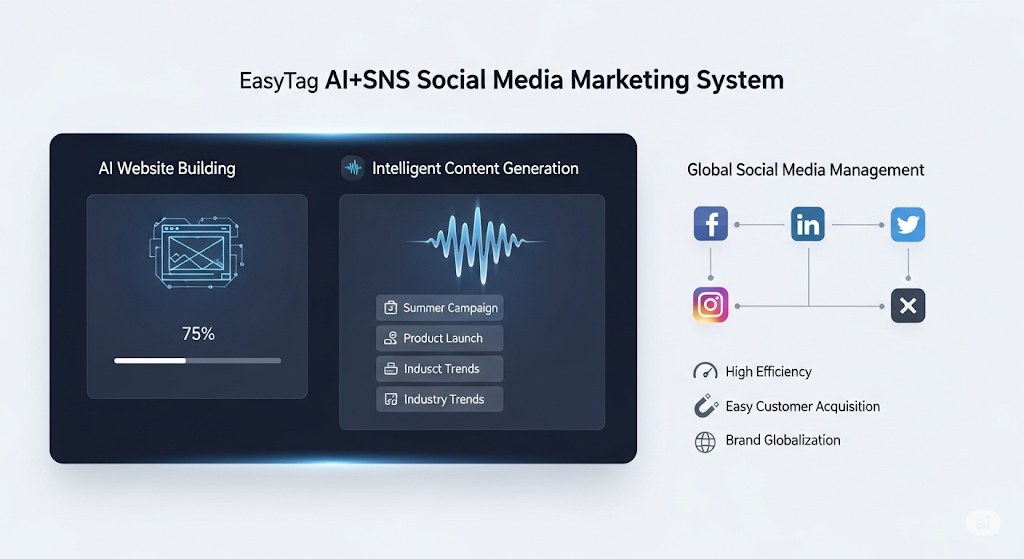
 AI+SNS Social Media Marketing SystemYingbao AI+SNS Social Media Marketing System - Precision social capture for the social media era. Supports one-click content synchronization across major platforms like Facebook and LinkedIn. AI intelligently rewrites posts for enhanced relevance. 24/7 AI customer service and user profiling analysis empower businesses to efficiently expand into global markets.
 AI+SEO营销解决方案易营宝AI+SEO营销解决方案,通过AI批量写作、智能生成TDK、精准关键词扩词等功能,全面优化网站SEO效果,提升流量与转化率。助力企业构建高效智能网站新生态。
 AI+SEM Advertising Marketing SolutionsAI+SEM Advertising Marketing Solution leverages AI technology to deeply empower SEM ad campaigns. It automatically generates weekly/monthly reports using AI, presenting account data across multiple dimensions for comprehensive insights into campaign performance and trends. The system precisely recommends keywords and target countries, intelligently generates high-conversion ad copy, and enables one-click activation of efficient campaign plans to help businesses rapidly acquire customers. Simultaneously, it monitors core metrics in real time, intelligently identifies abnormal fluctuations, and issues timely alerts to ensure stable, high-return advertising results.
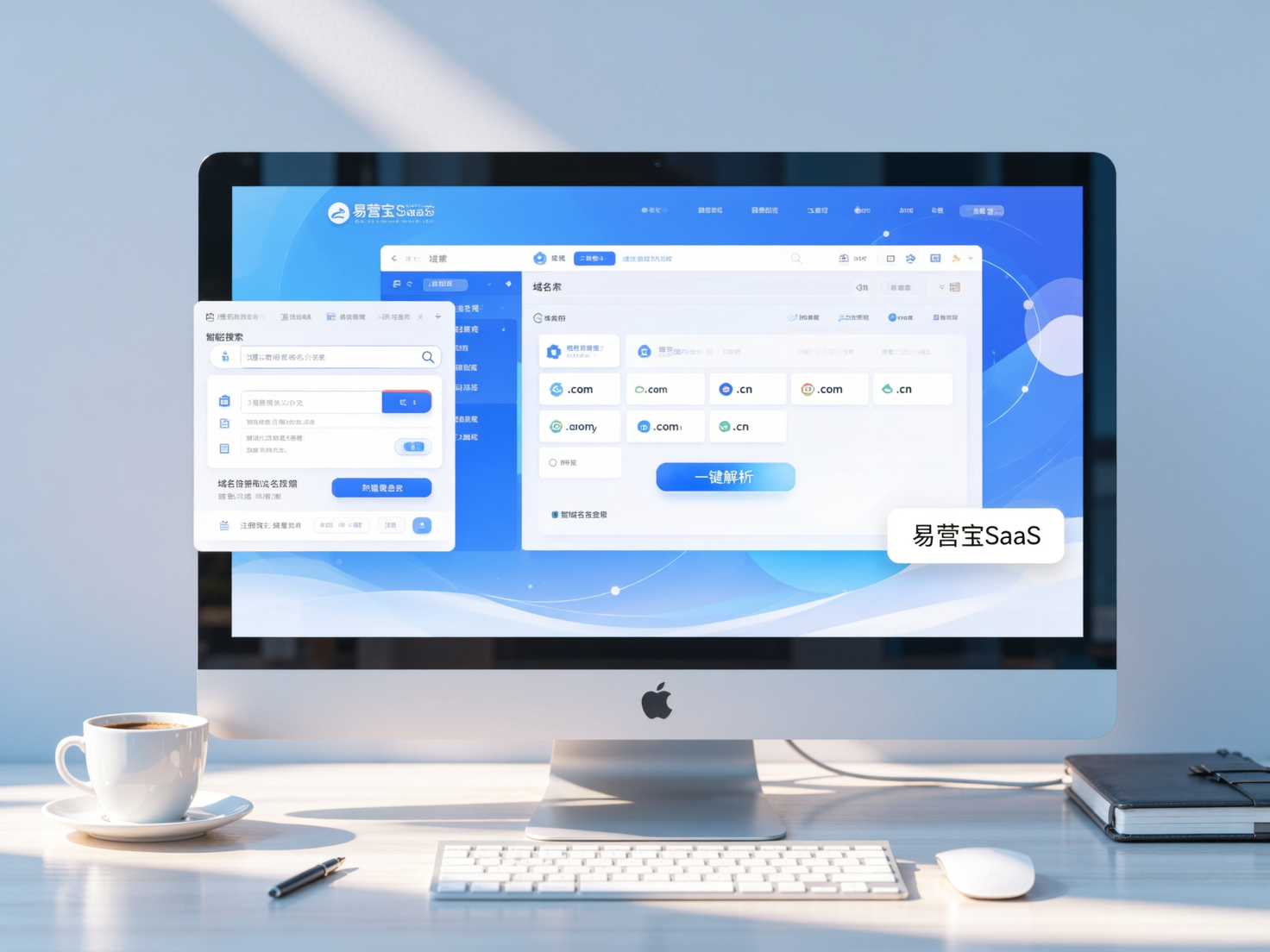
 Domain Name ServicesEasyWin provides professional domain name services, including intelligent queries, one-stop registration, brand protection, and full lifecycle management, helping businesses build a digital brand image.
 EasyOperate B2C Cross-Border E-Commerce Platform & Independent WebsiteEasyStore B2C Cross-border E-commerce Independent Store is an intelligent website building and cross-border e-commerce integrated solution independently developed by EasyStore Information Technology (Beijing) Co., Ltd. The system is specially designed for small and medium-sized as well as large export enterprises, integrating 'website building, operation, marketing, advertising, and conversion' into one, helping enterprises quickly establish cross-border e-commerce independent stores to achieve brand globalization and global sales growth.
The platform supports multiple languages, multiple currencies, and multi-channel marketing, with built-in AI intelligent translation and SEO optimization systems, suitable for mainstream markets such as Southeast Asia, Europe and America, Latin America, and the Middle East, assisting Chinese manufacturing enterprises in efficiently deploying international e-commerce strategies. SSL证书易营宝提供专业SSL安全证书服务,包括单域名和泛域名证书,确保网站数据传输加密、身份验证和完整性保护,助力企业建立安全可信的在线业务环境。