






- Hapag-Lloyd’s $4.2 billion acquisition of ZIM faces a closing delay; ZIM reports third-quarter net profit of $830 millionNov 24, 2026View details
- SCFI falls for a third straight week to 3,503.78 points, with blank sailings on trans-Pacific routes rising to 10Nov 24, 2026View details
- Lazada 11.11 Mega Sale: LazMall Contributes Nearly Two-Thirds of GMVNov 23, 2026View details
- Shein’s European Revenue Falls 16% as Tighter Rules on Low-Value Direct Shipments Take EffectNov 23, 2026View details
- EU Low-Value Parcel Rules Impact Cargo Flows: Air Freight Volume from China to Europe Down 17% in OctoberNov 23, 2026View details
- Indonesia and the EU Sign Comprehensive Economic Partnership Agreement, 90.4% of Tariff Lines to Become Duty-Free ImmediatelyNov 23, 2026View details
Should You Prioritize Technical Work or Content for AI Search Optimization? Set Priorities Based on Your Website’s Issues

Whether to prioritize technical work or content for AI search optimization depends on which step is preventing the target page from being discovered and understood: if the page cannot be accessed, crawled, or indexed properly, address the technical issue first; if the page can already be discovered but its information is vague, its answers are scattered, or it lacks credible supporting evidence, improve the content first. If both types of issues exist, fix technical failures affecting key pages first, then schedule content work in parallel.
During a project, the fact that the homepage loads does not mean that product pages and pages in other languages can be read by search systems. Likewise, a page being indexed does not mean it adequately answers purchasing questions. Making site-wide changes or generating articles in bulk without first diagnosing the problem can consume development and editorial resources without resolving the actual obstacle.
Choose the pages first, then identify where the problem lies
There is no need to inspect the entire site at the outset. Start by selecting pages that handle inquiries, introduce products, or explain core services, along with their corresponding target-language versions. Record each page URL, the questions of its target audience, and its current status. Prioritizing these pages helps determine whether an issue affects an actual business entry point or an older page that is temporarily less important.
During the review, assess “access, crawling, indexing, and content” separately. Being able to open a page in a browser is only the first step; also confirm whether relevant crawlers are allowed to access it, whether the server returns a normal status, and whether the search engine has chosen to include the page in its index. Crawling, indexing, and being cited in AI answers are distinct steps; none of them guarantees the next.

- Cannot be accessed or read: If the page returns an error, redirects unexpectedly, or relies on scripts for its main content and that content is missing from the crawl results, prioritize technical fixes.
- Readable but not indexed: Check indexing restrictions, canonical URLs, duplicate pages, and page quality. A page not being indexed is not necessarily a technical failure.
- Discoverable but unable to provide adequate answers: Check whether the page genuinely explains product suitability, differences in specifications, delivery methods, or other questions readers care about. Content improvements are usually the priority.
- Only certain languages or directories are affected: Identify the issue by template, language version, and scope. Avoid rebuilding the entire site because of a localized problem.
For example, a product page aimed at overseas buyers may already be indexed but contain only the product name and a few promotional phrases, with no specifications, conditions of use, or contact details. In this case, improving the page information is usually more direct than continuing to modify the sitemap. Conversely, if the page has complete information but is mistakenly set to noindex, adding more articles will not remove that barrier.
Address technical blockers first; do not start by pursuing large-scale changes
Begin technical checks by examining how important pages actually respond. Confirm that they return a normal status and are not incorrectly redirected to a login page, a region-selection page, or an unrelated URL. Check whether robots.txt restricts relevant crawlers and whether the page has an unintended noindex directive. These have different effects: blocking crawling is not the same as blocking indexing. Clarify the objective and potential impact before making changes.
Next, review canonical URLs and internal links. If different parameters, languages, or product variants incorrectly point to the same canonical page, important versions may be difficult to identify. A lack of effective links from navigation and category pages to product pages can also make them harder to discover. A sitemap can help provide URLs, but submitting one does not guarantee indexing, nor can it replace normal internal links.
For multilingual websites, also verify that pages in each language actually exist, that language switches lead to the corresponding content, and that language and region annotations are consistent. Do not direct all language versions to the homepage or publish empty pages in bulk after machine translation. When checking script rendering, compare the initial response with the fully rendered content to confirm that key text and links are not missing due to loading failures.
Technical fixes should be traced to the relevant templates. If the same type of product page is affected across the site, fixing the template is usually more effective than editing pages individually. If only a few pages have issues, first investigate their individual configurations. After deployment, revisit the affected pages and check their corresponding statuses in search tools. Do not assume that “the code has been released” means “the search system has processed it.”
When content is the priority, add information that supports clear answers
Content optimization is not simply about increasing word count. First list the questions readers need to resolve when they visit a page, then check whether the page provides clear answers. For example, an industrial product page can describe suitable operating conditions, key parameters, available configurations, and the information needed to request a quote. A service page can explain the scope of service, implementation requirements, and exclusions. Do not add unsupported parameters, customer testimonials, or performance claims just to make the content more comprehensive.
Place answers where they are relevant to the questions, and organize them with clear subheadings, tables, or concise paragraphs. Keep product names, model numbers, and units consistent. Hiding key facts in images or scattering them across pages that cannot be navigated between makes them harder to read and verify. If images provide business value, include accurate text descriptions, but do not use them as a substitute for essential body text.
For content targeting different countries or languages, have someone familiar with the business verify the terminology, units, and delivery conditions. If specifications or contact details conflict across pages, first clarify which source should be maintained, then update the relevant pages consistently. Otherwise, even longer pages may leave search systems and potential customers with conflicting information.
Some pages may simply lack background materials rather than need a complete rewrite. For example, when compiling a topic on financial management, An Exploration of Strategies for Optimizing Financial Management at Electric Power Enterprises Based on Cash Flow Forecasting can serve as an entry point to related material for review. Whether to cite specific points should still depend on the material’s actual content and the page topic.
How to schedule development and editorial work
Project leads can prioritize tasks by “business impact, degree of obstruction, number of pages affected, and cost of remediation,” rather than assigning work according to departmental habits. If a core product template cannot be crawled across the site, it should be a high priority. A formatting issue in an article with little traffic or business value can wait. While a technical blocker is being fixed, editors can organize product information and compile a list of questions; they do not need to wait until development is complete to start preparing.
Each task should specify the affected pages, the expected changes, the owner, and how the result will be verified. For example, after fixing canonical URLs, sample different language versions and product variants. After adding product specifications, have business staff verify the facts and check whether the text can be read directly on the webpage. For changes to bulk templates or indexing rules, validate them on a limited scope before rolling them out to similar pages to reduce the risk of unintended impact.
During acceptance testing, review both process indicators and business indicators. On the technical side, monitor page responses, crawling, and indexing status. On the content side, check whether key questions are answered accurately and information is consistent, and observe changes in identifiable traffic from search and AI channels and in inquiry quality. AI answers may vary by prompt, region, and time. A single instance of non-appearance is not enough to conclude that optimization has failed, and fixed citations or rankings should not be promised.
Related Articles
 How Long Does AI Search Optimization Take to Show Results? What Factors Affect the Timeline?
 Google, ChatGPT, and other platforms are starting to provide promo codes directly in search results
 How do the optimization priorities of AI SEO and traditional SEO differ?


Related Products
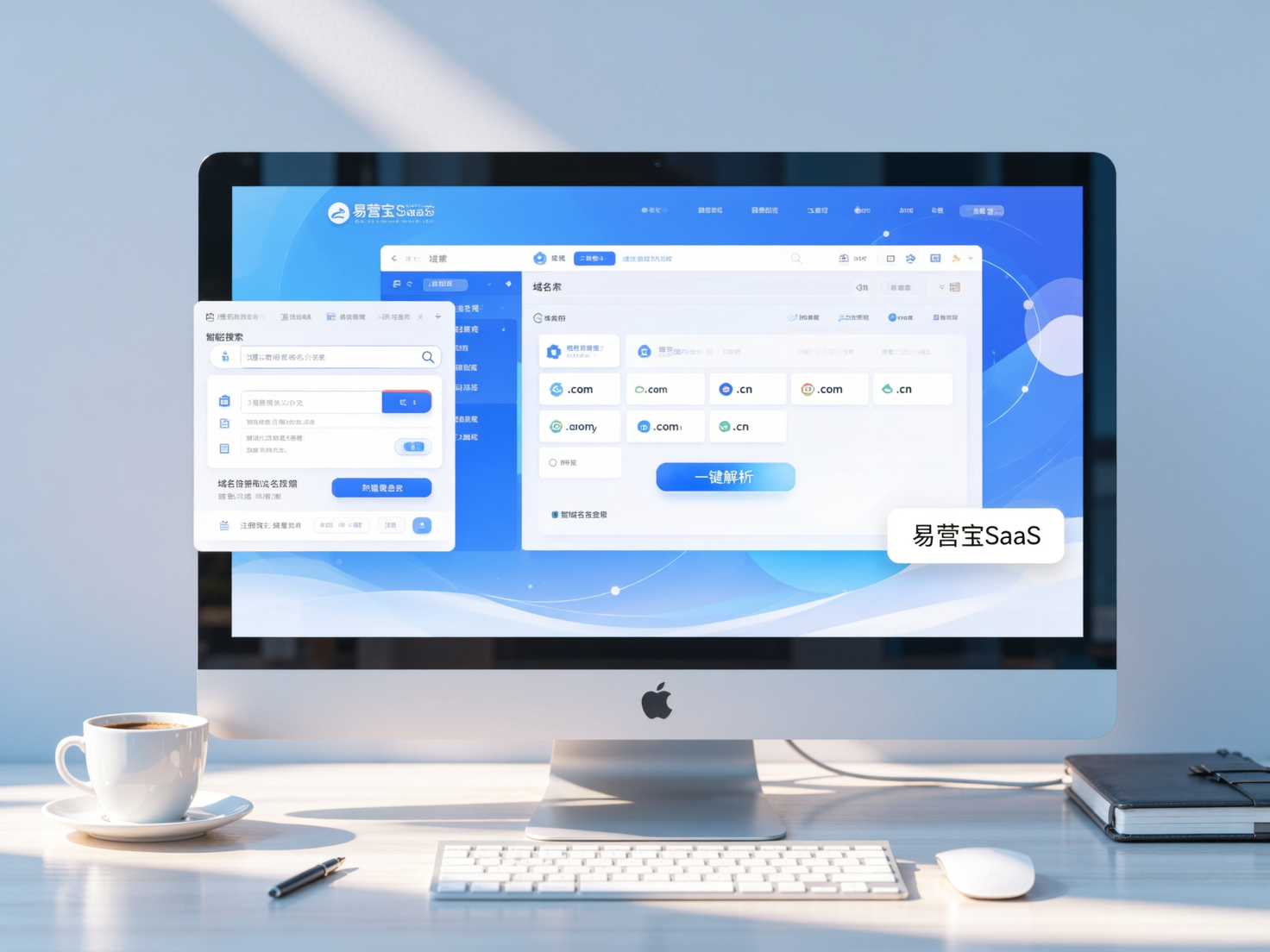
 Yiyingbao SaaS Intelligent Website Building and Marketing SystemYiyingbao SaaS Intelligent Website Building and Marketing System, AI-powered no-code website building, rapid creation of multilingual B2B international websites in 10 minutes, global server acceleration, AI-powered SEO optimization, helping businesses connect efficiently with global markets. The perfect integration of technology and operation makes building an international trade website remarkably simple
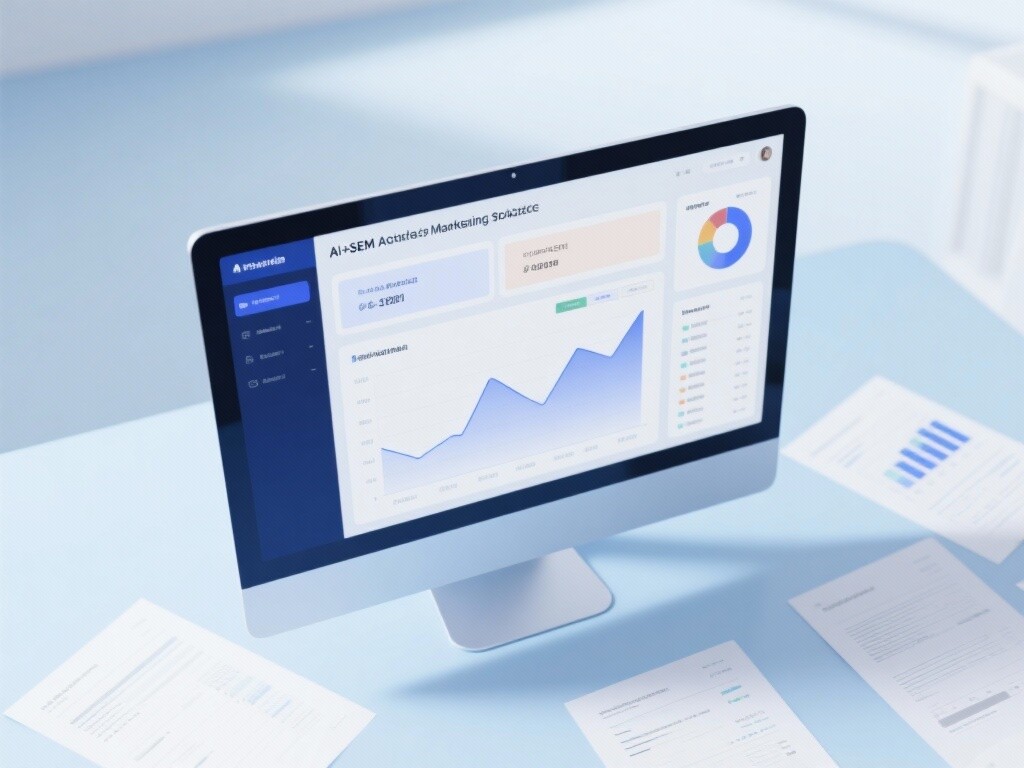
 AI+SEM Intelligent Advertising Marketing SystemAI+SEM drives intelligent ad creation, empowering full-funnel precision advertising marketing. The system automatically generates weekly/monthly reports, AI recommends keywords and target countries, monitors core metrics in real-time with intelligent alerts, and enables one-click high-conversion ad solutions to help quickly acquire customers and improve ROI.
 AI+SEO Dual-Engine System Optimization ServicesYiyingbao’s AI+SEO dual-engine optimization system helps foreign trade enterprises acquire high-quality organic traffic through AI-powered keyword research, content generation, and comprehensive technical optimization, significantly improving search rankings and conversion rates.
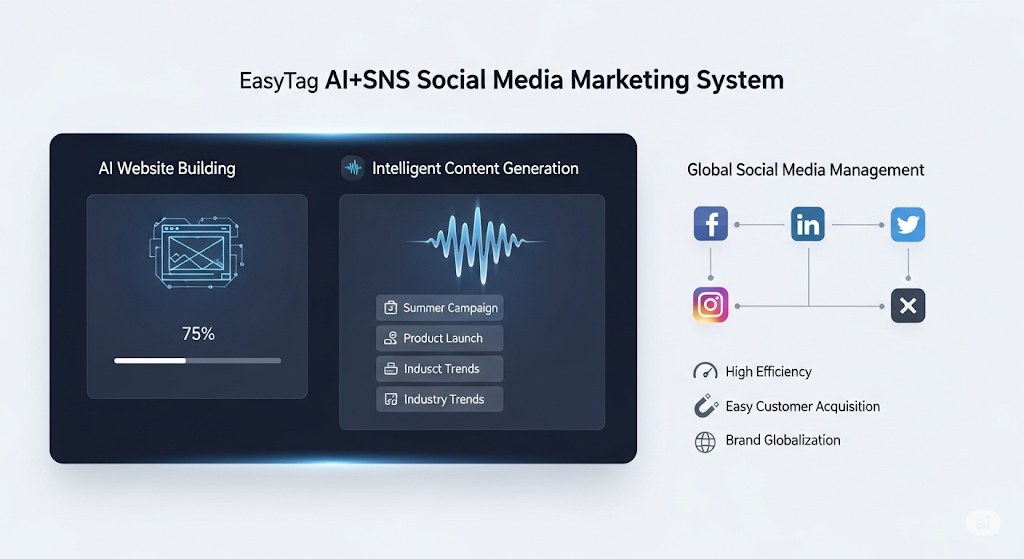
 AI+SNS Social Media Marketing SystemYingbao AI+SNS Social Media Marketing System - Precision social capture for the social media era. Supports one-click content synchronization across major platforms like Facebook and LinkedIn. AI intelligently rewrites posts for enhanced relevance. 24/7 AI customer service and user profiling analysis empower businesses to efficiently expand into global markets.
 AI+SEO营销解决方案易营宝AI+SEO营销解决方案,通过AI批量写作、智能生成TDK、精准关键词扩词等功能,全面优化网站SEO效果,提升流量与转化率。助力企业构建高效智能网站新生态。
 AI+SEM Advertising Marketing SolutionsAI+SEM Advertising Marketing Solution leverages AI technology to deeply empower SEM ad campaigns. It automatically generates weekly/monthly reports using AI, presenting account data across multiple dimensions for comprehensive insights into campaign performance and trends. The system precisely recommends keywords and target countries, intelligently generates high-conversion ad copy, and enables one-click activation of efficient campaign plans to help businesses rapidly acquire customers. Simultaneously, it monitors core metrics in real time, intelligently identifies abnormal fluctuations, and issues timely alerts to ensure stable, high-return advertising results.
 Domain Name ServicesEasyWin provides professional domain name services, including intelligent queries, one-stop registration, brand protection, and full lifecycle management, helping businesses build a digital brand image.
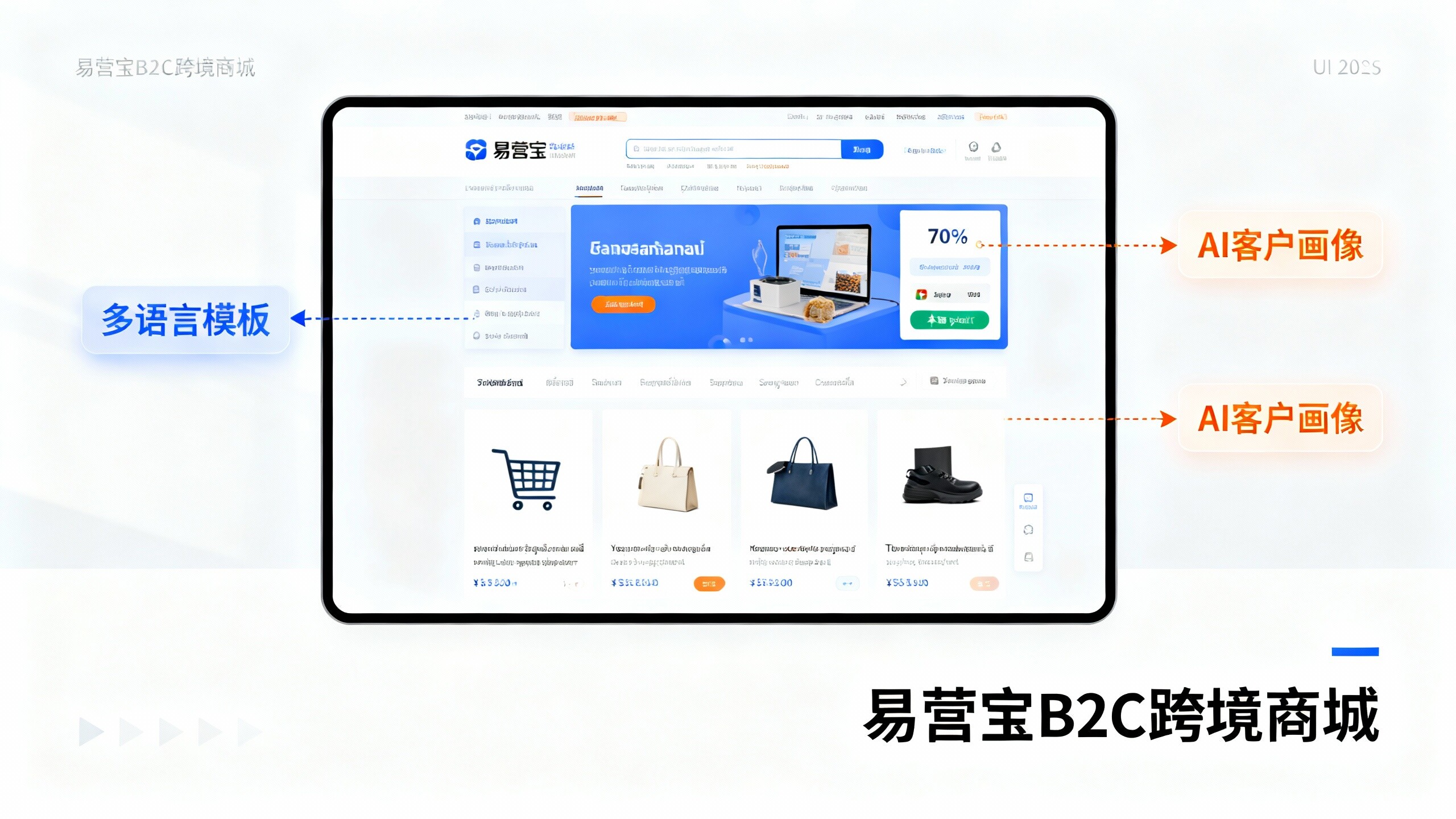
 EasyOperate B2C Cross-Border E-Commerce Platform & Independent WebsiteEasyStore B2C Cross-border E-commerce Independent Store is an intelligent website building and cross-border e-commerce integrated solution independently developed by EasyStore Information Technology (Beijing) Co., Ltd. The system is specially designed for small and medium-sized as well as large export enterprises, integrating 'website building, operation, marketing, advertising, and conversion' into one, helping enterprises quickly establish cross-border e-commerce independent stores to achieve brand globalization and global sales growth.
The platform supports multiple languages, multiple currencies, and multi-channel marketing, with built-in AI intelligent translation and SEO optimization systems, suitable for mainstream markets such as Southeast Asia, Europe and America, Latin America, and the Middle East, assisting Chinese manufacturing enterprises in efficiently deploying international e-commerce strategies. SSL证书易营宝提供专业SSL安全证书服务,包括单域名和泛域名证书,确保网站数据传输加密、身份验证和完整性保护,助力企业建立安全可信的在线业务环境。