








- APEC Shenzhen Spotlight: Cross-Border E-Commerce Orders Promote Asia-Pacific Trade and Economic CooperationNov 08, 2026View details
- China-Europe Railway Express and CIIE Hold Business Matchmaking Event, Focusing on Cross-Border E-commerce B2B ExportsNov 07, 2026View details
- China’s Ministry of Commerce Responds to Additional Charges on Low-Value Imports Imposed by the EUNov 06, 2026View details
- Two Internet Development Reports Released at the 2026 World Internet ConferenceNov 05, 2026View details
- Internet Business Revenue of Enterprises Above the Designated Size Reached RMB 1.716 Trillion in the First Three Quarters, with Profits Up 17.6%Nov 05, 2026View details
- Shopify's Third-Quarter Revenue and GMV Fall Short of Expectations, Sending Shares Tumbling Before the Market OpensNov 04, 2026View details
How Can You Prevent Duplicate Shipments in Cross-Border E-Commerce Order Management?
In cross-border e-commerce order management, shipping an order twice means more than paying an extra shipping fee. It can also lead to inventory discrepancies, customer communications, and returns processing. The problem often isn’t that the warehouse “picked one extra item,” but that information fell through the gaps between the order status, warehouse instructions, and logistics updates. To reduce the risk, every shipment must be supported by a clear instruction, and processing should be paused promptly whenever the status is unclear.
An order marked “Awaiting Shipment” doesn’t necessarily mean the warehouse hasn’t shipped it
A common scenario is that an order has been sent to the warehouse and picked or handed over to the carrier, but the tracking number hasn’t yet been sent back to the e-commerce platform. Customer service sees that the order is still marked “Awaiting Shipment” and asks the warehouse to process it. If the warehouse doesn’t recognize the original task, it may generate another shipping label.
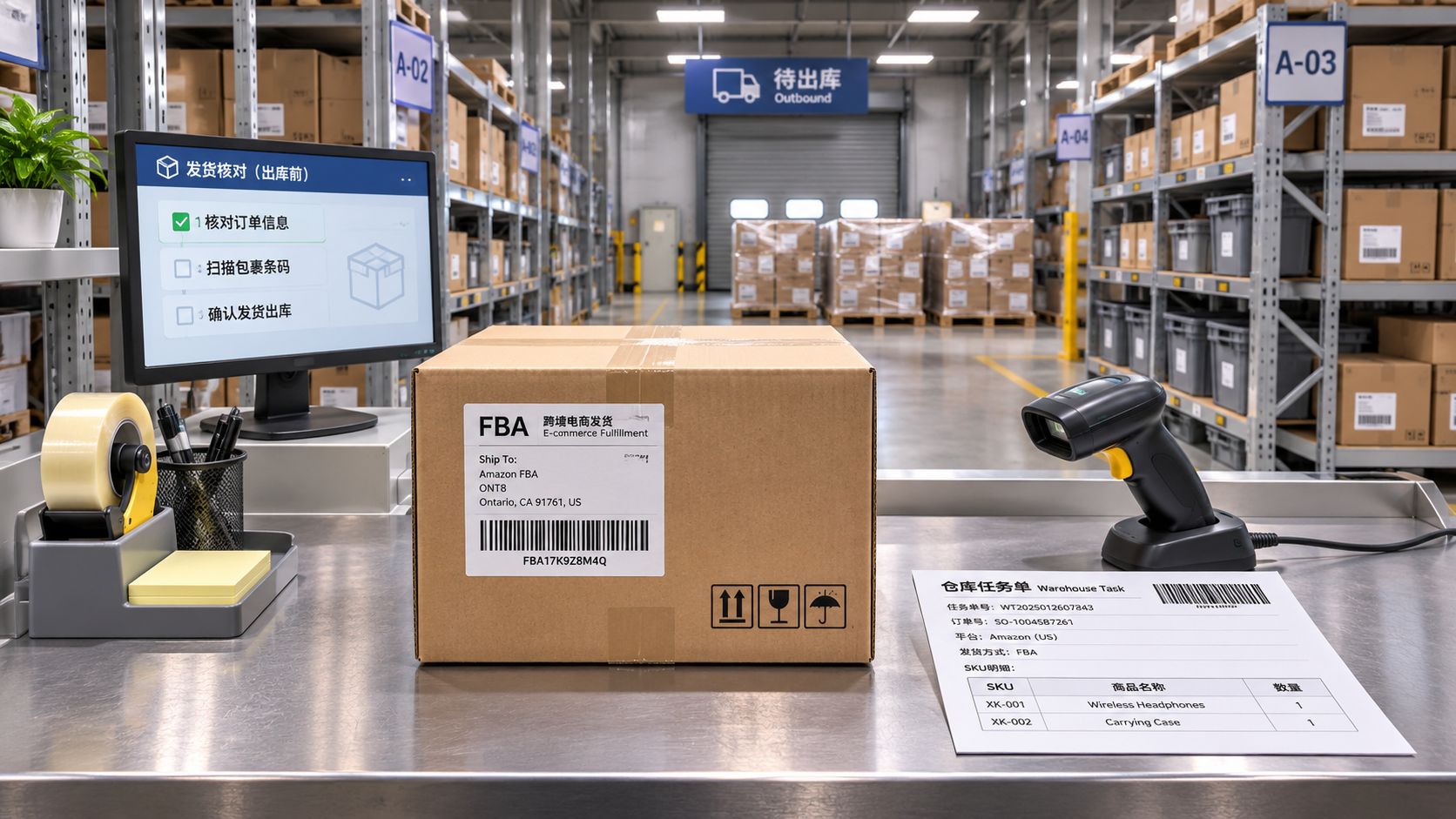
So when handling an order with an unusual status, don’t rely on a single status shown in the e-commerce platform. At a minimum, check the platform order number, warehouse task number, package details, tracking number, and the time of the most recent status update. If the platform shows that the order hasn’t shipped but the warehouse has already recorded picking or packing, first ask the warehouse to confirm where the goods are instead of simply sending the order again.
Also distinguish between “label created” and “handed over to the carrier.” Having a tracking number doesn’t necessarily mean the carrier has collected the package; having no tracking updates doesn’t necessarily mean the warehouse hasn’t shipped it. Confirm the status against the warehouse dispatch record and the carrier’s response, rather than drawing conclusions from a single piece of information.
Clarify each shipping step to prevent multiple people from handling the same order
The longer the fulfillment process, the more important it is to define what each status means. Once an order enters the “Awaiting Shipment” stage, it can be managed using statuses such as “Awaiting Assignment,” “Assigned to Warehouse,” “Picking,” “Packed,” and “Handed Over to Carrier.” The exact labels don’t have to match, but every team member must know which statuses can be changed and which are for viewing or reporting an issue only.
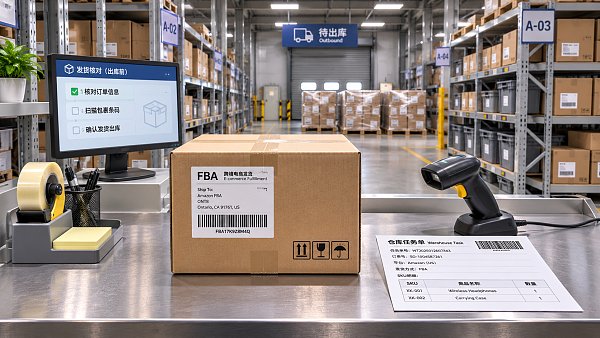
One easily overlooked step is “claiming a task.” If two colleagues open the awaiting-shipment list at the same time and the system lets each of them send the same order to the warehouse, a conflict can arise. If the system supports task locking, check whether a task has already been claimed before acting. If it doesn’t, assign orders to a designated person or use a shared tracking sheet to record the person responsible, processing time, and warehouse response. Manual tracking is less reliable than system-based locking, but safer than relying on verbal handoffs.
Bulk shipments also need a verification step. Before uploading a shipping file, check that it doesn’t include orders that have already been submitted. After submission, keep a record of the results and handle failed, processing, and unconfirmed orders separately. If a page times out, in particular, don’t assume the submission failed. Check the task record first, then confirm with the warehouse or system administrator to avoid generating multiple instructions by clicking repeatedly.
Use different criteria for split shipments, reshipments, and resubmitting orders
Multiple packages for one order don’t necessarily mean duplicate shipping. Multiple shipping labels may be normal when some items are out of stock, different warehouses fulfill the order, or the shipment needs to be split. When checking, compare the products, quantities, and package details: shipping different items from the same order separately is not the same as shipping the same item twice.
Reshipments also need a separate record of the reason, such as damage or a missing item, linked to the original order, the replacement items, and the approver. Don’t simply record a reshipment as “shipped again”; otherwise, it will be difficult during later stock checks to tell whether it was an approved after-sales action or a duplicate dispatch caused by an operational error.
Before resubmitting an order, confirm the outcome of the original instruction. If the warehouse confirms it never received the instruction, retry according to procedure. If the original task is still being processed or records from both sides don’t match, pause and ask the warehouse to investigate. For canceled orders, address changes, or product substitutions, also confirm that the warehouse has stopped the original task. Changing the details in the e-commerce platform alone doesn’t mean the warehouse has received the update.
If a duplicate shipment may have occurred, stop it first and investigate afterward
If you find two similar shipping records, first check the order number and product details to determine whether they represent a normal split shipment or reshipment. If there is a genuine risk of a duplicate shipment, immediately ask the warehouse to hold any packages that haven’t yet been handed over to the carrier. If they have already been handed over, promptly ask the carrier whether they can be intercepted. Treat the interception as successful only once the carrier confirms it. Don’t promise the customer that the package can definitely be recalled while the outcome is still uncertain.
Then keep records of order changes, warehouse dispatches, and tracking numbers, and find out how the duplicate instruction was generated: was it submitted twice by an employee, retried by an interface, or entered as a duplicate task by the warehouse? If customer cooperation is needed, have customer service explain the actual situation and provide a practical way forward. Decide whether the goods should be returned, kept, or handled another way based on their value, shipping costs, and the company’s after-sales policies.
Before connecting your independent store to a warehouse system, clarify a few details
Orders generated through advertising, search, and social media ultimately enter the fulfillment process. When building an independent store, pay attention not only to page conversions but also to how the e-commerce platform exchanges order statuses with warehouse and logistics systems. For example, 易营宝 provides cross-border e-commerce store development and overseas marketing services. For any specific project, however, confirm the system integration capabilities with the service provider and warehouse rather than assuming that all systems have the same duplicate-prevention features.
Details worth verifying in advance include how repeated submissions of the same shipping request are identified; who decides whether to retry after a failure or timeout; how split shipments and reshipments are linked to the original order; and whether task records are available in the platform when tracking-number updates are delayed. The answers to these questions are more relevant to day-to-day operational risk than simply knowing whether the system can connect to a warehouse.
If system upgrades aren’t feasible for now, start by reviewing recent orders with issues and checking for duplicate submissions, delayed status updates, or multiple people handling the same order at once. Making the most error-prone step a mandatory check and clearly defining who is authorized to reship will often be more effective than simply pushing to dispatch orders faster.
Related Articles
 Getting Plenty of Traffic but No Leads from Your B2B Website? Check Your Forms, Content, and Conversion Path
 How to troubleshoot when a website takes more than 5 seconds to load for customers in Mexico?
 How Can You Prevent Duplicate Shipments in Cross-Border E-Commerce Order Management?


Related Products
 Yiyingbao SaaS Intelligent Website Building and Marketing SystemYiyingbao SaaS Intelligent Website Building and Marketing System, AI-powered no-code website building, rapid creation of multilingual B2B international websites in 10 minutes, global server acceleration, AI-powered SEO optimization, helping businesses connect efficiently with global markets. The perfect integration of technology and operation makes building an international trade website remarkably simple
 AI+SEM Intelligent Advertising Marketing SystemAI+SEM drives intelligent ad creation, empowering full-funnel precision advertising marketing. The system automatically generates weekly/monthly reports, AI recommends keywords and target countries, monitors core metrics in real-time with intelligent alerts, and enables one-click high-conversion ad solutions to help quickly acquire customers and improve ROI.
 AI+SEO Dual-Engine System Optimization ServicesYiyingbao’s AI+SEO dual-engine optimization system helps foreign trade enterprises acquire high-quality organic traffic through AI-powered keyword research, content generation, and comprehensive technical optimization, significantly improving search rankings and conversion rates.
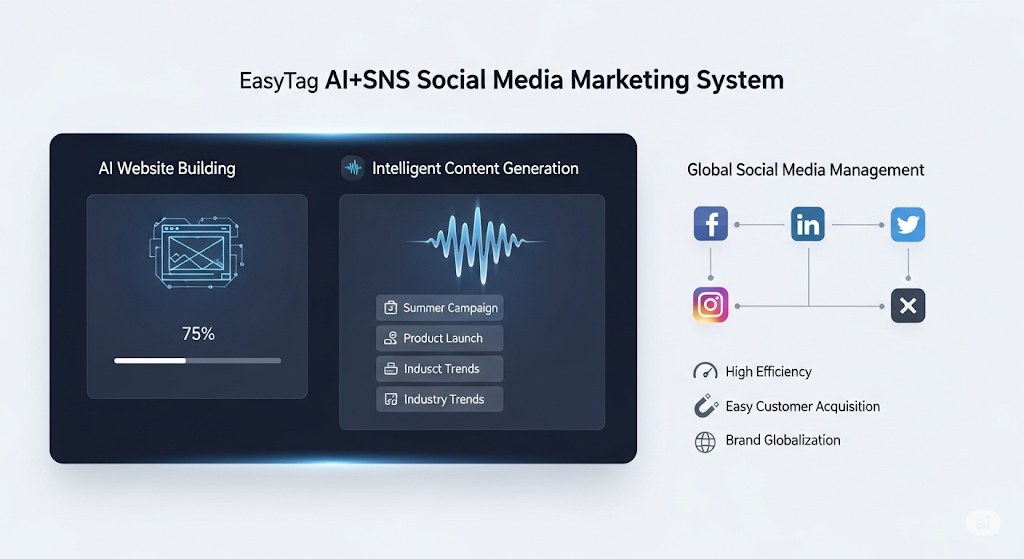
 AI+SNS Social Media Marketing SystemYingbao AI+SNS Social Media Marketing System - Precision social capture for the social media era. Supports one-click content synchronization across major platforms like Facebook and LinkedIn. AI intelligently rewrites posts for enhanced relevance. 24/7 AI customer service and user profiling analysis empower businesses to efficiently expand into global markets.
 AI+SEO营销解决方案易营宝AI+SEO营销解决方案,通过AI批量写作、智能生成TDK、精准关键词扩词等功能,全面优化网站SEO效果,提升流量与转化率。助力企业构建高效智能网站新生态。
 AI+SEM Advertising Marketing SolutionsAI+SEM Advertising Marketing Solution leverages AI technology to deeply empower SEM ad campaigns. It automatically generates weekly/monthly reports using AI, presenting account data across multiple dimensions for comprehensive insights into campaign performance and trends. The system precisely recommends keywords and target countries, intelligently generates high-conversion ad copy, and enables one-click activation of efficient campaign plans to help businesses rapidly acquire customers. Simultaneously, it monitors core metrics in real time, intelligently identifies abnormal fluctuations, and issues timely alerts to ensure stable, high-return advertising results.
 Domain Name ServicesEasyWin provides professional domain name services, including intelligent queries, one-stop registration, brand protection, and full lifecycle management, helping businesses build a digital brand image.
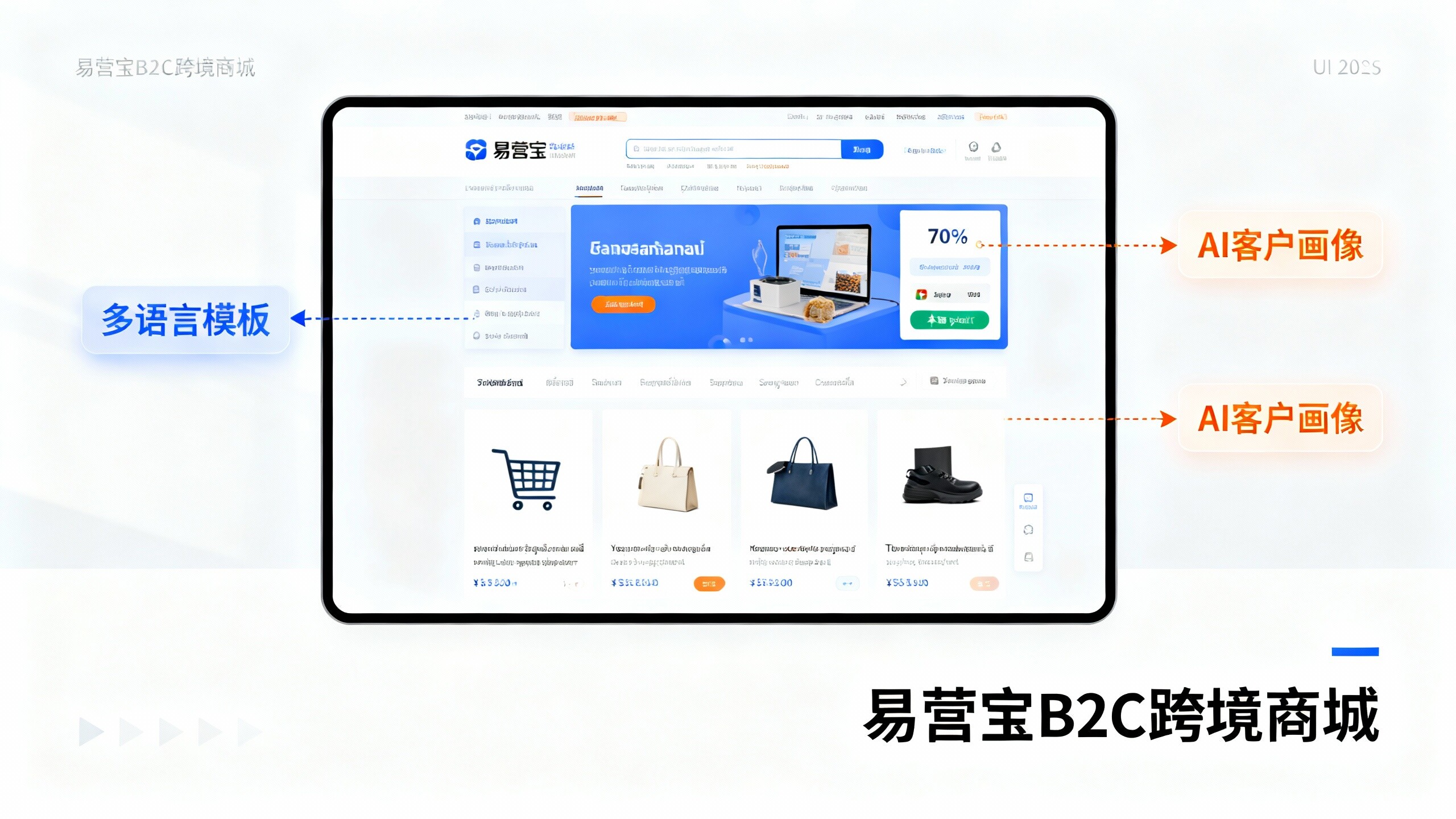
 EasyOperate B2C Cross-Border E-Commerce Platform & Independent WebsiteEasyStore B2C Cross-border E-commerce Independent Store is an intelligent website building and cross-border e-commerce integrated solution independently developed by EasyStore Information Technology (Beijing) Co., Ltd. The system is specially designed for small and medium-sized as well as large export enterprises, integrating 'website building, operation, marketing, advertising, and conversion' into one, helping enterprises quickly establish cross-border e-commerce independent stores to achieve brand globalization and global sales growth.
The platform supports multiple languages, multiple currencies, and multi-channel marketing, with built-in AI intelligent translation and SEO optimization systems, suitable for mainstream markets such as Southeast Asia, Europe and America, Latin America, and the Middle East, assisting Chinese manufacturing enterprises in efficiently deploying international e-commerce strategies. SSL证书易营宝提供专业SSL安全证书服务,包括单域名和泛域名证书,确保网站数据传输加密、身份验证和完整性保护,助力企业建立安全可信的在线业务环境。