





- China’s Tariff Commission of the State Council Adjusts Additional Tariffs on U.S. Goods: 24% Tariff Suspended for Two MonthsNov 10, 2026View details
- APEC Shenzhen Spotlight: Cross-Border E-Commerce Orders Promote Asia-Pacific Trade and Economic CooperationNov 08, 2026View details
- China-Europe Railway Express and CIIE Hold Business Matchmaking Event, Focusing on Cross-Border E-commerce B2B ExportsNov 07, 2026View details
- China’s Ministry of Commerce Responds to Additional Charges on Low-Value Imports Imposed by the EUNov 06, 2026View details
- Two Internet Development Reports Released at the 2026 World Internet ConferenceNov 05, 2026View details
- Internet Business Revenue of Enterprises Above the Designated Size Reached RMB 1.716 Trillion in the First Three Quarters, with Profits Up 17.6%Nov 05, 2026View details
Is Your AI-Generated Website Not Being Indexed by Search Engines? Follow These Steps to Troubleshoot SEO Issues
If an AI-generated website is taking a long time to get indexed, it is not necessarily because it was created using AI. Whether a search engine indexes a page depends on whether the page can be discovered and crawled, whether indexing is allowed, and whether the content is worth keeping. A website opening normally does not mean that search engines see a complete, indexable page.
When addressing an ai generated website seo fix issue, start by using Google Search Console to inspect the specific URL, then use the results to rule out access, indexing directive, and content issues. Do not rush to make bulk keyword changes or regenerate the entire site just because a page has not been indexed.
First, confirm: Is the page really not indexed, or is it just hard to find in search?
After verifying your website property in Google Search Console, use the “URL Inspection” tool at the top of the page and enter the complete URL you want indexed, including the correct protocol, domain, path, and language version. Note the differences between URLs with and without www, trailing slashes, and different parameter formats: they may be treated as different URLs.
Interpret the inspection results separately:
- URL is not on Google: Check the page indexing status to determine whether the page has not yet been discovered, crawling is blocked, or it has been excluded from the index.
- URL is on Google: This does not necessarily mean you can find it using your target keywords. In this case, check the search queries, page relevance, and rankings rather than continuing to treat it as “not indexed.”
- Google has selected a different canonical URL: Check whether the URL actually selected is the expected page. If the pages are duplicates, the search engine may retain only one version.
“Test Live URL” indicates whether the current page can be accessed; it does not mean the page has been indexed. The statuses in the indexing report may not be real-time data. Newly published or updated pages need time for search engines to process them, and indexing is not guaranteed.
Page cannot be crawled: Check publishing, access, and blocking settings
A preview page generated by an AI website builder does not mean the page has been officially published. Open the target URL in an incognito window to confirm that it does not require a login, CAPTCHA, or access from a specific regional network. Also check that DNS resolution and HTTPS are working properly. Some website-building platforms have settings such as “site not launched” or “preview only”; make sure these are turned off.
Next, check the status code returned by the server. The target page should return 200 normally. If it returns 404, check whether the page has been deleted or its path has changed. If it repeatedly returns 5xx, investigate a server, hosting service, or platform issue. Firewalls and anti-crawling rules may also mistakenly block search engine crawlers; verify this using server logs or the platform’s security settings.
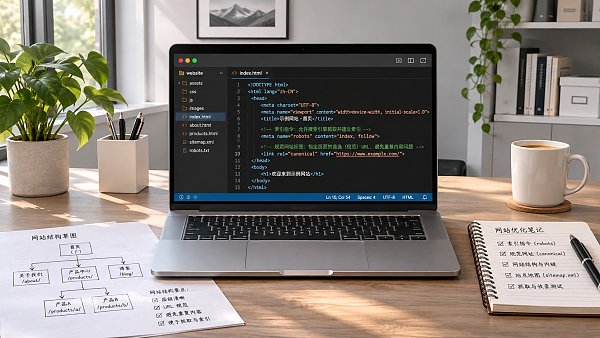
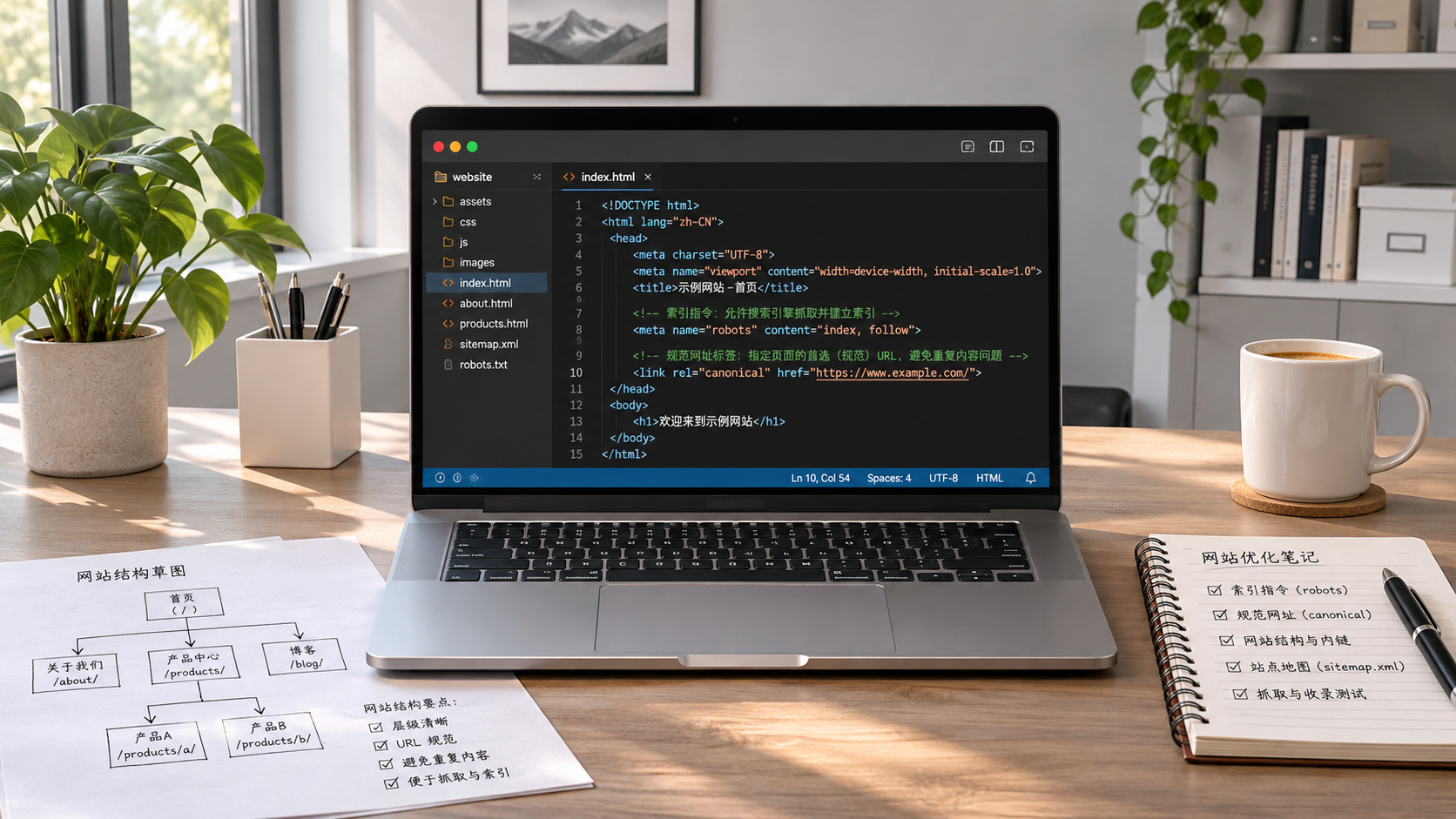
Then check whether robots.txt disallows crawling of the target path. It controls crawling permissions and is not a reliable tool for “preventing indexing”: a blocked URL may still be discovered through external links or other means. If you want the page to appear in search, remove the relevant crawling restrictions. If you need to explicitly prevent indexing, use an indexing directive such as noindex while allowing crawling.
Accessible but not indexed: Check indexing directives and canonical URLs
An AI website-building system may have added noindex to a page during testing and failed to remove it when the page was published. Check the meta robots tag in the page HTML, and also check whether the HTTP response header contains X-Robots-Tag: noindex. If you want the page indexed, remove the relevant directive, then test it again using the URL Inspection tool.
Also check where the canonical tag points. For example, if an English product page incorrectly sets the Chinese homepage as its canonical URL, search engines may consolidate the signals to the homepage. The canonical URL should match the page’s actual purpose and point to an accessible, indexable version. It is a hint, not a binding instruction; Google may still select a different canonical page.
Multilingual websites are particularly prone to similar issues: all language pages may share the same title, have body text with only minimal translation, or point to the same canonical URL. Make sure each language version has its own accessible URL and corresponding language content. When using hreflang, ensure that the language and region annotations match the target page. hreflang indicates relationships between alternate versions; it does not replace correct canonical URL settings.
Discovered or crawled but still not indexed: Check content and links
If the report shows that a page has been discovered or crawled but not yet indexed, the issue is not necessarily a technical fault. Search engines need to decide whether and when to process a page. Submitting a URL or sitemap does not guarantee indexing.
For pages generated in bulk with AI, check whether they merely replace product names, country names, or a few keywords. For an export product page, for example, provide as much product-specific information as possible, such as specification ranges, applicable conditions, materials, delivery details, or customization options. Do not let AI invent parameters that cannot be verified. If multiple pages target the same need and have highly duplicated content, consider consolidating them, improving their differentiation, or keeping the version that genuinely needs to appear in search.
Also check whether the page can be reached through internal links on the website. Important product pages should have clear navigation or links from related pages, rather than being accessible only by entering the URL directly. An XML sitemap can help search engines discover URLs, but it should list only canonical pages that you want indexed and that are accessible, and it should be submitted in Search Console. It cannot replace internal links or override restrictions such as noindex.
Some website-building systems rely on JavaScript to load the body content. The fact that content is visible in a browser does not mean search engines can retrieve it successfully every time. In the live test results in URL Inspection, review the rendered page and loading status to confirm that the title, body text, and important links appear. If core content is missing, check for script errors and API access restrictions, and ask the platform to provide an output format that is easier to crawl.
Recheck after fixing, based on the type of issue
Prioritize one clearly identified issue at a time. For example, after removing an incorrectly added noindex, test the URL again and confirm that the directive is gone. After fixing the canonical URL, check that the tag points to the correct page. After adjusting the content, confirm that the page has been published and is accessible through internal links. You can then request indexing in Search Console or start validation for the relevant report. Repeatedly submitting the same URL does not guarantee faster indexing.
If your business needs traffic while waiting for organic search indexing, you can manage ad campaigns separately from SEO. For example, the AI+SEM Advertising Solutions provide features such as keyword and target-country recommendations, ad copy generation, and account data monitoring. However, running ads is not the same as getting indexed in organic search, and it cannot replace fixing page crawling, indexing, or content quality issues.
During follow-up checks, keep a record of the target URL, its original status, the changes made, and the results of subsequent tests. If the page still cannot be crawled, continue checking access and platform settings. If the page can be crawled and is allowed to be indexed but remains unindexed for a long time, revisit content uniqueness, duplicate pages, and internal discovery paths rather than simply attributing the issue to “AI-generated content.”
Related Articles
 Can an AI website builder demo show how pages look on mobile?
 Is Your AI-Generated Website Not Being Indexed by Search Engines? Follow These Steps to Troubleshoot SEO Issues
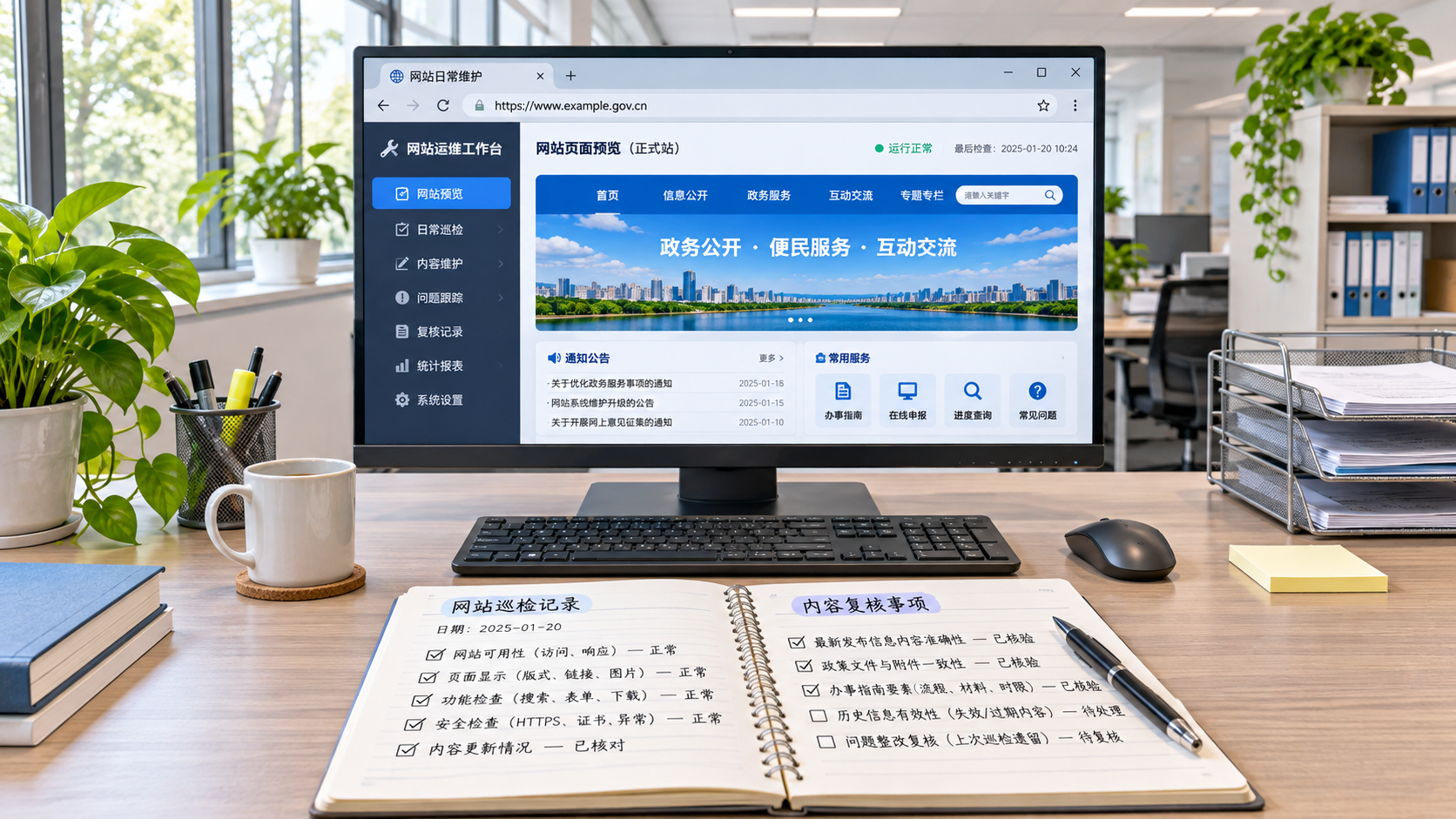
 What Website Maintenance Tasks Can AI Handle? Automated Monitoring, Updates, and Human Review

Related Products
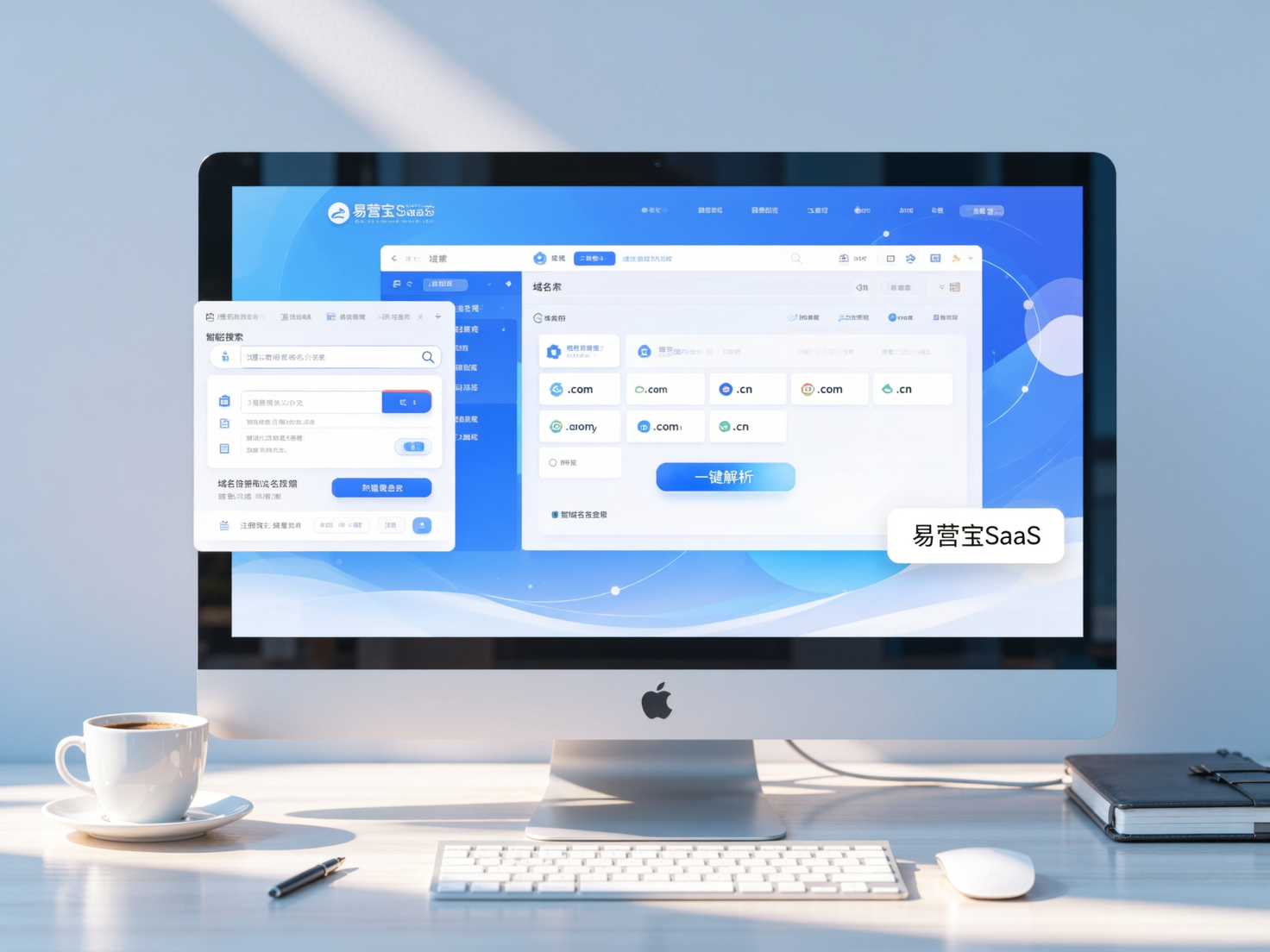
 Yiyingbao SaaS Intelligent Website Building and Marketing SystemYiyingbao SaaS Intelligent Website Building and Marketing System, AI-powered no-code website building, rapid creation of multilingual B2B international websites in 10 minutes, global server acceleration, AI-powered SEO optimization, helping businesses connect efficiently with global markets. The perfect integration of technology and operation makes building an international trade website remarkably simple
 AI+SEM Intelligent Advertising Marketing SystemAI+SEM drives intelligent ad creation, empowering full-funnel precision advertising marketing. The system automatically generates weekly/monthly reports, AI recommends keywords and target countries, monitors core metrics in real-time with intelligent alerts, and enables one-click high-conversion ad solutions to help quickly acquire customers and improve ROI.
 AI+SEO Dual-Engine System Optimization ServicesYiyingbao’s AI+SEO dual-engine optimization system helps foreign trade enterprises acquire high-quality organic traffic through AI-powered keyword research, content generation, and comprehensive technical optimization, significantly improving search rankings and conversion rates.
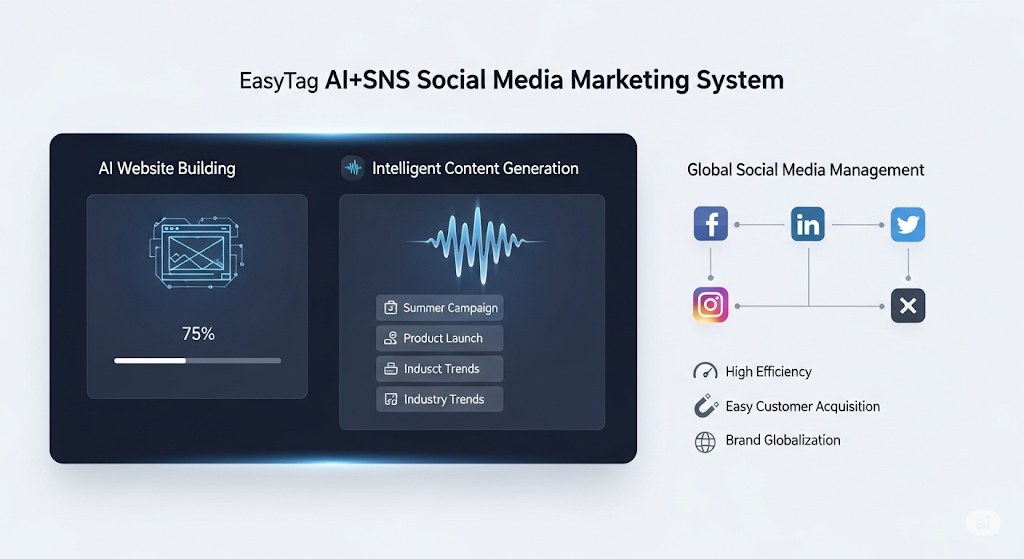
 AI+SNS Social Media Marketing SystemYingbao AI+SNS Social Media Marketing System - Precision social capture for the social media era. Supports one-click content synchronization across major platforms like Facebook and LinkedIn. AI intelligently rewrites posts for enhanced relevance. 24/7 AI customer service and user profiling analysis empower businesses to efficiently expand into global markets.
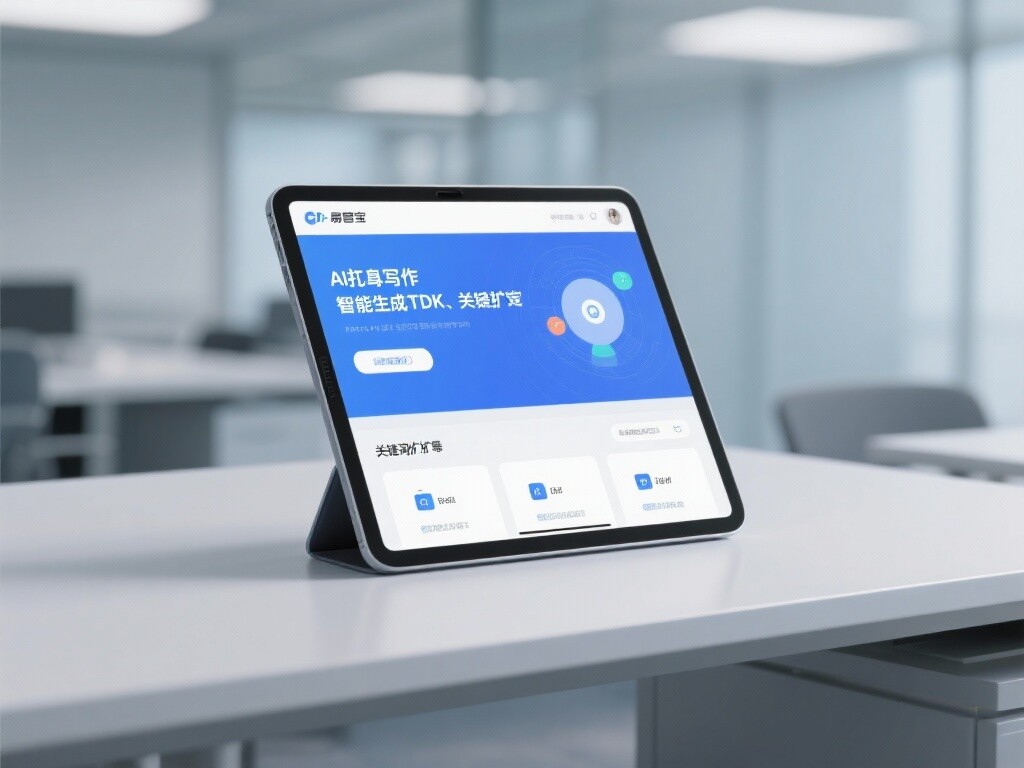
 AI+SEO营销解决方案易营宝AI+SEO营销解决方案,通过AI批量写作、智能生成TDK、精准关键词扩词等功能,全面优化网站SEO效果,提升流量与转化率。助力企业构建高效智能网站新生态。
 AI+SEM Advertising Marketing SolutionsAI+SEM Advertising Marketing Solution leverages AI technology to deeply empower SEM ad campaigns. It automatically generates weekly/monthly reports using AI, presenting account data across multiple dimensions for comprehensive insights into campaign performance and trends. The system precisely recommends keywords and target countries, intelligently generates high-conversion ad copy, and enables one-click activation of efficient campaign plans to help businesses rapidly acquire customers. Simultaneously, it monitors core metrics in real time, intelligently identifies abnormal fluctuations, and issues timely alerts to ensure stable, high-return advertising results.
 Domain Name ServicesEasyWin provides professional domain name services, including intelligent queries, one-stop registration, brand protection, and full lifecycle management, helping businesses build a digital brand image.
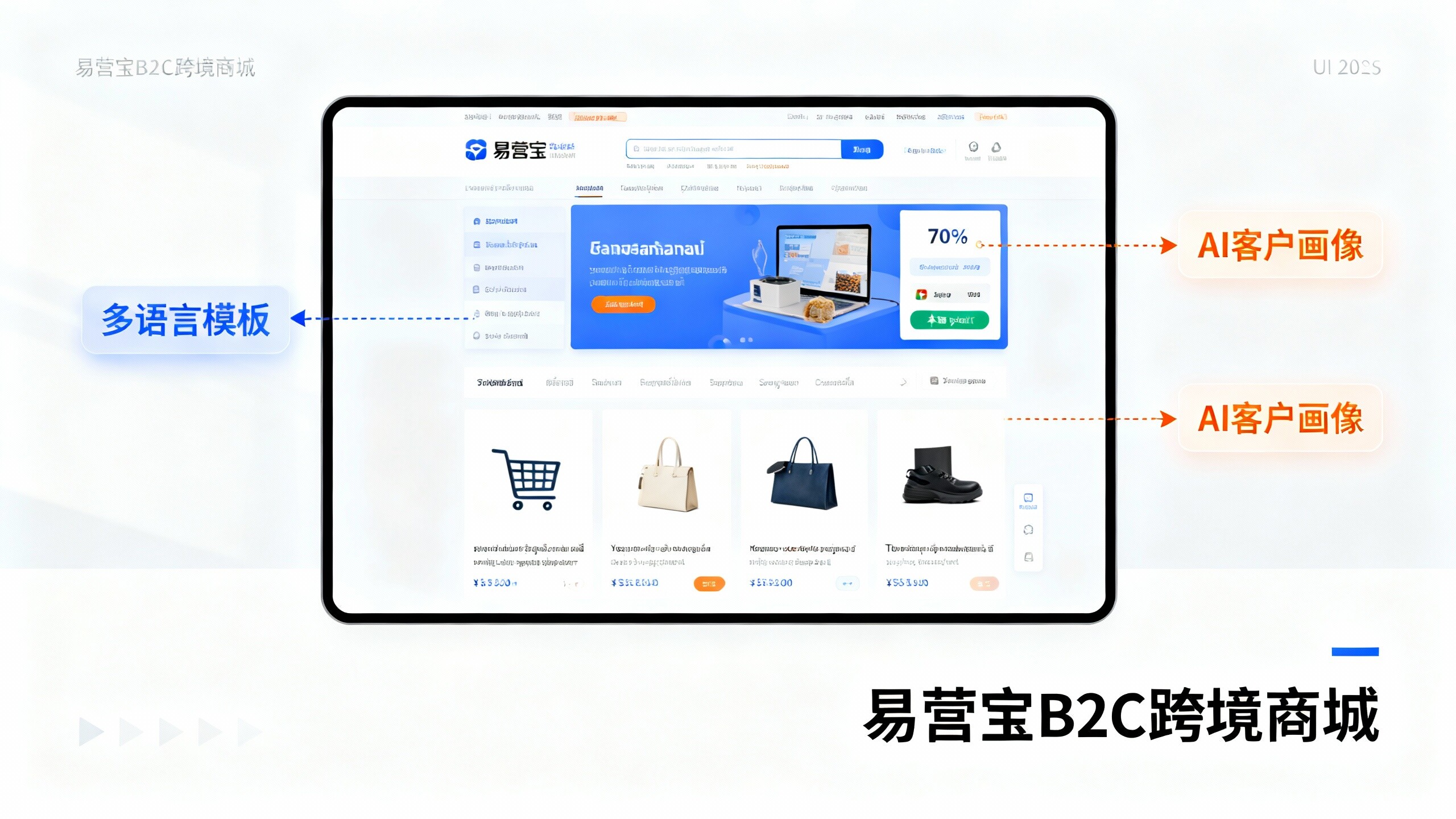
 EasyOperate B2C Cross-Border E-Commerce Platform & Independent WebsiteEasyStore B2C Cross-border E-commerce Independent Store is an intelligent website building and cross-border e-commerce integrated solution independently developed by EasyStore Information Technology (Beijing) Co., Ltd. The system is specially designed for small and medium-sized as well as large export enterprises, integrating 'website building, operation, marketing, advertising, and conversion' into one, helping enterprises quickly establish cross-border e-commerce independent stores to achieve brand globalization and global sales growth.
The platform supports multiple languages, multiple currencies, and multi-channel marketing, with built-in AI intelligent translation and SEO optimization systems, suitable for mainstream markets such as Southeast Asia, Europe and America, Latin America, and the Middle East, assisting Chinese manufacturing enterprises in efficiently deploying international e-commerce strategies. SSL证书易营宝提供专业SSL安全证书服务,包括单域名和泛域名证书,确保网站数据传输加密、身份验证和完整性保护,助力企业建立安全可信的在线业务环境。