






- 21st Century Business Herald: AI and CTV Become Core Growth Engines for Digital Marketing in Overseas MarketsNov 18, 2026View details
- China Presents 25 Cooperation Outcomes in Areas Including Cross-Border E-Commerce During APECNov 18, 2026View details
- AI Products Drive Hong Kong Exports Up 64.9% in September, Fastest Growth in Over 40 YearsNov 17, 2026View details
- National Bureau of Statistics: Foreign trade grew rapidly in October, providing stable support for global tradeNov 17, 2026View details
- The U.S. has ended the $800 de minimis exemption for non-postal shipments; express courier packages must be formally declared.Nov 16, 2026View details
- ASEAN Signs Digital Economy Framework Agreement, Moving Toward Harmonized Cross-Border E-Commerce RulesNov 15, 2026View details
How can you verify page editability in an AI website builder demo?
Can pages in an AI website builder demo really be edited? Technical evaluators should verify actual capabilities by modifying content, adjusting layouts, and checking publishing results. Generation speed and the homepage’s visual appeal are immediately apparent, but they do not prove that, after handover, operations staff can independently update products, adjust advertising landing pages, and maintain multiple languages.
The key to assessing editability is not simply asking, “Can this be changed?” Instead, give the provider a real business requirement and ask them to complete the change and publish it in the demo environment. Then check whether the change affects other pages. Seeing a change in the preview does not mean the task has been completed.
Bring your own materials instead of relying only on preset workflows
Before the demo, prepare a product image with dimensions different from those of the template, a longer product description, and a specific task. For example: replace the homepage hero image, add a product application section, change the inquiry button to link to a specified form, and check how it displays on mobile. The materials do not need to be complex, but they should resemble situations that arise in day-to-day operations.
Whenever possible, ask for the task to be performed using a standard operations account rather than just watching a technical specialist demonstrate it with an administrator account. If the production version has limitations based on subscription plan, permissions, or additional fees, confirm that the demo environment matches the version you intend to purchase. A feature being available in the demo does not mean every account can use it after delivery.
Record which steps require code changes, contacting the service provider, or switching to another admin system. Depending on technical support is not necessarily a problem, but if your company plans for the marketing team to maintain pages frequently, these dependencies will directly affect future workloads and response times.
Start with text and images to identify the limits of editing
First, edit the title, body text, button copy, and link. Check whether you can edit them directly on the page or have to locate the corresponding fields. Then replace an image and try cropping it, adjusting its display area, and adding alt text. If the replacement image is stretched, its subject is cropped out, or the old image still appears on mobile, ask a follow-up question: was the editing method incorrect, or is the component itself limited?
Product listings deserve particular attention. Some platforms allow individual product fields to be edited, while the listing style, sort order, or number of items displayed is constrained by the template. Other platforms link product data to page modules, so a change in one place is reflected in multiple locations. Either approach may be suitable; what matters is whether you can understand the scope of changes in advance and whether it fits your company’s maintenance practices.
Also confirm how shared content such as headers, footers, and contact details is managed. Ask the demo presenter to change the footer email, then check several different pages: does the change apply across the site? Can it be configured separately for a particular language version? Centrally managing shared modules can reduce repetitive work, but the inability to override them can be a limitation when an advertising landing page needs its own contact details.
When adjusting layouts, focus on components and responsive rules
Being able to replace content does not mean you can change the page structure. Ask the presenter to add a text-and-image module, move it above the product listing, and remove an unnecessary section. Check whether modules can only be placed in positions reserved by the template, whether you can adjust the number of columns, spacing, and button placement within a module, and whether the changes disrupt existing content.
More flexibility is not always better. A B2B export website usually needs consistent brand styling, so restricting fonts and colors may actually make collaboration easier. Advertising landing pages, however, often need to test different selling-point sequences and form positions. If components are too restrictive, every optimization may require redevelopment. When selecting a platform, assess it according to the intended use of each page rather than simply comparing the number of draggable components.
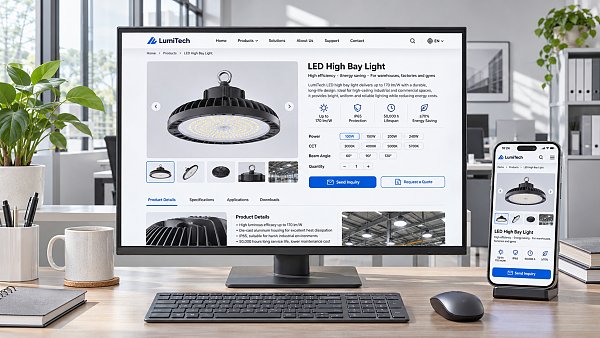
After making layout changes, switch between desktop, tablet, and mobile previews. Pay particular attention to text wrapping, image cropping, button tap targets, and whether forms extend beyond the screen. A preview is only a preliminary check; after publishing to a test URL, access the page on a real phone as well. If the system supports separate mobile styling, confirm whether those settings affect the desktop version and whether they are retained when pages are duplicated.
Check after publishing: has the marketing workflow been disrupted?
When a website and marketing services are integrated, editing the page is only the first half of the process. After publishing a test page, open it in an incognito window or on another device and check that the new content is live. If you see the old version, determine whether it has not been published yet, cache updates are delayed, or the changes were saved to the wrong page. Also confirm whether the system supports drafts, previews, scheduled publishing, and version restoration, and whether restoring a version affects a single page or the entire site.
For an inquiry page, submit a test form and verify required-field validation, the success message, where notifications are sent, and whether the submission appears in the admin system. A button opening a form does not necessarily mean the lead has entered your company’s follow-up process. If the form is connected to a customer management system or email notifications, also confirm integration permissions, field mapping, and how to troubleshoot failures.
For pages used in search and advertising, check where to configure the page title, description, URL path, redirect rules, and tracking code. If the URL is changed, can the old link be redirected? After duplicating a landing page, do tracking settings need to be checked again? These details reveal more than general claims such as “supports search optimization.” Editing a page does not guarantee search engine indexing or advertising results; actual performance still depends on content, configuration, and ongoing operations.
Multilingual support and permissions determine long-term maintenance costs
For a multilingual website, do not test automatic translation alone. Choose a product page and edit the title, image, and inquiry button separately in Chinese and another language. Confirm whether content is shared, duplicated, or maintained independently. For example, if different markets use different contact details, can a shared module be overridden? During the demo, clarify whether updating the original-language version will overwrite other languages, prompt an update, or leave them unchanged.
Permissions also need to be tested in practice. Ask a standard editor account to modify a page, submit it for review, and publish it, then check whether an administrator can restrict access to site-wide settings or critical marketing code. If multiple people will collaborate, also confirm whether activity logs can be traced to individual accounts, who can restore an accidentally deleted page, and what the restoration covers.
For platforms such as 易营宝 that cover smart website building, search optimization, and overseas marketing services, evaluate not only the website editor but also how pages, forms, and subsequent marketing management actually work together. The specific features, permissions, and service boundaries remain subject to the version under consideration and the project agreement. Before the demo ends, record operations that cannot be completed independently, features that require additional activation, and fees that still need confirmation. This is more useful than keeping only a feature checklist.
Related Articles
 How can you verify the accuracy of product copy generated by an AI website builder?
 How can you verify page editability in an AI website builder demo?
 What do you need to prepare to build a corporate website with the Yiyingbao AI Website Builder?

Related Products
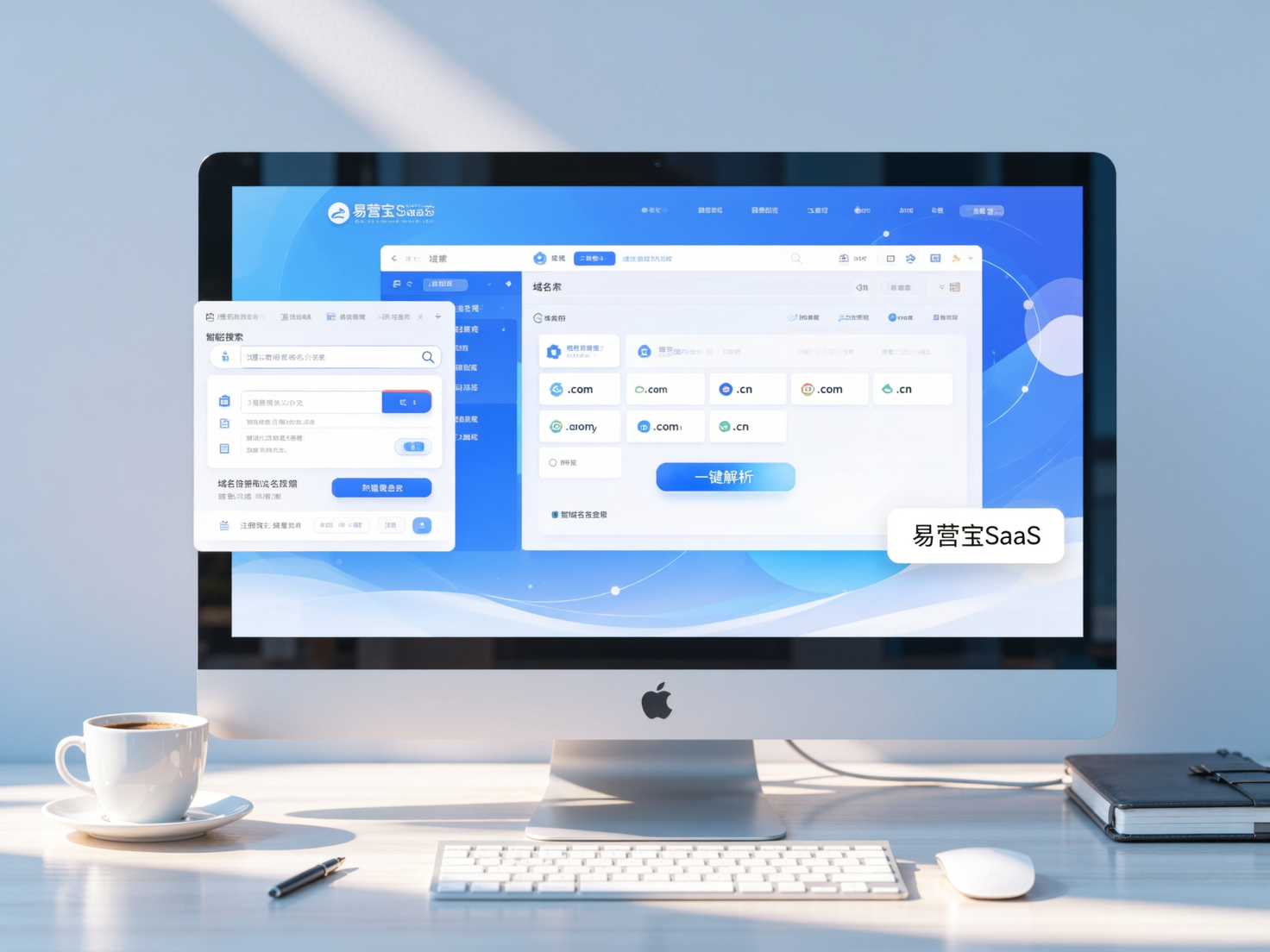
 Yiyingbao SaaS Intelligent Website Building and Marketing SystemYiyingbao SaaS Intelligent Website Building and Marketing System, AI-powered no-code website building, rapid creation of multilingual B2B international websites in 10 minutes, global server acceleration, AI-powered SEO optimization, helping businesses connect efficiently with global markets. The perfect integration of technology and operation makes building an international trade website remarkably simple
 AI+SEM Intelligent Advertising Marketing SystemAI+SEM drives intelligent ad creation, empowering full-funnel precision advertising marketing. The system automatically generates weekly/monthly reports, AI recommends keywords and target countries, monitors core metrics in real-time with intelligent alerts, and enables one-click high-conversion ad solutions to help quickly acquire customers and improve ROI.
 AI+SEO Dual-Engine System Optimization ServicesYiyingbao’s AI+SEO dual-engine optimization system helps foreign trade enterprises acquire high-quality organic traffic through AI-powered keyword research, content generation, and comprehensive technical optimization, significantly improving search rankings and conversion rates.
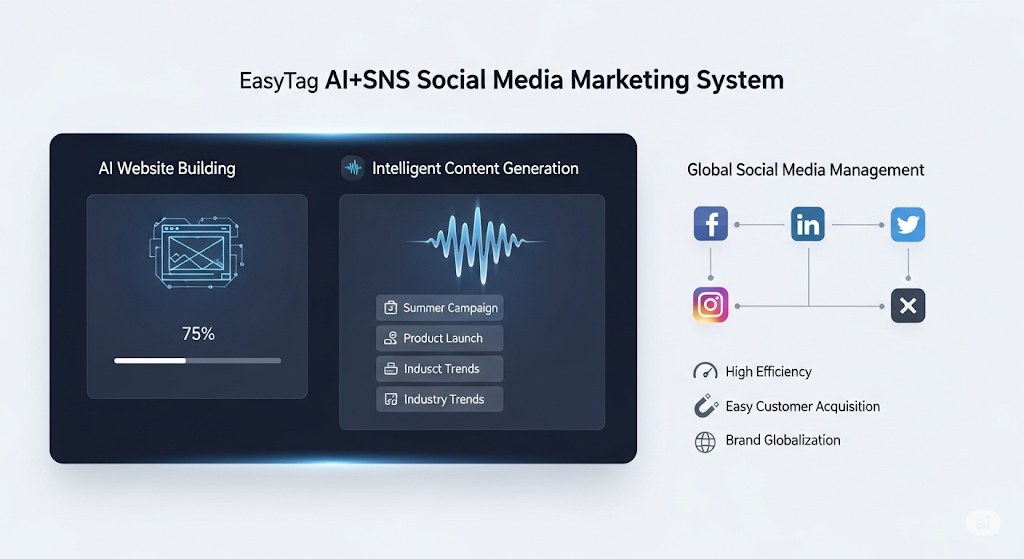
 AI+SNS Social Media Marketing SystemYingbao AI+SNS Social Media Marketing System - Precision social capture for the social media era. Supports one-click content synchronization across major platforms like Facebook and LinkedIn. AI intelligently rewrites posts for enhanced relevance. 24/7 AI customer service and user profiling analysis empower businesses to efficiently expand into global markets.
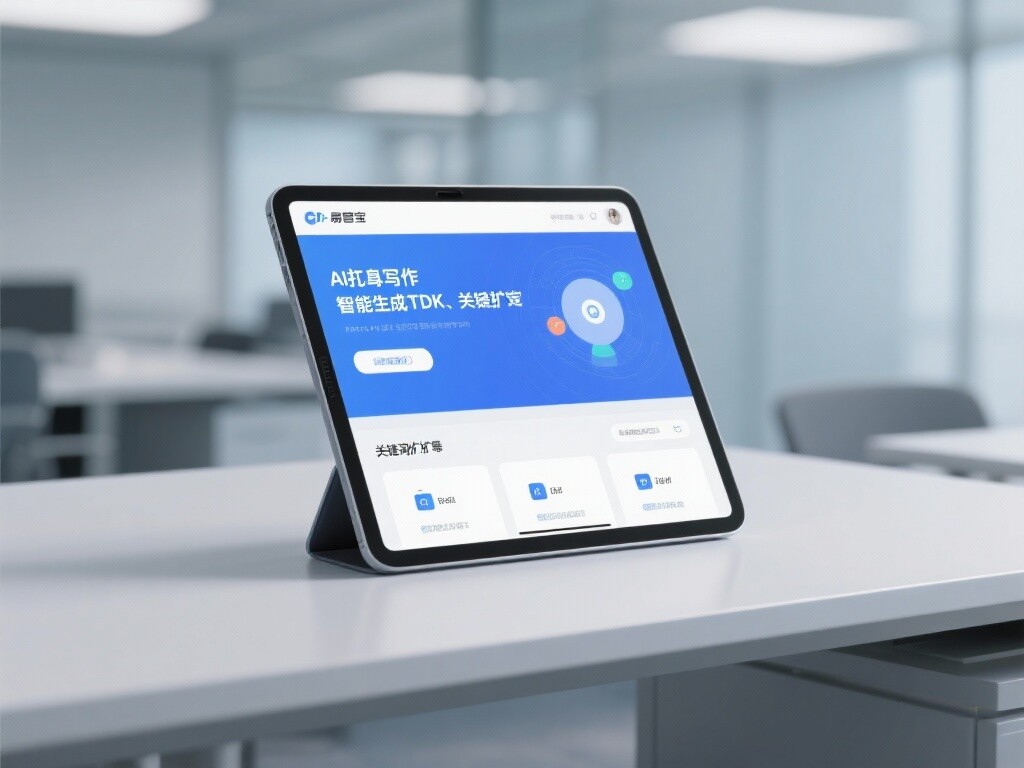
 AI+SEO营销解决方案易营宝AI+SEO营销解决方案,通过AI批量写作、智能生成TDK、精准关键词扩词等功能,全面优化网站SEO效果,提升流量与转化率。助力企业构建高效智能网站新生态。
 AI+SEM Advertising Marketing SolutionsAI+SEM Advertising Marketing Solution leverages AI technology to deeply empower SEM ad campaigns. It automatically generates weekly/monthly reports using AI, presenting account data across multiple dimensions for comprehensive insights into campaign performance and trends. The system precisely recommends keywords and target countries, intelligently generates high-conversion ad copy, and enables one-click activation of efficient campaign plans to help businesses rapidly acquire customers. Simultaneously, it monitors core metrics in real time, intelligently identifies abnormal fluctuations, and issues timely alerts to ensure stable, high-return advertising results.
 Domain Name ServicesEasyWin provides professional domain name services, including intelligent queries, one-stop registration, brand protection, and full lifecycle management, helping businesses build a digital brand image.
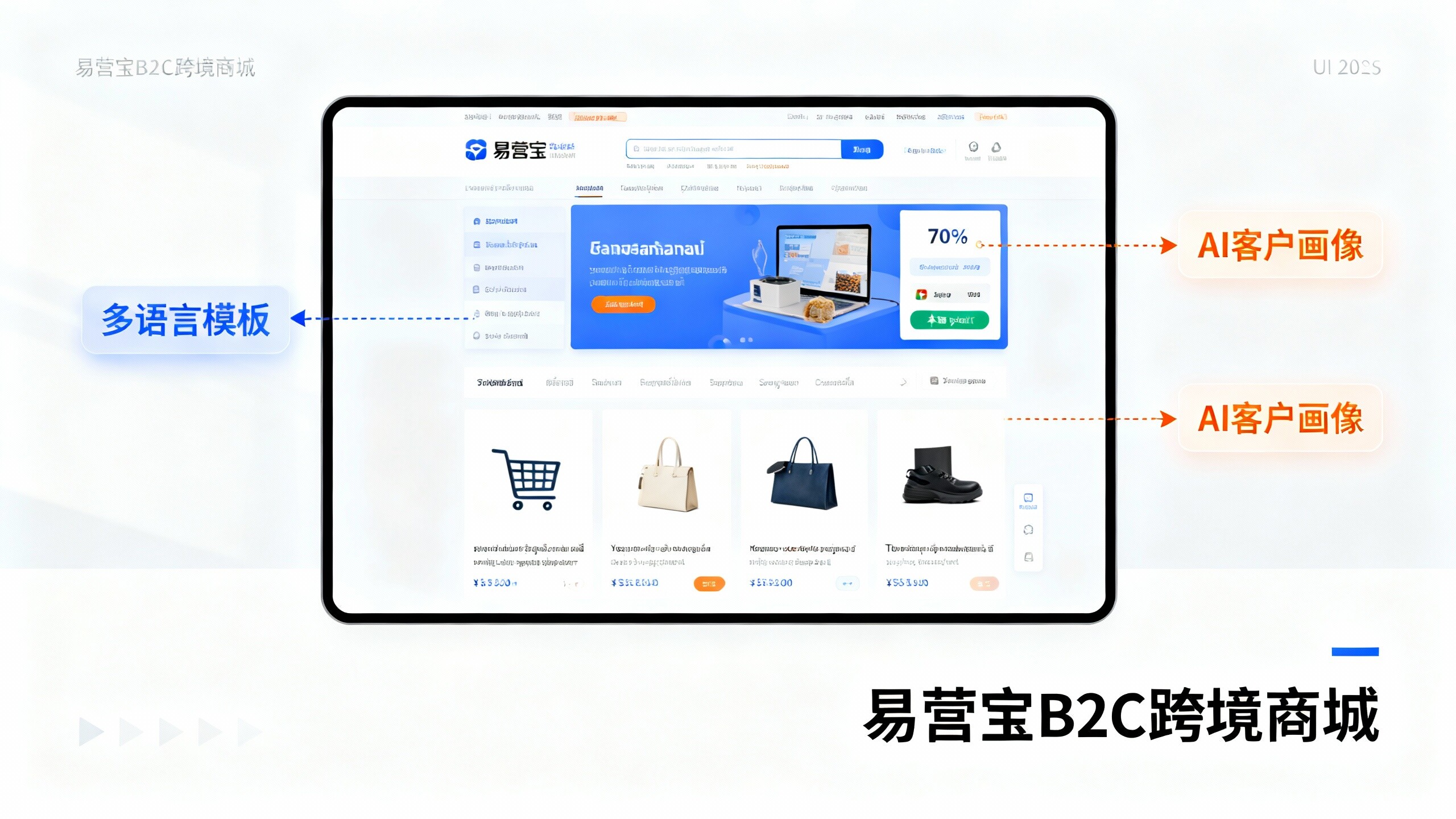
 EasyOperate B2C Cross-Border E-Commerce Platform & Independent WebsiteEasyStore B2C Cross-border E-commerce Independent Store is an intelligent website building and cross-border e-commerce integrated solution independently developed by EasyStore Information Technology (Beijing) Co., Ltd. The system is specially designed for small and medium-sized as well as large export enterprises, integrating 'website building, operation, marketing, advertising, and conversion' into one, helping enterprises quickly establish cross-border e-commerce independent stores to achieve brand globalization and global sales growth.
The platform supports multiple languages, multiple currencies, and multi-channel marketing, with built-in AI intelligent translation and SEO optimization systems, suitable for mainstream markets such as Southeast Asia, Europe and America, Latin America, and the Middle East, assisting Chinese manufacturing enterprises in efficiently deploying international e-commerce strategies. SSL证书易营宝提供专业SSL安全证书服务,包括单域名和泛域名证书,确保网站数据传输加密、身份验证和完整性保护,助力企业建立安全可信的在线业务环境。