








- Fujian Announces the First Batch of Provincial-Level Cross-Border E-Commerce Industrial Parks and Key Brands for CultivationNov 14, 2026View details
- Amazon Global Store Announces the Launch of the 2026 Black Friday Global Shopping SeasonNov 14, 2026View details
- CCTV.com Examines APEC’s Role in China’s Foreign TradeNov 12, 2026View details
- China’s Tariff Commission of the State Council Adjusts Additional Tariffs on U.S. Goods: 24% Tariff Suspended for Two MonthsNov 10, 2026View details
- APEC Shenzhen Spotlight: Cross-Border E-Commerce Orders Promote Asia-Pacific Trade and Economic CooperationNov 08, 2026View details
- China-Europe Railway Express and CIIE Hold Business Matchmaking Event, Focusing on Cross-Border E-commerce B2B ExportsNov 07, 2026View details
How Does Website Experience Affect Conversion Rates? Start by Checking Loading Speed
How Does Website Experience Affect Conversion Rates? Start by Checking Loading Speed
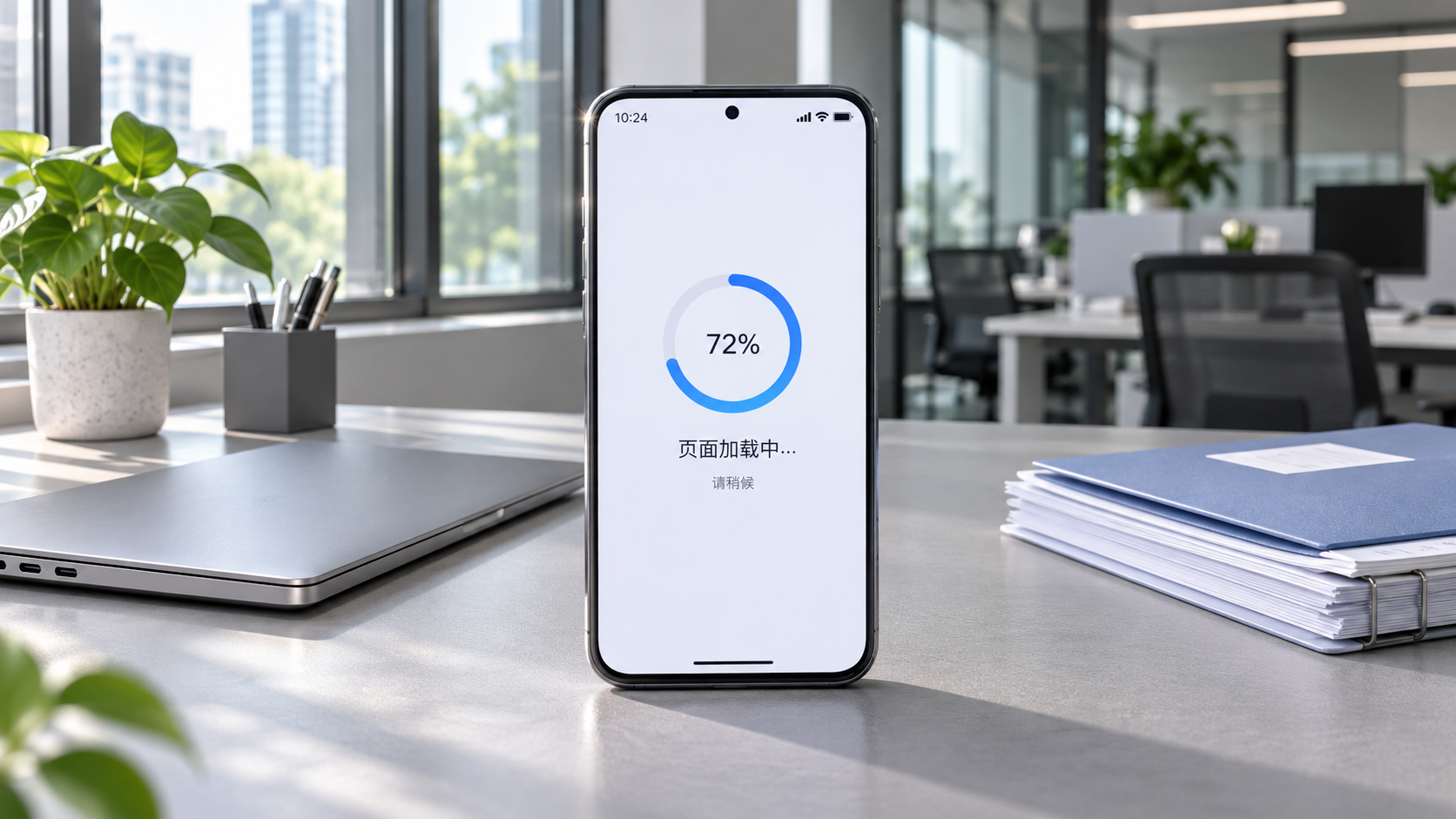
How does website experience affect conversion rates? It is recommended to check loading speed first. When many operators see fewer inquiries and rising advertising conversion costs, they tend to revise copy, replace hero images, add promotions, or even directly increase ad budgets. However, if a page takes too long to open after a user clicks, the targeting, creative assets, and content prepared beforehand often do not even get a chance to be fully seen.
This is especially true for independent websites targeting overseas markets, where visitors may come from different countries and network environments: some open ad landing pages through mobile networks, some view complex product specifications on office computers, and others enter an online store directly from social media links. Slow loading is not simply “a slightly worse experience”; it interrupts the entire process of users building trust, understanding products, and submitting forms. For B2B websites, what is lost may be a high-value inquiry; for B2C online stores, it may be an order that had already entered the checkout process.
Where Slow Loading Typically Causes Conversion Losses
Users will not wait patiently according to the website designer's expectations. In the first few seconds after entering a page, they usually assess two things: whether the page has loaded properly and whether it contains what they are looking for. A blank above-the-fold area, banner images that take too long to appear, and buttons that keep shifting position can all make users question whether the website is reliable. This sense of uncertainty is particularly significant for overseas buyers making their first contact, as they do not yet have sufficient brand awareness to justify waiting.
In actual operations, speed issues can also amplify other page shortcomings. For example, an ad directs users to a product page where a large video background loads first, while specifications, price inquiry options, and catalog download buttons require further waiting. Even if users are willing to learn about the product, they may return to the search results page before the information appears. On the surface, this may look like a “high landing page bounce rate,” but the root cause may not be inaccurate ad copy; rather, key content was not delivered in time.
Another easily overlooked issue is slow interaction. A page may appear to have loaded, but if users experience lag when filtering products, switching languages, opening an inquiry form, or adding items to the cart, their willingness to act will decline quickly. Conversion does not occur only at the final moment of clicking “Submit”; it is built through a series of smooth, small interactions.

Do Not Look Only at the Homepage: Identify the Pages That Actually Slow Down Visits
When investigating loading speed, the homepage can be reviewed, but it should not be the only focus. For marketing websites, the pages that deserve priority are those that actually receive traffic: landing pages corresponding to Google Ads, product detail pages with strong organic search rankings, multilingual pages, social media campaign pages, as well as cart and checkout pages. Different pages call different images, scripts, and third-party tools, so a normal homepage does not mean the entire website is functioning normally.
It is advisable to start with actual user journeys rather than making judgments based solely on backend impressions. Open key pages separately on desktop and mobile devices, observe when above-the-fold content becomes visible, whether main buttons can be clicked promptly, and whether the page shifts while scrolling, then compare differences by visitor region. Smooth access for users in North America does not mean the experience will be the same in Southeast Asia, the Middle East, or Latin America; multilingual websites should also note whether pages in different languages load duplicate resources.
The Most Common Misconception: Treating “Rich Design” as “A Persuasive Page”
When redesigning their websites, many companies tend to move toward another extreme: placing autoplay videos on the homepage, filling product pages with high-definition detail images, and integrating online chat, tracking codes, promotional pop-ups, and social media embed modules into every page. Each feature may seem justified on its own, but together they can slow down the page. More troublesome still, the response of some third-party services is not fully controlled by the website team, and abnormal external resources may also affect the presentation of core content.
Speed optimization does not simply mean removing content. Manufacturing customers need to see equipment details clearly, while cross-border consumers also need images, reviews, and shipping information to build confidence in purchasing. The key is to distinguish between content users must see immediately and content that can load during subsequent browsing. The above-the-fold area should first answer what the product is, who it is for, and what users can do next; complex image galleries, long videos, and related recommendations can be presented gradually according to page position and user actions.
Likewise, do not pursue only a specific score in speed testing tools. Tool reports can help identify issues such as oversized images, script blocking, and unreasonable cache configuration, but they cannot replace real user experience. A compressed product image that makes key manufacturing processes unclear may not be more beneficial to conversion than a clear image. Optimization should consider speed, information completeness, and the conversion path at the same time, rather than sacrificing buyers' basis for judgment simply for the sake of being “fast.”
From Website Building to Advertising, Speed Should Be a Continuous Checkpoint
Website speed is not something that is handled once at launch and then finished. Every new language, product upload, marketing tool installation, ad tracking integration, or template adjustment may change the page load burden. A more prudent approach is to establish a checklist for key pages: test both mobile and desktop before launch; confirm before advertising that ad links do not have excessively long redirect chains; require content teams to follow consistent image specifications when uploading assets; and confirm before adding new plugins whether they truly serve inquiries or orders.
For teams that both build websites and acquire overseas customers, this work in particular cannot be separated. When advertising staff see many clicks but few conversions, they should review landing page loading and form usability; when SEO staff find that traffic performance on indexed pages is unstable, they should also check technical resources rather than merely continuing to add content; website operators need to know which components can be adjusted and which third-party codes should not be added casually.
Yiyingbao has long served foreign trade companies, manufacturing factories, cross-border e-commerce sellers, and brand globalization projects. Its AI-driven website building and overseas marketing system covers multilingual websites, cross-border online stores, SEO, advertising, social media operations, and other areas. For websites that need continuous promotion across multiple regions, coordination among website building, content, and customer acquisition channels is more practical than creating a single “beautiful page” in isolation. A page that can be accessed, understood, and used to complete the next action smoothly is the foundation a marketing website should have.
If website traffic has not declined significantly recently but inquiries or orders continue to weaken, try selecting the three to five pages with the highest traffic and going through the complete journey using real devices and networks in the target market. Many conversion issues are not hidden in complex data reports, but in those few seconds when users wait for a page to load.
Related Articles
 How Can Responsive Website Development Prevent Mobile Layout Issues?
 How can a responsive corporate website adapt to mobile screens?
 How Does Website Loading Speed Affect Conversion Rates?

Related Products
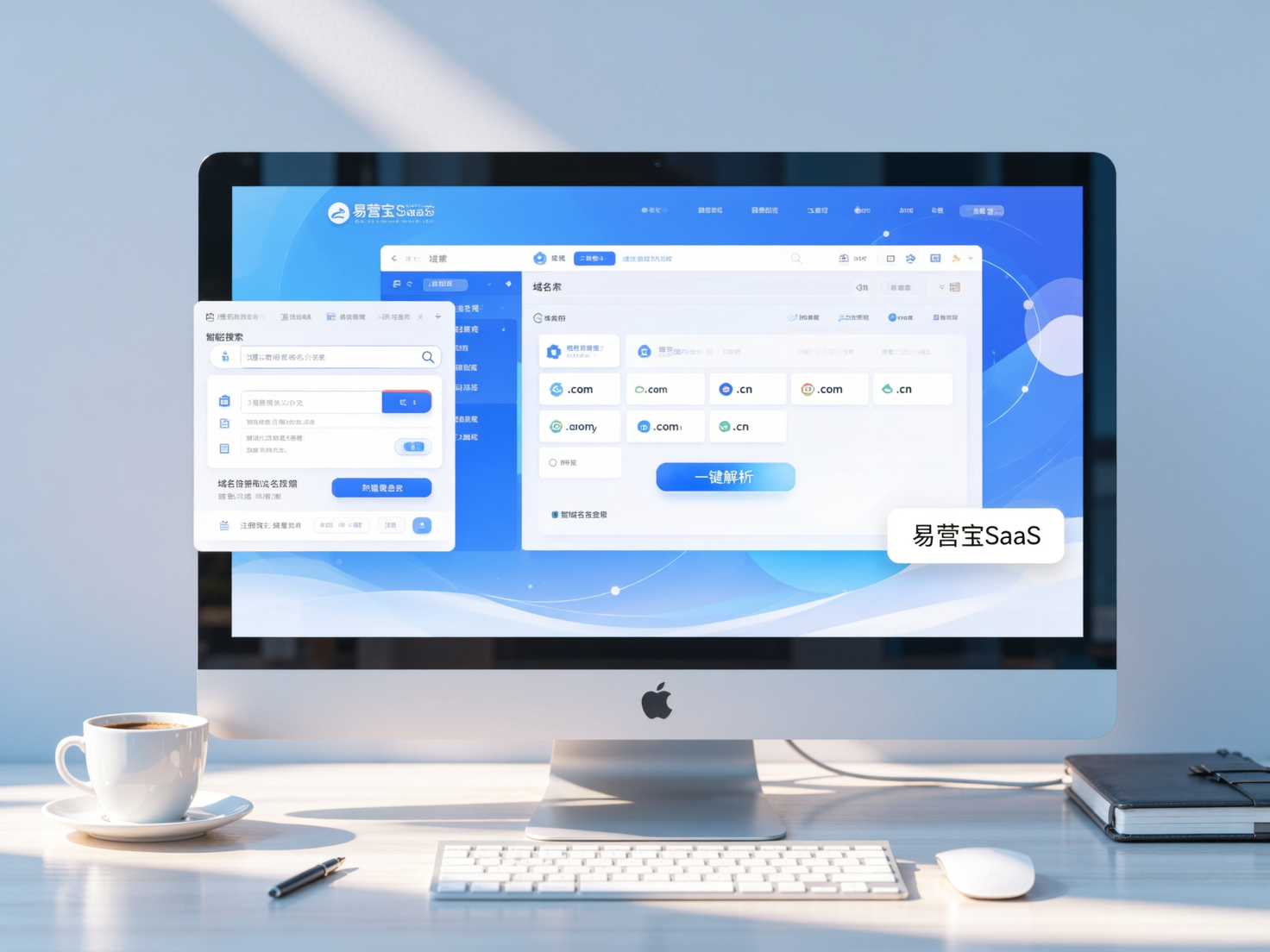
 Yiyingbao SaaS Intelligent Website Building and Marketing SystemYiyingbao SaaS Intelligent Website Building and Marketing System, AI-powered no-code website building, rapid creation of multilingual B2B international websites in 10 minutes, global server acceleration, AI-powered SEO optimization, helping businesses connect efficiently with global markets. The perfect integration of technology and operation makes building an international trade website remarkably simple
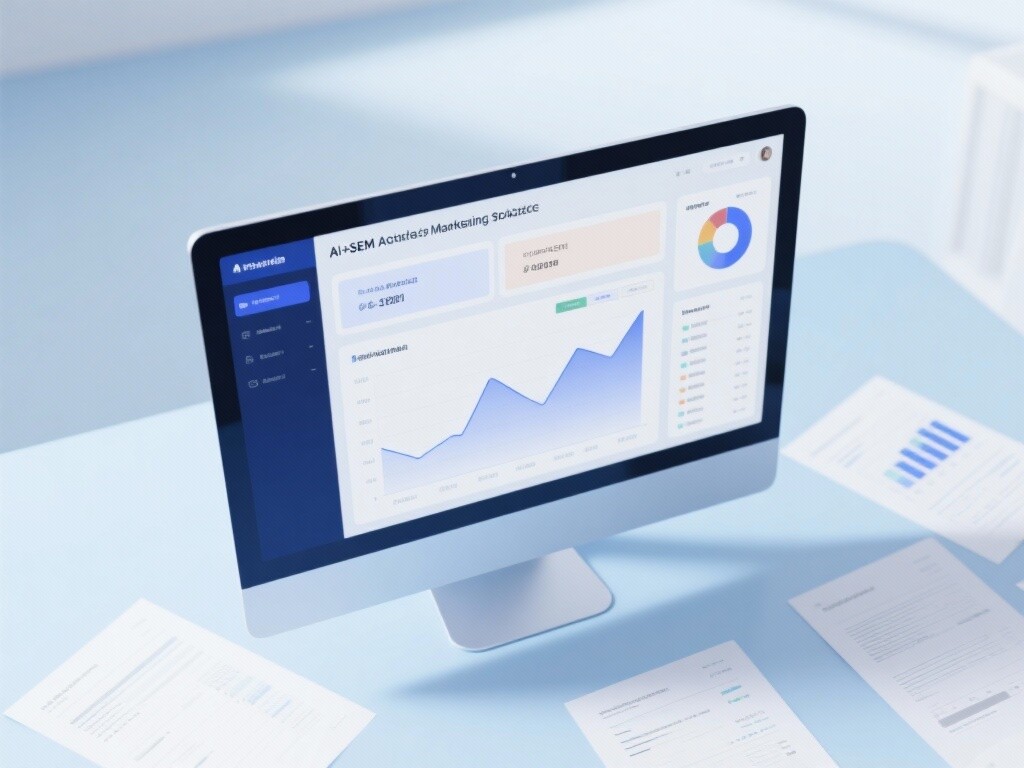
 AI+SEM Intelligent Advertising Marketing SystemAI+SEM drives intelligent ad creation, empowering full-funnel precision advertising marketing. The system automatically generates weekly/monthly reports, AI recommends keywords and target countries, monitors core metrics in real-time with intelligent alerts, and enables one-click high-conversion ad solutions to help quickly acquire customers and improve ROI.
 AI+SEO Dual-Engine System Optimization ServicesYiyingbao’s AI+SEO dual-engine optimization system helps foreign trade enterprises acquire high-quality organic traffic through AI-powered keyword research, content generation, and comprehensive technical optimization, significantly improving search rankings and conversion rates.
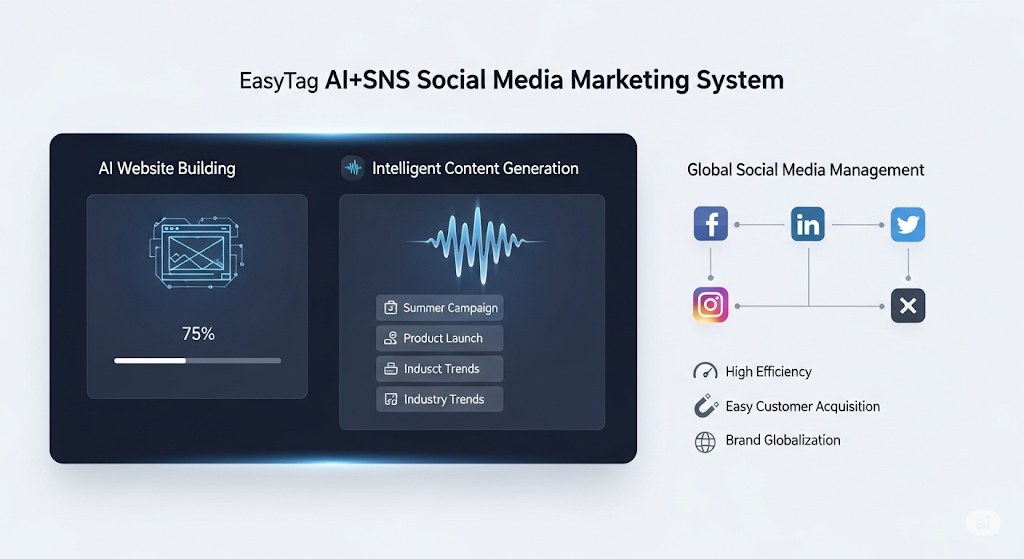
 AI+SNS Social Media Marketing SystemYingbao AI+SNS Social Media Marketing System - Precision social capture for the social media era. Supports one-click content synchronization across major platforms like Facebook and LinkedIn. AI intelligently rewrites posts for enhanced relevance. 24/7 AI customer service and user profiling analysis empower businesses to efficiently expand into global markets.
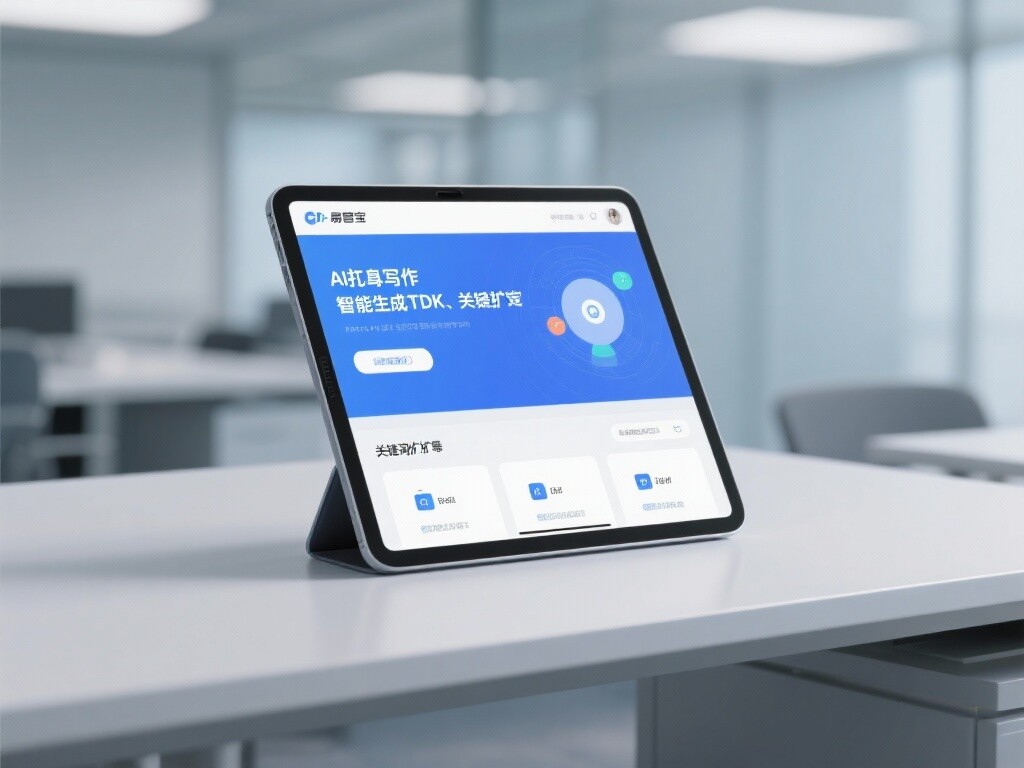
 AI+SEO营销解决方案易营宝AI+SEO营销解决方案,通过AI批量写作、智能生成TDK、精准关键词扩词等功能,全面优化网站SEO效果,提升流量与转化率。助力企业构建高效智能网站新生态。
 AI+SEM Advertising Marketing SolutionsAI+SEM Advertising Marketing Solution leverages AI technology to deeply empower SEM ad campaigns. It automatically generates weekly/monthly reports using AI, presenting account data across multiple dimensions for comprehensive insights into campaign performance and trends. The system precisely recommends keywords and target countries, intelligently generates high-conversion ad copy, and enables one-click activation of efficient campaign plans to help businesses rapidly acquire customers. Simultaneously, it monitors core metrics in real time, intelligently identifies abnormal fluctuations, and issues timely alerts to ensure stable, high-return advertising results.
 Domain Name ServicesEasyWin provides professional domain name services, including intelligent queries, one-stop registration, brand protection, and full lifecycle management, helping businesses build a digital brand image.
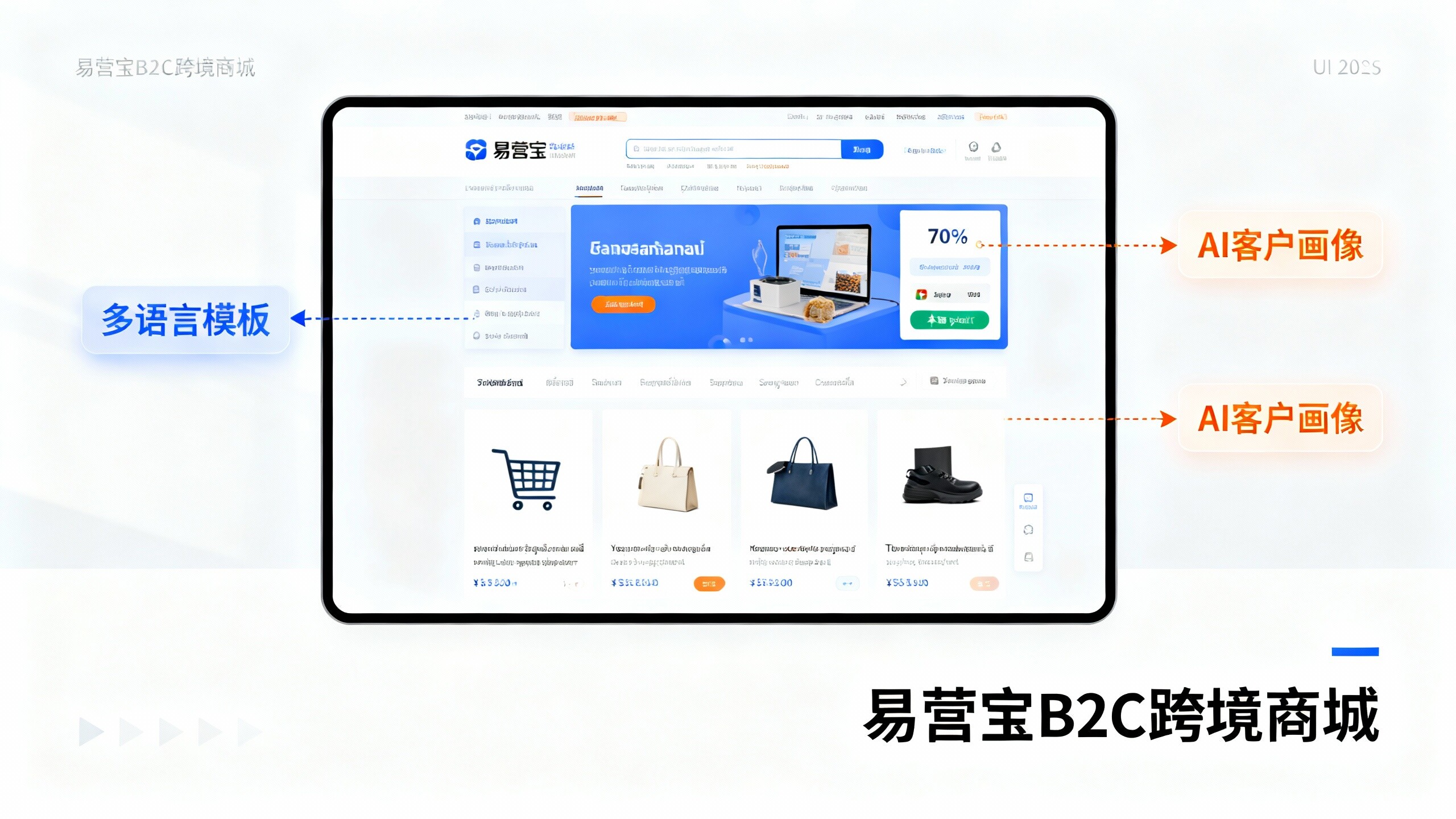
 EasyOperate B2C Cross-Border E-Commerce Platform & Independent WebsiteEasyStore B2C Cross-border E-commerce Independent Store is an intelligent website building and cross-border e-commerce integrated solution independently developed by EasyStore Information Technology (Beijing) Co., Ltd. The system is specially designed for small and medium-sized as well as large export enterprises, integrating 'website building, operation, marketing, advertising, and conversion' into one, helping enterprises quickly establish cross-border e-commerce independent stores to achieve brand globalization and global sales growth.
The platform supports multiple languages, multiple currencies, and multi-channel marketing, with built-in AI intelligent translation and SEO optimization systems, suitable for mainstream markets such as Southeast Asia, Europe and America, Latin America, and the Middle East, assisting Chinese manufacturing enterprises in efficiently deploying international e-commerce strategies. SSL证书易营宝提供专业SSL安全证书服务,包括单域名和泛域名证书,确保网站数据传输加密、身份验证和完整性保护,助力企业建立安全可信的在线业务环境。