








- China’s Tariff Commission of the State Council Adjusts Additional Tariffs on U.S. Goods: 24% Tariff Suspended for Two MonthsNov 10, 2026View details
- APEC Shenzhen Spotlight: Cross-Border E-Commerce Orders Promote Asia-Pacific Trade and Economic CooperationNov 08, 2026View details
- China-Europe Railway Express and CIIE Hold Business Matchmaking Event, Focusing on Cross-Border E-commerce B2B ExportsNov 07, 2026View details
- China’s Ministry of Commerce Responds to Additional Charges on Low-Value Imports Imposed by the EUNov 06, 2026View details
- Two Internet Development Reports Released at the 2026 World Internet ConferenceNov 05, 2026View details
- Internet Business Revenue of Enterprises Above the Designated Size Reached RMB 1.716 Trillion in the First Three Quarters, with Profits Up 17.6%Nov 05, 2026View details
Getting Plenty of Website Traffic but Few Inquiries? Troubleshoot Step by Step from Page to Form
If your website gets plenty of traffic but inquiries are slow to come in, don't rush to increase ad spend or rebuild the pages. Break down the visitor journey—from landing on a page and viewing a product to clicking to contact you and submitting a form—and identify where visitor numbers drop noticeably. Also confirm whether inquiries are genuinely not coming in, or whether form errors, email filtering, or missing analytics data are masking them. To increase inquiries through your website, first find out where the problem occurs.
First, make sure traffic and inquiries are measured consistently
Review valid visits, form submissions, email clicks, and other contact actions over the same time period. Exclude internal tests, known bot traffic, and repeat visits, then break the data down by source, landing page, device, and language. Visits are not the same as visitors, and form submissions are not necessarily valid inquiries; repeated submissions by the same person or bulk messages from bots can distort the figures.
If ads drive a lot of traffic but product pages get little engagement and few contact actions, first check whether the ad promise, targeting criteria, and landing page content are aligned. For example, visitors who click an ad for a specific product may land on a generic homepage and have to search for specifications and application information themselves. Even if traffic increases, this may not generate inquiries. For Facebook advertising, review the ad creative, audience, and landing page separately, and compare the contact actions that follow. Visitors from remarketing campaigns have different levels of intent from first-time visitors, so avoid evaluating them together.
Conversely, if there are many clicks on contact buttons but no corresponding records in the system, first check the redirect links, form submission, and notification process rather than immediately concluding that the page is unpersuasive. Check analytics events as well: a button click only indicates an attempt to make contact. The successful submission event should fire only after the server confirms receipt.
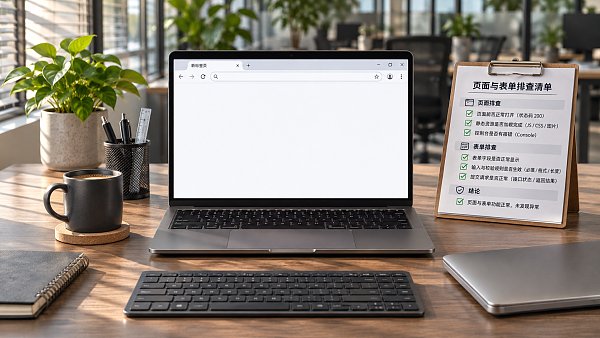
Does the landing page answer key questions visitors have before making an inquiry?
Open your main landing pages and first check whether the above-the-fold content clearly explains what the product or service is, what needs it serves, and what visitors can do next. If the headline is only a vague promotional slogan and visitors have to search through the product catalog to understand what the business offers, they may leave before getting in touch. If an ad features a specific model or service, visitors should be able to find the corresponding information quickly on the page.
Next, check whether the information is sufficient to support an initial assessment. Product pages can list key specifications, applications, available configurations, and the information needed to request a quote. For custom products or services, explain the scope of requirements you can discuss, which drawings or parameters visitors need to provide, and how you will handle their requests. If some information is not yet available, there is no need to invent specifications; clearly indicate which details will need to be confirmed for each project.
On multilingual pages, check that visitors reach the corresponding page when switching languages. For example, switching from a German product page to English should take them to the English page for the same product, rather than back to the homepage. Specifications and units, button text, and form instructions should also be consistent. Otherwise, visitors may still have concerns when filling out a form, even if they understand the product.
Place trust information near the decision point
Near the contact button, you can include information relevant to a purchasing decision, such as your company address, business contact details, after-sales or delivery information, and substantiated product documentation. When displaying certifications or customer case studies, make sure they are genuine, clearly state their scope, and have the necessary permissions. Vague badges and unverifiable promises cannot replace the specific evidence visitors need.
When checking the mobile experience, look for images obscuring text, pop-ups that cannot be closed, and contact buttons blocked by floating elements. If pages load slowly, start by checking large images, videos, and third-party scripts. Testing on commonly used phones and network conditions is more likely to reveal problems than previewing only on an office computer.
Visitors view the form but do not submit it
First, make sure the contact option matches the visitor's intent. Someone preparing to request a quote needs a clear way to do so; someone who only wants to request documentation may not be ready to fill in a complete purchasing plan. The button text should explain what happens after submission, such as sending product requirements or requesting a quote. Avoid using a button labeled “Submit” without telling visitors what to expect.
Review each required field. For an initial contact, you may only need to collect contact details and a description of the requirements so you can respond. Whether model, quantity, and destination fields should be mandatory depends on whether you can begin an initial conversation without that information. For custom products, providing an option to upload drawings or enter specifications can reduce back-and-forth, but do not make uploading the only way to submit an inquiry.
Field validation can also block genuine inquiries. Check that international phone numbers, longer company names, names with special characters, and email addresses can be entered correctly. Error messages should identify the specific field and preserve information already entered. If CAPTCHAs are difficult to complete or display incorrectly on mobile devices, you can adjust the verification method based on the volume of spam submissions, while continuing to monitor false rejections.
After submission, show a clear success message and explain what to expect next. If submission fails, provide instructions for trying again to prevent visitors from clicking repeatedly. You can offer alternatives such as email alongside the form, but records from different channels should be consolidated; otherwise, people who contact you by email will be missing from your form data.
Run an end-to-end test before planning changes
Enter the page from an actual ad or search result, then complete a test on both a phone and a computer: view the landing page, switch languages, fill out and submit the form, and confirm that the submission is recorded in the system and the notification email arrives. Check the spam folder, recipient address, and attachments in test emails. If you use an automatic reply, check its language and content as well. After changing a form or deploying a page, run through the process again.
Once obvious issues are fixed, prioritize one measurable change at a time, such as reducing the number of required fields or directing ads straight to the relevant product page. Record when the change was made, which pages it affected, and the traffic sources involved, then compare valid inquiries before and after the change. If traffic volumes are low or campaigns changed during the same period, do not draw conclusions based solely on short-term fluctuations. Also review a sample of the inquiries to make sure an increase in volume has not come at the cost of receiving more irrelevant messages.
Related Articles
 How Can You Launch a B2C Online Store Quickly Using a Template?
 How do you evaluate the results delivered by a website SEO company in Beijing?
 How to Choose a Deployment Region for a Cross-Border SaaS Website

Related Products
 Yiyingbao SaaS Intelligent Website Building and Marketing SystemYiyingbao SaaS Intelligent Website Building and Marketing System, AI-powered no-code website building, rapid creation of multilingual B2B international websites in 10 minutes, global server acceleration, AI-powered SEO optimization, helping businesses connect efficiently with global markets. The perfect integration of technology and operation makes building an international trade website remarkably simple
 AI+SEM Intelligent Advertising Marketing SystemAI+SEM drives intelligent ad creation, empowering full-funnel precision advertising marketing. The system automatically generates weekly/monthly reports, AI recommends keywords and target countries, monitors core metrics in real-time with intelligent alerts, and enables one-click high-conversion ad solutions to help quickly acquire customers and improve ROI.
 AI+SEO Dual-Engine System Optimization ServicesYiyingbao’s AI+SEO dual-engine optimization system helps foreign trade enterprises acquire high-quality organic traffic through AI-powered keyword research, content generation, and comprehensive technical optimization, significantly improving search rankings and conversion rates.
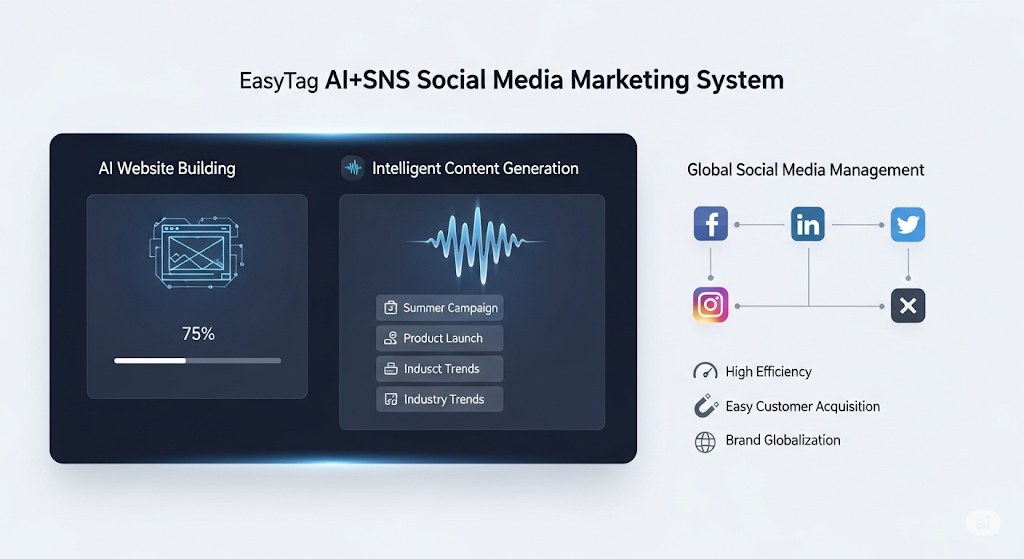
 AI+SNS Social Media Marketing SystemYingbao AI+SNS Social Media Marketing System - Precision social capture for the social media era. Supports one-click content synchronization across major platforms like Facebook and LinkedIn. AI intelligently rewrites posts for enhanced relevance. 24/7 AI customer service and user profiling analysis empower businesses to efficiently expand into global markets.
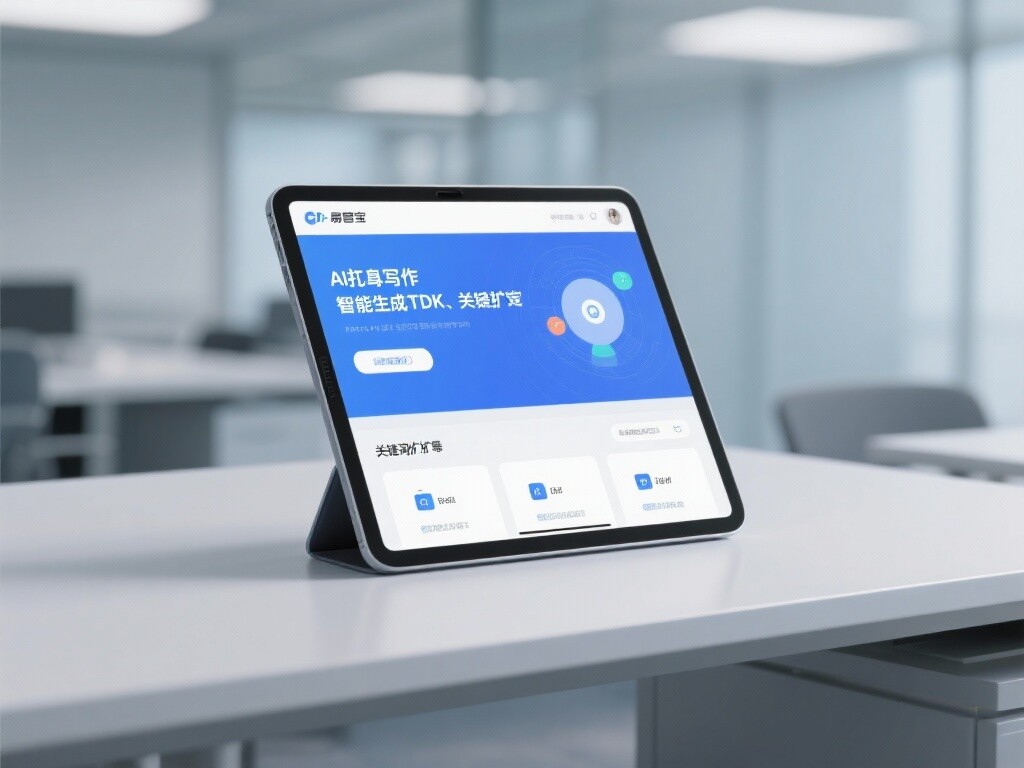
 AI+SEO营销解决方案易营宝AI+SEO营销解决方案,通过AI批量写作、智能生成TDK、精准关键词扩词等功能,全面优化网站SEO效果,提升流量与转化率。助力企业构建高效智能网站新生态。
 AI+SEM Advertising Marketing SolutionsAI+SEM Advertising Marketing Solution leverages AI technology to deeply empower SEM ad campaigns. It automatically generates weekly/monthly reports using AI, presenting account data across multiple dimensions for comprehensive insights into campaign performance and trends. The system precisely recommends keywords and target countries, intelligently generates high-conversion ad copy, and enables one-click activation of efficient campaign plans to help businesses rapidly acquire customers. Simultaneously, it monitors core metrics in real time, intelligently identifies abnormal fluctuations, and issues timely alerts to ensure stable, high-return advertising results.
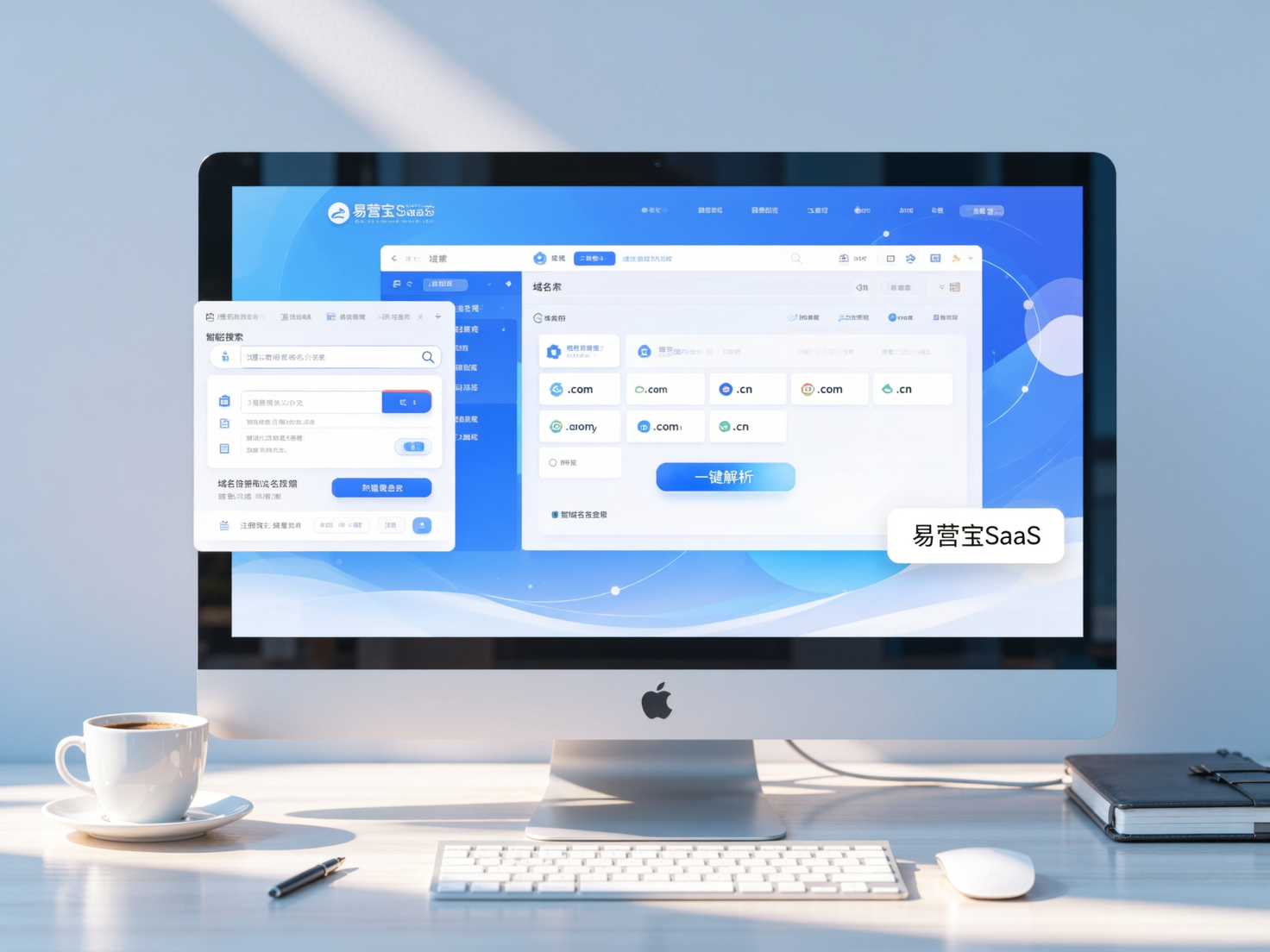
 Domain Name ServicesEasyWin provides professional domain name services, including intelligent queries, one-stop registration, brand protection, and full lifecycle management, helping businesses build a digital brand image.
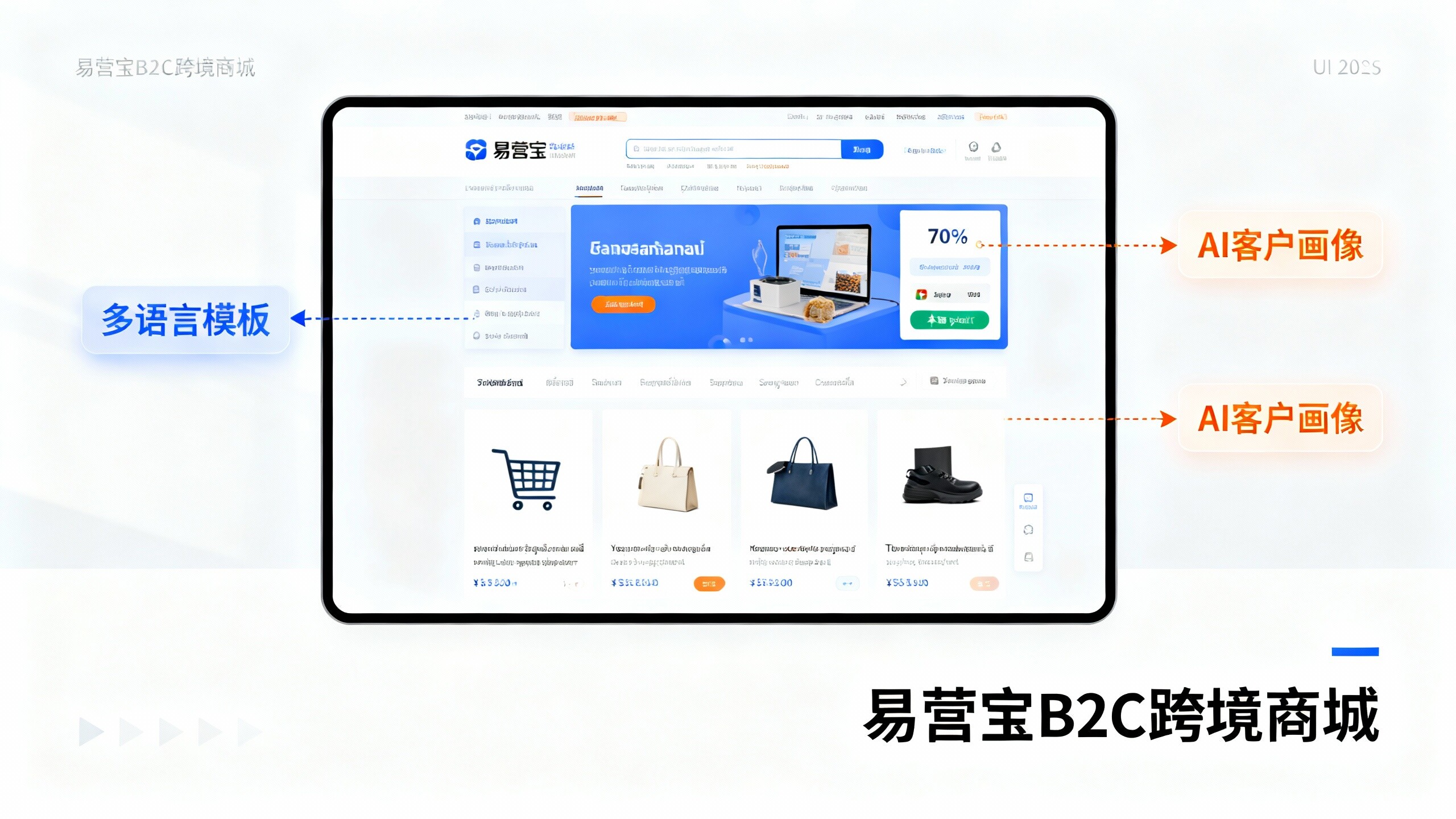
 EasyOperate B2C Cross-Border E-Commerce Platform & Independent WebsiteEasyStore B2C Cross-border E-commerce Independent Store is an intelligent website building and cross-border e-commerce integrated solution independently developed by EasyStore Information Technology (Beijing) Co., Ltd. The system is specially designed for small and medium-sized as well as large export enterprises, integrating 'website building, operation, marketing, advertising, and conversion' into one, helping enterprises quickly establish cross-border e-commerce independent stores to achieve brand globalization and global sales growth.
The platform supports multiple languages, multiple currencies, and multi-channel marketing, with built-in AI intelligent translation and SEO optimization systems, suitable for mainstream markets such as Southeast Asia, Europe and America, Latin America, and the Middle East, assisting Chinese manufacturing enterprises in efficiently deploying international e-commerce strategies. SSL证书易营宝提供专业SSL安全证书服务,包括单域名和泛域名证书,确保网站数据传输加密、身份验证和完整性保护,助力企业建立安全可信的在线业务环境。