









- Hengqin Cooperation Zone Shares Cross-Border E-Commerce Developments, Focusing on Macao-Hengqin Collaboration and International MarketsOct 24, 2026View details
- A Shenyang study highlights the development of the “cross-border e-commerce + industrial cluster” modelOct 24, 2026View details
- Three China Advertising Association GEO group standards take effect on October 23Oct 24, 2026View details
- Amazon Raises Fulfillment Fees Twice, Yet the Median Platform Fee Remains Around 40%Oct 22, 2026View details
- AliExpress and YouTube Partner to Expand Marketing Opportunities for Chinese Brands Going GlobalOct 22, 2026View details
- Publicis says AI marketing is developing at two speeds, with agentic AI helping win clientsOct 21, 2026View details
How to Test an Inquiry Form Before Launching an International Trade Website
Before accepting a B2B website’s inquiry form, test the entire process at least once—from “customer submits the form” to “sales can follow up.” A success message on the page only confirms that the front end provided feedback. Whether the email was delivered, the inquiry was saved in the backend, and the product information is complete must be checked separately. A break at any point can make the website appear to work normally while causing potential leads to be missed.
Conduct acceptance testing on the domain and with the configuration prepared for launch. Cover the main inquiry entry points, overseas access environments, and mobile devices. Testing on a staging site can help identify issues in advance, but it cannot replace testing in the live environment: the domain switch, recipient settings, CAPTCHA, and email-sending configuration can all affect the final results.
Compare three outcomes: successful submission, email received, and lead recorded
These outcomes correspond to different steps and are not interchangeable. A successful submission is what the customer sees; email notifications help sales respond promptly; and backend or CRM records are used to store, assign, and trace leads. Before delivery, clarify which functions the website is expected to provide, then test each one against the agreed requirements.
- Successful on-page submission: Check whether the server actually received the data, so a failed request is not followed by a success message.
- Email notification delivered: Check the specified inbox, spam folder, and whether the email body is complete. Do not rely solely on the sending service’s “sent” status.
- Lead saved successfully: If backend storage or CRM integration is part of the agreement, confirm that the corresponding record is available and verify its fields, timestamp, and assignment.
Use a different identifier for each test submission, such as “Acceptance Test A—Product Model,” then compare the page feedback, notification email, and backend record. Fields such as name, email address, inquiry details, product name, and source page should match across all three. Special characters and line breaks must also be preserved.
For setups that receive inquiries only by email, focus acceptance testing on delivery, failure notifications, and troubleshooting. Setups with a backend or CRM also need to be checked to ensure leads remain accessible if a notification fails. The recovery capabilities differ. If email is the only record, clarify at handover how sending failures will be handled.

For email acceptance, verify that sales can reply directly
After the test email arrives, open it in a salesperson’s actual email account and click “Reply.” Confirm that the reply address points to the email address entered by the customer. If replies go to the website system’s address, follow-up communication may be disrupted even if the notification arrived on time.
Use a sender address that the website operator is authorized to send from, and set the customer’s reply address using Reply-To. Using the visitor’s email address directly as the sender may affect how receiving systems assess the message. Ask the service provider to check the domain’s email authentication and sending-service configuration, and retain a record of the configuration.
The email should give sales enough information to decide what to do next: which product the customer is asking about, what their requirements are, which page they submitted the form from, and whether they attached a file. If an inquiry from a product detail page includes only a name and email address, sales will have to ask which product the customer is interested in, and the information already available on the website will have gone unused.
Test attachments separately. Submit a test file that meets the agreed format and size requirements, then confirm that the recipient can open it. If the file exceeds the limit, the page should clearly explain why. If the email provides a download link, check that its permissions and validity period are suitable for handling the inquiry.
A smooth desktop experience does not guarantee overseas customers can complete the form
Mobile acceptance testing should cover the actual form-filling process: whether the keyboard obscures fields when it appears, whether country or region options can be selected, whether the submit button is easy to reach, and whether error messages appear where customers can see them. For multilingual pages, also check that field labels, validation messages, and success messages are displayed in the corresponding language.
Field rules should accommodate how overseas customers fill out forms. Phone number fields should accept international dialing codes, name fields should not impose Chinese name conventions, and address fields should not require a Chinese province and city. Required fields should support initial follow-up. Whether budget and purchase quantity must be provided should be determined by the sales process.
Anti-spam measures should be tested both to confirm that they block abnormal submissions and that legitimate customers can get through. If an external CAPTCHA is used, test that it loads and can be completed from a network environment available in the target market. A successful test from a local office is not enough to determine how it performs overseas.
Do not test just one form entry point. The contact page, product pages, pop-ups, and advertising landing pages may use different configurations. Check the recipients, associated product information, and post-submission redirects for each. For advertising landing pages, also verify that any source parameters required by the agreement are included in lead records, so you can identify which channel generated each inquiry.
Use failure scenarios to distinguish “demonstrable” from “ready for delivery”
After a normal submission passes, also test empty required fields, invalid email addresses, excessively long content, repeated clicks, and network interruptions. Check whether customers are informed when something goes wrong, whether their entered information is retained, and whether retries create duplicate leads that are difficult to identify.
Repeated clicks on the submit button should be prevented from creating duplicates, or duplicates should be clearly identifiable. While a request is processing, the button should show its status. After a timeout, the page should not display a success message. If email or CRM integration fails, the service provider can test the issue in a controlled environment and provide records corresponding to that test.
Marketing conversion tracking should also be checked separately. Clicking the submit button does not mean a valid inquiry was received: validation failures and interface errors should not count as successful conversions. Tracking events should correspond to the agreed successful receipt outcome. Also check that refreshing the success page or clicking repeatedly does not result in duplicate counts.
The final acceptance record should specify the form entry point, device, language, test time, email delivery result, backend record, and outcome of any exception handling. After an issue is fixed, retest the relevant entry points. In particular, resolve issues such as a failed submission displaying a success message, an email not arriving with no record retained, missing product information, or customers in major markets being unable to complete verification before signing off on the relevant items.
At handover, also obtain instructions for changing recipients, access to view leads, a way to check for issues, and a contact for troubleshooting. This allows sales to investigate step by step—from submission records and notification status to lead assignment—when they notice that no inquiries have arrived for some time, and determine where the problem occurred.
Related Articles
 How can a company website introduction page help visitors quickly understand the core business?
 How Can You Prevent a Video News Module from Slowing Down Page Loading?
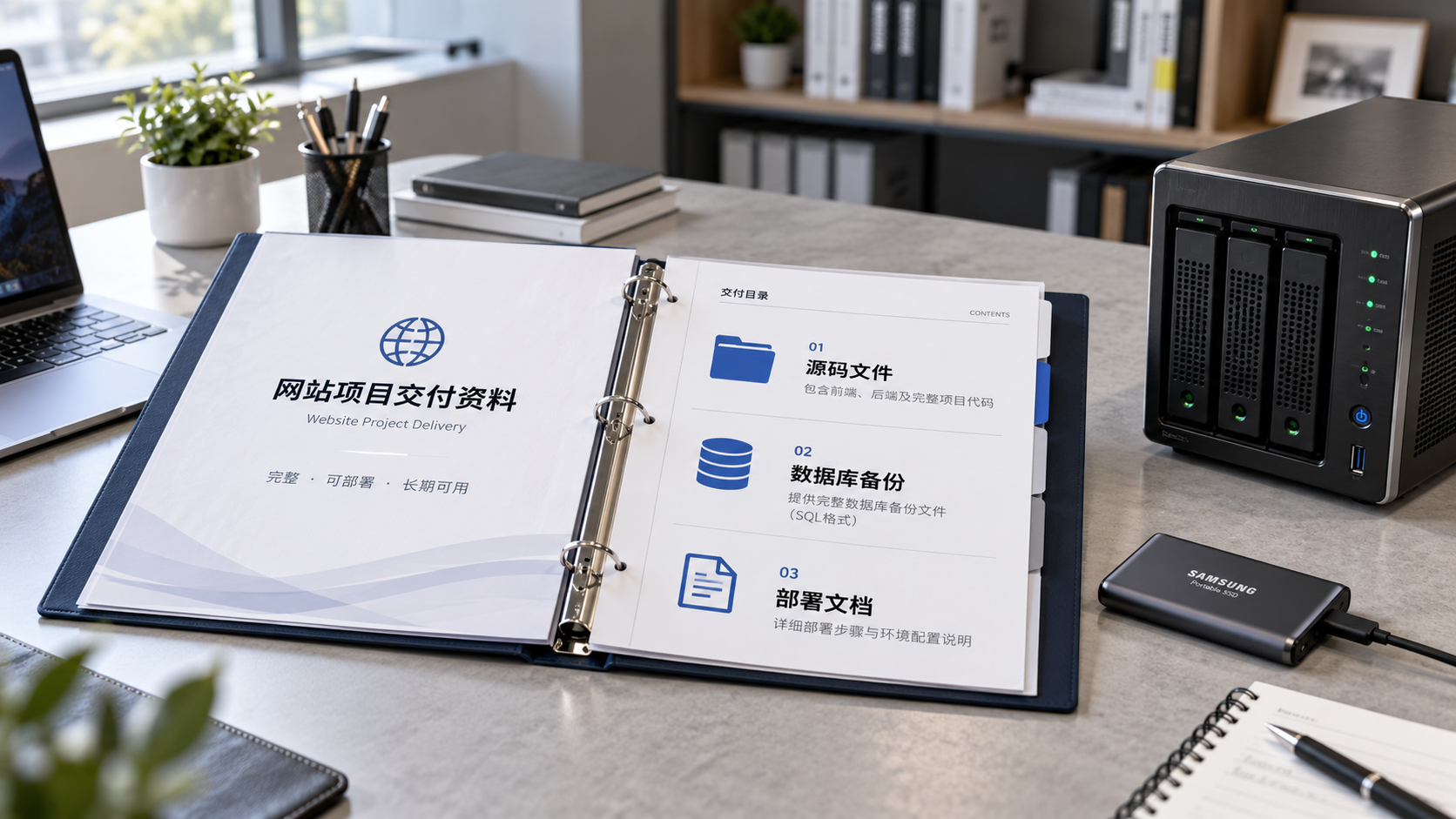
 When choosing a website development company in Xiamen, how should you agree on source code delivery?

Related Products
 Yiyingbao SaaS Intelligent Website Building and Marketing SystemYiyingbao SaaS Intelligent Website Building and Marketing System, AI-powered no-code website building, rapid creation of multilingual B2B international websites in 10 minutes, global server acceleration, AI-powered SEO optimization, helping businesses connect efficiently with global markets. The perfect integration of technology and operation makes building an international trade website remarkably simple
 AI+SEM Intelligent Advertising Marketing SystemAI+SEM drives intelligent ad creation, empowering full-funnel precision advertising marketing. The system automatically generates weekly/monthly reports, AI recommends keywords and target countries, monitors core metrics in real-time with intelligent alerts, and enables one-click high-conversion ad solutions to help quickly acquire customers and improve ROI.
 AI+SEO Dual-Engine System Optimization ServicesYiyingbao’s AI+SEO dual-engine optimization system helps foreign trade enterprises acquire high-quality organic traffic through AI-powered keyword research, content generation, and comprehensive technical optimization, significantly improving search rankings and conversion rates.
 AI+SNS Social Media Marketing SystemYingbao AI+SNS Social Media Marketing System - Precision social capture for the social media era. Supports one-click content synchronization across major platforms like Facebook and LinkedIn. AI intelligently rewrites posts for enhanced relevance. 24/7 AI customer service and user profiling analysis empower businesses to efficiently expand into global markets.
 AI+SEO营销解决方案易营宝AI+SEO营销解决方案,通过AI批量写作、智能生成TDK、精准关键词扩词等功能,全面优化网站SEO效果,提升流量与转化率。助力企业构建高效智能网站新生态。
 AI+SEM Advertising Marketing SolutionsAI+SEM Advertising Marketing Solution leverages AI technology to deeply empower SEM ad campaigns. It automatically generates weekly/monthly reports using AI, presenting account data across multiple dimensions for comprehensive insights into campaign performance and trends. The system precisely recommends keywords and target countries, intelligently generates high-conversion ad copy, and enables one-click activation of efficient campaign plans to help businesses rapidly acquire customers. Simultaneously, it monitors core metrics in real time, intelligently identifies abnormal fluctuations, and issues timely alerts to ensure stable, high-return advertising results.
 Domain Name ServicesEasyWin provides professional domain name services, including intelligent queries, one-stop registration, brand protection, and full lifecycle management, helping businesses build a digital brand image.
 EasyOperate B2C Cross-Border E-Commerce Platform & Independent WebsiteEasyStore B2C Cross-border E-commerce Independent Store is an intelligent website building and cross-border e-commerce integrated solution independently developed by EasyStore Information Technology (Beijing) Co., Ltd. The system is specially designed for small and medium-sized as well as large export enterprises, integrating 'website building, operation, marketing, advertising, and conversion' into one, helping enterprises quickly establish cross-border e-commerce independent stores to achieve brand globalization and global sales growth.
The platform supports multiple languages, multiple currencies, and multi-channel marketing, with built-in AI intelligent translation and SEO optimization systems, suitable for mainstream markets such as Southeast Asia, Europe and America, Latin America, and the Middle East, assisting Chinese manufacturing enterprises in efficiently deploying international e-commerce strategies. SSL证书易营宝提供专业SSL安全证书服务,包括单域名和泛域名证书,确保网站数据传输加密、身份验证和完整性保护,助力企业建立安全可信的在线业务环境。









