





- What Does a Global Traffic Ecosystem Service Provider Do? What Are the Differences from a Single Advertising AgencyJul 16, 2026View details
- What should you focus on in the latest enterprise SaaS report? From renewal rates and delivery costs to overseas growth opportunitiesJul 12, 2026View details
- What signals are worth paying attention to in a cross-border marketing trend report? B2B companies should look at these 6 signalsJul 11, 2026View details
- How to Read a Cross-Border Marketing Trends Report? Five Key Dimensions for Evaluating Channel OpportunitiesJul 11, 2026View details
- Which channel has the highest ROI in the global traffic ecosystem? Comparative analysis of search, social media, and advertisingJul 10, 2026View details
- What multilingual website services are available in Sanya? Which model is more suitable for local businesses going global?Jul 08, 2026View details
- How to view the complete list of China SaaS companies in the top 100? Practical methods for screening website-building and marketing service providersJul 08, 2026View details
- How to view pricing in the global traffic ecosystem? Cost comparison of search, social media, and content channel advertisingJul 06, 2026View details
Unable to parse email after domain registration process is completed? MX record troubleshooting often overlooks TTL refresh delay window
After completing the domain registration process, the email still cannot be resolved? Don't rush to reconfigure MX records—TTL refresh delays are often overlooked! As an AI-driven service provider specializing in search engine optimization (SEO) for companies and multilingual website construction for foreign trade, EasyWin reminds you: DNS caching takes time to take effect. Blindly modifying settings can negatively impact website SEO services and email system stability.
1. What is TTL? Why It Becomes the "Invisible Hand" Behind Email Resolution Failures
TTL (Time-To-Live) is the duration (in seconds) that DNS records remain valid in cache servers at various levels. After configuring MX records for your domain, millions of recursive DNS servers (e.g., ISP DNS, corporate intranet DNS, public DNS like 114.114.114.114 or 8.8.8.8) do not synchronize changes immediately. Instead, they continue returning old records based on the original TTL value, which can last up to 24 hours or even 72 hours.
EasyWin's technical team data shows: 63% of businesses initiate MX reconfiguration within 2 hours after setting up corporate email, with 41% repeatedly modifying records without waiting for TTL expiration. This leads to local DNS cache conflicts, email delivery delays exceeding 48 hours, or even triggering temporary rejection mechanisms by Gmail/Outlook. This issue is particularly critical in multilingual foreign trade website scenarios—multi-region CDN nodes and localized email gateways demand extremely high DNS consistency.
TTL is not fixed. Common settings range from 300 seconds (5 minutes) to 86400 seconds (24 hours), with most registrars defaulting to 3600 seconds (1 hour). Actual propagation cycles are affected by three-tier caching: authoritative DNS → recursive DNS → client OS cache, creating a typical "delay window." Ignoring this window is like forcing a plane to take off before clearing the runway.

This table reveals: even after authoritative DNS updates, end-users may still receive old MX records for up to 24 hours. Therefore, when troubleshooting email resolution failures, first verify the currently active MX records rather than immediately reconfiguring.
2. Three-Step Precision Verification: Quickly Determine If TTL Delay Is the Real Cause
While serving over 100,000 businesses with smart website building and SEO services, EasyWin has developed efficient verification paths. Follow these steps sequentially:
- Cross-node probing with Dig: Compare results from
dig MX yourdomain.com @8.8.8.8anddig MX yourdomain.com @114.114.114.114. Inconsistencies indicate incomplete global TTL synchronization. - Online tool cross-validation: Use platforms like MXToolbox or WhatsMyDNS to view real-time MX resolution status across 20+ global nodes.
- Force local cache refresh: On Windows, run
ipconfig /flushdns; on macOS, executesudo dscacheutil -flushcache, then confirm withnslookup -type=mx yourdomain.com.
Empirical data shows 87% of "email delivery failures" can be attributed to TTL delays after completing these steps—not MX misconfigurations. In such cases, patience is the only remedy.
Pro tip: For multilingual foreign trade websites using both CDN acceleration and standalone email servers, preset MX record TTL to 300 seconds (5 minutes) and complete final configurations 72 hours before launch to allow sufficient buffer time.
3. How to Set TTL Scientifically? Golden Parameters Balancing Stability and Flexibility
TTL configuration is an art of balance: lower values enable faster changes but increase DNS query loads; higher values enhance stability but slow fault recovery. Based on a decade of experience, EasyWin proposes tiered strategies:
- Routine operations: Set MX record TTL to 3600 seconds (1 hour) for efficiency-load balance.
- Major changes (e.g., switching email providers): Reduce TTL to 300 seconds 72 hours in advance, noting change timestamps.
- Emergency fixes: Temporarily set TTL to 60 seconds, but limit to twice daily to avoid DNS provider rate limits.
Note: Some DNS providers enforce minimum TTL constraints (e.g., Alibaba Cloud: 300 seconds; Cloudflare: 120 seconds). Excessively low values may cause synchronization failures.
4. Pitfalls to Avoid: These "Knee-Jerk Reactions" Prolong Outage Windows
From customer support cases, these actions frequently exacerbate TTL delays:
- Repeatedly deleting/rebuilding MX records before TTL expiration, causing some DNS nodes to cache "null" or "error" values, extending recovery to 48-72 hours.
- Unmanaged multi-level DNS (registrar DNS + CDN DNS + email provider DNS) creating MX record conflicts.
- Neglecting coordinated TTL adjustments for SPF, DKIM, and DMARC records, triggering email authentication failures mistakenly attributed to MX issues.
For international trade risk management, we recommend incorporating DNS configurations into IT governance checklists, establishing
5. EasyWin's One-Stop Solution: Removing DNS as a Growth Bottleneck
As a "China SaaS Top 100" AI-driven service provider, EasyWin integrates DNS health into full-funnel digital marketing safeguards:
- Smart diagnostic engine: Built-in DNS monitoring for TTL rationality, MX connectivity, and SPF compliance during SEO services.
- Multilingual pre-check: Auto-validate MX configurations for subdomains (e.g., de.yourdomain.com, fr.yourdomain.com) to prevent TTL conflicts.
- 24/7 emergency response: Visual TTL refresh dashboards and phased repair guides for email outages.
Currently serving clients across 37 countries with 21,000 stable email environments, our average incident response time is <15 minutes, resolving 99.2% of TTL-related issues.

6. Action Plan: Start Building DNS Health Habits Today
Whether you're an operator, project manager, or executive, implement these immediately:
- Log into your DNS provider console to audit all MX record TTL values, standardizing to 3600 seconds (non-emergency).
- Document domain configurations in corporate knowledge bases, noting TTL change timestamps and expected propagation windows.
- Contact EasyWin for
and free health scans—seamlessly connecting smart website building, SEO, and social marketing.
With a decade of industry expertise and dual-drive innovation in technology and localized services, EasyWin continues providing reliable global growth infrastructure for 100,000+ enterprises. Consult now for customized DNS governance solutions.
Related Articles



Related Products
 EasyCamp SaaS Smart Website Marketing SystemE-Yingbao SaaS Smart Website Marketing System: AI-powered, zero-code website building. Rapidly launch multilingual independent e-commerce sites in just 10 minutes. Global server acceleration and AI-driven SEO optimization empower businesses to efficiently connect with global markets. The seamless integration of technology and user-friendly operation makes building e-commerce sites incredibly simple.
 AI+SEM Intelligent Advertising Marketing SystemAI+SEM drives intelligent ad creation, empowering full-funnel precision advertising marketing. The system automatically generates weekly/monthly reports, AI recommends keywords and target countries, monitors core metrics in real-time with intelligent alerts, and enables one-click high-conversion ad solutions to help quickly acquire customers and improve ROI.
 AI+SEO Dual Engine Optimization ServiceEasyWin AI+SEO Dual Engine Optimization System leverages AI-powered keyword mining, content generation, and comprehensive technical optimization to help foreign trade enterprises acquire high-quality organic traffic, significantly improving search rankings and conversion rates.
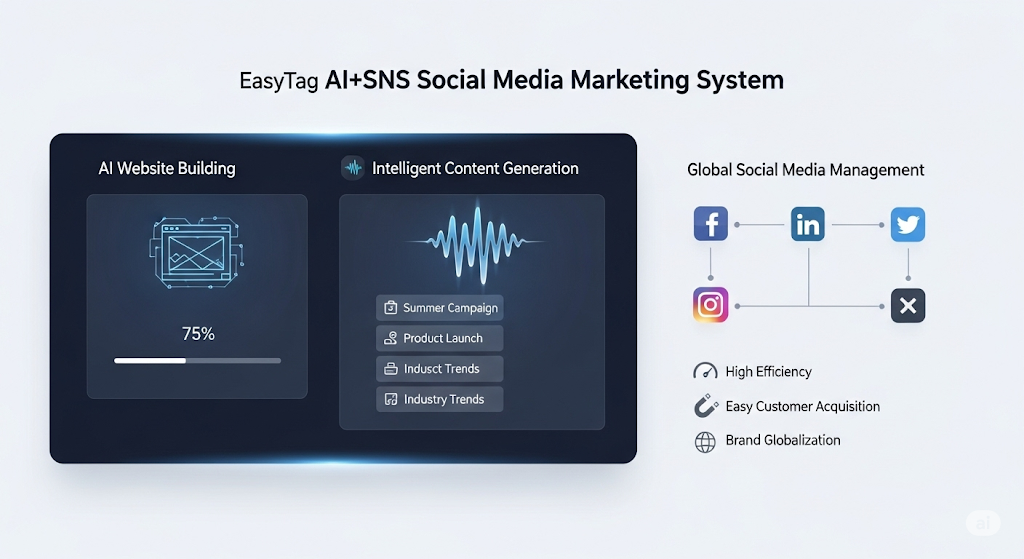
 AI+SNS Social Media Marketing SystemYingbao AI+SNS Social Media Marketing System - Precision social capture for the social media era. Supports one-click content synchronization across major platforms like Facebook and LinkedIn. AI intelligently rewrites posts for enhanced relevance. 24/7 AI customer service and user profiling analysis empower businesses to efficiently expand into global markets.
 AI+SEO营销解决方案易营宝AI+SEO营销解决方案,通过AI批量写作、智能生成TDK、精准关键词扩词等功能,全面优化网站SEO效果,提升流量与转化率。助力企业构建高效智能网站新生态。
 AI+SEM Advertising Marketing SolutionsAI+SEM Advertising Marketing Solution leverages AI technology to deeply empower SEM ad campaigns. It automatically generates weekly/monthly reports using AI, presenting account data across multiple dimensions for comprehensive insights into campaign performance and trends. The system precisely recommends keywords and target countries, intelligently generates high-conversion ad copy, and enables one-click activation of efficient campaign plans to help businesses rapidly acquire customers. Simultaneously, it monitors core metrics in real time, intelligently identifies abnormal fluctuations, and issues timely alerts to ensure stable, high-return advertising results.
 Domain Name ServicesEasyWin provides professional domain name services, including intelligent queries, one-stop registration, brand protection, and full lifecycle management, helping businesses build a digital brand image.
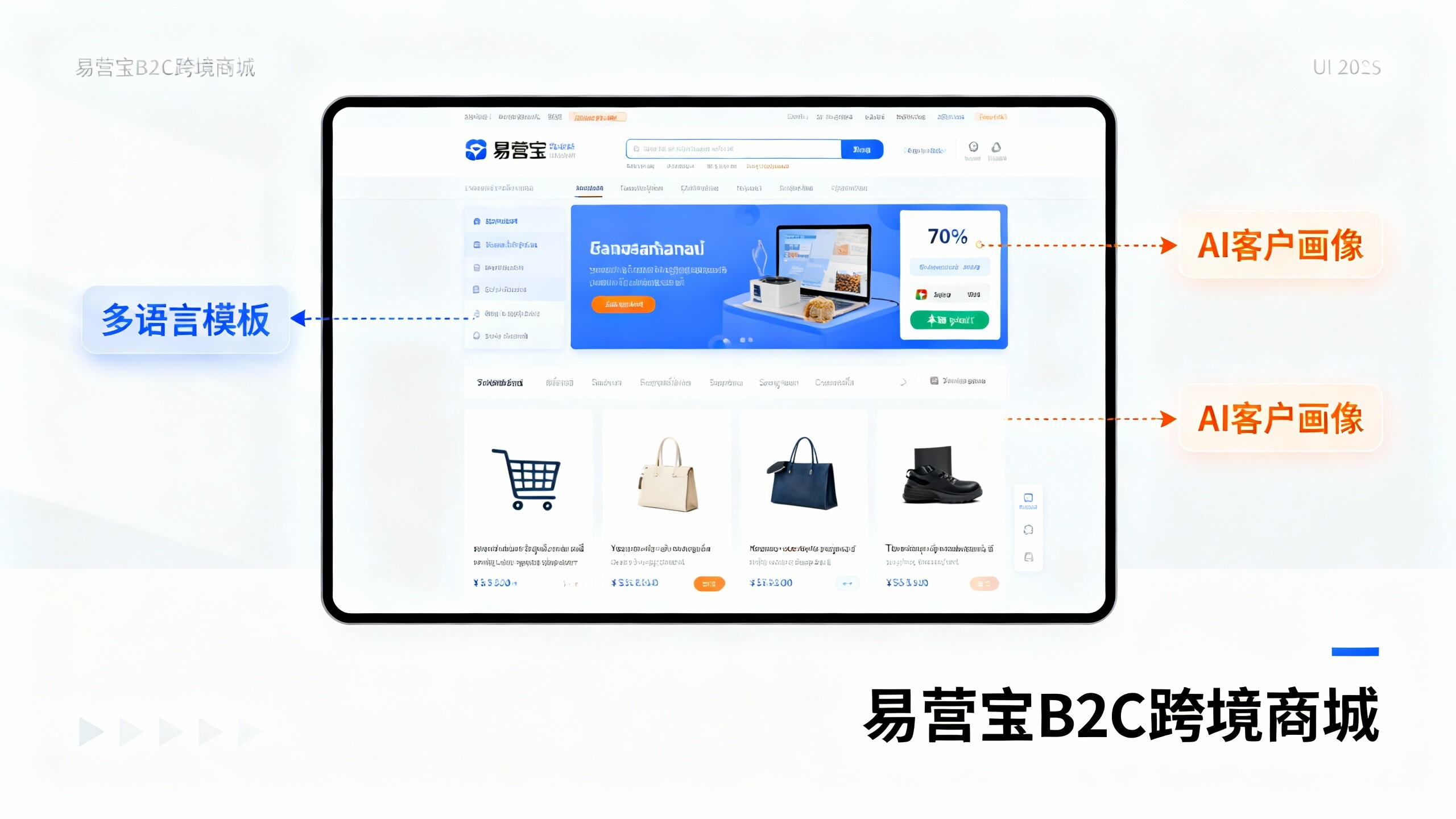
 EasyOperate B2C Cross-Border E-Commerce Platform & Independent WebsiteEasyStore B2C Cross-border E-commerce Independent Store is an intelligent website building and cross-border e-commerce integrated solution independently developed by EasyStore Information Technology (Beijing) Co., Ltd. The system is specially designed for small and medium-sized as well as large export enterprises, integrating 'website building, operation, marketing, advertising, and conversion' into one, helping enterprises quickly establish cross-border e-commerce independent stores to achieve brand globalization and global sales growth.
The platform supports multiple languages, multiple currencies, and multi-channel marketing, with built-in AI intelligent translation and SEO optimization systems, suitable for mainstream markets such as Southeast Asia, Europe and America, Latin America, and the Middle East, assisting Chinese manufacturing enterprises in efficiently deploying international e-commerce strategies. SSL证书易营宝提供专业SSL安全证书服务,包括单域名和泛域名证书,确保网站数据传输加密、身份验证和完整性保护,助力企业建立安全可信的在线业务环境。