





- What Does a Global Traffic Ecosystem Service Provider Do? What Are the Differences from a Single Advertising AgencyJul 16, 2026View details
- What should you focus on in the latest enterprise SaaS report? From renewal rates and delivery costs to overseas growth opportunitiesJul 12, 2026View details
- What signals are worth paying attention to in a cross-border marketing trend report? B2B companies should look at these 6 signalsJul 11, 2026View details
- How to Read a Cross-Border Marketing Trends Report? Five Key Dimensions for Evaluating Channel OpportunitiesJul 11, 2026View details
- Which channel has the highest ROI in the global traffic ecosystem? Comparative analysis of search, social media, and advertisingJul 10, 2026View details
- What multilingual website services are available in Sanya? Which model is more suitable for local businesses going global?Jul 08, 2026View details
- How to view the complete list of China SaaS companies in the top 100? Practical methods for screening website-building and marketing service providersJul 08, 2026View details
- How to view pricing in the global traffic ecosystem? Cost comparison of search, social media, and content channel advertisingJul 06, 2026View details
How is the SSL certificate application process completed step by step?
Many businesses are concerned about the complexity of the SSL certificate application process, cost control, and SEO impact before launching their websites. This article will guide you through the entire application, verification, and deployment process, using website building and search engine optimization service scenarios as examples.
For information researchers, business decision-makers, and project leaders, SSL certificates are not just a technical action that "makes a padlock appear before a URL." They are directly related to user trust, form submission security, search engine crawling experience, and the conversion stability of subsequent advertising landing pages.
In a website + marketing service integrated scenario, certificate application, server deployment, internal link adjustment, 301 redirects, and HTTPS indexing monitoring are often a continuous process. Improper handling at any stage can lead to browser warnings at best, and serious consequences such as impacting inquiry collection, keyword ranking, and brand reputation at worst.
E-Creative Information Technology (Beijing) Co., Ltd. provides long-term services for global digital marketing projects, forming a full-chain collaboration around intelligent website building, SEO optimization, social media marketing, and advertising. For enterprises that need to balance security, efficiency, and promotional effectiveness, understanding the SSL certificate application process can help projects go live faster and reduce rework costs.
First, let's understand the role of SSL certificates in website building and marketing.

The core function of an SSL certificate is to establish an encrypted transmission channel for a website via HTTPS. When users submit contact information, inquiries, or login details, the data is encrypted before transmission, effectively reducing the risk of theft or tampering. For corporate websites, e-commerce pages, event pages, and overseas independent websites, this step is usually considered a basic configuration.
From a marketing perspective, SSL certificates affect at least three key metrics: first, browser trust; second, landing page bounce rate; and third, search engines' assessment of page usability. If a site consistently displays an "insecure" warning, the probability of users leaving within 3 to 8 seconds increases significantly, passively increasing advertising costs.
Common certificates are categorized into three types: DV, OV, and EV. DV verifies domain ownership and is suitable for most corporate websites and content sites; OV involves additional verification of the company's ownership and is more suitable for brand display and business opportunity gathering scenarios; EV has stricter verification and is often used for financial, transactional, or high-trust-requirement pages. Different types differ in application time, required documentation, and price range.
For project managers, SSL certificates are not a standalone purchase, but rather an integral part of the deployment plan. They typically need to be managed in tandem with domain management, server environment setup, CDN, sitemap, and redirection configuration. In a standard project, the typical timeframe from certificate application to deployment is 1 to 5 days. If additional company information or multiple domains are involved, the timeframe may extend to 3 to 7 days.
Comparison of common enterprise certificate types
During the selection phase, it is recommended to first consider the site's purpose, budget, and verification timeline. The table below is suitable for reference by the procurement, technology, and operations teams.
If a business primarily focuses on website display, SEO customer acquisition, and form lead generation, DV or OV is usually sufficient. However, if it also hosts high-value registration, payment, or large transaction pages, a higher verification level certificate should be evaluated first to reduce user concerns and enhance brand trust.
II. How to complete the SSL certificate application process step by step

In practice, the SSL certificate application process can generally be broken down into five steps: confirming the domain name and site structure, generating a CSR file, selecting the certificate type, completing domain name or enterprise verification, and downloading and deploying the certificate. For a single-domain official website, these five steps can usually be completed within one business day; for multi-site or wildcard domain projects, a domain name list needs to be prepared in advance.
Step 1: Confirm the applicant and deployment environment
First, you need to clarify whether you are applying for a single-domain, wildcard, or multi-domain certificate. For example, do you need to cover both www.example.com and example.com? Do you have more than five subsites? Are you also using CDN, reverse proxy, or load balancer? These factors will all affect the certificate selection and installation method.
Step 2: Generate CSR and Private Key
A CSR (Certificate Request for Issuance) is typically generated on the server or control panel. A private key is also generated during the process, and this key must be securely stored and not leaked. If the private key is lost, a new certificate often needs to be requested. The CSR generation method differs slightly for environments such as Nginx, Apache, and IIS, but the core parameters remain the same.
Step 3: Complete verification and issue the certificate
There are three common verification methods for DV certificates: DNS resolution verification, file verification, and email verification. If the enterprise has operational support, DNS verification is usually more stable; if using a website builder panel, file verification is more intuitive; if domain management is weak, email verification is more likely to cause delays due to email receipt. Once verification is successful, the issuance time generally ranges from 10 minutes to several hours.
Step 4: Install the certificate and test HTTPS
Installation is not the end of the process. The technical team still needs to check if the certificate chain is complete, if the TLS version is compatible, if forced redirection is effective, and if images, JS, and CSS are still calling HTTP resources. If mixed content issues exist, the browser may still display a risk warning, affecting user access and search engine crawling.
To facilitate team collaboration, a flowchart that can be directly used for project implementation is provided below.
Most problems don't occur during the "application" process itself, but rather during the deployment and integration phase. This is especially true for marketing websites, which often integrate analytics code, chat tools, third-party forms, and ad tracking scripts. If these resources still use HTTP, it will compromise the integrity of HTTPS.
III. After deployment, why is it necessary to link SEO and marketing settings?
Many businesses believe that installing an SSL certificate is the end of the process, but from a search and marketing perspective, the real key lies in the subsequent interaction. If both the HTTP and HTTPS versions are accessible simultaneously, it will create duplicate pages; if a 301 redirect is missing, search engines may continue to crawl the old address for 2 to 8 weeks, resulting in a dilution of search ranking.
A complete HTTPS migration should include at least four steps: updating internal absolute links, setting up 301 redirects, updating the sitemap, and submitting the HTTPS version to search engines. For ad-supported websites, it's also necessary to simultaneously check landing page URLs, tracking parameters, and conversion feedback interfaces to prevent ad clicks from redirecting to the old page.
For businesses engaged in international marketing, SSL certificates are a fundamental requirement. Overseas users are more sensitive to browser security warnings, especially on B2B inquiry pages, sample application pages, and agent registration pages. The appearance of insecurity warnings can easily impact inquiry conversion rates. In practice, with stable HTTPS, the form data entry process becomes smoother, and customer service follow-up is more efficient.
Six items to check after deployment
- Should the homepage, category pages, and detail pages all be forced to redirect to HTTPS to avoid having two versions of the same page coexisting?
- Check whether images, style files, JS scripts, and statistics code are still referencing HTTP resources, and promptly fix any mixed content.
- Have the Canonical tags, site map, and robots configuration been updated to HTTPS?
- Are form submissions, payment interfaces, online customer service, and CDN caching compatible with the new certificate environment?
- Are the ad placement links, UTM parameters, and social media profile links updated simultaneously to reduce redirection losses?
- Is the certificate valid for 90 days, 1 year, or longer? Is automatic renewal reminder configured?
In content marketing projects, SSL certificates also influence users' initial perception of professionalism. Just as companies refer to industry research materials when conducting market research, website security is also part of brand credibility. For example, when evaluating digital communication strategies for the green industry, many companies also consider investment research on environmental protection funds within the energy conservation and environmental protection sector , taking into account website information presentation, data download security, and potential customer conversion paths.
IV. Common Mistakes and Cost Control Methods for Enterprises Applying for SSL Certificates
The first misconception is focusing solely on price while ignoring compatibility. Free certificates may be sufficient for some content sites or testing environments, but for multi-domain official websites or B2B sites requiring manual maintenance, a certificate with a 90-day validity period can result in renewal and monitoring costs exceeding the cost of a one-time 1-year subscription. This is especially true when a company has more than 5 websites, where unified management is crucial.
The second misconception is ignoring the renewal mechanism. Once a certificate expires, the browser will directly warn of the risk, affecting access and lead generation. After-sales maintenance personnel should set reminders at least 30 days in advance. If using automated maintenance, the monitoring frequency can be set to once a day; if using manual management, the certificate expiration date should be checked at least once a week.
The third misconception is delegating certificate deployment to a single role. In reality, SSL certificate deployment involves procurement, domain management, server maintenance, front-end resource integration, and SEO operations. Inadequate cross-departmental collaboration often leads to a chain of problems such as "the certificate is installed, but the page is incomplete," "search engine indexing is chaotic," and "broken advertising links."
Selection and cost strategies for different scenarios
To help decision-makers make faster judgments, the following configuration suggestions are provided for common website scenarios.
If businesses want to integrate website construction, security deployment, and subsequent promotion into a unified management system, it's recommended not to treat SSL certificates as a separate purchase item, but rather to include them in the website building and marketing operations package. This not only allows for faster deployment but also facilitates the integrated execution of later SEO adjustments, content publishing, and conversion monitoring.
V. FAQ: Several questions that enterprises are most concerned about before and after going live
In actual consultations, questions about the SSL certificate application process often focus on timeliness, SEO impact, and post-application maintenance. The following questions are helpful for information researchers, resellers, and end customers to make quick judgments.
1. Will an SSL certificate affect website indexing?
Proper deployment typically doesn't cause long-term negative impacts. The real problem is incomplete migration procedures, such as missing 301 redirects, outdated internal links, and failure to replace the old sitemap. If the guidelines are followed, search engines will generally complete the identification of the old and new addresses within several days to weeks.
2. How many domains can one certificate cover?
Single-domain certificates typically cover one main domain; wildcard certificates can cover multiple subdomains at the same level; and multi-domain certificates can be bound to multiple independent domains. Before purchasing certificates, businesses should first calculate the number of domains, business lines, and whether there are any overseas sites to avoid duplicate applications later.
3. Are free certificates suitable for a company website?
Suitable for some basic display websites, but if businesses require longer-term, more stable renewal management, technical support, or higher verification levels, a commercial certificate is recommended. This is especially true for official websites with advertising, key SEO pages, and lead generation; stability and management costs should be prioritized.
4. What maintenance is required after certificate deployment?
At least four items should be included: certificate expiration reminders, server configuration checks, mixed content page inspections, and search performance monitoring. If a company operates content sections long-term, it can also continuously optimize download pages, product pages, and special topic pages. For example, in resource downloads or industry content operations, pages such as those on investment research for environmental protection funds within the energy conservation and environmental protection industry should ensure stable HTTPS access, link redirects, and form submissions throughout the entire process.
The SSL certificate application process itself isn't complicated; the challenge lies in managing the application, deployment, redirection, indexing, and marketing tracking as a unified project. For businesses aiming to balance brand image, promotional efficiency, and website security, completing certificate planning during the website building phase is more time-efficient and cost-effective than attempting to remedy the situation after launch.
If you're preparing to launch your official website, redesign your marketing site, or advance a multilingual independent website project, we recommend simultaneously evaluating your domain structure, certificate type, server environment, and SEO migration plan. Leveraging the collaborative capabilities of EasyPro Information Technology (Beijing) Co., Ltd. in intelligent website building, SEO optimization, social media marketing, and advertising, you can more efficiently complete the entire process from security deployment to customer acquisition and conversion. Contact us now to obtain a customized solution and learn more about our solutions.
Related Articles


Related Products
 EasyCamp SaaS Smart Website Marketing SystemE-Yingbao SaaS Smart Website Marketing System: AI-powered, zero-code website building. Rapidly launch multilingual independent e-commerce sites in just 10 minutes. Global server acceleration and AI-driven SEO optimization empower businesses to efficiently connect with global markets. The seamless integration of technology and user-friendly operation makes building e-commerce sites incredibly simple.
 AI+SEM Intelligent Advertising Marketing SystemAI+SEM drives intelligent ad creation, empowering full-funnel precision advertising marketing. The system automatically generates weekly/monthly reports, AI recommends keywords and target countries, monitors core metrics in real-time with intelligent alerts, and enables one-click high-conversion ad solutions to help quickly acquire customers and improve ROI.
 AI+SEO Dual Engine Optimization ServiceEasyWin AI+SEO Dual Engine Optimization System leverages AI-powered keyword mining, content generation, and comprehensive technical optimization to help foreign trade enterprises acquire high-quality organic traffic, significantly improving search rankings and conversion rates.
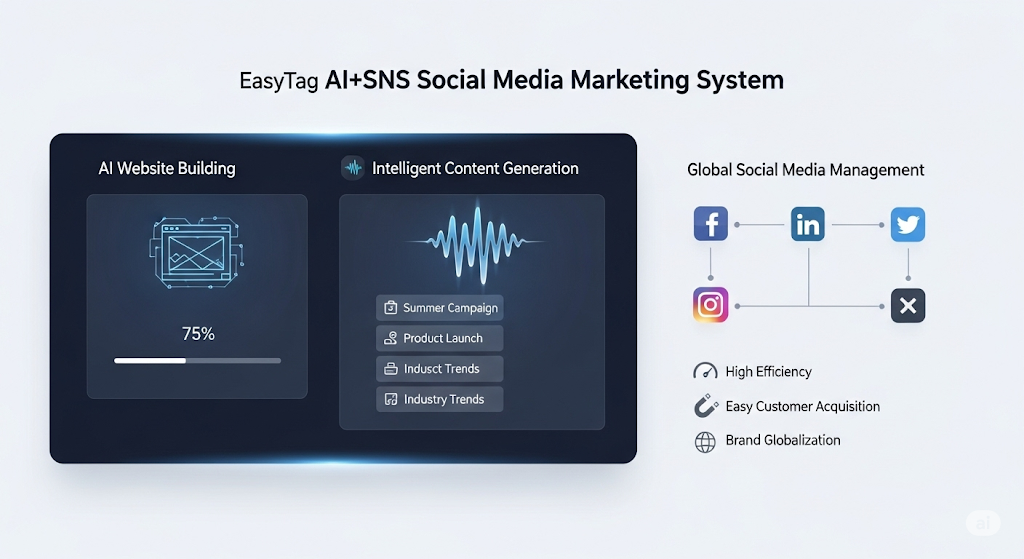
 AI+SNS Social Media Marketing SystemYingbao AI+SNS Social Media Marketing System - Precision social capture for the social media era. Supports one-click content synchronization across major platforms like Facebook and LinkedIn. AI intelligently rewrites posts for enhanced relevance. 24/7 AI customer service and user profiling analysis empower businesses to efficiently expand into global markets.
 AI+SEO营销解决方案易营宝AI+SEO营销解决方案,通过AI批量写作、智能生成TDK、精准关键词扩词等功能,全面优化网站SEO效果,提升流量与转化率。助力企业构建高效智能网站新生态。
 AI+SEM Advertising Marketing SolutionsAI+SEM Advertising Marketing Solution leverages AI technology to deeply empower SEM ad campaigns. It automatically generates weekly/monthly reports using AI, presenting account data across multiple dimensions for comprehensive insights into campaign performance and trends. The system precisely recommends keywords and target countries, intelligently generates high-conversion ad copy, and enables one-click activation of efficient campaign plans to help businesses rapidly acquire customers. Simultaneously, it monitors core metrics in real time, intelligently identifies abnormal fluctuations, and issues timely alerts to ensure stable, high-return advertising results.
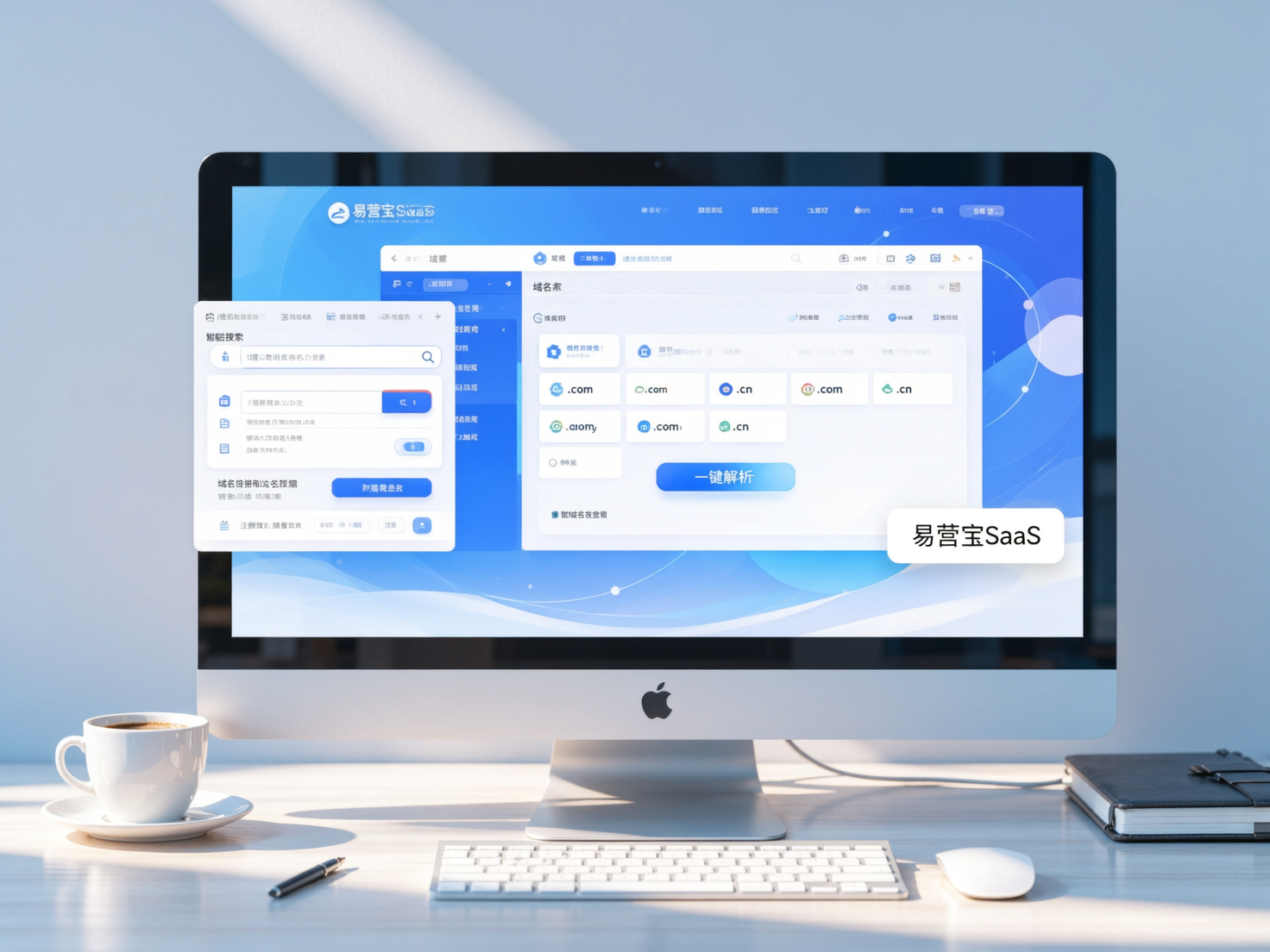
 Domain Name ServicesEasyWin provides professional domain name services, including intelligent queries, one-stop registration, brand protection, and full lifecycle management, helping businesses build a digital brand image.
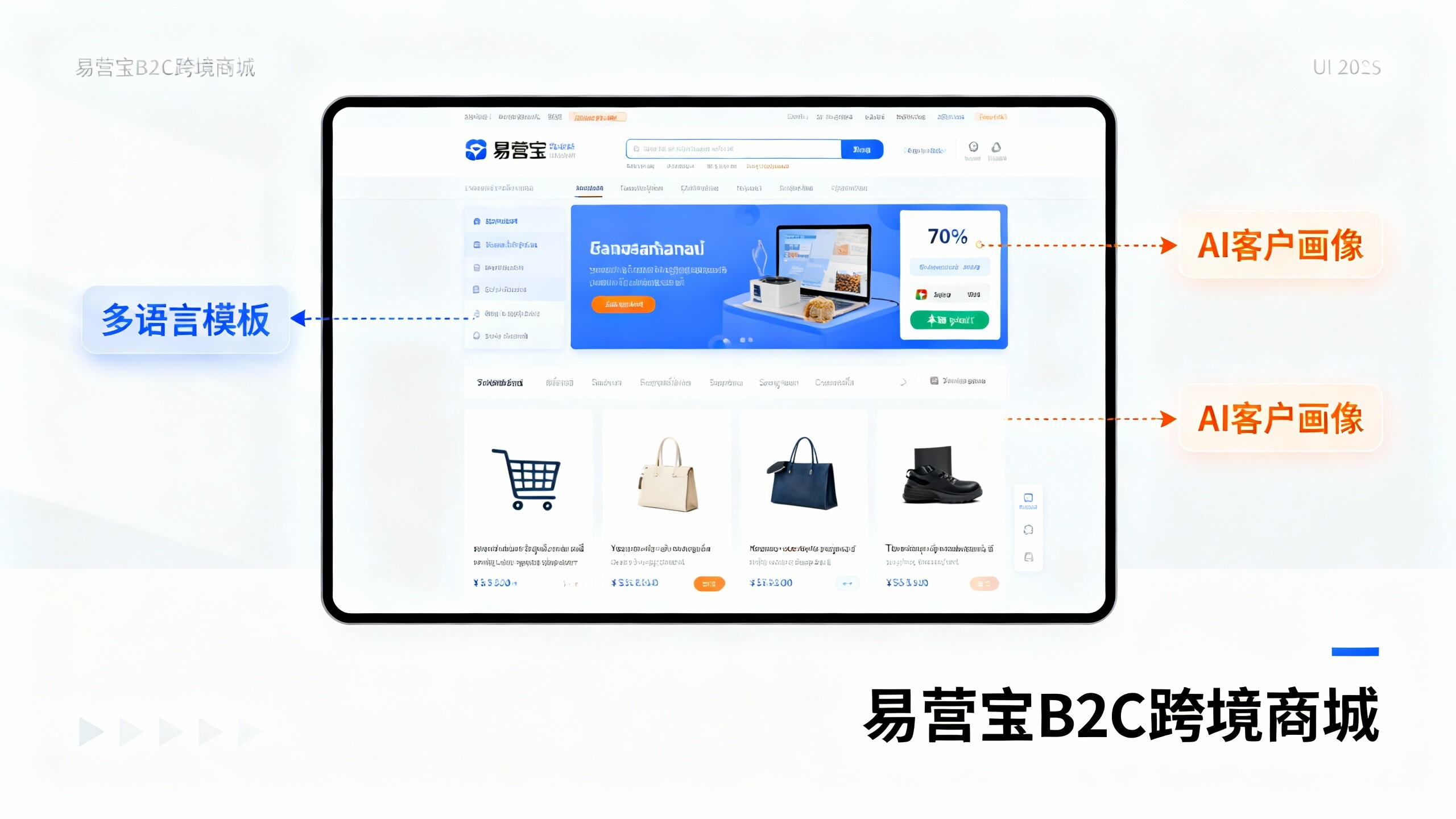
 EasyOperate B2C Cross-Border E-Commerce Platform & Independent WebsiteEasyStore B2C Cross-border E-commerce Independent Store is an intelligent website building and cross-border e-commerce integrated solution independently developed by EasyStore Information Technology (Beijing) Co., Ltd. The system is specially designed for small and medium-sized as well as large export enterprises, integrating 'website building, operation, marketing, advertising, and conversion' into one, helping enterprises quickly establish cross-border e-commerce independent stores to achieve brand globalization and global sales growth.
The platform supports multiple languages, multiple currencies, and multi-channel marketing, with built-in AI intelligent translation and SEO optimization systems, suitable for mainstream markets such as Southeast Asia, Europe and America, Latin America, and the Middle East, assisting Chinese manufacturing enterprises in efficiently deploying international e-commerce strategies. SSL证书易营宝提供专业SSL安全证书服务,包括单域名和泛域名证书,确保网站数据传输加密、身份验证和完整性保护,助力企业建立安全可信的在线业务环境。