





- What Does a Global Traffic Ecosystem Service Provider Do? What Are the Differences from a Single Advertising AgencyJul 16, 2026View details
- What should you focus on in the latest enterprise SaaS report? From renewal rates and delivery costs to overseas growth opportunitiesJul 12, 2026View details
- What signals are worth paying attention to in a cross-border marketing trend report? B2B companies should look at these 6 signalsJul 11, 2026View details
- How to Read a Cross-Border Marketing Trends Report? Five Key Dimensions for Evaluating Channel OpportunitiesJul 11, 2026View details
- Which channel has the highest ROI in the global traffic ecosystem? Comparative analysis of search, social media, and advertisingJul 10, 2026View details
- What multilingual website services are available in Sanya? Which model is more suitable for local businesses going global?Jul 08, 2026View details
- How to view the complete list of China SaaS companies in the top 100? Practical methods for screening website-building and marketing service providersJul 08, 2026View details
- How to view pricing in the global traffic ecosystem? Cost comparison of search, social media, and content channel advertisingJul 06, 2026View details
What are the risks of an expired SSL certificate?
Once an SSL certificate expires, website trust, secure data transmission, and marketing conversion will all be affected, requiring early warning from quality control and security management. For integrated website and marketing services, SSL certificates are not merely a technical configuration, but a fundamental guarantee for user experience, search performance, ad acceptance, and customer lead generation.
I. Which scenarios are most susceptible to the impact of SSL certificate expiration?
The degree of reliance on SSL certificates varies depending on the website scenario. Corporate websites, marketing landing pages, online stores, membership systems, and overseas websites all require stable encrypted connections.
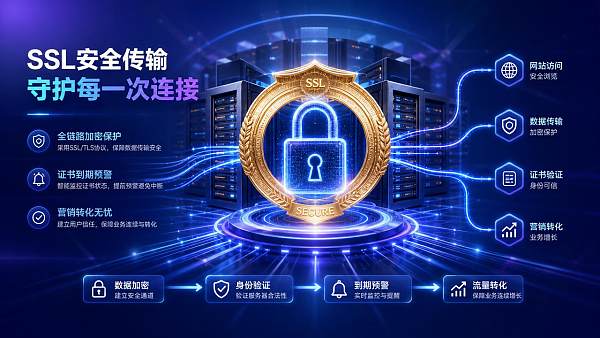
When an SSL certificate expires, the browser will display a "not secure" message or block access. This raises concerns for users before they even enter the page, leading to a decrease in subsequent inquiries, registrations, and orders.
For websites that rely on advertising, abnormal SSL certificates can also affect landing page approvals. When advertising costs rise, any access disruption will amplify marketing losses.
II. Official Website Display Scenarios: Brand Trust is Damaged First
A company's official website serves as a brand endorsement. When an SSL certificate expires, visitors see a risk warning and can easily conclude that the company's management is not up to standard.
Especially in first-time visits, users lack prior trust. An expired SSL certificate directly undermines brand professionalism and impacts their willingness to make inquiries.
III. Marketing landing page scenario: The conversion path will be interrupted.
Marketing landing pages typically handle traffic from advertising, social media, and search. An expired SSL certificate can cause clicks to stop at a browser warning page.
These types of risks not only result in a lost visit but also negatively impact the performance of the advertising account. Conversion models also become distorted when a page fails to load.
In its intelligent website building, SEO optimization, social media marketing, and advertising, EasyCare typically incorporates SSL certificate status into its online checks to reduce potential breakpoints.
IV. Transaction and Lead Generation Scenarios: Higher Data Security Risks
Online stores, forms, member login pages, and payment pages rely heavily on SSL certificates to protect data transmission. Once the certificate expires, account information, phone numbers, and order details may be exposed to risk.
Even without actual data breaches, users may abandon their submissions due to security warnings. For high-value transactions, such abandonments are often difficult to recover.
V. Differences in SSL Certificate Risks in Different Scenarios
VI. Search Engine Optimization Scenarios: SSL Certificates Affect Indexing and Clicks
Search engines prioritize page security and user experience. A persistently abnormal SSL certificate can negatively impact crawling stability, page quality assessment, and organic click-through rates.
For websites that are currently undergoing SEO optimization, an expired SSL certificate can put pressure on their established ranking advantages. Even after fixing the issue, it will take time to restore trust signals.
In content governance, a systematic oversight approach can be referenced, such as the process-oriented management emphasized by the Research Institute on Optimization Strategies for Financial and Accounting Oversight Systems of Administrative and Public Institutions , which incorporates certificate checks into a routine mechanism.
VII. SSL Certificate Compatibility Recommendations: Establish Early Warning Systems Based on Scenario
- Official websites: Check the validity of the SSL certificate 30 days in advance.
- Landing page for ad delivery: Confirm that HTTPS is working properly before the ad goes live.
- Transaction system: Prioritize SSL certificates that support automatic renewal.
- Multi-domain website cluster: Establish a certificate list and a responsibility mechanism.
- Overseas sites: Simultaneously check CDN, main site, and subdomain certificates.
These actions may seem basic, but they can reduce a significant amount of hidden losses. The more proactive you are in managing SSL certificates, the more stable your marketing chain will be.
8. Common Misjudgment: Simply looking at the certificate on the homepage is not enough.
Many websites only check the SSL certificate on the homepage, but neglect the login page, form page, payment page, subdomains, and test environment.
Some websites, after changing servers or CDNs, failed to deploy their SSL certificates accordingly. While the site appears accessible, security warnings may appear in certain regions.
Another misconception is that free SSL certificates are always hassle-free. However, without renewal monitoring, free certificates can also expire, causing business disruptions.
9. How to implement SSL certificate management in the next step?
It is recommended to first organize all domains, subdomains, landing pages, and business systems to create an SSL certificate ledger. Then, set up expiration alerts, automatic renewal, and pre-launch review.
For businesses that simultaneously operate website building, SEO, social media, and advertising, SSL certificates should be included in their digital marketing quality control. This is essential to ensure traffic comes in, pages load, and users feel comfortable submitting content.
If your website experiences access warnings, declining conversion rates, or abnormal ad review processes recently, you should immediately check the SSL certificate status and simultaneously inspect the server, CDN, and domain name resolution configurations.
Related Articles
 Attention! Builders' must-see: Yibingbao AI components updated, design efficiency directly doubled!
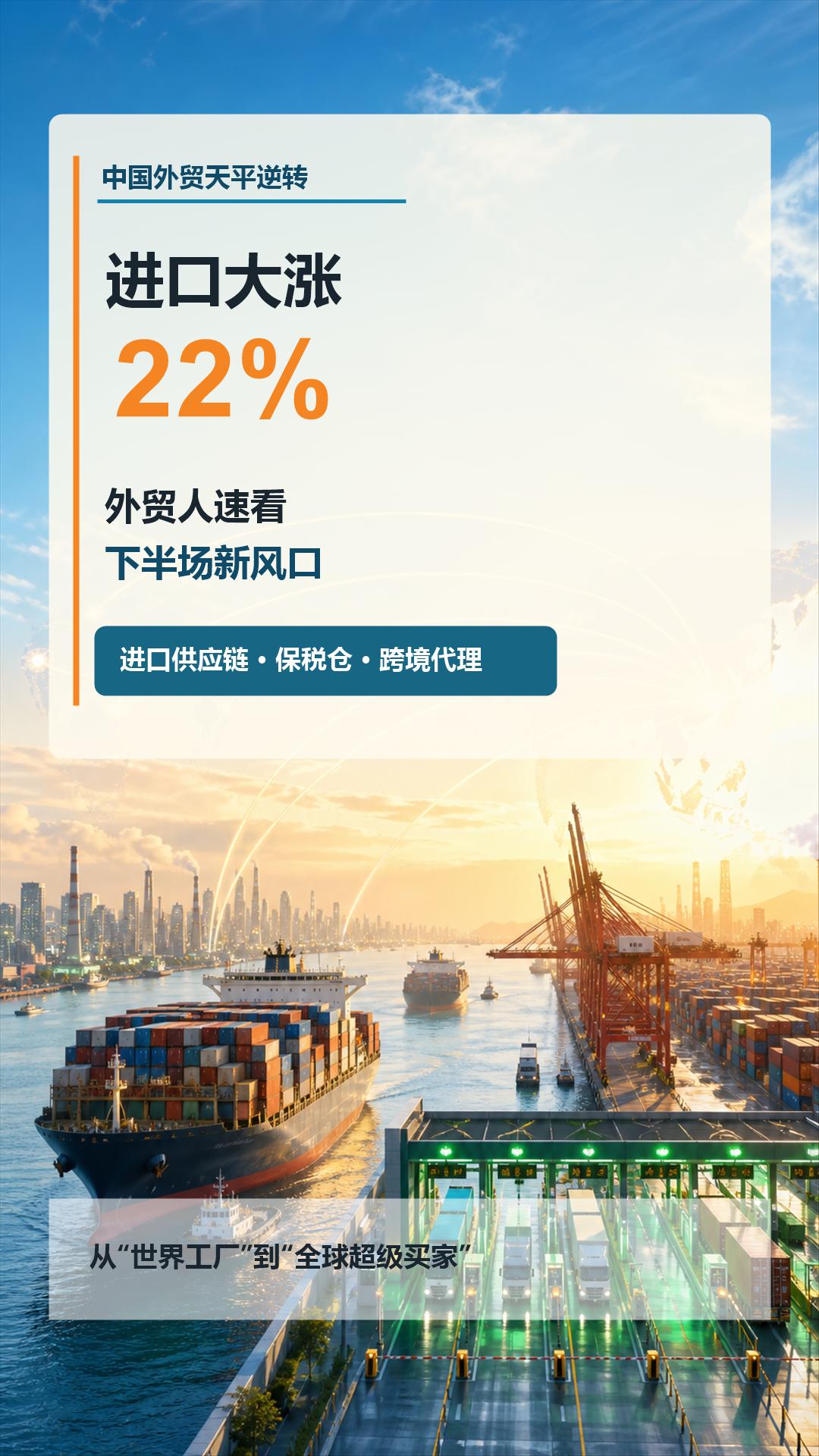
 China's foreign trade sees a turnaround: imports surge by 22%! Foreign trade professionals should quickly take note of the new trends in the second half of the year
 What Does a Global Traffic Ecosystem Service Provider Do? What Are the Differences from a Single Advertising Agency


Related Products
 EasyCamp SaaS Smart Website Marketing SystemE-Yingbao SaaS Smart Website Marketing System: AI-powered, zero-code website building. Rapidly launch multilingual independent e-commerce sites in just 10 minutes. Global server acceleration and AI-driven SEO optimization empower businesses to efficiently connect with global markets. The seamless integration of technology and user-friendly operation makes building e-commerce sites incredibly simple.
 AI+SEM Intelligent Advertising Marketing SystemAI+SEM drives intelligent ad creation, empowering full-funnel precision advertising marketing. The system automatically generates weekly/monthly reports, AI recommends keywords and target countries, monitors core metrics in real-time with intelligent alerts, and enables one-click high-conversion ad solutions to help quickly acquire customers and improve ROI.
 AI+SEO Dual Engine Optimization ServiceEasyWin AI+SEO Dual Engine Optimization System leverages AI-powered keyword mining, content generation, and comprehensive technical optimization to help foreign trade enterprises acquire high-quality organic traffic, significantly improving search rankings and conversion rates.
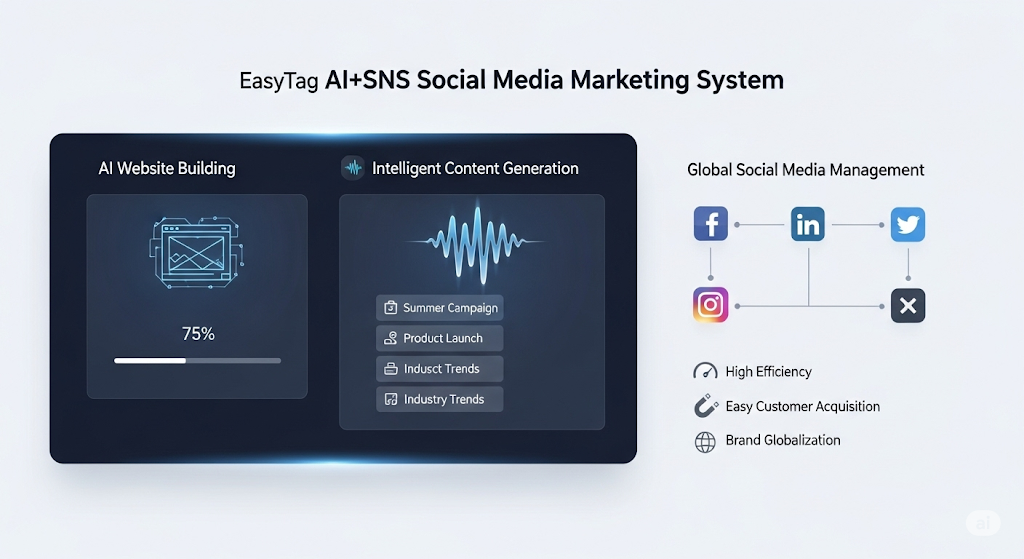
 AI+SNS Social Media Marketing SystemYingbao AI+SNS Social Media Marketing System - Precision social capture for the social media era. Supports one-click content synchronization across major platforms like Facebook and LinkedIn. AI intelligently rewrites posts for enhanced relevance. 24/7 AI customer service and user profiling analysis empower businesses to efficiently expand into global markets.
 AI+SEO营销解决方案易营宝AI+SEO营销解决方案,通过AI批量写作、智能生成TDK、精准关键词扩词等功能,全面优化网站SEO效果,提升流量与转化率。助力企业构建高效智能网站新生态。
 AI+SEM Advertising Marketing SolutionsAI+SEM Advertising Marketing Solution leverages AI technology to deeply empower SEM ad campaigns. It automatically generates weekly/monthly reports using AI, presenting account data across multiple dimensions for comprehensive insights into campaign performance and trends. The system precisely recommends keywords and target countries, intelligently generates high-conversion ad copy, and enables one-click activation of efficient campaign plans to help businesses rapidly acquire customers. Simultaneously, it monitors core metrics in real time, intelligently identifies abnormal fluctuations, and issues timely alerts to ensure stable, high-return advertising results.
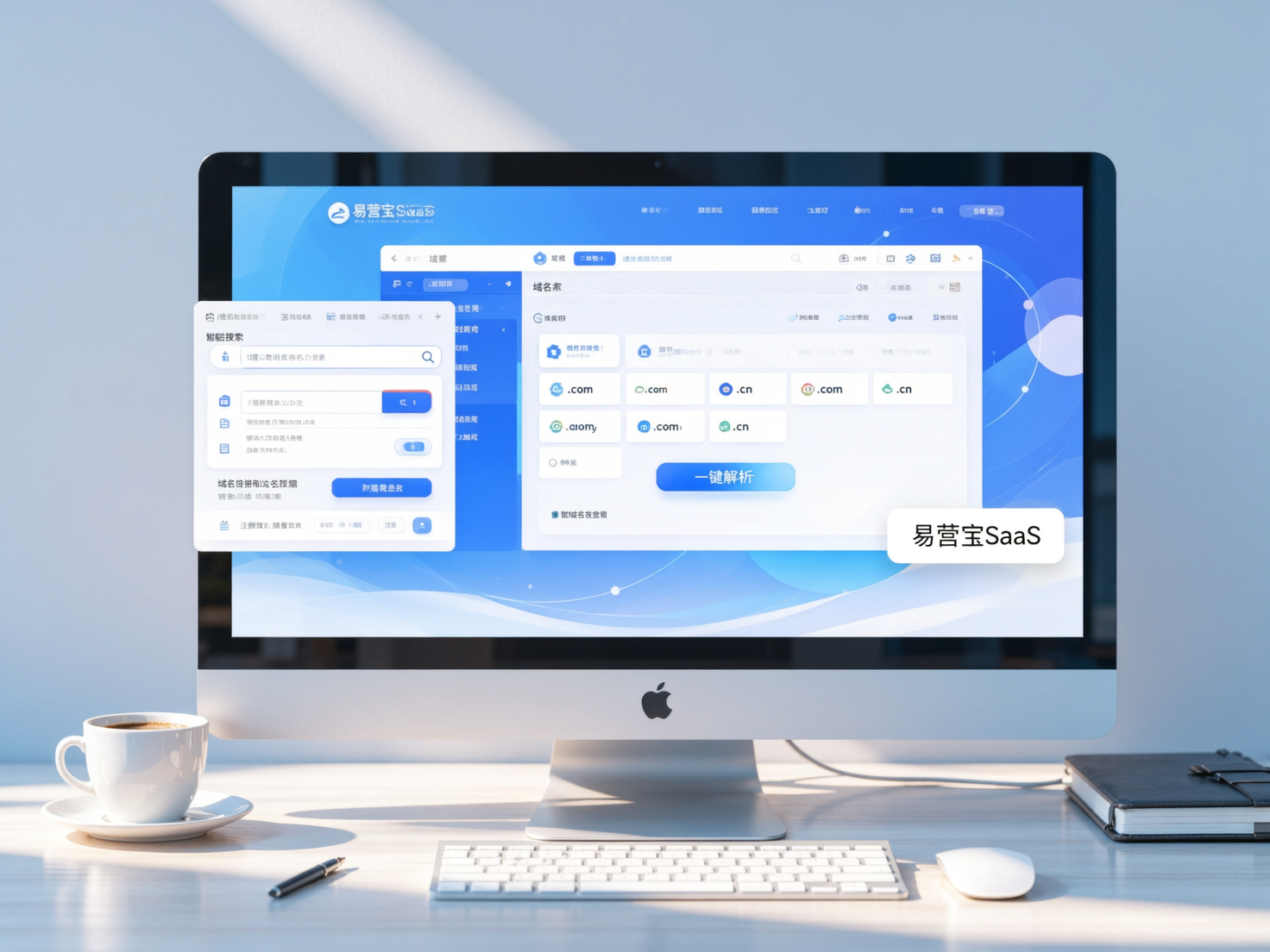
 Domain Name ServicesEasyWin provides professional domain name services, including intelligent queries, one-stop registration, brand protection, and full lifecycle management, helping businesses build a digital brand image.
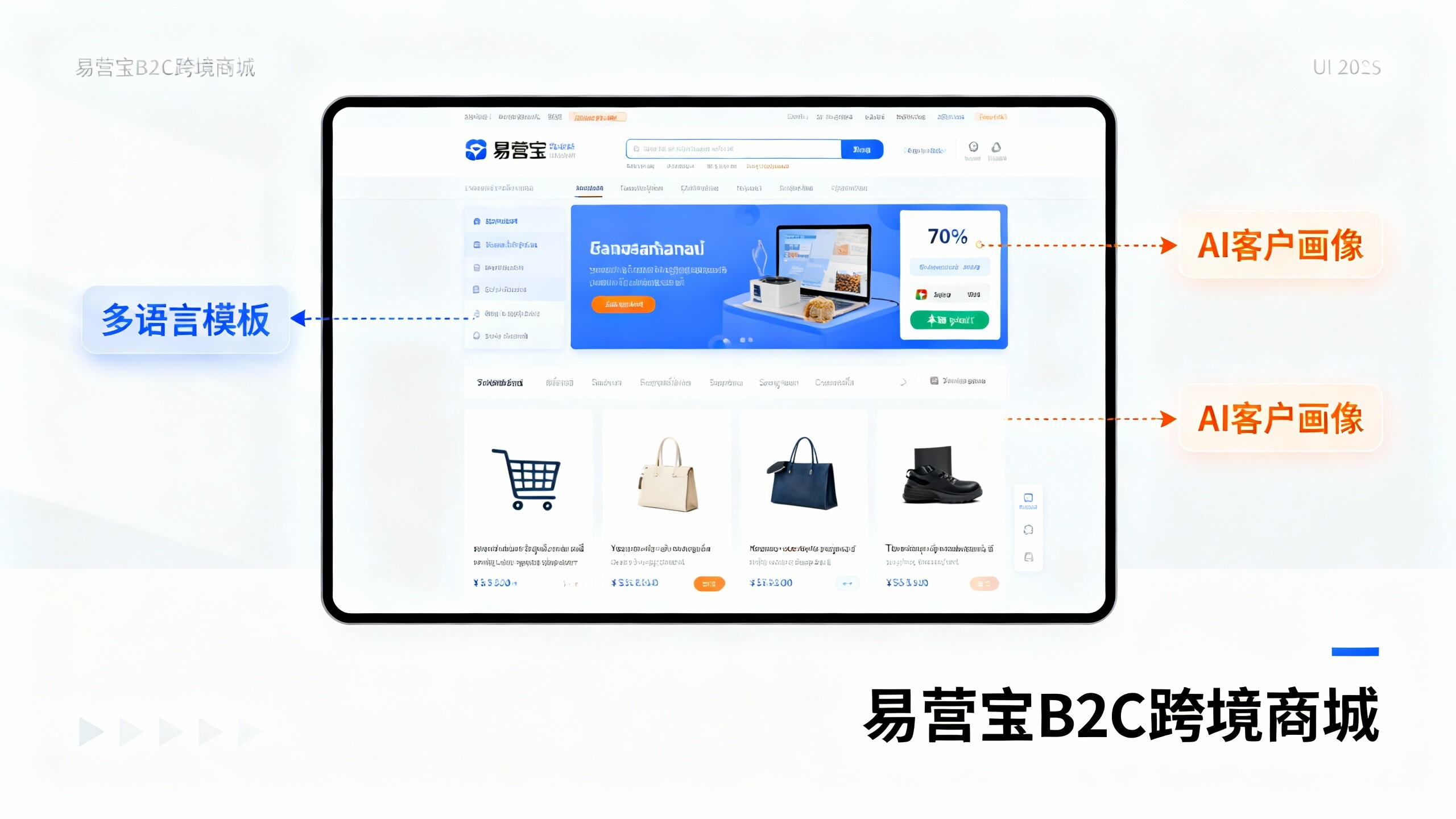
 EasyOperate B2C Cross-Border E-Commerce Platform & Independent WebsiteEasyStore B2C Cross-border E-commerce Independent Store is an intelligent website building and cross-border e-commerce integrated solution independently developed by EasyStore Information Technology (Beijing) Co., Ltd. The system is specially designed for small and medium-sized as well as large export enterprises, integrating 'website building, operation, marketing, advertising, and conversion' into one, helping enterprises quickly establish cross-border e-commerce independent stores to achieve brand globalization and global sales growth.
The platform supports multiple languages, multiple currencies, and multi-channel marketing, with built-in AI intelligent translation and SEO optimization systems, suitable for mainstream markets such as Southeast Asia, Europe and America, Latin America, and the Middle East, assisting Chinese manufacturing enterprises in efficiently deploying international e-commerce strategies. SSL证书易营宝提供专业SSL安全证书服务,包括单域名和泛域名证书,确保网站数据传输加密、身份验证和完整性保护,助力企业建立安全可信的在线业务环境。