





- What Does a Global Traffic Ecosystem Service Provider Do? What Are the Differences from a Single Advertising AgencyJul 16, 2026View details
- What should you focus on in the latest enterprise SaaS report? From renewal rates and delivery costs to overseas growth opportunitiesJul 12, 2026View details
- What signals are worth paying attention to in a cross-border marketing trend report? B2B companies should look at these 6 signalsJul 11, 2026View details
- How to Read a Cross-Border Marketing Trends Report? Five Key Dimensions for Evaluating Channel OpportunitiesJul 11, 2026View details
- Which channel has the highest ROI in the global traffic ecosystem? Comparative analysis of search, social media, and advertisingJul 10, 2026View details
- What multilingual website services are available in Sanya? Which model is more suitable for local businesses going global?Jul 08, 2026View details
- How to view the complete list of China SaaS companies in the top 100? Practical methods for screening website-building and marketing service providersJul 08, 2026View details
- How to view pricing in the global traffic ecosystem? Cost comparison of search, social media, and content channel advertisingJul 06, 2026View details
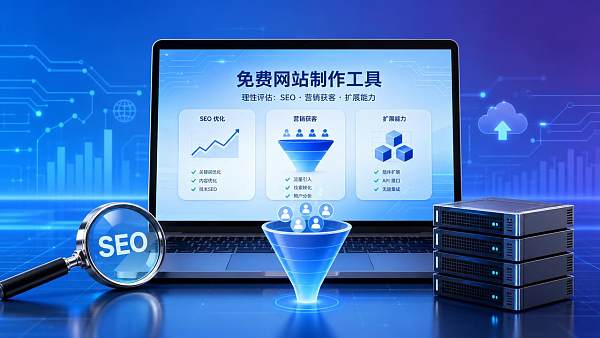
Pros and Cons of Free Website Builders
Free website builders are suitable for low-cost testing,but there are trade-offs in functionality,SEO,and scalability。This article outlines their pros and cons to help you make a rational choice。
Why Use a Checklist to Evaluate Free Website Builders
Building a website is not just about putting pages online。
It affects customer acquisition,conversion,and brand trust。
The advantages of free website builders are obvious。
Zero budget,quick to get started,and plenty of templates。
But hidden costs are often underestimated。
For example,domain restrictions,slow loading,and difficult data migration。
For integrated website + marketing services,evaluation cannot focus only on whether it is free。
You also need to see whether it can support SEO,advertising,and inquiries later。
Checklist of Core Advantages of Free Website Builders
- Reduce trial-and-error costs:Use a free website builder first to create basic pages,validate product positioning,copy direction,and user feedback,then decide whether to invest in custom development。
- Shorten the launch cycle:By choosing ready-made templates,drag-and-drop components,and preset forms,you can build a corporate website,landing page,or campaign page in a relatively short time。
- Lower the technical barrier:You can edit sections,replace images,set buttons,and publish basic content without being familiar with code。
- Convenient for small-scale testing:Use free website builders to quickly create different page versions and observe differences in visits,clicks,consultations,and conversions。
- Suitable for lightweight display:For brand introductions,contact information,service descriptions,and temporary campaigns,free website builders can usually meet basic needs。
Checklist of Main Disadvantages of Free Website Builders
- Watch out for brand exposure limitations:Some platforms retain platform watermarks,subdomains,or footer ads,which affects the professional image of a corporate website。
- Check SEO control options:If titles,descriptions,URL structures,sitemaps,and page speed are not controllable,organic traffic will be affected later。
- Confirm data ownership:If form leads,visit data,and customer behavior records cannot be exported,migration and remarketing will become more difficult。
- Evaluate scalability:When multilingual features,membership,payment,marketing automation,or API integration are needed,free solutions often encounter bottlenecks。
- Calculate hidden costs:Free website builders may generate ongoing fees for binding domains,removing ads,expanding capacity,plugins,and technical support。
Key Execution Points for Choosing Free Website Builders
- Clarify website goals:First determine whether the website is used for brand display,search-based customer acquisition,advertising traffic reception,or customer service,as different goals require different configurations。
- Test the mobile experience:Check the first screen,buttons,forms,navigation,and image loading page by page to avoid rapid loss of mobile traffic after entry。
- Review SEO setting permissions:Confirm whether each page can independently set titles,keywords,descriptions,image alt text,and canonical links。
- Plan the content structure:Design the homepage,service pages,case study pages,article pages,and contact page in advance to avoid templates that look good but have confusing logic。
- Reserve an upgrade path:Choose a platform that supports binding an independent domain,exporting content,connecting analytics,and expanding marketing tools。
The more detailed the checklist,the less rework there will be later。
This is similar to building a management system。
For example,Discussion on Development Strategies for Building an Internal Control System in Public Institutions emphasizes processes,risks,and a closed execution loop。
Website-building decisions also require the same control mindset。
How to Make Trade-Offs in Different Application Scenarios
Testing the Waters for a Startup Project
When the budget is limited,you can use a free website builder first。
Focus on the value proposition and form conversion。
Do not pursue complex features too early。
Upgrading a Corporate Website
If the business is already stable,you should not focus only on being free。
An independent domain,speed,security,and SEO are more critical。
Free website builders can be used for prototype validation。
The official website should consider sustainable operations。
Advertising Landing Page Delivery
Advertising pages emphasize loading speed and conversion。
Analytics,heatmaps,and conversion tracking must be connected。
If a free website builder does not support tracking code,it should be used with caution。
Commonly Overlooked Items and Risk Reminders
Ignoring speed testing will drag down conversions。
The heavier the template of a free website builder,the slower the first screen。
Image compression and script control cannot be omitted。
Ignoring content archiving will affect SEO。
Articles,case studies,and product pages need to be migratable。
Otherwise,the cost of changing platforms later will be very high。
Ignoring the lead closed loop will waste traffic。
After a form is submitted,notifications and follow-up should be synchronized。
The website must serve sales conversion。
Practical Execution Suggestions
- List requirements first:Clearly write down the number of pages,language versions,SEO items,forms,analytics,and marketing integrations before selecting tools。
- Run a seven-day test:After publishing a test page,observe access speed,indexing status,inquiry quality,and the stability of backend operations。
- Set an exit mechanism:Confirm whether the free website builder supports content export,domain unbinding,and data backup。
- Combine professional services:When the website is responsible for customer acquisition,you can introduce a collaborative solution covering intelligent website building,SEO optimization,and advertising delivery。
Yiyingbao Information Technology has deep expertise in digital marketing services。
Its capabilities cover intelligent website building,SEO,and advertising delivery。
This can make up for the shortcomings of a single free tool。
Summary and Action Guide
Free website builders are not unusable。
The key is to define their boundaries clearly。
They are very suitable for low-cost validation,temporary pages,and lightweight display。
Long-term customer acquisition,brand accumulation,and global marketing require upgrades。
It is recommended to complete a self-check according to the checklist first。
Then compare free solutions with professional website-building solutions。
Let free website builders become a starting point,not a bottleneck for growth。
Related Articles
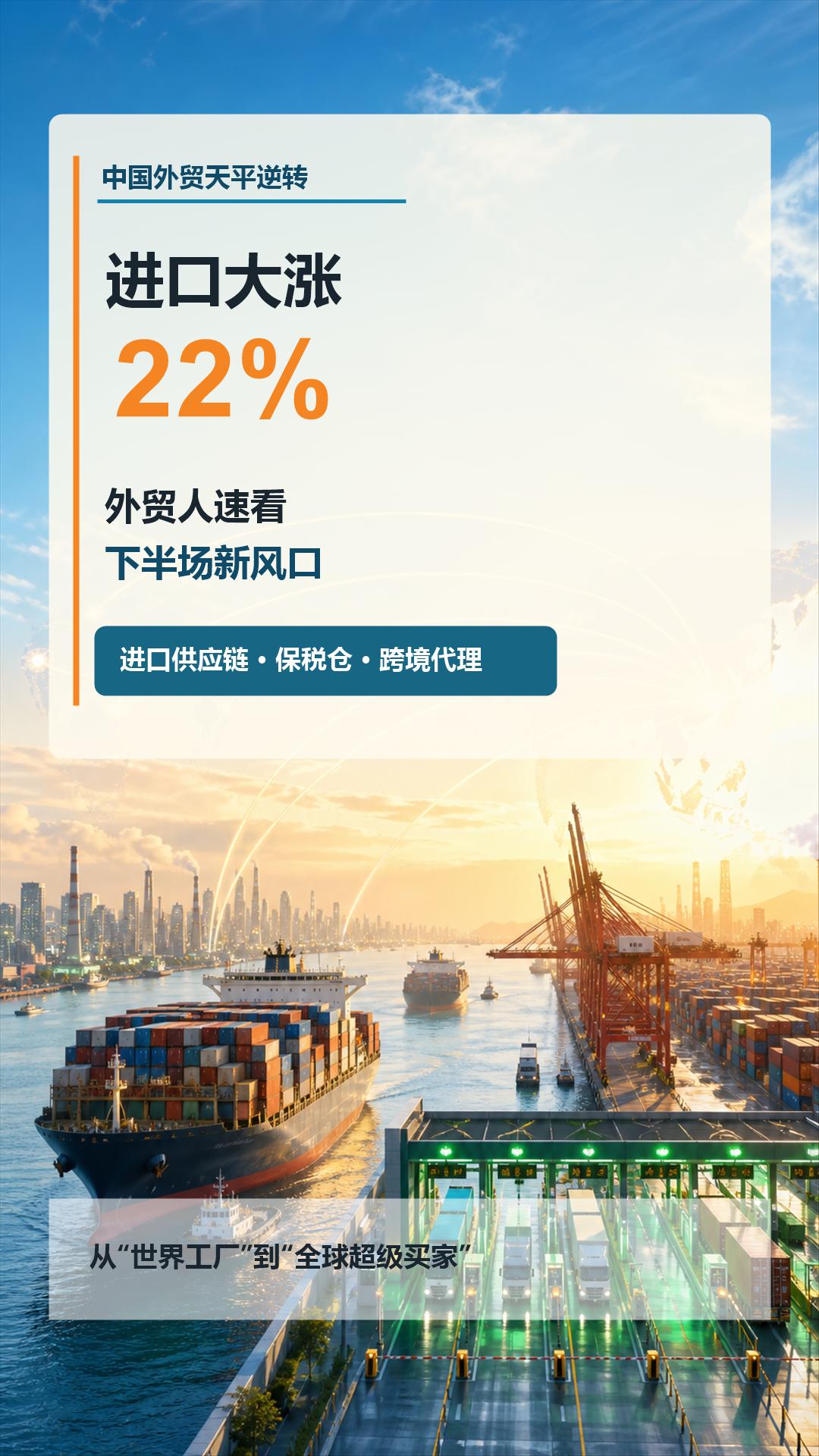
 China's foreign trade sees a turnaround: imports surge by 22%! Foreign trade professionals should quickly take note of the new trends in the second half of the year
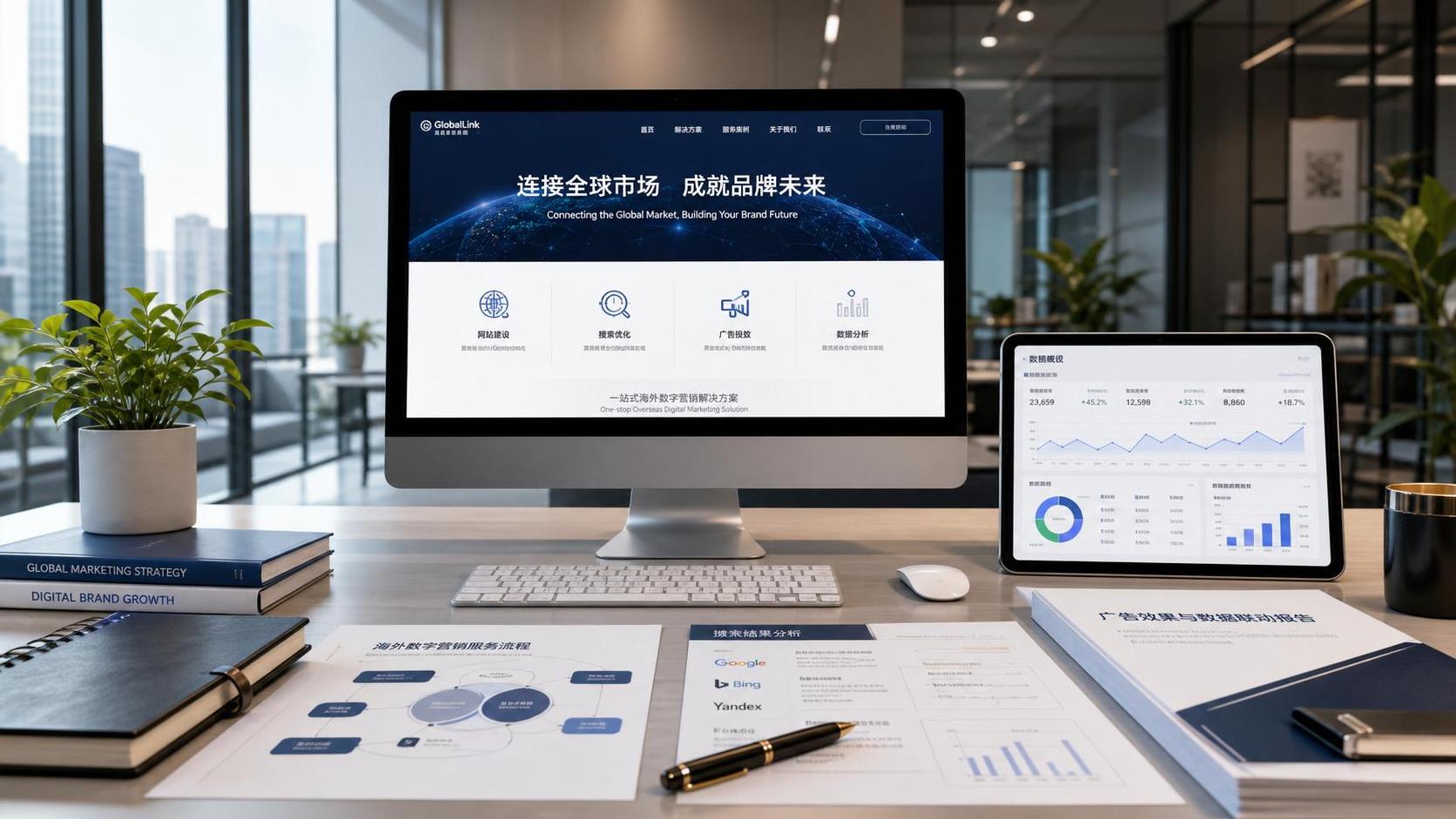
 What Does a Global Traffic Ecosystem Service Provider Do? What Are the Differences from a Single Advertising Agency
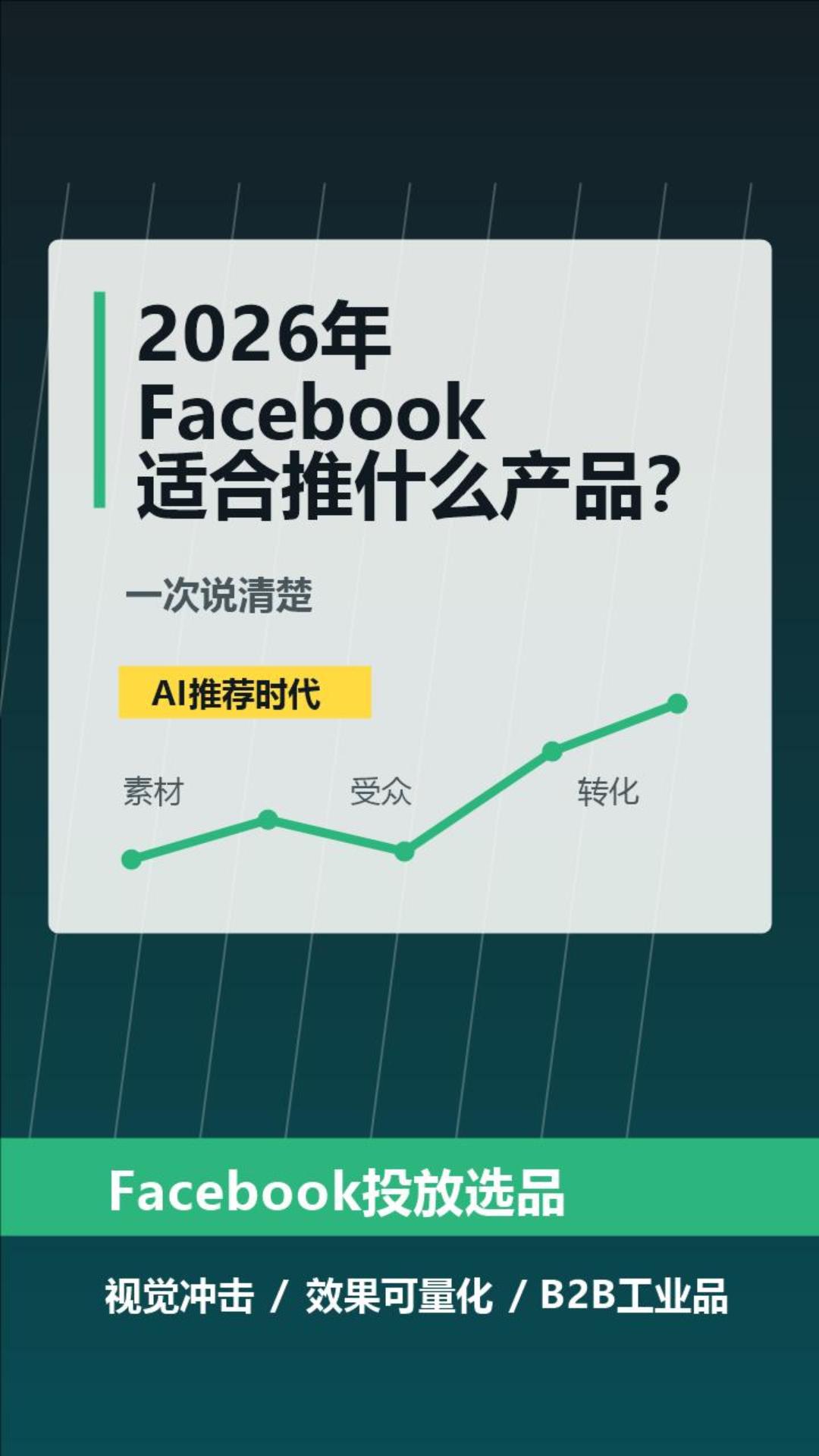
 What Products Are Suitable for Facebook in 2026? Explained Clearly at Once
Related Products
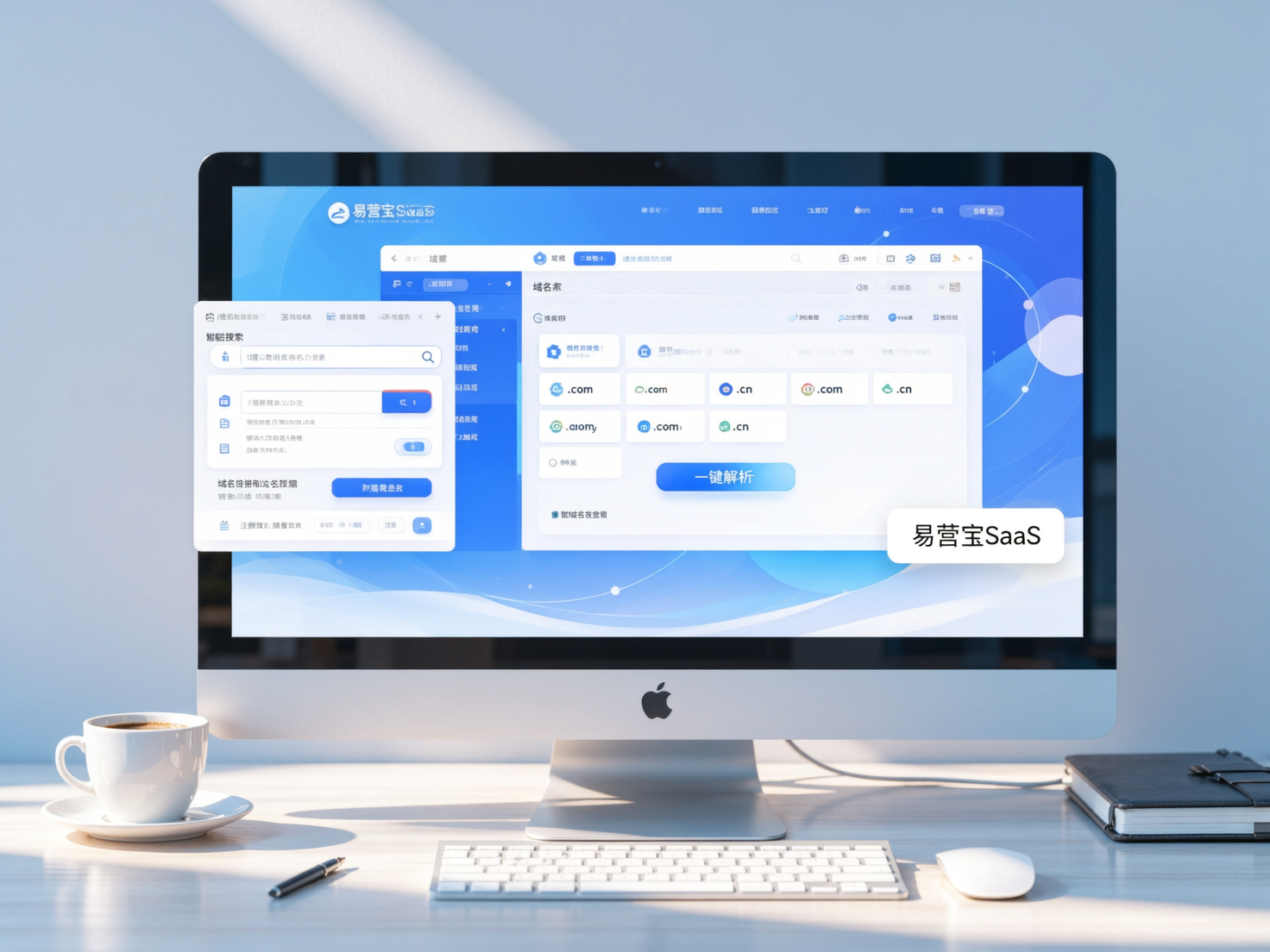
 EasyCamp SaaS Smart Website Marketing SystemE-Yingbao SaaS Smart Website Marketing System: AI-powered, zero-code website building. Rapidly launch multilingual independent e-commerce sites in just 10 minutes. Global server acceleration and AI-driven SEO optimization empower businesses to efficiently connect with global markets. The seamless integration of technology and user-friendly operation makes building e-commerce sites incredibly simple.
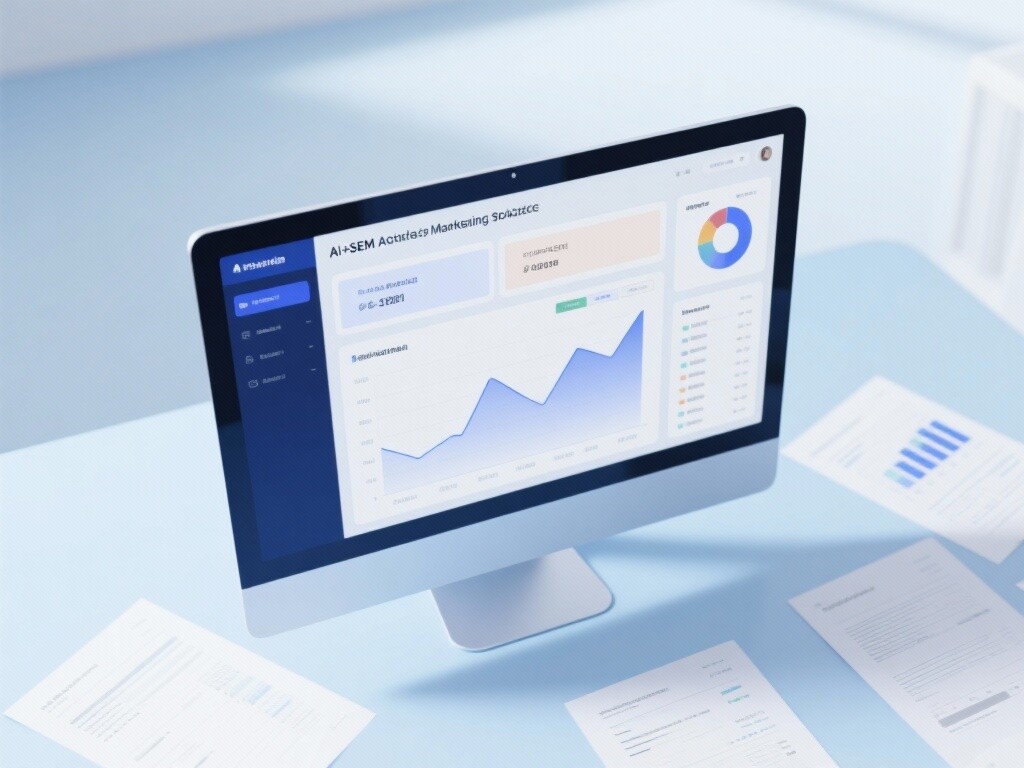
 AI+SEM Intelligent Advertising Marketing SystemAI+SEM drives intelligent ad creation, empowering full-funnel precision advertising marketing. The system automatically generates weekly/monthly reports, AI recommends keywords and target countries, monitors core metrics in real-time with intelligent alerts, and enables one-click high-conversion ad solutions to help quickly acquire customers and improve ROI.
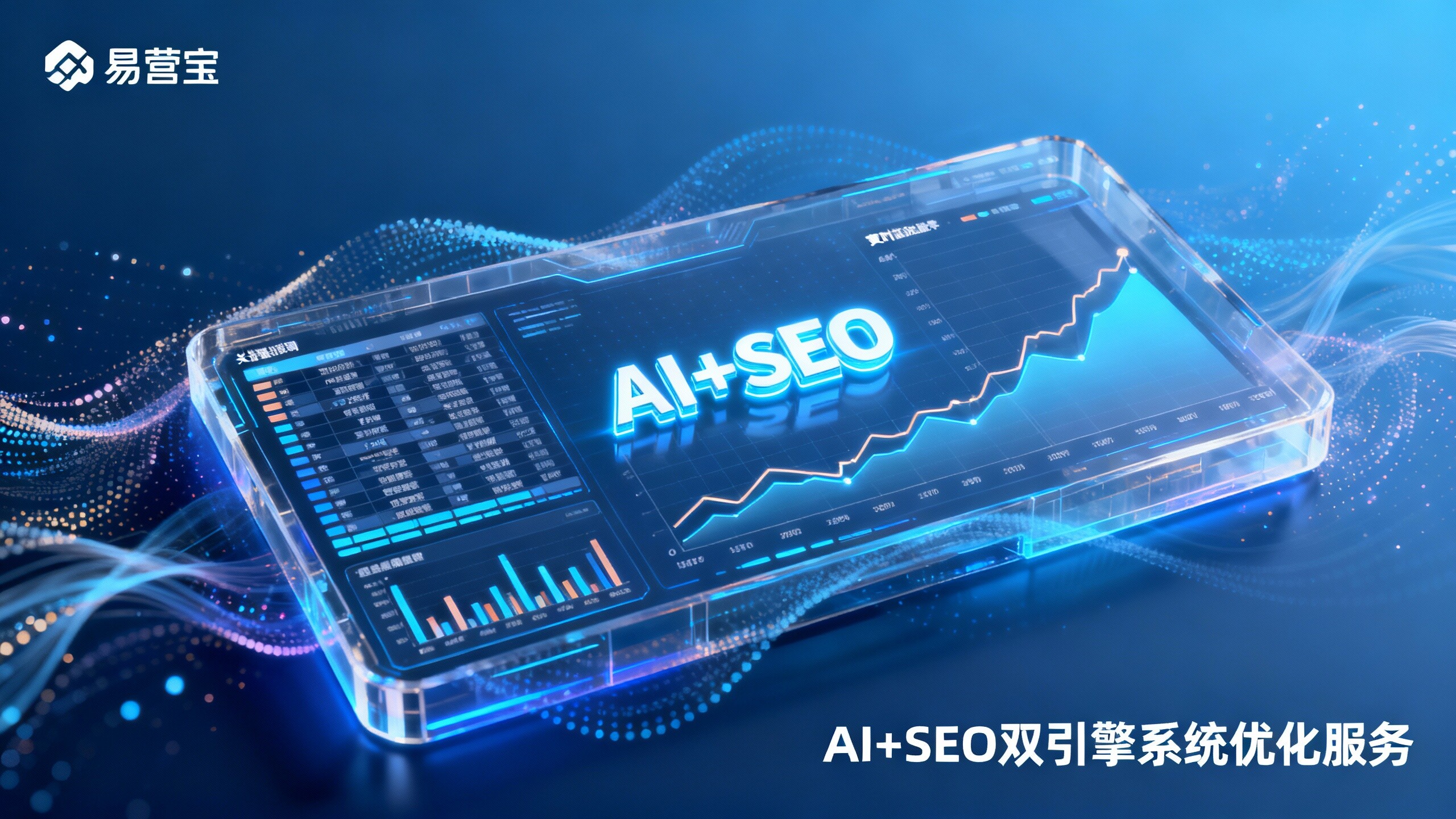
 AI+SEO Dual Engine Optimization ServiceEasyWin AI+SEO Dual Engine Optimization System leverages AI-powered keyword mining, content generation, and comprehensive technical optimization to help foreign trade enterprises acquire high-quality organic traffic, significantly improving search rankings and conversion rates.
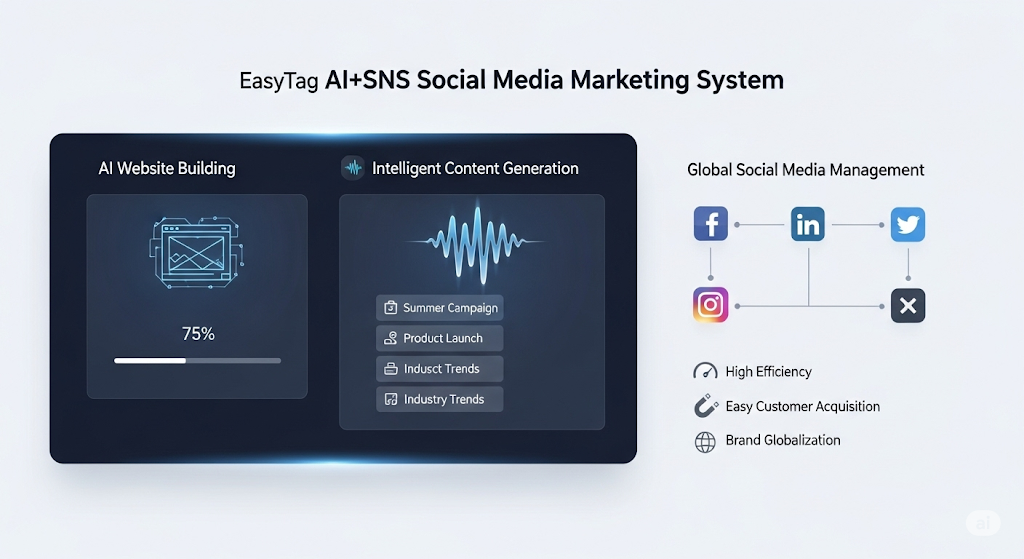
 AI+SNS Social Media Marketing SystemYingbao AI+SNS Social Media Marketing System - Precision social capture for the social media era. Supports one-click content synchronization across major platforms like Facebook and LinkedIn. AI intelligently rewrites posts for enhanced relevance. 24/7 AI customer service and user profiling analysis empower businesses to efficiently expand into global markets.
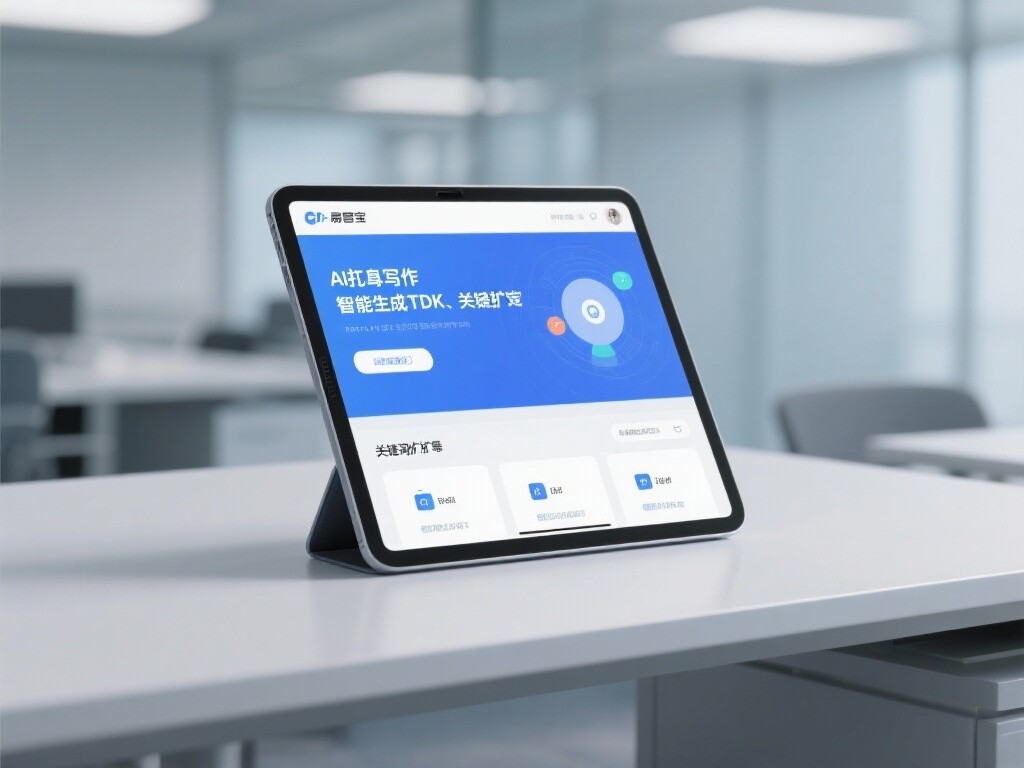
 AI+SEO营销解决方案易营宝AI+SEO营销解决方案,通过AI批量写作、智能生成TDK、精准关键词扩词等功能,全面优化网站SEO效果,提升流量与转化率。助力企业构建高效智能网站新生态。
 AI+SEM Advertising Marketing SolutionsAI+SEM Advertising Marketing Solution leverages AI technology to deeply empower SEM ad campaigns. It automatically generates weekly/monthly reports using AI, presenting account data across multiple dimensions for comprehensive insights into campaign performance and trends. The system precisely recommends keywords and target countries, intelligently generates high-conversion ad copy, and enables one-click activation of efficient campaign plans to help businesses rapidly acquire customers. Simultaneously, it monitors core metrics in real time, intelligently identifies abnormal fluctuations, and issues timely alerts to ensure stable, high-return advertising results.
 Domain Name ServicesEasyWin provides professional domain name services, including intelligent queries, one-stop registration, brand protection, and full lifecycle management, helping businesses build a digital brand image.
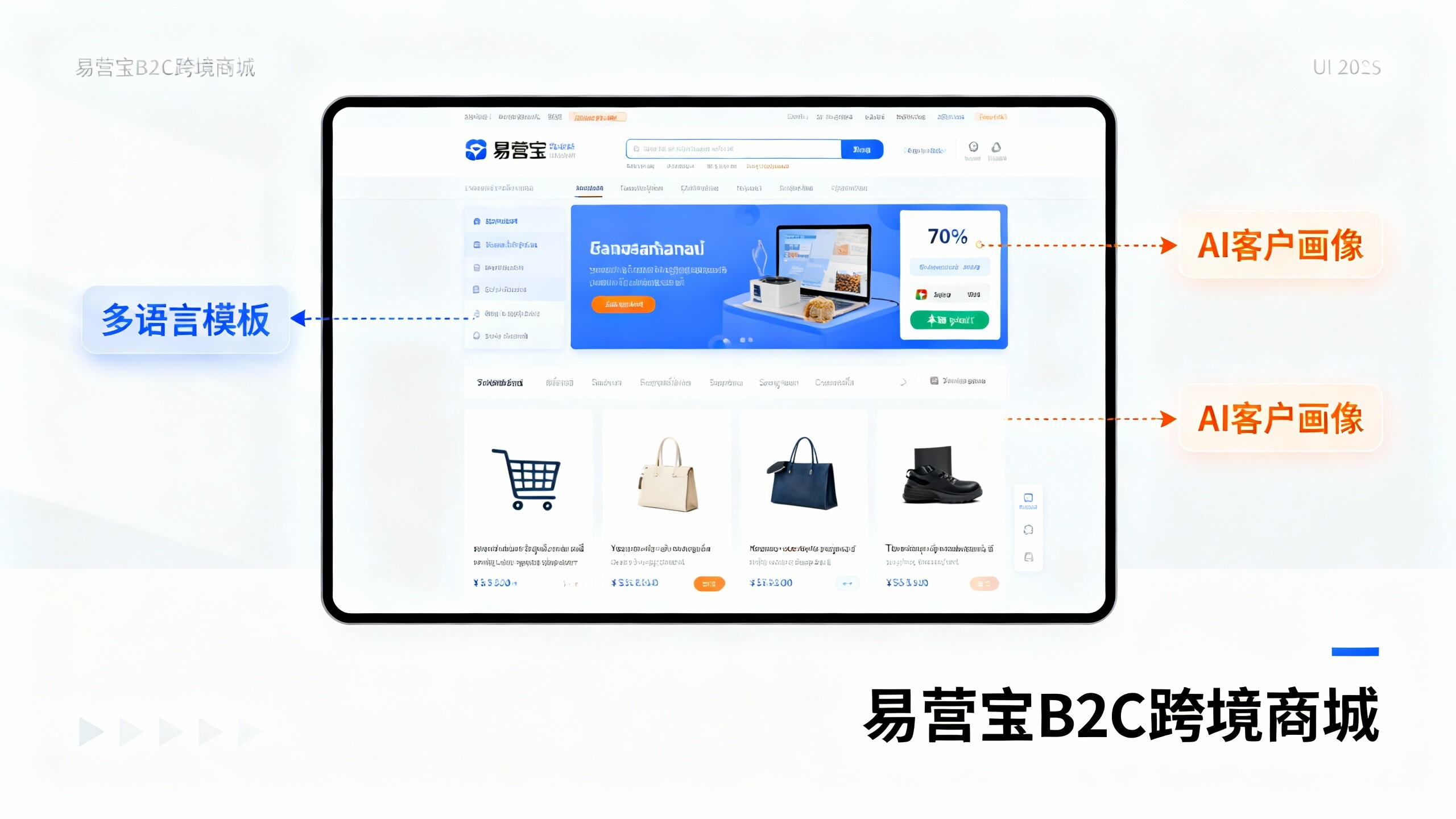
 EasyOperate B2C Cross-Border E-Commerce Platform & Independent WebsiteEasyStore B2C Cross-border E-commerce Independent Store is an intelligent website building and cross-border e-commerce integrated solution independently developed by EasyStore Information Technology (Beijing) Co., Ltd. The system is specially designed for small and medium-sized as well as large export enterprises, integrating 'website building, operation, marketing, advertising, and conversion' into one, helping enterprises quickly establish cross-border e-commerce independent stores to achieve brand globalization and global sales growth.
The platform supports multiple languages, multiple currencies, and multi-channel marketing, with built-in AI intelligent translation and SEO optimization systems, suitable for mainstream markets such as Southeast Asia, Europe and America, Latin America, and the Middle East, assisting Chinese manufacturing enterprises in efficiently deploying international e-commerce strategies. SSL证书易营宝提供专业SSL安全证书服务,包括单域名和泛域名证书,确保网站数据传输加密、身份验证和完整性保护,助力企业建立安全可信的在线业务环境。