









- How Can a Brand Updates Page Be Made More SEO-Friendly? Analysis of Update Frequency, Content Structure, and Internal Linking StrategyJun 28, 2026View details
- What stages does the cross-border services ecosystem include? How do website building, promotion, payment, and compliance work togetherJun 22, 2026View details
- How will email marketing costs change in 2026Jun 22, 2026View details
- The China-US tariff arrangement has reached a preliminary consensus, and the trade association will be establishedJun 15, 2026View details
- Should overseas brand marketing start with ads or contentJun 21, 2026View details
- What determines B2C cross-border e-commerce website development costs? A breakdown of features, interfaces, and deployment methodsJun 17, 2026View details
- China-Morocco zero-tariff access, a breakthrough in the cost of Moroccan goods exports to ChinaJun 11, 2026View details
- What signal should be released for the suspension of exports to JapanJun 10, 2026View details
User experience optimization tips: Why forms are often overlooked
Why forms are the most easily overlooked part of user experience optimization techniques
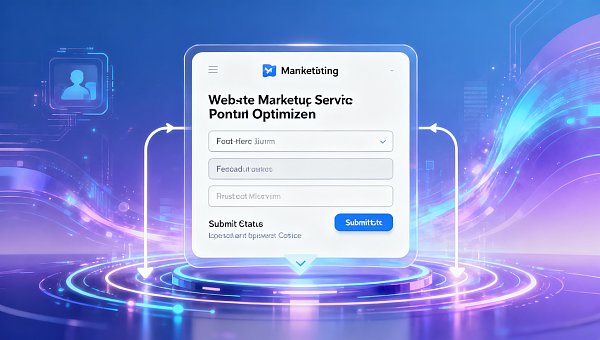
Many websites undergo redesigns and simplify forms, yet traffic comes in and still struggles to convert. To master user experience optimization techniques, it is not enough to focus only on visual appeal; you also need to optimize the form flow, field settings, and submission feedback to truly improve inquiry rates and conversion efficiency.
In integrated website and marketing service scenarios, forms are both the entry point for leads and the dividing line of conversion. No matter how refined the page is, if users hesitate, make errors, or abandon the process midway while filling it out, the earlier SEO optimization, advertising campaigns, and content-driven traffic acquisition will all be weakened.
Therefore, user experience optimization techniques cannot remain only at the visual level. Truly effective optimization often happens in the final few steps when users are ready to submit their needs, and this is also the stage most easily overlooked by companies, yet most impactful on conversion efficiency.
Why use a checklist approach to review form experience
Form issues usually do not lie in just one field, but in the combined effect of path design, copy, trust, device compatibility, and feedback mechanisms. Reviewing with a checklist approach helps quickly identify hidden friction and avoid redesigning based only on intuition.
For companies providing website building, SEO, social media marketing, and advertising services, form optimization is also directly related to customer acquisition costs. The higher the lead quality, the smoother the follow-up process, and the more controllable the overall return on ad spend becomes.
E-Marketing Information Technology (Beijing) Co., Ltd. has long been deeply engaged in global digital marketing services. Relying on artificial intelligence and big data capabilities, the company connects traffic acquisition with the conversion funnel. Practice has proven that the more thoroughly user experience optimization techniques are implemented, the more stable the improvement in inquiry rates becomes.
Core checklist points for form experience
- Check whether the form entry point is clear and visible. The first screen, service pages, and content pages should all include clear call-to-action buttons to avoid users leaving directly because they cannot find the submission path.
- Control the number of fields and keep only the information needed for the current decision stage. Collect name, phone number, and needs first, then supplement details in subsequent communication for higher efficiency.
- Make sure field names are easy to understand. Avoid internal jargon or vague expressions so users can understand within seconds what each item requires them to fill in.
- Set reasonable default options and input examples to reduce cognitive effort, especially for items such as budget, industry, and service type, where this can better reduce hesitation.
- Mobile input should be smooth and convenient. Button size, input box height, numeric keypad triggering, and automatic validation should all prioritize the mobile access experience.
- Error messages must be timely and specific. Do not just say submission failed; instead, indicate which item is wrong and how to correct it, reducing the frustration caused by repeated form filling.
- The submit button copy should emphasize the value of the result, such as getting a solution, booking a consultation, or receiving recommendations, which can drive clicks better than simply saying submit.
- Post-submission feedback should be clear, including success messages, expected response time, and next steps, so users know their request has been received and is worth continuing to wait for.
- Add trust information near the form, such as case studies, qualifications, service scope, or data results, which can significantly reduce users' concerns about the risk of leaving their information.
- Continuously track form completion rate, abandonment rate, and field drop-off points. Only by combining heatmaps and conversion data for iteration can user experience optimization techniques truly be implemented effectively.
Application priorities of user experience optimization techniques in different scenarios
Corporate website lead generation scenarios
Common problems with official website forms are too many fields, placement too deep in the page, and lack of trust reinforcement. When users first become interested, they are more willing to start with a low-threshold consultation rather than immediately filling out complete information.
If a website simultaneously carries brand presentation and lead conversion, you may refer to the page structure approach of Papermaking, Packaging, Environmental Protection. The combination of single-column sections, high-definition scenario images, matrix-style technical commitments, and high-conversion online appointment forms is more conducive to naturally transitioning brand information into consultation actions.
Promotional landing page scenarios
Users on advertising landing pages have stronger intent but lower patience. At this point, user experience optimization techniques should focus on a single goal, and form fields must revolve around the current campaign theme without mixing in irrelevant questions.
If the promotion is for customized services, you can first use one or two option questions to filter needs, and then guide users to fill in their contact information. This not only improves submission rates, but also helps with subsequent lead quality assessment.
Industry solution presentation scenarios
For specialized fields such as papermaking, packaging, and environmental protection, users place greater emphasis on case credibility and service fit. Before the form, the capability boundaries should be explained first, and then scenario-based questions should guide form filling to reduce invalid inquiries.
This type of page is especially suitable for adding a responsive structure, waterfall layout for solutions, and global footprint display, allowing professional strength to establish trust first and then letting the form take on the conversion task for higher efficiency.
Several of the most commonly overlooked risk reminders
First, forms consider only the convenience of information collection for the company while ignoring the user's filling cost. More fields do not necessarily mean more accuracy; instead, they are more likely to cause high-intent visitors to drop out midway.
Second, there is no feedback loop after successful submission. Without indicating response time, contact method, or next-step instructions, users may doubt whether the submission was successful, leading them to repeat actions or leave directly.
Third, the form is disconnected from the page content. The earlier content emphasizes professional capability, but the form is left with only mechanical fields and lacks transitional copy, causing users to suddenly lose motivation to continue the inquiry.
Fourth, mobile loading and interaction details are ignored. Buttons that are too small, troublesome verification codes, and jumping input fields can all directly undermine the final effect of user experience optimization techniques.
Fifth, only traffic volume is viewed, while form completion rate is ignored. What truly affects growth is not how many people came, but how many are willing to smoothly complete the inquiry action.
How to actually execute form optimization
- First sort out the existing form paths, recording entry positions, number of fields, submission success rate, and mobile performance to form comparable baseline data.
- Remove unnecessary fields and prioritize retaining the key information that best supports sales communication, making the threshold for first submission as low as possible.
- Rewrite button and prompt copy to highlight what users will get after submitting, and clearly state response timeliness to strengthen user expectations.
- Set differentiated forms for traffic from different sources. For example, SEO traffic is more suitable for content-led guidance, while advertising traffic is more suitable for quick appointment-led guidance.
- Test only one variable at a time, such as the number of fields, button color, or headline copy, to avoid being unable to judge the effect when multiple items are modified simultaneously.
If a company is upgrading its official website or industry-specific pages, it can combine the solution ideas related to Papermaking, Packaging, Environmental Protection and plan brand image, interactive presentation, and appointment forms synchronously, rather than adding form modules as an afterthought. This makes it easier to establish a smooth conversion path from the very beginning.
Summary and next steps
The key to user experience optimization techniques is not just making a website look better, but making it easier for users to complete actions. The reason forms are often overlooked is that they appear later in the process, yet they directly determine whether leads are truly generated.
For integrated website and marketing service operations, optimizing forms means optimizing the conversion funnel. It is recommended to start with four dimensions: field simplification, mobile experience, feedback mechanisms, and trust information, then investigate each item one by one and continue testing.
When page presentation, traffic acquisition, and form conversion form a closed loop, user experience optimization techniques can truly turn into inquiry growth and business results. This step is often more worthy of priority investment than simply changing visuals.
Related Articles
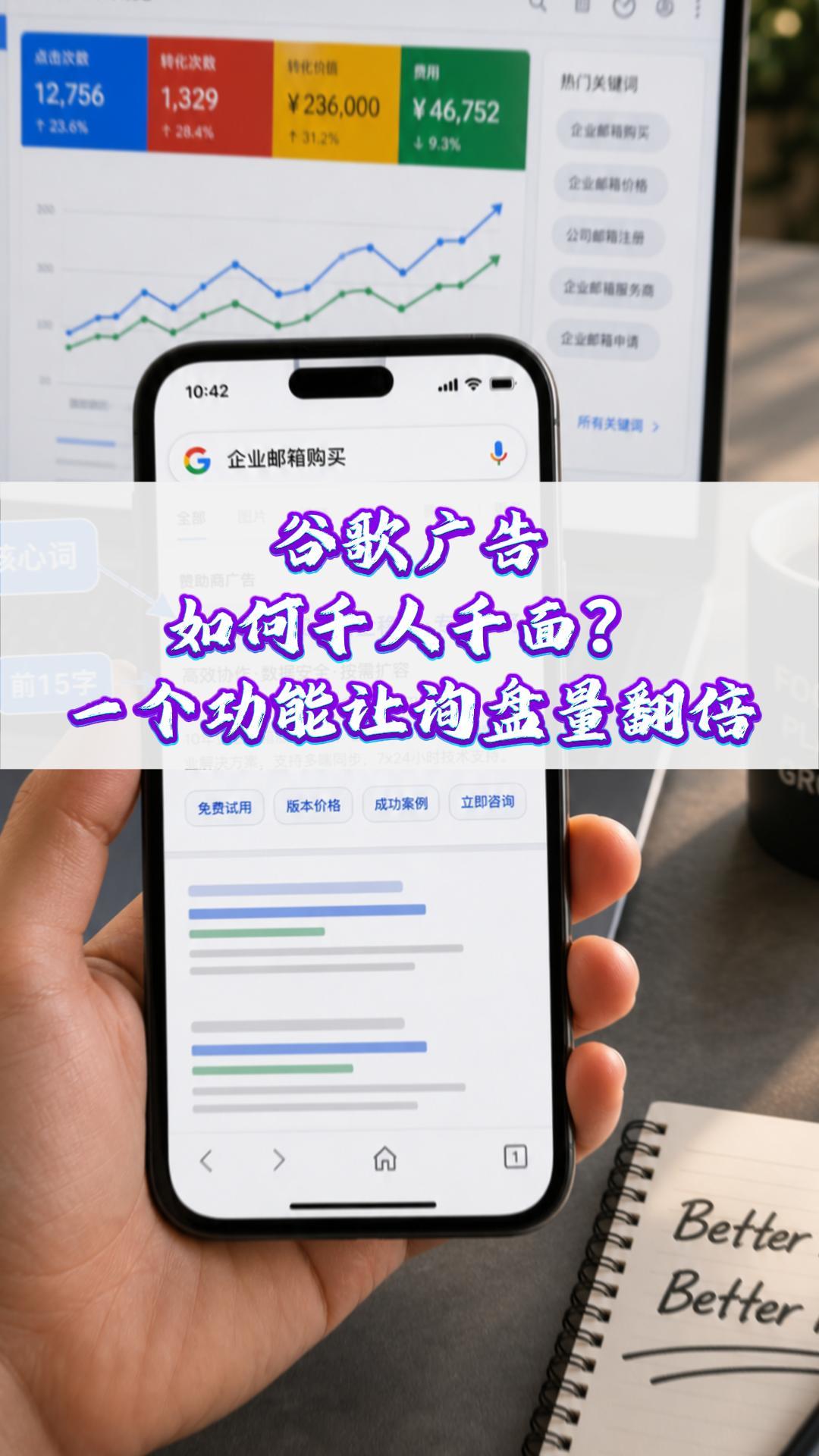
 How Can Google Ads Personalize Content for Every User? One Feature That Doubles Your Inquiry Volume
 Why a Google-optimized independent website is essential for trailer exports
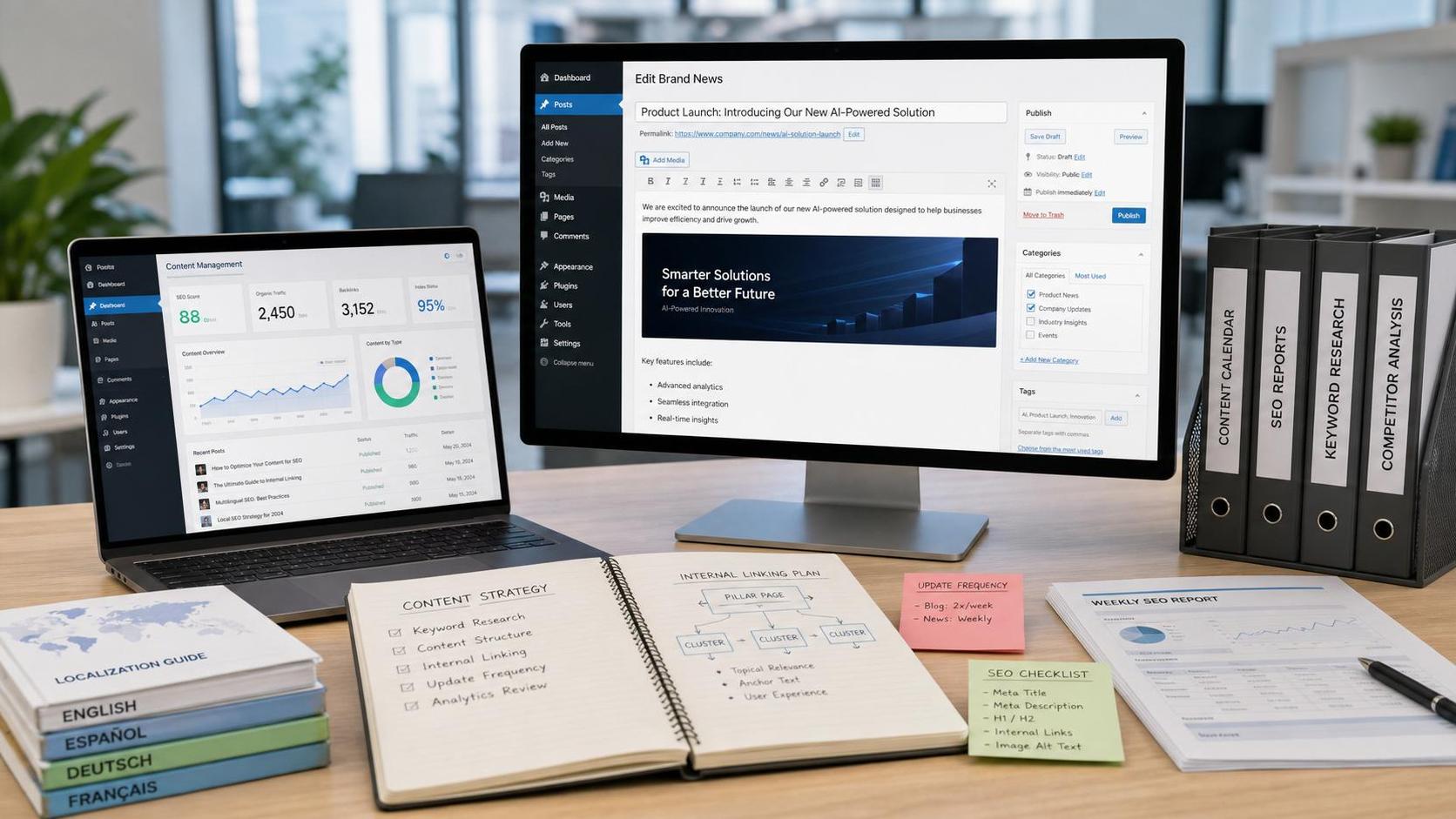
 How Can a Brand Updates Page Be Made More SEO-Friendly? Analysis of Update Frequency, Content Structure, and Internal Linking Strategy

Related Products
 EasyCamp SaaS Smart Website Marketing SystemE-Yingbao SaaS Smart Website Marketing System: AI-powered, zero-code website building. Rapidly launch multilingual independent e-commerce sites in just 10 minutes. Global server acceleration and AI-driven SEO optimization empower businesses to efficiently connect with global markets. The seamless integration of technology and user-friendly operation makes building e-commerce sites incredibly simple.
 AI+SEM Intelligent Advertising Marketing SystemAI+SEM drives intelligent ad creation, empowering full-funnel precision advertising marketing. The system automatically generates weekly/monthly reports, AI recommends keywords and target countries, monitors core metrics in real-time with intelligent alerts, and enables one-click high-conversion ad solutions to help quickly acquire customers and improve ROI.
 AI+SEO Dual Engine Optimization ServiceEasyWin AI+SEO Dual Engine Optimization System leverages AI-powered keyword mining, content generation, and comprehensive technical optimization to help foreign trade enterprises acquire high-quality organic traffic, significantly improving search rankings and conversion rates.
 AI+SNS Social Media Marketing SystemYingbao AI+SNS Social Media Marketing System - Precision social capture for the social media era. Supports one-click content synchronization across major platforms like Facebook and LinkedIn. AI intelligently rewrites posts for enhanced relevance. 24/7 AI customer service and user profiling analysis empower businesses to efficiently expand into global markets.
 AI+SEO营销解决方案易营宝AI+SEO营销解决方案,通过AI批量写作、智能生成TDK、精准关键词扩词等功能,全面优化网站SEO效果,提升流量与转化率。助力企业构建高效智能网站新生态。
 AI+SEM Advertising Marketing SolutionsAI+SEM Advertising Marketing Solution leverages AI technology to deeply empower SEM ad campaigns. It automatically generates weekly/monthly reports using AI, presenting account data across multiple dimensions for comprehensive insights into campaign performance and trends. The system precisely recommends keywords and target countries, intelligently generates high-conversion ad copy, and enables one-click activation of efficient campaign plans to help businesses rapidly acquire customers. Simultaneously, it monitors core metrics in real time, intelligently identifies abnormal fluctuations, and issues timely alerts to ensure stable, high-return advertising results.
 Domain Name ServicesEasyWin provides professional domain name services, including intelligent queries, one-stop registration, brand protection, and full lifecycle management, helping businesses build a digital brand image.
 EasyOperate B2C Cross-Border E-Commerce Platform & Independent WebsiteEasyStore B2C Cross-border E-commerce Independent Store is an intelligent website building and cross-border e-commerce integrated solution independently developed by EasyStore Information Technology (Beijing) Co., Ltd. The system is specially designed for small and medium-sized as well as large export enterprises, integrating 'website building, operation, marketing, advertising, and conversion' into one, helping enterprises quickly establish cross-border e-commerce independent stores to achieve brand globalization and global sales growth.
The platform supports multiple languages, multiple currencies, and multi-channel marketing, with built-in AI intelligent translation and SEO optimization systems, suitable for mainstream markets such as Southeast Asia, Europe and America, Latin America, and the Middle East, assisting Chinese manufacturing enterprises in efficiently deploying international e-commerce strategies. SSL证书易营宝提供专业SSL安全证书服务,包括单域名和泛域名证书,确保网站数据传输加密、身份验证和完整性保护,助力企业建立安全可信的在线业务环境。









