Definition of Website Loading Speed: The Core Metric for User Experience and Search Engine Rankings
Website Loading Speed refers to the time it takes for users to see the complete content on the screen after clicking a link. This metric is the most critical indicator for measuring website performance, user experience, and SEO friendliness.
The measurement standard for loading speed has evolved from the early "full load time" to focusing on perceived speed, i.e., when users can start interacting with the page.
Core Metrics for Website Loading Speed: Core Web Vitals
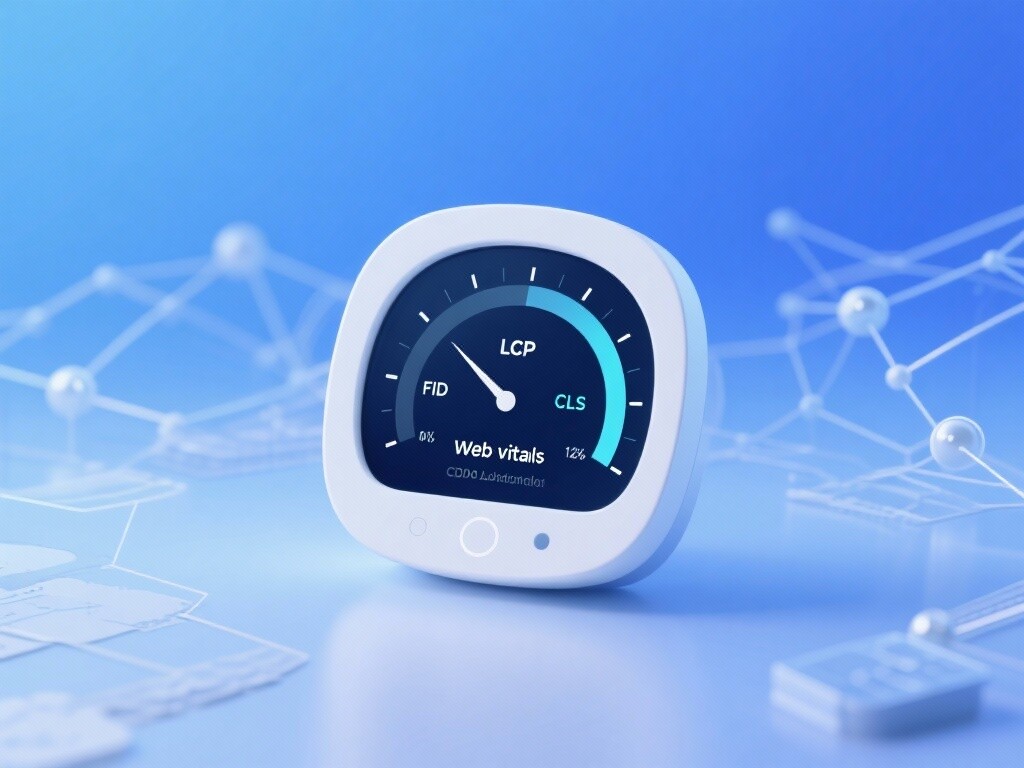
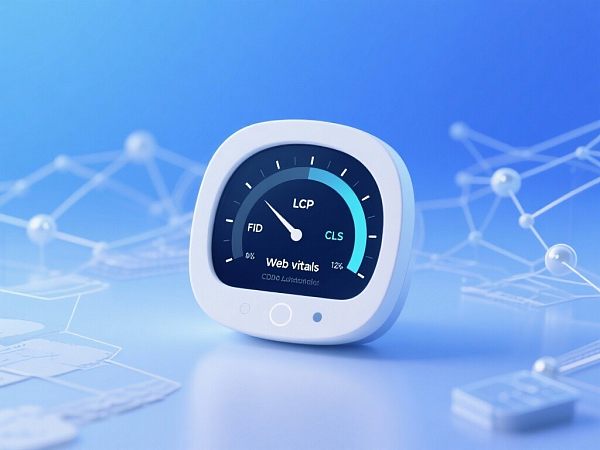
Google introduced Core Web Vitals (CWV) in 2020, quantifying perceived speed into three key metrics and using them as official ranking signals:
Largest Contentful Paint (LCP): Measures loading performance. The time from page initiation to rendering the largest image or text block. The ideal value should be under 2.5 seconds.
First Input Delay (FID): Measures interactivity. The time from the user's first interaction (e.g., clicking a button) to the browser's response. Due to FID's difficulty in lab measurement, Google is gradually replacing it with INP (Interaction to Next Paint). The ideal value should be under 100 milliseconds.
Cumulative Layout Shift (CLS): Measures visual stability. The extent of unexpected content shifts during loading. The ideal value should be below 0.1.
Direct Consequences of Slow Speed
High Bounce Rate: The longer users wait, the more likely they are to leave.
Low Conversion Rate: Slow pages erode user trust and purchase intent.
SEO Ranking Penalty: Search engines penalize slow, poorly performing sites.
Crawler Efficiency Decline: Wasted crawl budgets slow new content indexing.
The Evolution of Website Loading Speed: From Technical Efficiency to User Perception
The history of speed optimization reflects the co-evolution of network infrastructure, browser tech, and search algorithms:

1. Early Stage: Bandwidth and Server Bottlenecks (1990s-2000s)
In the early internet era, speed bottlenecks were network bandwidth and server capacity. Optimization focused on image compression and simplified HTML, measured by basic "page size" and "download time."
2. Browser & Frontend Optimization Era (2005-2015)
AJAX and Web 2.0: Rising site complexity made JavaScript a new bottleneck.
CDN Adoption: Content Delivery Networks (CDN) cached content globally, reducing latency.
Tool Emergence: Tools like Google PageSpeed Insights provided frontend optimization advice.
3. Mobile-First & SEO Ranking Signals (2016-2020)
Mobile-First Indexing: Google prioritized mobile versions for indexing, making mobile speed paramount.
HTTP/2 Protocol: Multiplexing and header compression improved data transfer efficiency.
Speed as Ranking Signal: Google officially used mobile speed for rankings.
4. Core Web Vitals & UX Focus (2020-Present)
Core Web Vitals: Google shifted from simple load time to precise user perception (LCP, FID/INP, CLS).
AI-Driven Optimization: AI and ML optimize CDNs, image compression, and code splitting.
TLS 1.3 Adoption: TLS 1.3 improved HTTPS efficiency via optimized handshakes.
Technical Principles of Website Loading Speed: The Five-Stage Workflow from Network to Rendering
Website speed depends on a systemic chain involving networks, servers, browsers, and frontend code.
1. DNS Lookup
Principle: Browsers resolve domains to IP addresses.
Optimization: Use high-performance DNS providers or DNS prefetching.
2. Initial Connection/TLS Handshake
Principle: Browsers establish connections via TCP and SSL/TLS handshakes (for HTTPS).
Optimization: Ensure servers support TLS 1.3 to reduce handshake latency.
3. Time to First Byte (TTFB)
Principle: Time from request initiation to receiving the first byte, measuring server response speed.
Optimization: Optimize server-side code (backend logic), database queries, and caching (Redis/Memcached), and choose high-performance hosting.
4. Resource Loading & Processing
Principle: Browsers download and process HTML, CSS, JavaScript, images, and fonts.
Optimization: Compress (Gzip/Brotli), minify CSS/JS, and lazy-load non-critical images—core frontend optimizations.
5. Rendering & Interactivity
Principle: Browsers combine HTML, CSS, and JS to render and make pages interactive.
Optimization: Eliminate render-blocking resources, inline critical CSS, and optimize JS execution to achieve LCP and FID/INP targets.
Core Optimization Techniques & Strategies for Website Loading Speed
Website speed optimization is a multi-layered system. Experts recommend starting with these key techniques:
1. Server & Infrastructure Optimization (TTFB Optimization)
High-Performance Hosting: Avoid cheap shared hosting; upgrade to VPS or cloud servers.
Global CDN Deployment: Use CDN to distribute static content globally, reducing latency and offloading server traffic.
Server-Side Caching: Deploy Varnish or Redis to cache dynamic content and avoid repeated database queries.
2. Frontend Code & Rendering Optimization (LCP & CLS Optimization)
Critical CSS Inlining: Extract minimal CSS for above-the-fold rendering and inline it in HTML to eliminate render-blocking.
JS Deferred Loading: Use
asyncordeferfor non-critical JavaScript.Resource Minification & Compression: Use Gzip or Brotli for file compression and **minify** CSS, JS, and HTML by removing redundant characters.
3. Image & Media Optimization (LCP & CLS Optimization)
Responsive Images: Use
<picture>orsrcsetto load optimal image sizes per device.Next-Gen Formats: Prioritize WebP, AVIF for superior compression over JPEG/PNG.
Lazy Loading: Enable lazy loading for below-the-fold images/videos, loading them only when visible.
4. UX & Visual Stability (CLS Optimization)
Reserve Space: Use CSS to define size placeholders for images/ads to prevent unexpected layout shifts.
Avoid Dynamic Content Insertion: Don’t use JavaScript to inject content above the fold.
5. Strategic SEO Integration
AMP (Accelerated Mobile Pages): For news/content sites, AMP enables near-instant loading on mobile.
Webmaster Tools Monitoring: Track optimization via Google Search Console’s "Core Web Vitals" reports.
EasyWin: Website Speed & SEO Optimization Experts
EasyWin understands that website speed is SEO’s lifeline. We offer performance-centric, conversion-driven optimization solutions:
Comprehensive Speed Audits: Use tools like Google PageSpeed Insights, Lighthouse, and WebPageTest for in-depth diagnostics of TTFB, LCP, and CLS bottlenecks.
Backend & Server Optimization: Optimize database queries, server configs, and caching to reduce TTFB at the root.
Frontend Code Refactoring: Streamline HTML/CSS/JS with critical CSS inlining and non-critical resource deferral to ensure LCP compliance.
Core Web Vitals Guarantee: Our goal is to ensure your site passes all Core Web Vitals in GSC, earning search engine trust and ranking advantages.
Ongoing Performance Monitoring: Provide custom reports and adapt strategies to Google’s algorithm updates.
EasyWin transforms your website loading speed into industry-leading UX and robust SEO competitiveness.
FAQ
1. My website loads very fast, but why does Google Search Console's Core Web Vitals report still show "Needs Improvement"?
GSC's CWV report is based on **real user data (Field Data)** rather than lab data. This could mean:
Poor user network conditions: Some of your users are on 3G or slower networks, which drags down the average LCP score.
Data latency: GSC data is a 28-day rolling average, so your latest optimizations may not yet be fully reflected.
Device disparities: Your website performs poorly on certain low-end mobile devices. Solution: Continue optimizing, especially for the slowest LCP and CLS metrics, and patiently wait for GSC data updates.
2. How much does improving website loading speed actually impact SEO rankings?
Google has explicitly stated that website speed is a ranking signal, but it's just one among many.
Direct impact (hard factor): If your site is extremely slow or fails CWV metrics, it will directly affect your "page experience" score, leading to ranking limitations.
Indirect impact (soft factor): Speed improvements significantly reduce bounce rates, increase dwell time, and boost conversion rates. These positive user behavior signals indirectly but noticeably demonstrate your site's quality to search engines, thereby improving long-term rankings.
3. What are "render-blocking resources"? How do I eliminate them?
Render-Blocking Resources primarily refer to external CSS files andJavaScript files encountered by browsers when parsing HTML. Browsers must first download, parse, and execute these files before they can begin rendering the page.
Elimination methods:
CSS: Use Critical CSS techniques to inline the key CSS required for above-the-fold rendering into HTML, then asynchronously load the remaining CSS.
JavaScript: For JS files that don't affect above-the-fold content, use
defer(delays execution until HTML parsing completes) orasync(asynchronous download without blocking parsing).
4. Should I focus on PageSpeed Insights scores or Core Web Vitals reports?
You should monitor both, but treat Core Web Vitals (CWV) as the ultimate goal.
PageSpeed Insights scores (lab data): Provides an immediate, actionable optimization checklist to help identify technical deficiencies.
Core Web Vitals reports (real user data): Offers a real-world effectiveness measurement, representing the actual data Google uses for rankings. Ensuring CWV compliance is the ultimate SEO victory.
Customer Reviews
Mr. Zhang, Market Director of a Major SaaS Product
"We've been struggling with slow loading speeds and high bounce rates. The EasyWin team conducted a comprehensive full-stack performance audit for us, starting with TTFB optimization and restructuring critical CSS paths. With their help, our LCP successfully dropped to 2.1 seconds, passing GSC's CWV evaluation. The results were immediate: website bounce rate decreased by 22%, and organic search conversion rates increased by 15%, proving that speed equals productivity."
Ms. Li, Operations Director of a Content & Media Website
"As a media site, our content updates rapidly, but we faced severe CLS (Cumulative Layout Shift) issues. EasyWin's experts precisely identified the ad placements and dynamic insertion elements causing CLS and provided perfect CSS placeholder solutions. Our CLS now remains stable below 0.01, earning dual recognition from both mobile users and search engines. We can now focus entirely on content creation without worrying about performance issues."
 How to Utilize Rapid SEO Tools to Enhance the Competitiveness of Foreign Trade Websites?This article explores how rapid SEO tools can boost the competitiveness of foreign trade websites by leveraging technical advantages like Easypack, empowering enterprises to achieve global growth.
 AI Website Building Tools: Elevate Your Standalone Site's SEO OptimizationExplore how AI website tools improve your standalone site's SEO optimization, enabling your foreign trade website to excel in competition and boost global market expansion.
 Foreign Trade Marketing Solutions: From 0 to 100 BreakthroughEasyWin leverages AI and big data technologies to provide an all-in-one solution from building independent foreign trade websites to global marketing promotion, helping export enterprises quickly enter international markets and achieve efficient conversion and brand growth.
 AI Website Translation: Making Your Products Understood by Global ClientsEasySales AI Website Translation Solution combines intelligent website building with multilingual AI engines to achieve real-time translation and SEO optimization, helping enterprises quickly set up globalized standalone sites and enhance overseas market competitiveness.
 Still struggling with foreign trade website traffic? This fast SEO tool helps you effortlessly boost your rankingsDiscover how EasyOperate AI marketing platform solves foreign trade website traffic challenges through rapid SEO tools, including independent site construction, AI optimization technology, and success cases, helping foreign trade enterprises achieve efficient customer acquisition.
 Website Testing Tools Recommendation: Boost Foreign Trade Website Conversion RateThis article details a comparison of features and application scenarios for 5 professional website testing tools, combined with real-world B2B international trade promotion cases. It analyzes how to improve multilingual standalone websites' Google SEO scores and conversion rates through technical means, particularly suitable for Belt and Road market expansion needs.
 B2B Export Marketing: How to Use SEO to Enhance Brand Awareness?Focusing on the Belt and Road market, this article explains how to improve global brand awareness through SEO optimization, multilingual website construction, and AI advertising deployment. It includes practical cases and tool recommendations, especially for the new energy semi-trailer industry.
 The Secrets of SEO Optimization for Foreign Trade Independent Websites: Taking Your Products GlobalThis article details key strategies for SEO optimization of foreign trade independent websites, covering multilingual optimization, technical SEO, and content marketing to help businesses enhance their global market competitiveness. E-Marshal intelligent website building system offers a one-stop solution, assisting enterprises in quickly constructing efficient independent websites.





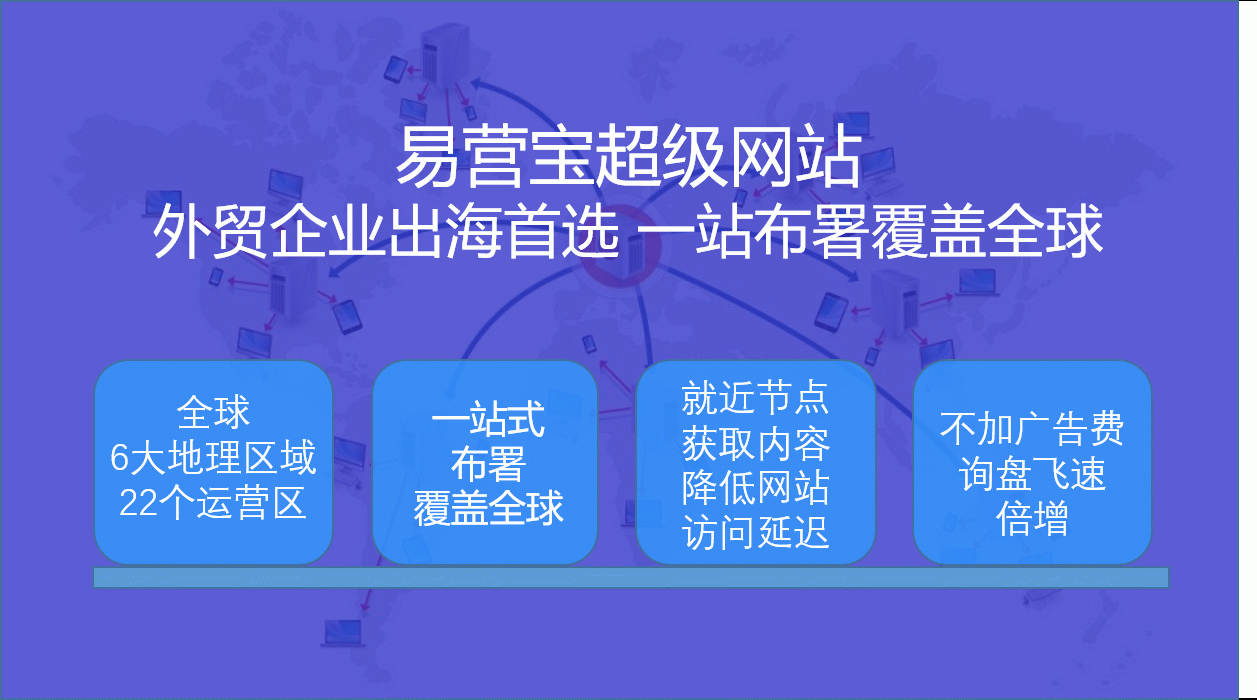
 Website") EasyCampaign Foreign Trade Marketing (Super) WebsiteEasyCampaign Super Website, leveraging powerful global server networks and CDN acceleration services to ensure your website achieves lightning-fast access worldwide. This significantly enhances user experience, effectively improves website speed and retention rates, helping your business achieve global growth.
EasyCampaign Foreign Trade Marketing (Super) WebsiteEasyCampaign Super Website, leveraging powerful global server networks and CDN acceleration services to ensure your website achieves lightning-fast access worldwide. This significantly enhances user experience, effectively improves website speed and retention rates, helping your business achieve global growth. EasyYun AI Translation CenterEasyYun AI Translation Center: Empowering multilingual standalone websites, enabling seamless global communication. Integrated with Google Neural Machine Translation technology, it generates multilingual websites with one click, achieving intelligent localization for foreign trade standalone sites and enhancing global market competitiveness.