







- The U.S. has ended the $800 de minimis exemption for non-postal shipments; express courier packages must be formally declared.Nov 16, 2026View details
- ASEAN Signs Digital Economy Framework Agreement, Moving Toward Harmonized Cross-Border E-Commerce RulesNov 15, 2026View details
- Shenzhen Becomes the First City in Mainland China to Exceed RMB 5 Trillion in Foreign TradeNov 15, 2026View details
- Fujian Announces the First Batch of Provincial-Level Cross-Border E-Commerce Industrial Parks and Key Brands for CultivationNov 14, 2026View details
- Amazon Global Store Announces the Launch of the 2026 Black Friday Global Shopping SeasonNov 14, 2026View details
- CCTV.com Examines APEC’s Role in China’s Foreign TradeNov 12, 2026View details
How Can Cross-Border E-Commerce Multilingual Product Pages Avoid Errors in Translating Product Specifications?
What should you pay attention to when creating multilingual product pages for cross-border e-commerce? Errors in translating specifications, units, or model numbers can lead to returns and customer complaints. Knowing how to translate and verify product details can help reduce operational risks.
The key to reducing errors is to first establish a reliable source for product specifications, then convert units for the target market, standardize terminology, and verify how the information appears on the page before publishing. Translation is only the starting point; information about variants, images, and checkout pages must also be consistent.
Which product specifications are most prone to translation errors? Check these first
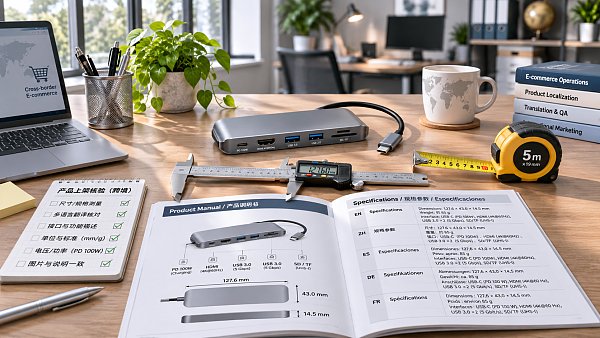
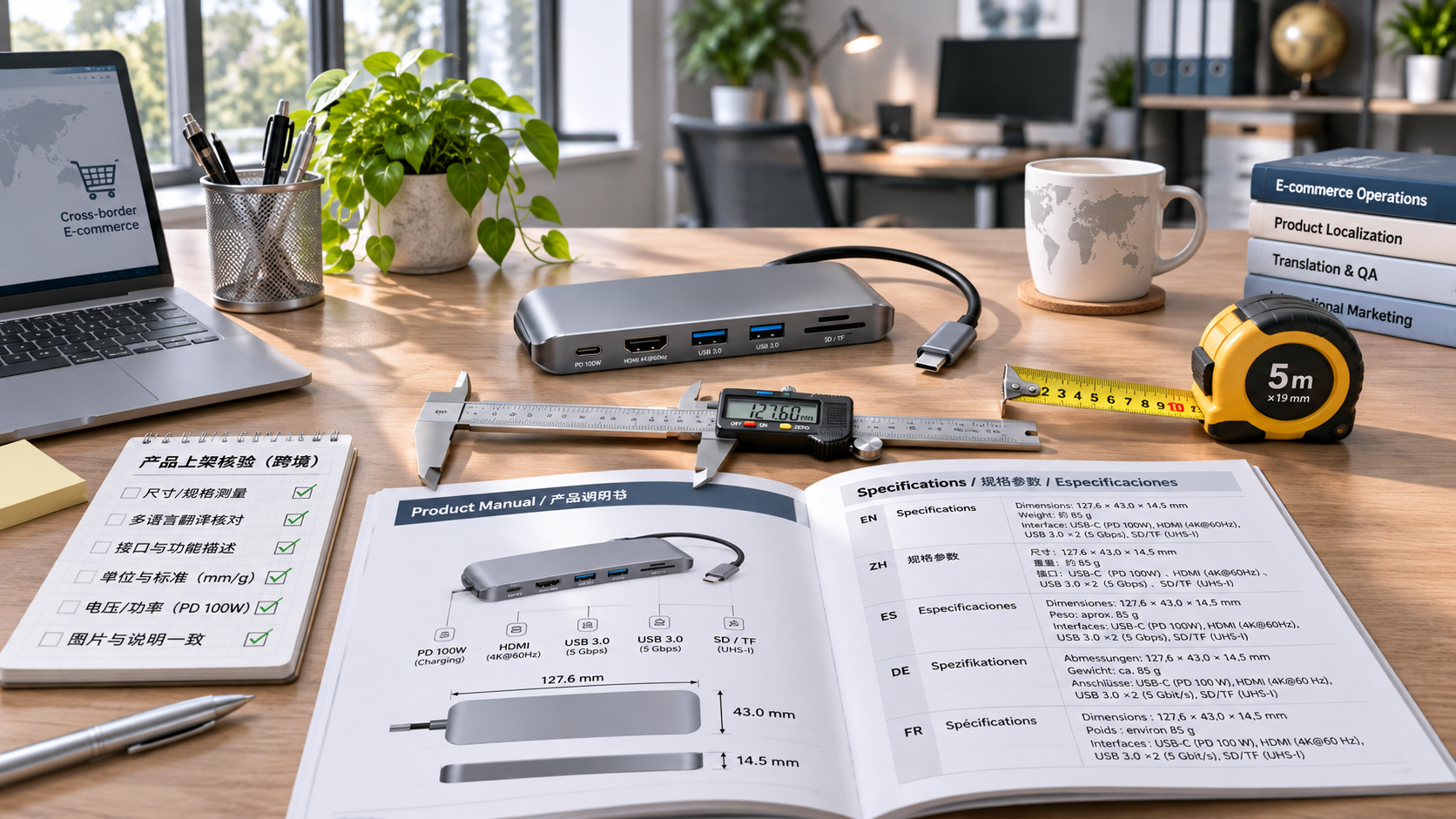
Dimensions, weight, voltage, capacity, and materials are high-risk fields. They directly affect whether a product is suitable and are also prone to errors during unit conversion, word selection, or decimal-point handling. Staff should prioritize checking these details rather than distributing review time evenly.
Model numbers, item numbers, certification numbers, and interface names usually need to be kept as they are. For example, USB-C should not be arbitrarily changed to USB-A. Model numbers containing hyphens should not be reformatted to suit language conventions, either, or buyers may receive a product that differs from what they expected.
Intended use and package quantity can also cause misunderstandings. “Suitable for some models” must not be translated as “suitable for all models.” “One set contains two pieces” must also match the inventory unit to prevent buyers from mistaking the price of a single item for the price of a set.
For products with safety risks, pay special attention to temperature ranges, load limits, and usage warnings. This information should be confirmed by someone familiar with the product. If necessary, have it reviewed by a professional translator in the target market or a relevant person in charge.
How can you prepare a reliable source of product specifications before translation?
First, extract product specifications from product drawings, confirmed specification sheets, and packaging materials, then create a unified master data sheet. Record one product or variant per row, with each column corresponding to a clearly defined field, and note the data source, person responsible, and most recent update date.
The master data sheet should separate values, units, and descriptions. For example, store the length value and unit separately instead of writing them together as “approximately 30 centimeters long.” This makes batch conversions easier and helps reduce omissions caused by copying and pasting.
If a product comes in multiple colors, sizes, or power versions, assign a unique item number to each variant and record its specifications. Do not simply copy specifications from a similar product and change only the title, as the weight, accessories, or voltage of different models may get mixed up.
If supplier materials contradict one another, confirm the details with product or purchasing staff before starting translation. Mark any field that cannot yet be verified as pending confirmation. Do not fill in missing information based on experience or let a machine infer specific values from context.
How can you convert units and numbers without misleading buyers?
Before converting units, confirm what is being measured and the precision of the original data. For example, determine whether the dimensions refer to the product itself, its outer packaging, or the space it occupies when installed. Even if the calculation is correct, buyers may still make the wrong decision if the measurement refers to a different object.
For example, 30 centimeters is approximately 11.81 inches. Depending on your needs, the page could display “30 cm / 11.8 in,” but the rounding rules should be consistent. For sensitive specifications such as mounting-hole diameters and interface dimensions, retain sufficient precision and state the measurement conditions.
Weight should also be identified as net weight, gross weight, or per-item weight. When selling a set, you can label the details separately as “net weight per item” and “packaged weight of the complete set” to avoid discrepancies between shipping estimates and buyers’ expectations. Do not simply multiply the value by the number of items and treat the result as the package weight.
Number formats should reflect the conventions of the target language: some regions use a comma as the decimal separator, while others use a period. Before publishing, check whether the website automatically changes the separator, and consider how it appears alongside the unit to avoid “1,5” and “1.5” being read as different quantities.
Voltage and frequency must not be handled through text or unit conversion alone. Confirm the actual input range supported by the specific model, the plug type, and the requirements of the target market. If a converter is required, explain this clearly based on the actual product.
Machine translation can be useful, but what must be reviewed by a person?
Machine translation is suitable for generating a first draft, but terminology, limitations, and negation in product specifications require careful review. A translation that reads fluently is not necessarily technically accurate. Pay particular attention to words such as “maximum,” “minimum,” and “not included,” which can easily affect a purchase decision.
Consider creating a glossary that specifies translations for common materials, components, interfaces, and functions, and records brands, model numbers, and certification names that must not be translated. Glossaries can be maintained separately for each language, but each should be linked to the same original specification field.
During review, do not check only whether the translation sounds natural. Compare each item with the source data: are the numbers consistent, do the units match, has the scope of applicability been broadened, and have conditions and exceptions been retained? For unfamiliar terms, consult supplier materials and ask someone with product knowledge to confirm them.
Word choice can vary between markets even within the same language. For clothing sizes, date formats, or locally used units, make adjustments to suit the actual sales region and provide clear measurement instructions to reduce the chance of buyers interpreting the information according to their own conventions.
How can you check pages before launch to prevent conflicts between variants and images?
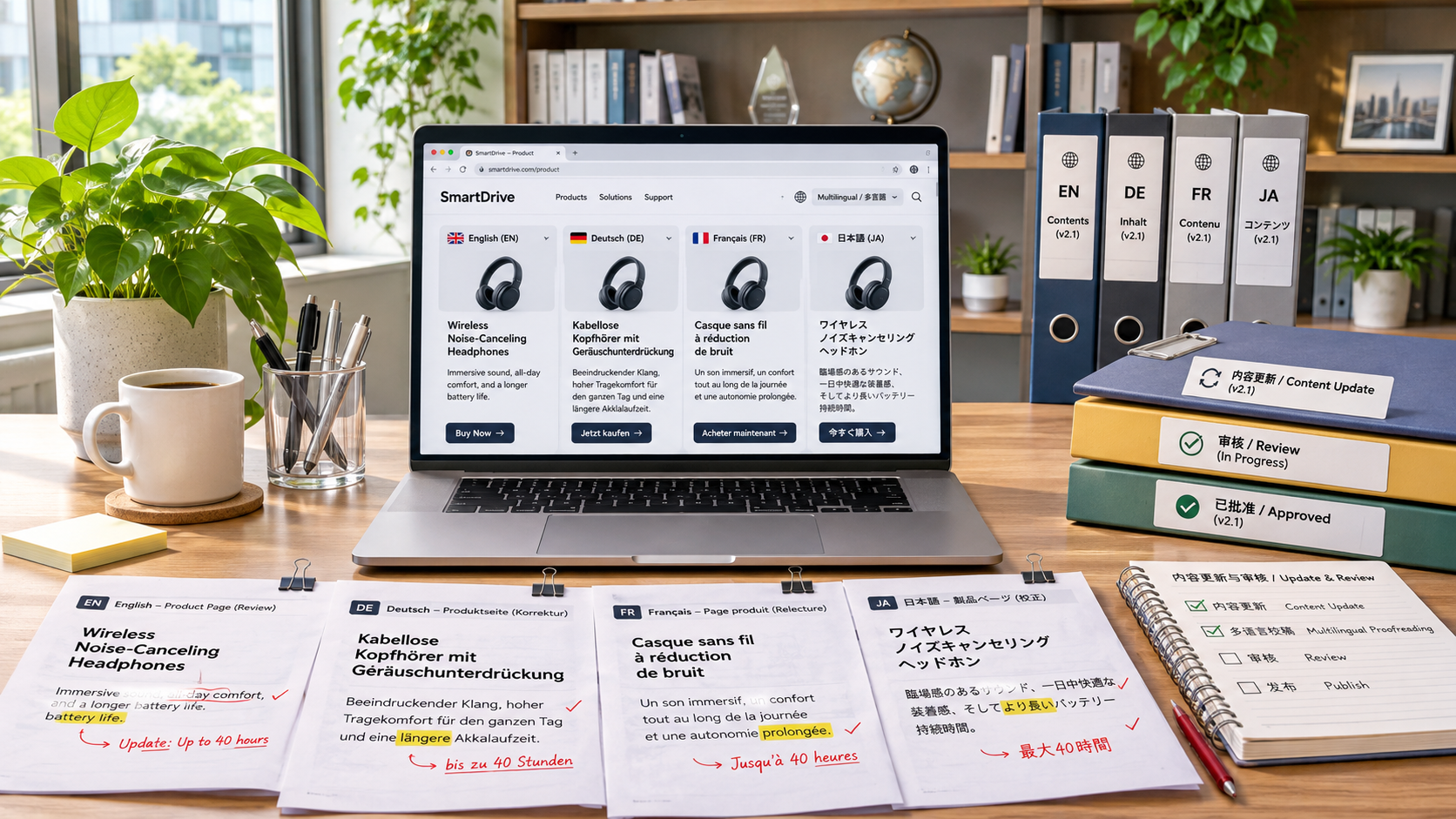
First, conduct spot checks in the sequence “master data sheet—translation—live page”; do not check only the translation file. Open the page in the target language, switch between each major variant, and verify that the title, specification table, price unit, and stock options all correspond to the same item number.
Images, videos, downloadable manuals, and page copy should also be checked against one another. For example, if the text says the capacity is 500 ml but the image still shows the old 450 ml version, buyers will not know which information to trust, even if the specification table is correct.
When testing on mobile devices, look for cut-off tables, line breaks in units, and translated text that is obscured. Also check that the selected model, specifications, and quantity are retained in the cart and at checkout, so customers see the same information when placing an order as they did on the product page.
If you have many products, start by checking all high-volume, high-return-rate, and high-safety-risk products, then spot-check other products by language and category. If you find an error in a template, review all pages that use it.
How can you prevent outdated translations from reappearing after product updates?
Whenever specifications change, record the changes, applicable item numbers, and effective date in the master data sheet, and notify the staff responsible for the relevant languages. After the source text is updated, mark the old translations as pending review and sync them to the corresponding pages only after verification is complete.
It is also useful to maintain a publishing log recording the person who made the change, the reviewer, the languages involved, and links to the pages. If an error is found, the team can quickly identify affected variants, correct the web pages, images, and downloadable files, and check whether the same information is used in other channels.
After-sales feedback can help uncover issues missed during manual checks. Regularly review returns and inquiries caused by incorrect dimensions, incompatible voltage, or misunderstandings about package quantity. Trace them back to the relevant fields and add recurring issues to the glossary and pre-launch checklist.
If you use a multilingual website builder or product management system, confirm whether it supports centralized maintenance of specifications, variant management, and synchronization of multilingual content. Platforms that provide multilingual website building services, such as Ecer, can serve as references when selecting a solution. Their specific capabilities should still be verified through a demonstration of the actual system and review of your business processes.
Summary: Make specification verification an ongoing process
What should you pay attention to when creating multilingual product pages for cross-border e-commerce? First ensure the source data is accurate, then handle unit conversion and terminology translation, and finally check the pages, variants, and images in each language. Continue tracking synchronization after product updates to keep specification information reliable over time.
Related Articles
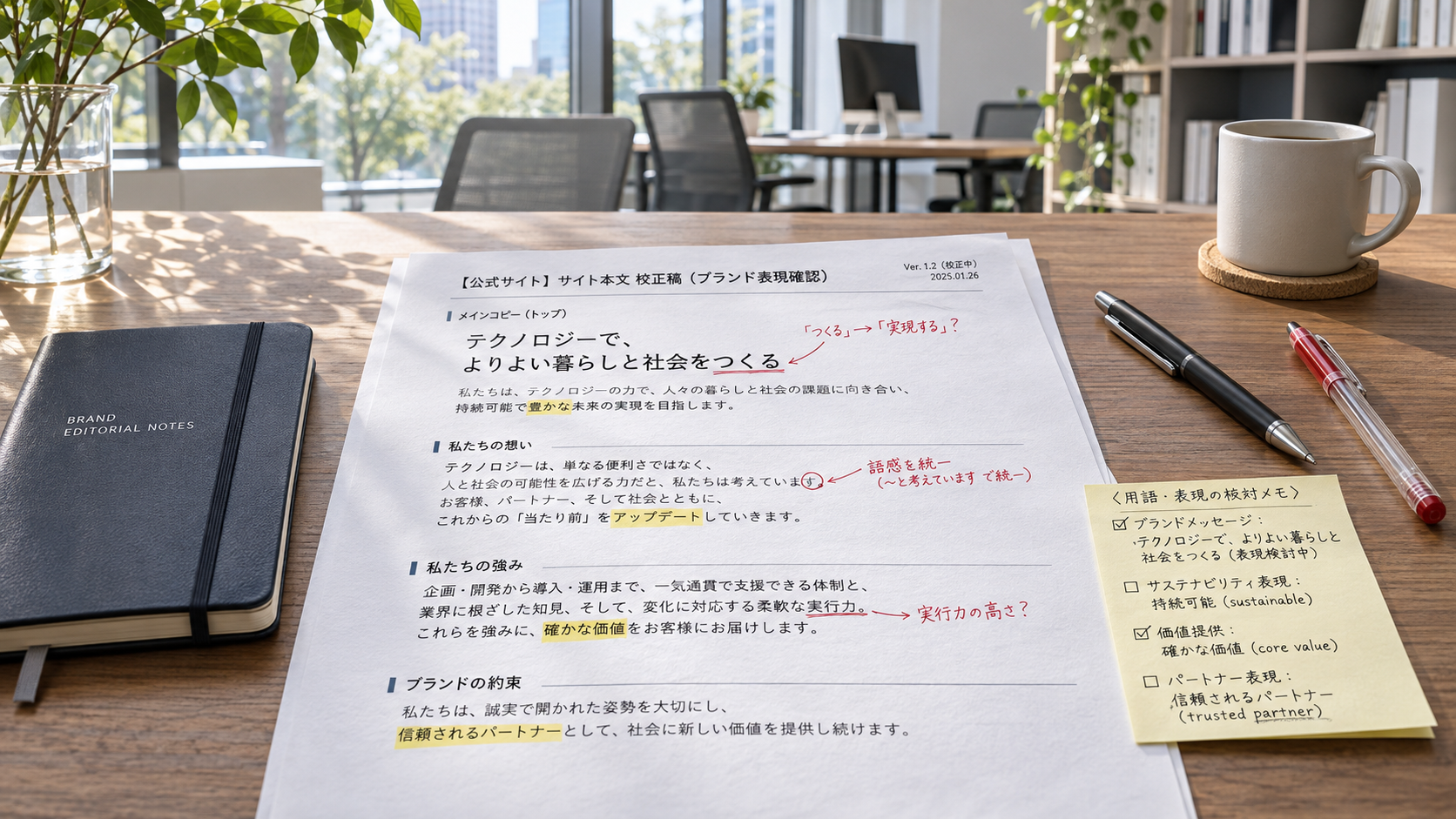
 How Can You Avoid Localization Mistakes When Building a Japanese-Language Brand Website?
 How Does a Website Localization System Manage Multilingual Content Updates?
 How Can Cross-Border E-Commerce Multilingual Product Pages Avoid Errors in Translating Product Specifications?
Related Products
 Yiyingbao SaaS Intelligent Website Building and Marketing SystemYiyingbao SaaS Intelligent Website Building and Marketing System, AI-powered no-code website building, rapid creation of multilingual B2B international websites in 10 minutes, global server acceleration, AI-powered SEO optimization, helping businesses connect efficiently with global markets. The perfect integration of technology and operation makes building an international trade website remarkably simple
 AI+SEM Intelligent Advertising Marketing SystemAI+SEM drives intelligent ad creation, empowering full-funnel precision advertising marketing. The system automatically generates weekly/monthly reports, AI recommends keywords and target countries, monitors core metrics in real-time with intelligent alerts, and enables one-click high-conversion ad solutions to help quickly acquire customers and improve ROI.
 AI+SEO Dual-Engine System Optimization ServicesYiyingbao’s AI+SEO dual-engine optimization system helps foreign trade enterprises acquire high-quality organic traffic through AI-powered keyword research, content generation, and comprehensive technical optimization, significantly improving search rankings and conversion rates.
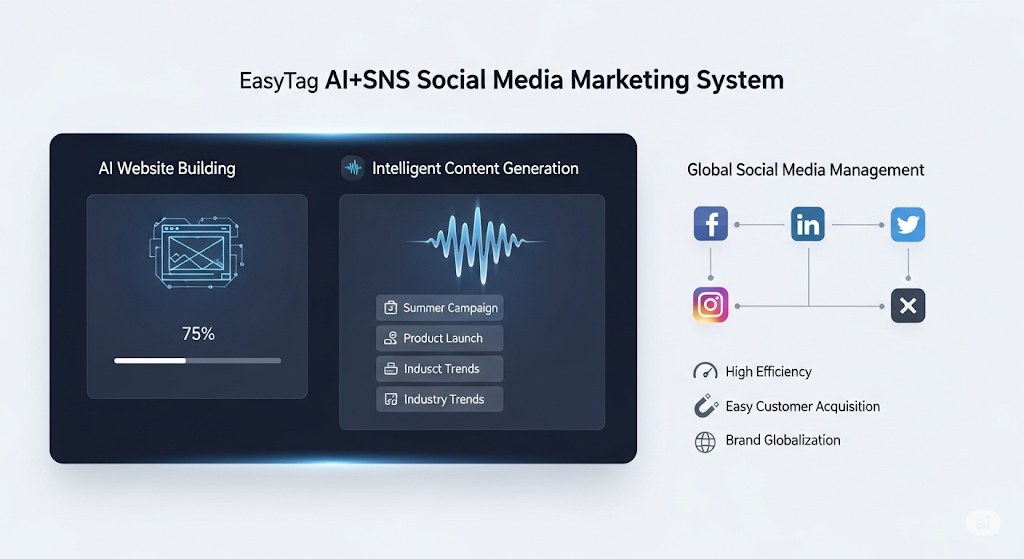
 AI+SNS Social Media Marketing SystemYingbao AI+SNS Social Media Marketing System - Precision social capture for the social media era. Supports one-click content synchronization across major platforms like Facebook and LinkedIn. AI intelligently rewrites posts for enhanced relevance. 24/7 AI customer service and user profiling analysis empower businesses to efficiently expand into global markets.
 AI+SEO营销解决方案易营宝AI+SEO营销解决方案,通过AI批量写作、智能生成TDK、精准关键词扩词等功能,全面优化网站SEO效果,提升流量与转化率。助力企业构建高效智能网站新生态。
 AI+SEM Advertising Marketing SolutionsAI+SEM Advertising Marketing Solution leverages AI technology to deeply empower SEM ad campaigns. It automatically generates weekly/monthly reports using AI, presenting account data across multiple dimensions for comprehensive insights into campaign performance and trends. The system precisely recommends keywords and target countries, intelligently generates high-conversion ad copy, and enables one-click activation of efficient campaign plans to help businesses rapidly acquire customers. Simultaneously, it monitors core metrics in real time, intelligently identifies abnormal fluctuations, and issues timely alerts to ensure stable, high-return advertising results.
 Domain Name ServicesEasyWin provides professional domain name services, including intelligent queries, one-stop registration, brand protection, and full lifecycle management, helping businesses build a digital brand image.
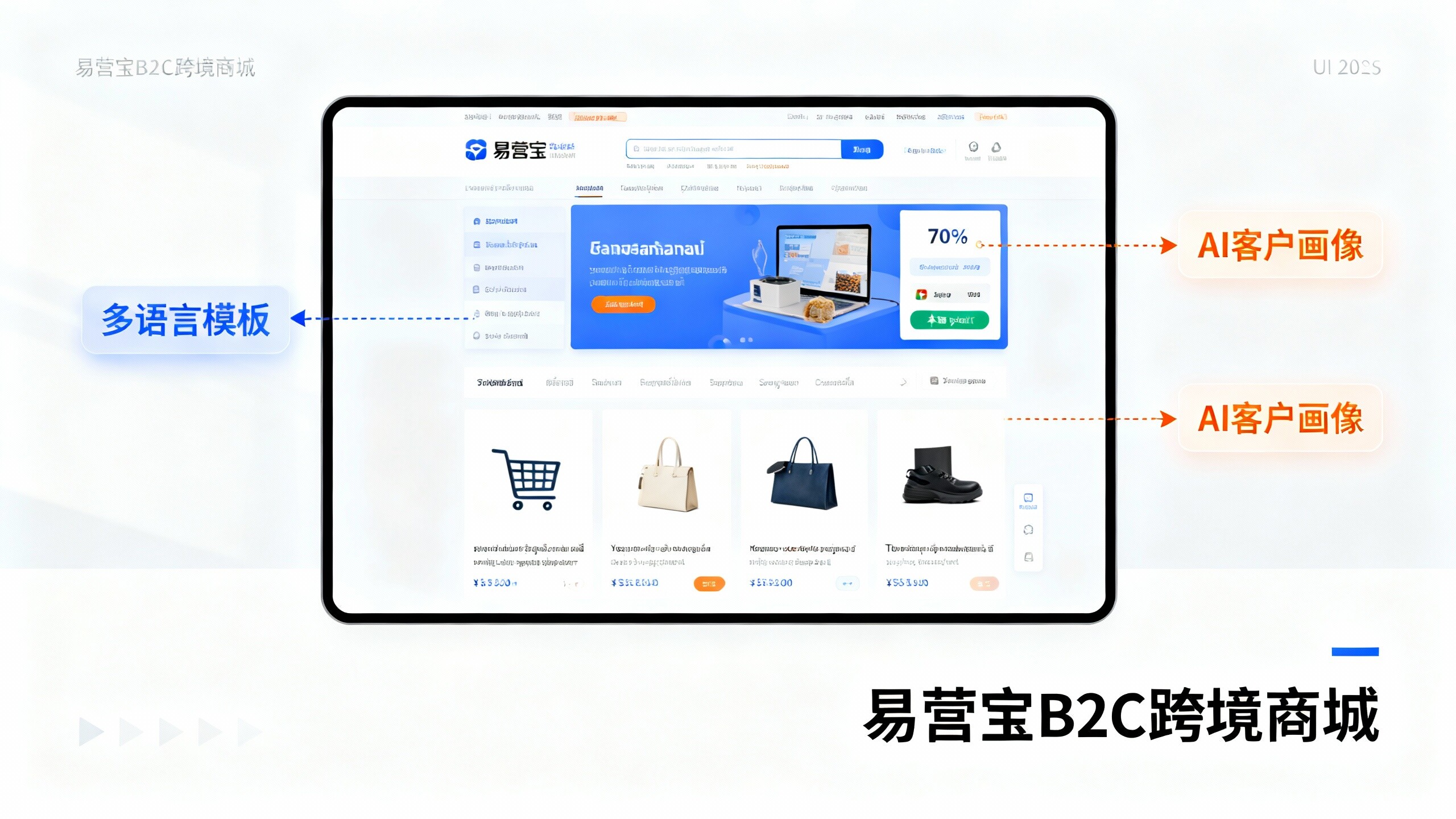
 EasyOperate B2C Cross-Border E-Commerce Platform & Independent WebsiteEasyStore B2C Cross-border E-commerce Independent Store is an intelligent website building and cross-border e-commerce integrated solution independently developed by EasyStore Information Technology (Beijing) Co., Ltd. The system is specially designed for small and medium-sized as well as large export enterprises, integrating 'website building, operation, marketing, advertising, and conversion' into one, helping enterprises quickly establish cross-border e-commerce independent stores to achieve brand globalization and global sales growth.
The platform supports multiple languages, multiple currencies, and multi-channel marketing, with built-in AI intelligent translation and SEO optimization systems, suitable for mainstream markets such as Southeast Asia, Europe and America, Latin America, and the Middle East, assisting Chinese manufacturing enterprises in efficiently deploying international e-commerce strategies. SSL证书易营宝提供专业SSL安全证书服务,包括单域名和泛域名证书,确保网站数据传输加密、身份验证和完整性保护,助力企业建立安全可信的在线业务环境。