







- Eight Departments, Including the Ministry of Commerce, Issue the 15th Five-Year Plan for the Development of Trade in ServicesNov 27, 2026View details
- General Administration of Customs Issues New Rules on Import and Export Cosmetic Labeling, Effective December 1Nov 26, 2026View details
- U.S. to Announce Section 301 Investigation Findings on 16 Economies, Potentially Proposing New TariffsNov 26, 2026View details
- Hapag-Lloyd’s $4.2 billion acquisition of ZIM faces a closing delay; ZIM reports third-quarter net profit of $830 millionNov 24, 2026View details
- SCFI falls for a third straight week to 3,503.78 points, with blank sailings on trans-Pacific routes rising to 10Nov 24, 2026View details
- Lazada 11.11 Mega Sale: LazMall Contributes Nearly Two-Thirds of GMVNov 23, 2026View details
How to Check Whether AI Crawlers Can Access a Page for GEO Indexing Optimization
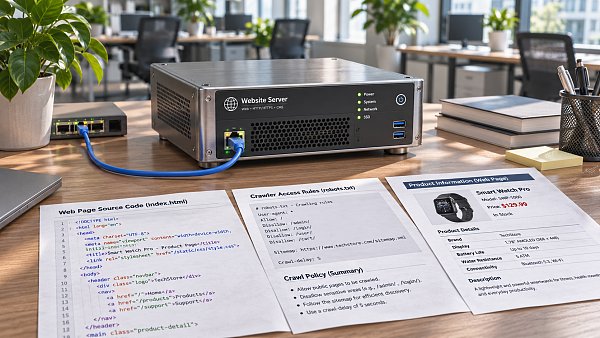
The first step in optimizing GEO discoverability is not to rush into rewriting copy, but to confirm that relevant crawlers can access the target page. A page opening normally in a browser does not mean AI systems see the same content: the website may restrict specific crawlers, return a verification page, or rely on scripts to load the main text. Checking the entry point, response, and actual content step by step is the way to find out where the problem lies.
Choose the right pages and crawlers—don't test only the homepage
Start with the pages you actually want to be discovered, such as English product detail pages, application solutions, or technical specifications, rather than checking only the company homepage. Multilingual websites should also be tested at each language URL: an accessible Chinese homepage does not mean that the English page, pages for other regions, or mobile pages are working properly.
Next, identify the platforms and crawler identities you need to check. Different services may use different crawlers, and search, user-initiated page access, and model training do not necessarily share the same crawl identifier. Do not allow or block every crawler with “AI” in its name indiscriminately. Consult the relevant platform's official crawler documentation to confirm its name, purpose, and latest rules, then decide which types of access your website will allow.
Distinguish between three outcomes: being able to access a page means the entry point is basically reachable; being crawled or included in an index depends on whether the platform actually processes it; and being cited in an AI response also depends on factors such as the retrieval method and content relevance. Passing the first step does not guarantee either of the other two.
Start by checking robots.txt and page directives
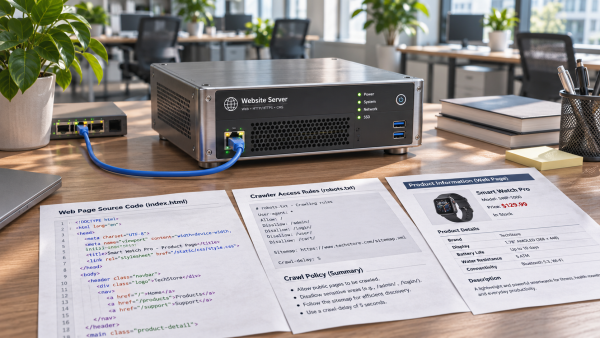
Visit robots.txt in the domain's root directory, for example https://example.com/robots.txt, and check the User-agent rules for the target crawler, as well as whether the product directory is restricted by Disallow. Rules are generally matched against crawler identifiers; if there is a specific rule for a particular crawler, do not draw conclusions based only on the general rules. For the exact matching behavior, consult the target platform's documentation.
Multilingual sites are especially prone to overlooked restrictions: check robots.txt separately for each subdomain; if languages are separated by directory, check whether the relevant directories are blocked. Restrictions copied from a test environment during a site redesign may also prevent product pages on the live site from being crawled properly.
Also check the robots meta tag in the page source and the X-Robots-Tag in the server response headers. noindex usually indicates that a page should not be included in the relevant search index, but whether a platform follows this directive and its exact effect depend on the platform's documentation. Note that if robots.txt already blocks crawling, a crawler may not be able to see the page's noindex directive at all. Before removing a rule, first clarify how much of the page you want to make publicly accessible.
After simulating a request, check what is returned
If technical support is available, you can use a command-line tool to send a request to the target URL and check the response status, redirect chain, and returned page content. For example, use curl's -A parameter to specify the target crawler's identifier, use -L to follow redirects, and then check the final status and response body. Use public pages for testing; do not include an administrator login session or special access permissions.
A 200 response is only a starting point. The page may return a CAPTCHA, login prompt, or blank template with a 200 status; 403 and 429 responses warrant checking the firewall, rate limits, and security policies. Continuous redirects, or repeated redirects based on region or language, may also obstruct crawling. If the server reports an error, investigate it alongside application logs; do not draw conclusions from a single request alone.
Simulating a User-agent can help reveal some differences, but it does not mean that the actual platform crawler has successfully accessed the page: security systems may also handle requests based on factors such as network origin and access behavior. Do not disable protections just because a test request is blocked. First identify the reason for the block in your security service logs, then adjust the rules in line with the platform's officially published verification methods.
A page may open, but its main content may still be inaccessible
Comparing the content displayed in a browser with the raw HTML is a key step when checking a marketing website. View the page source in a browser and search for the product name, specifications, or service description. If the page displays a complete description but the source contains only an empty container, the main content may rely on JavaScript rendering or subsequent API requests. Platforms differ in their ability to process scripts, so do not assume that every crawler will execute them.
For key product pages, information such as the product name, core applications, main specifications, and company contact details should be directly accessible to visitors who are not logged in. If specifications are available only in images, pop-ups, or downloads that require a login, the amount of information that can actually be read may be very limited, even if the page URL is accessible. Do not make price lists, customer information, or other protected content public just to allow crawling.
Also check that canonical links do not incorrectly point different language or product pages to the same URL. Internal links and sitemaps can help make pages discoverable, but submitting a sitemap does not guarantee crawling; even a technically accessible orphan page may be difficult to discover.
How can you confirm that the issue is really fixed after making changes?
Keep test records from before and after the changes: the target URL, test time, request identifier, status code, final redirect URL, and whether the returned content includes the main text. After adjusting robots.txt, the firewall, or the page rendering method, retest the same set of URLs. Do not end the investigation just because the homepage is accessible again.
If the platform provides webmaster tools or a URL inspection tool, check its reports for crawling, indexing, and page issues. If no relevant tool is available, use server or content delivery network logs to see whether requests to the target URL were received and what status was returned. User-agents in logs can be spoofed; to verify a crawler's identity, follow the platform's official guidance rather than relying on its name alone.
Website development, SEO, and marketing are often handled by different people, and issues may span the website platform, DNS, and security services. When using a service like EAAKIN that covers website development and overseas marketing, operations staff can provide the technical team with the affected URLs, target platforms, and test results, and clarify who will make adjustments and when retesting will take place. The investigation is not complete when a checklist says “optimized”; it is complete when key pages can consistently return readable content within reasonable security boundaries.
Related Articles
 Cision’s 2026 Global Press Release Report: 80% of Asia-Pacific Communications Professionals Use AI to Write Press Releases
 How to Check Whether AI Crawlers Can Access a Page for GEO Indexing Optimization
 How Long Does AI Search Optimization Take to Show Results? What Factors Affect the Timeline?


Related Products
 Yiyingbao SaaS Intelligent Website Building and Marketing SystemYiyingbao SaaS Intelligent Website Building and Marketing System, AI-powered no-code website building, rapid creation of multilingual B2B international websites in 10 minutes, global server acceleration, AI-powered SEO optimization, helping businesses connect efficiently with global markets. The perfect integration of technology and operation makes building an international trade website remarkably simple
 AI+SEM Intelligent Advertising Marketing SystemAI+SEM drives intelligent ad creation, empowering full-funnel precision advertising marketing. The system automatically generates weekly/monthly reports, AI recommends keywords and target countries, monitors core metrics in real-time with intelligent alerts, and enables one-click high-conversion ad solutions to help quickly acquire customers and improve ROI.
 AI+SEO Dual-Engine System Optimization ServicesYiyingbao’s AI+SEO dual-engine optimization system helps foreign trade enterprises acquire high-quality organic traffic through AI-powered keyword research, content generation, and comprehensive technical optimization, significantly improving search rankings and conversion rates.
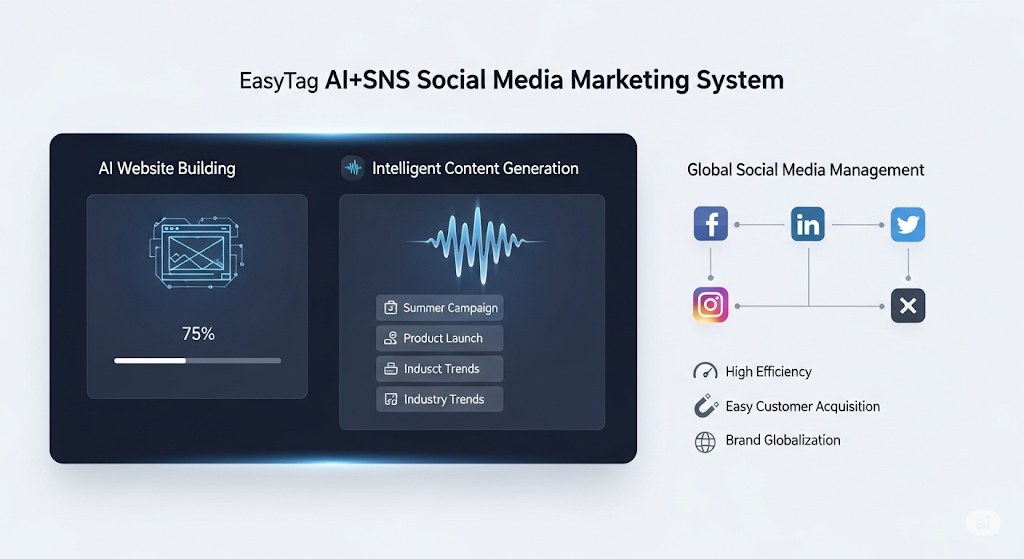
 AI+SNS Social Media Marketing SystemYingbao AI+SNS Social Media Marketing System - Precision social capture for the social media era. Supports one-click content synchronization across major platforms like Facebook and LinkedIn. AI intelligently rewrites posts for enhanced relevance. 24/7 AI customer service and user profiling analysis empower businesses to efficiently expand into global markets.
 AI+SEO营销解决方案易营宝AI+SEO营销解决方案,通过AI批量写作、智能生成TDK、精准关键词扩词等功能,全面优化网站SEO效果,提升流量与转化率。助力企业构建高效智能网站新生态。
 AI+SEM Advertising Marketing SolutionsAI+SEM Advertising Marketing Solution leverages AI technology to deeply empower SEM ad campaigns. It automatically generates weekly/monthly reports using AI, presenting account data across multiple dimensions for comprehensive insights into campaign performance and trends. The system precisely recommends keywords and target countries, intelligently generates high-conversion ad copy, and enables one-click activation of efficient campaign plans to help businesses rapidly acquire customers. Simultaneously, it monitors core metrics in real time, intelligently identifies abnormal fluctuations, and issues timely alerts to ensure stable, high-return advertising results.
 Domain Name ServicesEasyWin provides professional domain name services, including intelligent queries, one-stop registration, brand protection, and full lifecycle management, helping businesses build a digital brand image.
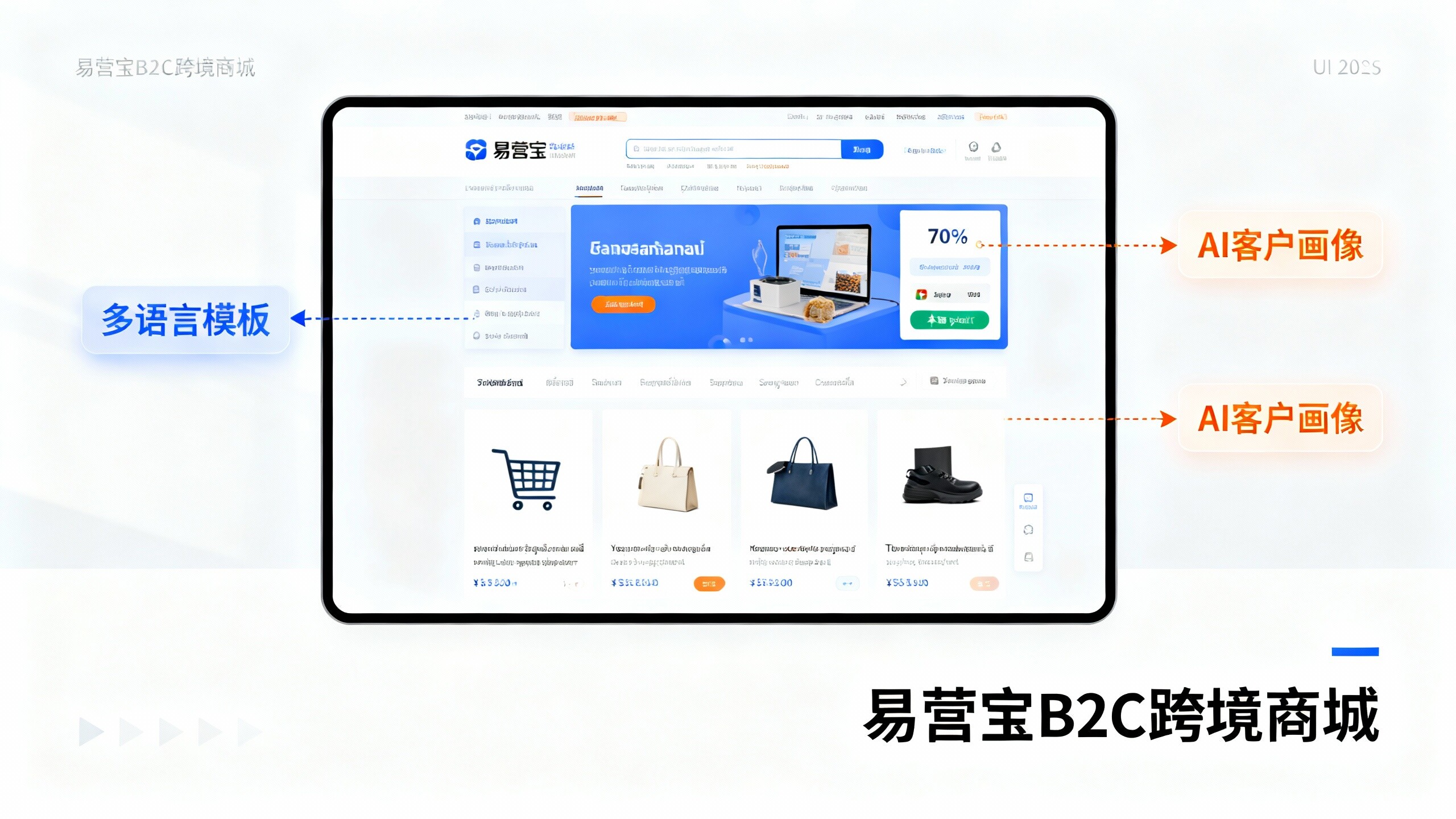
 EasyOperate B2C Cross-Border E-Commerce Platform & Independent WebsiteEasyStore B2C Cross-border E-commerce Independent Store is an intelligent website building and cross-border e-commerce integrated solution independently developed by EasyStore Information Technology (Beijing) Co., Ltd. The system is specially designed for small and medium-sized as well as large export enterprises, integrating 'website building, operation, marketing, advertising, and conversion' into one, helping enterprises quickly establish cross-border e-commerce independent stores to achieve brand globalization and global sales growth.
The platform supports multiple languages, multiple currencies, and multi-channel marketing, with built-in AI intelligent translation and SEO optimization systems, suitable for mainstream markets such as Southeast Asia, Europe and America, Latin America, and the Middle East, assisting Chinese manufacturing enterprises in efficiently deploying international e-commerce strategies. SSL证书易营宝提供专业SSL安全证书服务,包括单域名和泛域名证书,确保网站数据传输加密、身份验证和完整性保护,助力企业建立安全可信的在线业务环境。