








- AliExpress Global Double 11: Brand Sales Grow Nearly 50% in the First Week, U.S. GMV Rises 70%Nov 21, 2026View details
- Ministry of Commerce Reports E-commerce Development from January to October 2026, with Cross-Border Imports Performing StronglyNov 21, 2026View details
- Amazon Black Friday Orders Sluggish on Day One; NRF Forecasts 4.2 Million Fewer ParticipantsNov 21, 2026View details
- 21st Century Business Herald: AI and CTV Become Core Growth Engines for Digital Marketing in Overseas MarketsNov 18, 2026View details
- China Presents 25 Cooperation Outcomes in Areas Including Cross-Border E-Commerce During APECNov 18, 2026View details
- AI Products Drive Hong Kong Exports Up 64.9% in September, Fastest Growth in Over 40 YearsNov 17, 2026View details
How Can Cross-Border E-Commerce Stores Reduce Invalid Clicks on Google Ads?
Ad costs are rising, but orders are not increasing noticeably. This can be a frustrating situation when running a cross-border e-commerce store. However, if clicks are up but conversions are low, don’t immediately assume you’re dealing with click fraud. Buyers may simply have searched for the wrong product, or left because of shipping costs, payment options, or page-loading issues. The key to managing Google Ads for a cross-border store is to first distinguish traffic problems from conversion problems, then decide which clicks to exclude and which parts of the shopping experience to fix.
First, determine whether the clicks are invalid or the traffic is a poor fit
“Invalid clicks” in Google Ads generally refers to abnormal clicks identified by Google’s systems, such as certain repeated or automated clicks. Google uses its systems to detect this activity, and eligible invalid traffic is generally not charged to advertisers. You can check the specific adjustments in your account billing and relevant reports.
For e-commerce stores, however, a more common source of wasted budget is genuine clicks from visitors who are not suitable buyers. For example, someone searching for product repair instructions may land on a page selling new products, or a visitor may discover after clicking that their location is outside your delivery area and they cannot place an order. These clicks may not qualify as invalid clicks under Google’s definition. They need to be addressed through campaign settings and improvements to the website experience.
Start by checking available columns such as “Invalid clicks” and “Invalid click rate” in Google Ads statistics, then analyze them alongside search terms, locations, devices, and conversion data. Don’t rush to pause an entire campaign just because clicks suddenly increased on a particular day.

Use search intent to filter out unsuitable clicks
The starting point for reviewing Search ads is the Search terms report. It shows some of the actual searches that triggered your ads, helping you determine whether visitors intend to buy, compare prices, or find tutorials and after-sales information. Note that the report does not show every search term, so assess it alongside your keywords, ad copy, and landing pages.
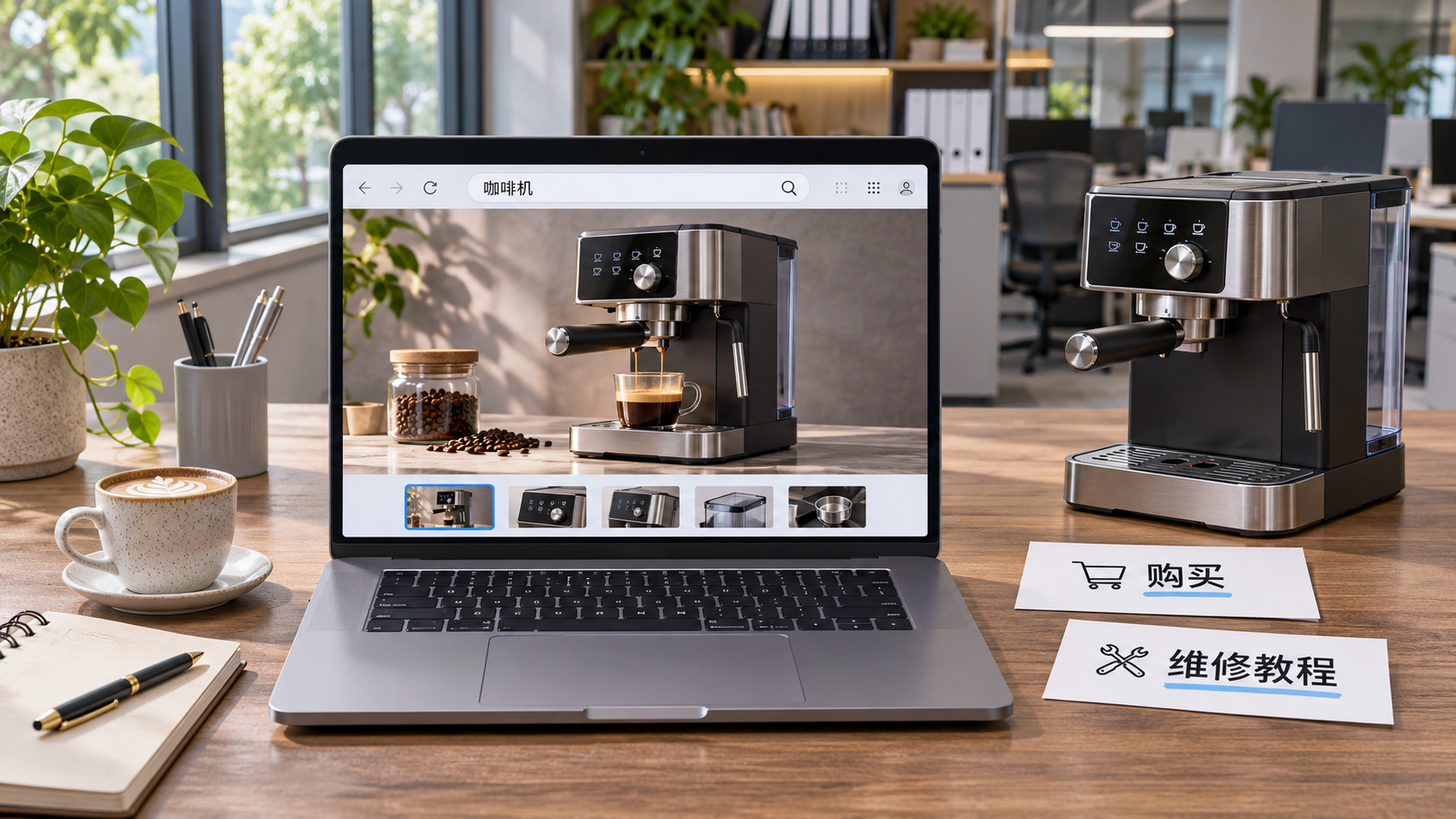
For example, if a store selling coffee machines finds that “free coffee machine repair tutorial” repeatedly brings in clicks, but the website does not offer repair services, it could consider adding related repair-tutorial terms as negative keywords. Check the match type and scope of negative keywords carefully to avoid also blocking potential purchase searches such as “repairable coffee machine.”
Keyword match types also need regular review. Broad match can help you explore demand, but if the account has insufficient conversion data or search intent is clearly off-target, you can test phrase match or exact match and compare the results for valuable conversions over similar periods. Don’t treat match types as a one-time setting: traffic needs often differ between new product campaigns and established products.
Ad copy can help filter traffic too. Clearly state the product type, intended users, and delivery regions. If appropriate, include a price range or starting price to reduce accidental clicks. Prices and delivery promises must match the landing page; otherwise, a higher click-through rate may simply bring more disappointed visitors.
Check locations, placements, and product information
Traffic quality for a cross-border store is closely tied to its ability to fulfill orders. Before targeting multiple countries, verify your website language, currency, shipping costs, tax information, and delivery coverage. If you currently serve customers only within the United States, don’t let areas you cannot ship to continue consuming your budget.
In Google Ads location settings, pay attention to the available location targeting options: people interested in a location are not necessarily physically in that location. If your business serves only buyers physically located in a particular area, adjust the targeting based on the options available in your account, then monitor the changes in location reports. Settings and report locations may vary by campaign.
If you use Display or video ads, also check the available placement reports. For placements that are clearly unrelated to your product and continue to spend without generating meaningful actions, consider excluding them where supported by the campaign. Don’t judge a placement solely on short-term conversions. Consider impressions, clicks, and the purchase cycle too, so you don’t remove valuable touchpoints prematurely.
Shopping ads and Performance Max campaigns also require attention to product data. Check that product titles, images, prices, stock levels, and shipping information are accurate and consistent with the landing page. Overly broad titles may attract the wrong kind of demand, while inconsistent prices or stock information can cause visitors to leave immediately after clicking. Search term and placement controls in Performance Max campaigns differ from those in Search campaigns, so rely on the reports and settings actually available in your account.
If the clicks are fine, why are there still no orders?
Sometimes the problem is not with the ads, but with what happens after the click. Mobile visitors in particular may lose interest quickly while waiting for a page to load, looking for shipping costs, or repeatedly filling out checkout details. Try the full experience as an overseas buyer would: enter the website from an ad and go through product selection, adding an item to the cart, and checkout.
- Does the page match the ad? If an ad promotes a specific product, link directly to that product page where possible. If it features a product range, make sure the landing page helps users filter products quickly.
- Are costs easy to understand? Clearly show shipping costs, estimated delivery times, and any potential taxes during the purchase process to avoid surprises at checkout.
- Is the localization complete? Check the language, currency, sizing, payment options, and return and exchange information so users can understand the ad and feel confident about paying.
- Does the mobile experience work smoothly? Test page loading, button functionality, and payment flows on devices commonly used in your target market. Fix issues such as being unable to submit an order promptly.
During your review, also confirm that conversion tracking is reliable. Check whether Google Ads conversion actions are recording the correct events, whether purchase conversions are being counted more than once, and whether test orders are being counted by mistake. You can use Google tag debugging tools and check against your order management system, but don’t make arbitrary changes to tracking settings that are currently in use.
If you suspect unusual traffic, document the evidence before taking action
If you see a large number of repeat visits, an unusually high click frequency, or a sudden increase in traffic from a particular location, use Google Ads reports, website analytics tools, and server logs to review the timing, sources, devices, and visit paths. IP addresses, bounce behavior, or short session durations can provide clues, but none of these alone proves click fraud.
If you find unexplained anomalies, record the campaign, dates, cost changes, and relevant screenshots. Contact Google Ads support for an investigation, and check whether invalid traffic adjustments have already been made in your account. Where campaign settings allow, adjust exclusions for locations or other controllable conditions that are clearly unsuitable for your business. Don’t rely on claims of a “one-click solution” that blocks all fraudulent clicks.
Make campaign reviews a weekly routine
When budgets are tight, start by addressing areas with high spend, few conversions, and a clear cause, then monitor the results. Review search terms, locations, devices, products, and landing page performance each week, and record when and why you make changes. Try not to change too many variables at once; otherwise, it will be difficult to tell which measure made a difference. Ad groups with little data need more time to evaluate. You can also use actions such as adding to cart or starting checkout as supporting indicators, but these actions should not be treated as orders.
If your team manages multilingual stores and multiple overseas markets, your website, advertising, and data teams should share the same review findings. If the advertising team sees many clicks but no orders from a particular location, the website team should check the shipping and payment processes. When product page prices change, the ads and product data should also be reviewed. Yiyingbao provides cross-border e-commerce store development, Google Ads management, and related marketing services, which businesses with these coordination needs may wish to evaluate further. Reducing wasted spend does not mean minimizing clicks; it means focusing your budget on people who have a chance of completing a purchase.
Related Articles
 Microsoft Confirms Ads with “Made With AI” Labels in Bing AI Overviews
 How Should You Set an Advertising Budget Based on Customer Acquisition Goals?
 How Can Cross-Border E-Commerce Stores Reduce Invalid Clicks on Google Ads?


Related Products
 Yiyingbao SaaS Intelligent Website Building and Marketing SystemYiyingbao SaaS Intelligent Website Building and Marketing System, AI-powered no-code website building, rapid creation of multilingual B2B international websites in 10 minutes, global server acceleration, AI-powered SEO optimization, helping businesses connect efficiently with global markets. The perfect integration of technology and operation makes building an international trade website remarkably simple
 AI+SEM Intelligent Advertising Marketing SystemAI+SEM drives intelligent ad creation, empowering full-funnel precision advertising marketing. The system automatically generates weekly/monthly reports, AI recommends keywords and target countries, monitors core metrics in real-time with intelligent alerts, and enables one-click high-conversion ad solutions to help quickly acquire customers and improve ROI.
 AI+SEO Dual-Engine System Optimization ServicesYiyingbao’s AI+SEO dual-engine optimization system helps foreign trade enterprises acquire high-quality organic traffic through AI-powered keyword research, content generation, and comprehensive technical optimization, significantly improving search rankings and conversion rates.
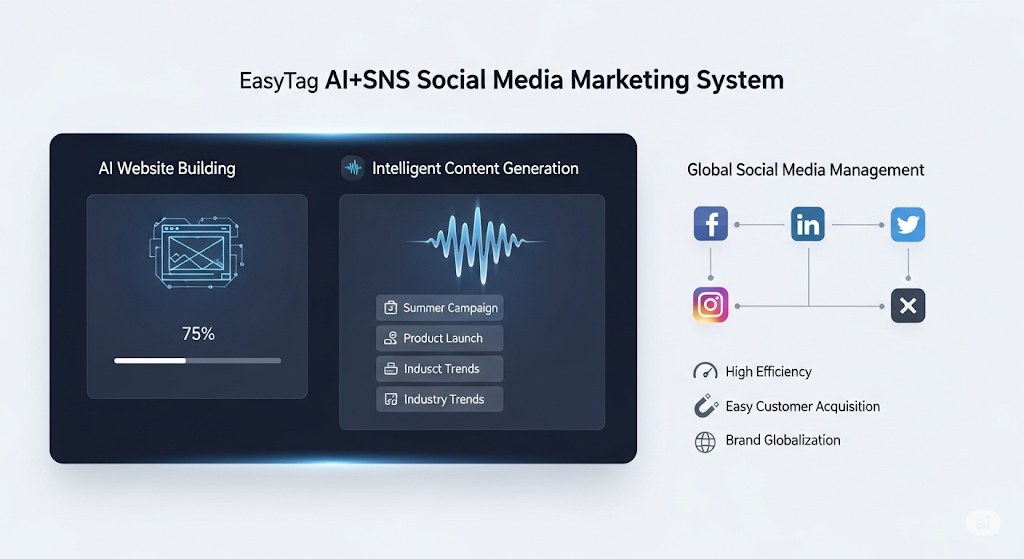
 AI+SNS Social Media Marketing SystemYingbao AI+SNS Social Media Marketing System - Precision social capture for the social media era. Supports one-click content synchronization across major platforms like Facebook and LinkedIn. AI intelligently rewrites posts for enhanced relevance. 24/7 AI customer service and user profiling analysis empower businesses to efficiently expand into global markets.
 AI+SEO营销解决方案易营宝AI+SEO营销解决方案,通过AI批量写作、智能生成TDK、精准关键词扩词等功能,全面优化网站SEO效果,提升流量与转化率。助力企业构建高效智能网站新生态。
 AI+SEM Advertising Marketing SolutionsAI+SEM Advertising Marketing Solution leverages AI technology to deeply empower SEM ad campaigns. It automatically generates weekly/monthly reports using AI, presenting account data across multiple dimensions for comprehensive insights into campaign performance and trends. The system precisely recommends keywords and target countries, intelligently generates high-conversion ad copy, and enables one-click activation of efficient campaign plans to help businesses rapidly acquire customers. Simultaneously, it monitors core metrics in real time, intelligently identifies abnormal fluctuations, and issues timely alerts to ensure stable, high-return advertising results.
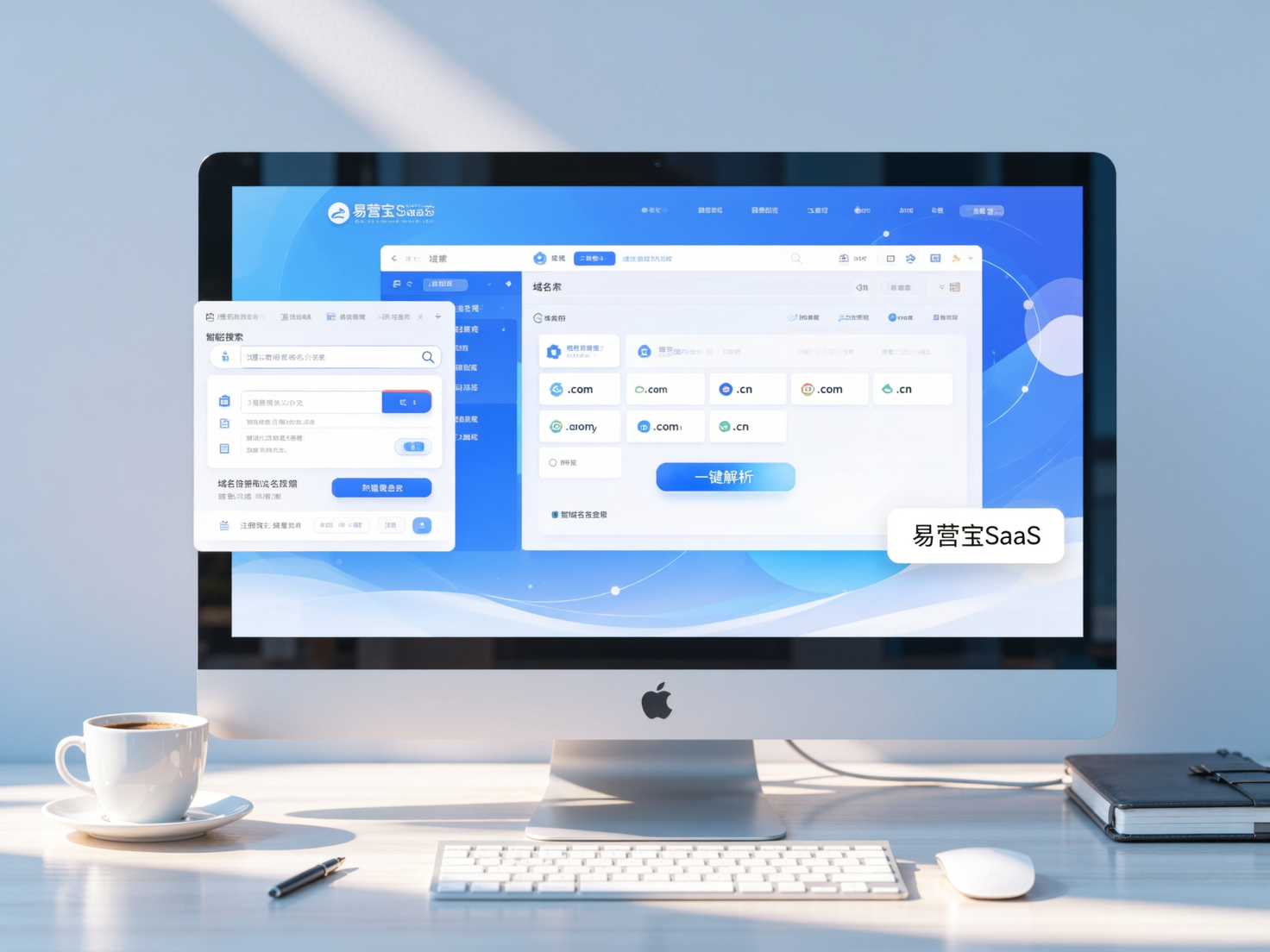
 Domain Name ServicesEasyWin provides professional domain name services, including intelligent queries, one-stop registration, brand protection, and full lifecycle management, helping businesses build a digital brand image.
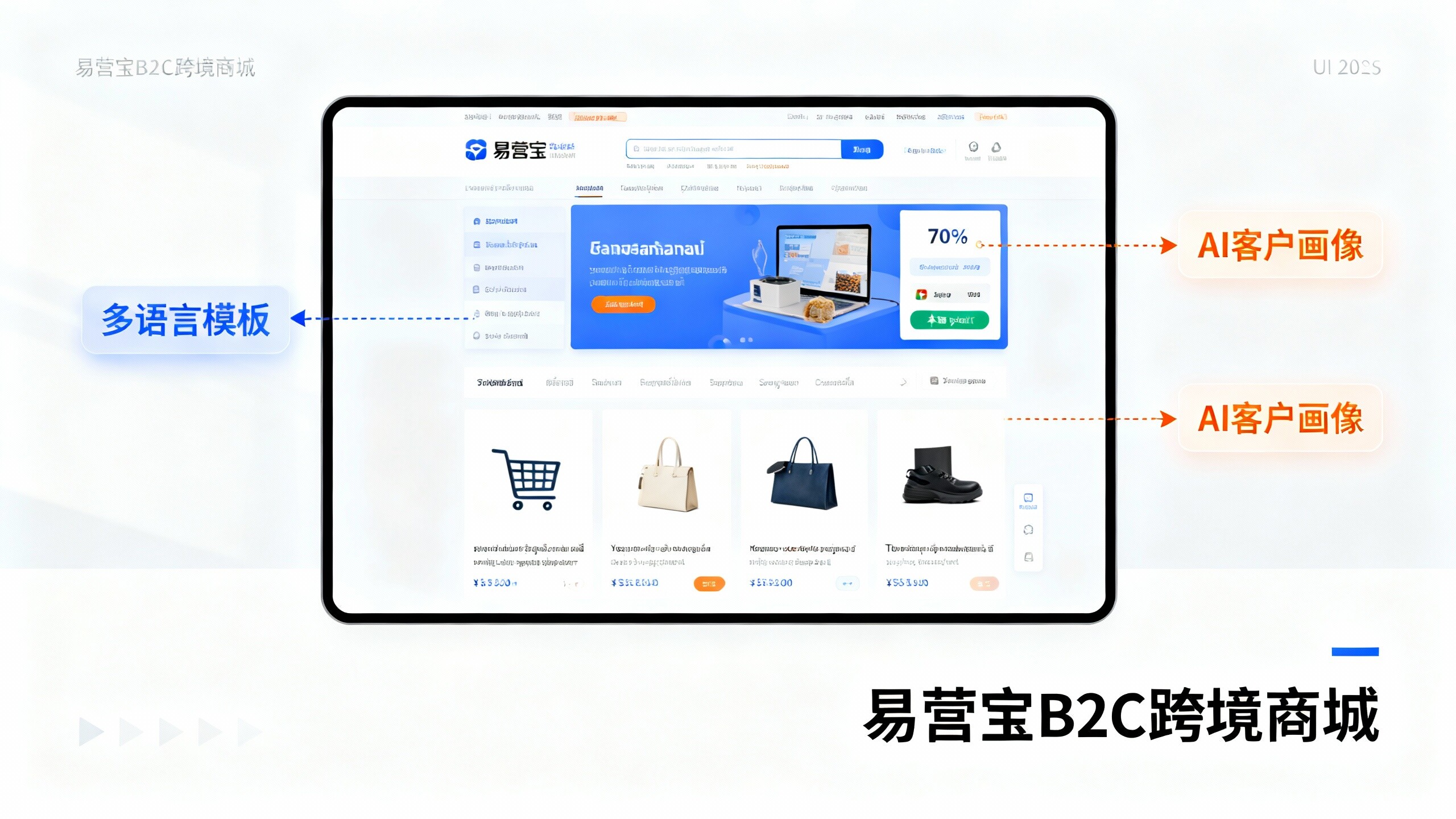
 EasyOperate B2C Cross-Border E-Commerce Platform & Independent WebsiteEasyStore B2C Cross-border E-commerce Independent Store is an intelligent website building and cross-border e-commerce integrated solution independently developed by EasyStore Information Technology (Beijing) Co., Ltd. The system is specially designed for small and medium-sized as well as large export enterprises, integrating 'website building, operation, marketing, advertising, and conversion' into one, helping enterprises quickly establish cross-border e-commerce independent stores to achieve brand globalization and global sales growth.
The platform supports multiple languages, multiple currencies, and multi-channel marketing, with built-in AI intelligent translation and SEO optimization systems, suitable for mainstream markets such as Southeast Asia, Europe and America, Latin America, and the Middle East, assisting Chinese manufacturing enterprises in efficiently deploying international e-commerce strategies. SSL证书易营宝提供专业SSL安全证书服务,包括单域名和泛域名证书,确保网站数据传输加密、身份验证和完整性保护,助力企业建立安全可信的在线业务环境。