






Related recommendations
- Eight Departments, Including the Ministry of Commerce, Issue the 15th Five-Year Plan for the Development of Trade in ServicesNov 27, 2026View details
- General Administration of Customs Issues New Rules on Import and Export Cosmetic Labeling, Effective December 1Nov 26, 2026View details
- U.S. to Announce Section 301 Investigation Findings on 16 Economies, Potentially Proposing New TariffsNov 26, 2026View details
- Hapag-Lloyd’s $4.2 billion acquisition of ZIM faces a closing delay; ZIM reports third-quarter net profit of $830 millionNov 24, 2026View details
- SCFI falls for a third straight week to 3,503.78 points, with blank sailings on trans-Pacific routes rising to 10Nov 24, 2026View details
- Lazada 11.11 Mega Sale: LazMall Contributes Nearly Two-Thirds of GMVNov 23, 2026View details
Run your own SEO audit: From indexing to rankings, what signals indicate a problem with your website?
Publish date:Nov 27, 2026
Author:Easy Yingbao (Eyingbao)
Page views:

analyser son seo First, distinguish between four signals: indexing, rankings, clicks, and crawling. New pages not being indexed, declining rankings, and falling click-through rates can each have different causes. This article shows you how to investigate issues by their impact and priority: first fix problems affecting indexing and traffic, then optimize rankings and conversions. Avoid mistaking a localized fluctuation for a sitewide problem, and make your next steps and fixes clearer. Click to learn more.
Inquire now : 4006552477
On Monday morning, a message popped up in the project group chat: inquiries were down by 30% last week. The colleague responsible for the website said that content was being published regularly and the ads were still running, but the graph in the dashboard kept trending downward. As the project lead, you don’t need to understand every technical detail right away, but you do need to determine one thing first: is this drop a temporary fluctuation, or is there a problem with the website itself? Learning to analyze your SEO means learning to distinguish the signals before the data gets confusing.
Many diagnostic efforts stall because people start out looking for one person or one thing to blame. The title isn’t good enough, there isn’t enough content, the technology is outdated—any of these claims could be right, or they could be wrong. The useful approach is to examine indexing, rankings, clicks, and crawling separately. Each represents a different stage of the website, and the right fix depends entirely on which one has declined.
Check the quantity and quality of indexed pages
A decline in indexed pages is one of the easiest signals to misread. An increase in the total number of pages doesn’t mean that the number of effectively indexed pages is increasing. If new pages are slow to be added to search engine indexes, or older pages are starting to disappear from them, the problem often isn’t the quality of the content—it’s whether the website is making those pages accessible to search engines.
Start by comparing two sets of figures: how many pages the website actually has, and how many search engines have indexed; and how many pages added in the past month were indexed within two weeks. If the gap is widening, first check the robots rules, whether noindex was added to pages by mistake, and whether internal links are broken. Some pages may appear to be online, but if you can’t reach them from the homepage within three or four clicks, crawlers naturally won’t visit them often.
There’s another, less obvious scenario: a page is indexed, but can’t be found in search. If the words used in the title and body don’t align with the terms users actually search for, the page may simply sit in the database. Project managers don’t have to revise the keywords themselves, but they can ask the team to compare each page’s “topic” with “actual search terms” to see whether the content is talking to itself.
If rankings drop, don’t rush to change the title
Ranking fluctuations aren’t inherently alarming. The real concern is not knowing where the drop is happening. A drop on the homepage is very different from one on a product page, just as a decline in core keywords differs from a decline in long-tail keywords. The response should be different, too. Looking only at average rankings can make a local issue look like a sitewide problem—or make a sitewide problem seem like bad luck.
Group pages with declining rankings by type. Are several sections dropping together, or is the decline limited to one product line? Have rankings fallen from page one to page two, or have they dropped out of the top 50 altogether? The former is more likely related to page quality or the pace of content updates; the latter may involve crawling, server stability, or a search engine determining that the pages are duplicate or low-value.
Before changing titles or keywords, confirm that the pages still open normally, that they haven’t become slower to load, and that they display correctly on mobile devices. Search engines are becoming more direct in their expectations for user experience. Even with good content, a page that takes four or five seconds to load will struggle to hold its position over time. Click-through rates and traffic mix reveal the real picture
Ranking well doesn’t guarantee clicks. Even among pages in third position, some have a click-through rate of 8%, while others get only 2%. The difference often comes down to whether the title and description answer the user’s question. If users are searching for “how to choose” but the page title only includes the company and product names, clicks are naturally unlikely to increase.
It’s also worth looking at the traffic mix on its own. A sudden increase in the share of traffic from branded terms doesn’t necessarily mean the brand has grown stronger; it may mean that traffic from non-branded terms is being lost. If direct and social media traffic can’t make up for the shortfall in search traffic, the quality of inquiries will also change. When reviewing reports, project leads shouldn’t look only at total visits. They should also check the share of traffic from search, which pages are driving conversions, and which pages attract visitors without generating further action.
This assessment is even more important for teams focused on generating export inquiries. An independent website’s pages, language versions, and inquiry channels function as one whole; a problem at one point can distort the data elsewhere. If you find uneven indexing across multilingual pages or a broken inquiry journey during your investigation, compare your website and lead generation journey with the B2B Foreign Trade Solutions [blocked] to see whether the issue lies with the content or whether the page structure and conversion path themselves need adjustment.
Technical signals show up in everyday activity, not just in error messages
Many technical issues don’t trigger a red warning. Instead, they show up in small changes. For example, the server occasionally returns a 500 error while crawl volume suddenly drops by half; old links aren’t redirected after a website redesign, so search engines keep looking for pages at their old addresses; or oversized images and too many scripts make the site noticeably sluggish on mobile devices.
You don’t need to monitor these signals every day, but a combination of them should raise concern. A drop in crawl volume alongside a decline in indexed pages usually points to accessibility. Slower page speeds combined with a higher bounce rate usually point to user experience. Duplicate titles across many pages and missing descriptions point to gaps in content management. Reading several signals together is more reliable than looking at any one metric on its own.
Prioritize the signals, then fix the issues
The final step in a diagnosis isn’t creating a long to-do list; it’s deciding what to fix first. For project managers, the priorities are practical: first fix issues affecting indexing and accessibility, then those affecting rankings, and finally optimize clicks and conversions. If pages won’t open, have been blocked by mistake, or have broken redirects, nothing else will hold until those issues are resolved.
Next, consider the scale of the impact. Fixing an issue on ten pages takes very different resources from addressing one affecting a thousand pages. Tackle widespread issues first, then individual pages. Widespread problems are often caused by templates, rules, or site structure, so a single fix can resolve them across many pages.
Analyzing your SEO doesn’t mean taking the website apart. It’s more like a checkup: indexing is breathing, rankings are blood pressure, click-through rate is temperature, and crawling is circulation. When one falls outside the normal range, follow that signal to find the cause. Once you can say, “This traffic drop happened because a certain type of page wasn’t indexed, not because the content was poor,” the next steps, budget, and ownership will naturally become clear.

Related Articles
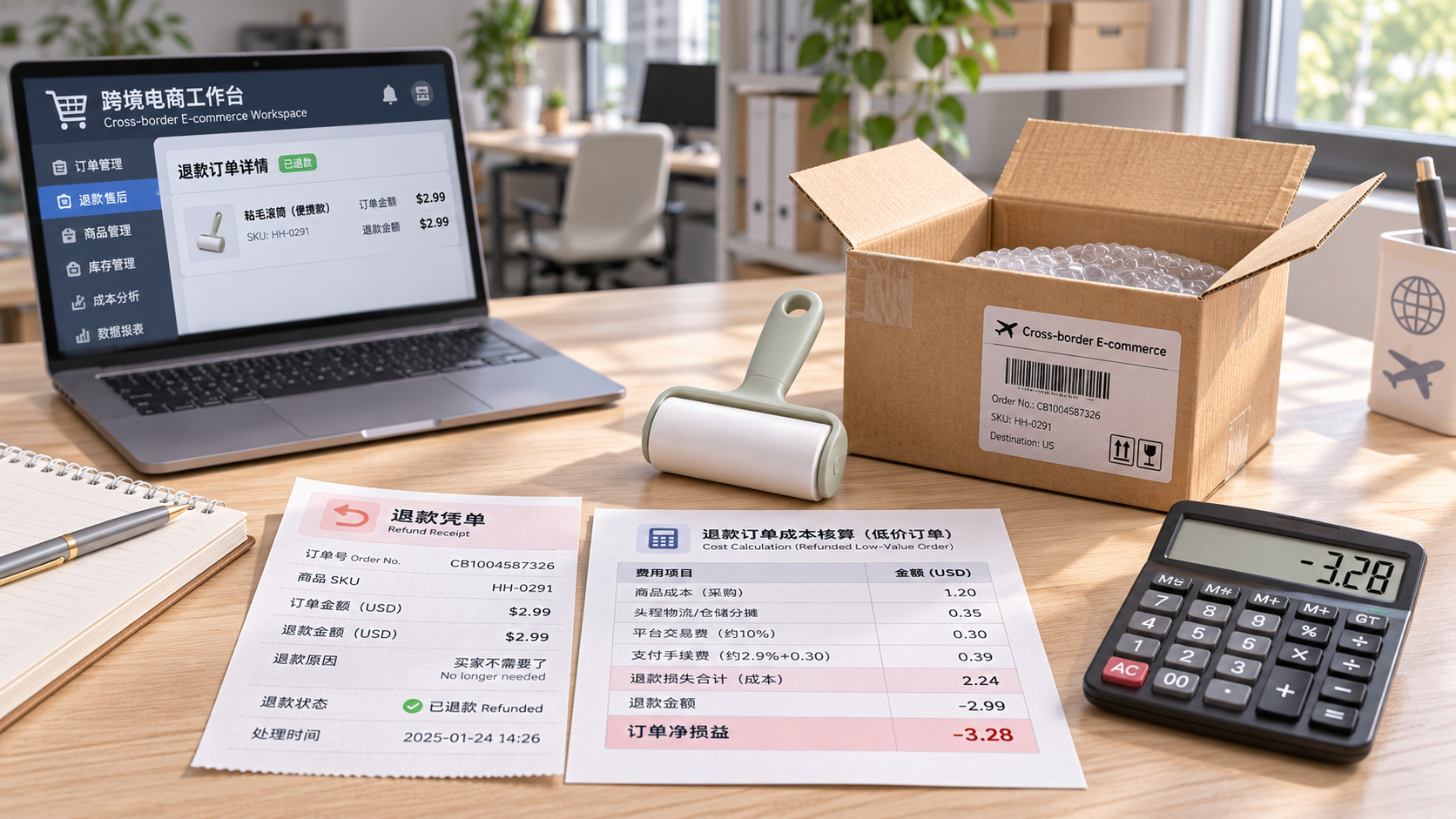
 Amazon Canada to Introduce Automatic Refunds Without Returns for Low-Priced Items Starting November 23
 What can you do when form conversion rates are low? Optimize the number of fields, guidance text, and submission experience
 Run your own SEO audit: From indexing to rankings, what signals indicate a problem with your website?


{item.title}
Related Products
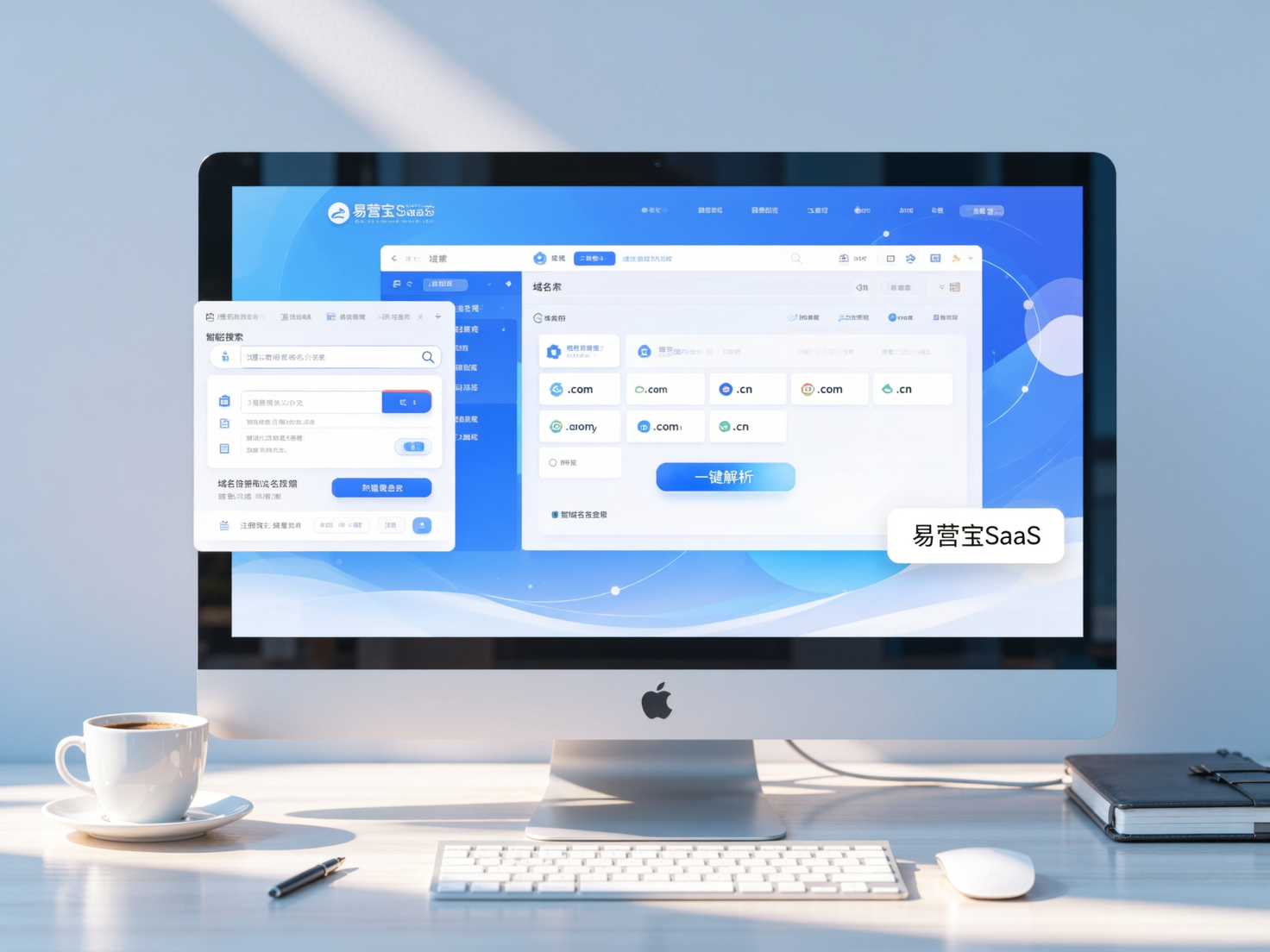
 Yiyingbao SaaS Intelligent Website Building and Marketing SystemYiyingbao SaaS Intelligent Website Building and Marketing System, AI-powered no-code website building, rapid creation of multilingual B2B international websites in 10 minutes, global server acceleration, AI-powered SEO optimization, helping businesses connect efficiently with global markets. The perfect integration of technology and operation makes building an international trade website remarkably simple
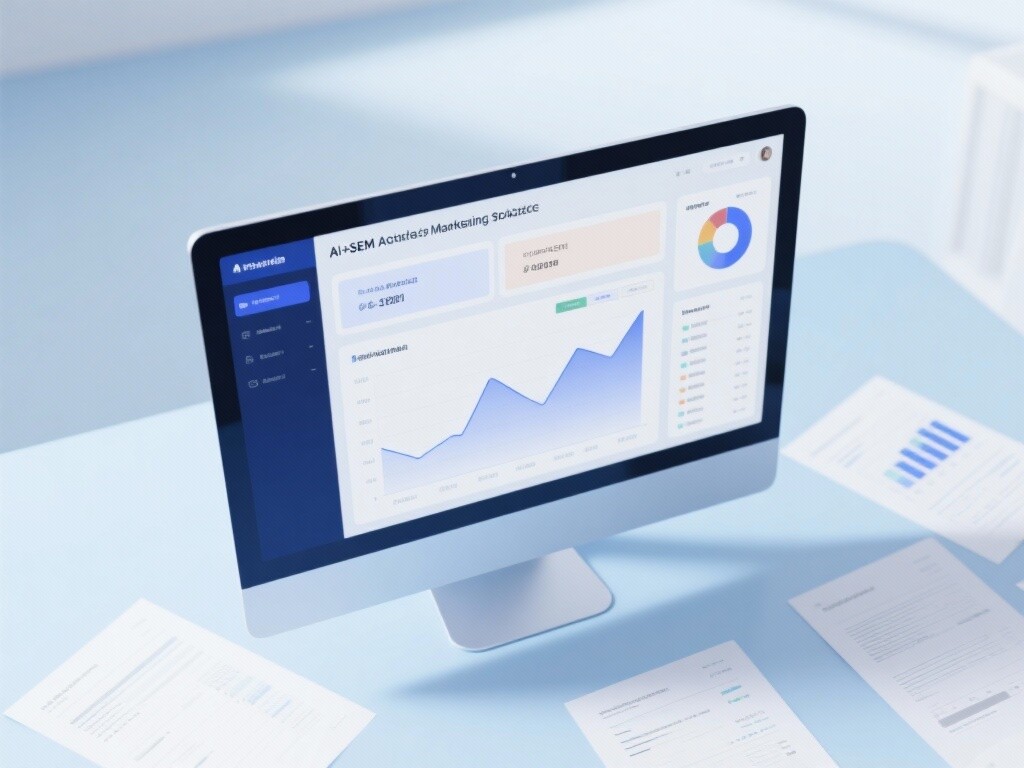
 AI+SEM Intelligent Advertising Marketing SystemAI+SEM drives intelligent ad creation, empowering full-funnel precision advertising marketing. The system automatically generates weekly/monthly reports, AI recommends keywords and target countries, monitors core metrics in real-time with intelligent alerts, and enables one-click high-conversion ad solutions to help quickly acquire customers and improve ROI.
 AI+SEO Dual-Engine System Optimization ServicesYiyingbao’s AI+SEO dual-engine optimization system helps foreign trade enterprises acquire high-quality organic traffic through AI-powered keyword research, content generation, and comprehensive technical optimization, significantly improving search rankings and conversion rates.
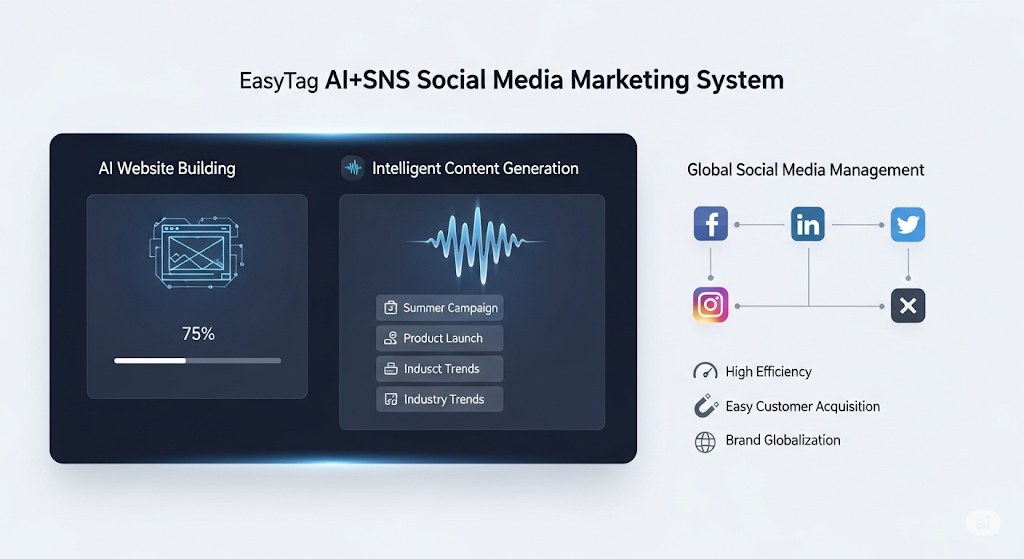
 AI+SNS Social Media Marketing SystemYingbao AI+SNS Social Media Marketing System - Precision social capture for the social media era. Supports one-click content synchronization across major platforms like Facebook and LinkedIn. AI intelligently rewrites posts for enhanced relevance. 24/7 AI customer service and user profiling analysis empower businesses to efficiently expand into global markets.
 AI+SEO营销解决方案易营宝AI+SEO营销解决方案,通过AI批量写作、智能生成TDK、精准关键词扩词等功能,全面优化网站SEO效果,提升流量与转化率。助力企业构建高效智能网站新生态。
 AI+SEM Advertising Marketing SolutionsAI+SEM Advertising Marketing Solution leverages AI technology to deeply empower SEM ad campaigns. It automatically generates weekly/monthly reports using AI, presenting account data across multiple dimensions for comprehensive insights into campaign performance and trends. The system precisely recommends keywords and target countries, intelligently generates high-conversion ad copy, and enables one-click activation of efficient campaign plans to help businesses rapidly acquire customers. Simultaneously, it monitors core metrics in real time, intelligently identifies abnormal fluctuations, and issues timely alerts to ensure stable, high-return advertising results.
 Domain Name ServicesEasyWin provides professional domain name services, including intelligent queries, one-stop registration, brand protection, and full lifecycle management, helping businesses build a digital brand image.
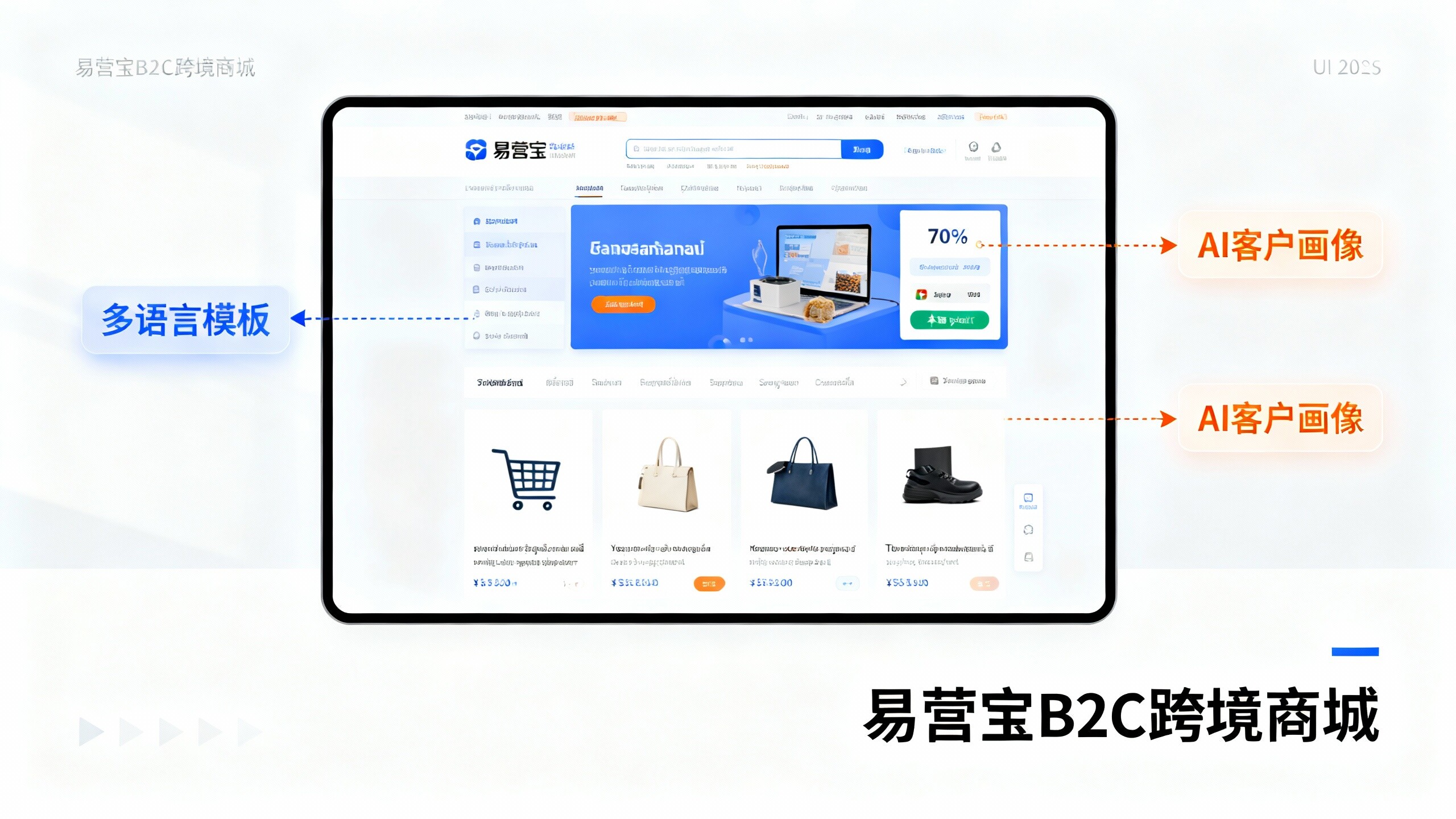
 EasyOperate B2C Cross-Border E-Commerce Platform & Independent WebsiteEasyStore B2C Cross-border E-commerce Independent Store is an intelligent website building and cross-border e-commerce integrated solution independently developed by EasyStore Information Technology (Beijing) Co., Ltd. The system is specially designed for small and medium-sized as well as large export enterprises, integrating 'website building, operation, marketing, advertising, and conversion' into one, helping enterprises quickly establish cross-border e-commerce independent stores to achieve brand globalization and global sales growth.
The platform supports multiple languages, multiple currencies, and multi-channel marketing, with built-in AI intelligent translation and SEO optimization systems, suitable for mainstream markets such as Southeast Asia, Europe and America, Latin America, and the Middle East, assisting Chinese manufacturing enterprises in efficiently deploying international e-commerce strategies. SSL证书易营宝提供专业SSL安全证书服务,包括单域名和泛域名证书,确保网站数据传输加密、身份验证和完整性保护,助力企业建立安全可信的在线业务环境。