








- Eight Departments, Including the Ministry of Commerce, Issue the 15th Five-Year Plan for the Development of Trade in ServicesNov 27, 2026View details
- General Administration of Customs Issues New Rules on Import and Export Cosmetic Labeling, Effective December 1Nov 26, 2026View details
- U.S. to Announce Section 301 Investigation Findings on 16 Economies, Potentially Proposing New TariffsNov 26, 2026View details
- Hapag-Lloyd’s $4.2 billion acquisition of ZIM faces a closing delay; ZIM reports third-quarter net profit of $830 millionNov 24, 2026View details
- SCFI falls for a third straight week to 3,503.78 points, with blank sailings on trans-Pacific routes rising to 10Nov 24, 2026View details
- Lazada 11.11 Mega Sale: LazMall Contributes Nearly Two-Thirds of GMVNov 23, 2026View details
What Is an EV Certificate, and How Does It Verify a Company's Identity?
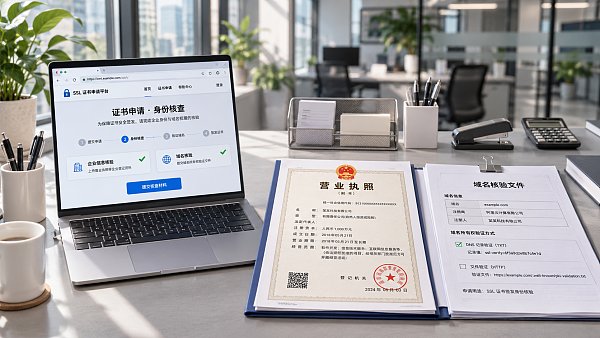
An EV certificate is a TLS digital certificate issued after extended validation. In addition to verifying that the applicant controls the domain, the certificate authority (CA) checks information such as the organization’s identity in accordance with applicable rules. “ev 証明 書 と は” is Japanese for “What is an EV certificate?” and often appears in materials about website security or building overseas-facing websites for businesses.
When a business builds its official website, visitors may want to know whether the website they are connecting to is associated with the business it claims to represent. An EV certificate can provide verified information about an organization’s identity, but it cannot, by itself, prove that the business is reliable or guarantee the safety of the website’s content or transactions. Understanding the scope of validation helps prevent treating a certificate as a blanket endorsement of a business.
What Does an EV Certificate Validate?
EV stands for “Extended Validation.” Once a certificate is installed on a website, the browser and server can establish an encrypted connection. An EV certificate also typically contains information such as the organization’s name, which has been verified by the CA. These are two distinct aspects: encryption protects data in transit, while identity validation helps confirm the organization that applied for the certificate and its association with the domain.
When an application is submitted, the CA typically checks whether the organization is legally established, whether the application information is consistent, and whether the applicant is authorized to use the relevant domain, using reliable registration records and other sources. The specific validation methods, documents, and eligibility requirements depend on the selected CA.
For example, if a business plans to apply for a certificate for its website serving overseas customers, the registered business name, the organization name on the application, and the domain control information must correspond. If there are discrepancies involving abbreviations, former names, or registration details, the review may require additional explanations or documents. Simply uploading one document does not guarantee that validation will be completed.
How Is a Business’s Identity Typically Validated?
EV certificate validation is not a matter of a website entering its own information and displaying it directly; the CA checks the information according to its procedures. The process commonly involves the following steps:
- Submit the application information. The business provides its legal organization name, registered address, contact details, and the domain to be protected, along with the documents required by the CA. Before applying, compare the information with the registration records to avoid unnecessary discrepancies in basic details such as the name and address.
- Verify the organization’s identity. The CA verifies the organization’s information using applicable registration records or other reliable sources. If public information is insufficient, has changed, or cannot be matched, additional evidence may be requested. Specific requirements vary depending on the applicant and the CA.
- Confirm control of the domain. The applicant typically needs to demonstrate control of the domain using a DNS record, a specified file, or another permitted method, as directed by the CA. Having a business name does not automatically mean that the business controls the corresponding domain.
- Verify the applicant’s authorization. The CA confirms the applicant’s relationship with the organization and whether the application has been authorized. This may involve verifying contact details through reliable channels and conducting a callback. The specific verification method depends on the CA’s process.
- Issue and install the certificate. Once validation is complete, the certificate can be installed on the corresponding website. After installation, the domain match, certificate chain, and validity period must also be checked, and future renewals arranged.

Review times depend on factors such as the completeness of the documents, whether registration information can be verified, and the domain validation method. To reduce repeated follow-ups, businesses can first confirm that their registration details are current, who controls the domain, and whether the contact details used for verification can be reached.
How Can Visitors Check the Business Information in a Certificate?
After opening a website, first check that the domain in the address bar matches the business website you intend to visit. Then use the site information provided by the browser or its certificate viewer to check the connection status and certificate details. The names of these options and how they are displayed may vary between browsers, and some mobile devices may not make it easy to view the full certificate.
When viewing the details, you can check the certificate’s validity period, issuing authority, covered domains, and organization information in the certificate subject. Some interfaces also display technical fields such as the certificate policy. The address bar icon, the letters “EV” in a certificate name, or a badge displayed on the website itself should not be taken as proof that the certificate has passed extended validation. To confirm the validation type, check the certificate details and the verification methods provided by the CA.
The browser interface may not prominently display the business name. Do not use whether the company name appears directly in the address bar as the sole basis for determining whether a certificate is an EV certificate. Even if the organization name in the certificate matches the business, continue to check the domain, contact details, and transaction information, especially before making a payment or submitting sensitive information.
What Is the Difference Between EV, OV, and DV Certificates?
All three can be used to establish an encrypted connection. They primarily differ in the depth of identity verification before issuance and the information available in the certificate, rather than in one type necessarily providing stronger encryption.
- DV certificate: Primarily verifies that the applicant controls the domain. It is suitable when the main requirement is to enable HTTPS on a website; it does not confirm the identity of the business behind the website.
- OV certificate: In addition to domain control, it involves verification of the organization’s identity, and the certificate can include organization information. It is suitable for websites that want to provide information about the organization’s identity.
- EV certificate: Verifies information about the organization and the applicant’s authorization in accordance with extended validation requirements. Preparing the application and completing the review are usually more complex, making it suitable for situations where there is a specific need to display or verify the organization’s identity.
When choosing a certificate, first determine whether visitors really need to verify the organization’s identity in the certificate details, then assess the application documents, review process, and ongoing maintenance. If the only goal is to address a website not having HTTPS enabled, EV is not the only option. If multiple domains or subdomains are involved, check the coverage of the selected certificate before applying.
What Else Should Be Checked Besides the Certificate?
A valid certificate does not mean that a website cannot be attacked, nor does it mean that business credentials, product quality, or the payment account have been verified. Businesses must still maintain their servers, renew certificates on time, and protect private keys. Visitors should watch out for spoofed domains, unexpected redirects, and payment requests that do not match the website’s business identity.
Verifying a business’s identity is separate from business operations and financial management. For information about business operations, you can also read A Brief Discussion of Problems and Countermeasures in Corporate Tax Planning; this content does not replace the CA’s verification of the certificate applicant and domain control.
If a certificate has expired, the domain does not match, or the browser warns that the connection is not secure, do not continue submitting information solely because the website displays a business name. Website administrators should first check the installation configuration, certificate coverage, and renewal status. Visitors should verify the correct URL through an independent channel.
Related Articles
 Amazon Canada to Introduce Automatic Refunds Without Returns for Low-Priced Items Starting November 23
 What can you do when form conversion rates are low? Optimize the number of fields, guidance text, and submission experience
 Run your own SEO audit: From indexing to rankings, what signals indicate a problem with your website?



Related Products
 Yiyingbao SaaS Intelligent Website Building and Marketing SystemYiyingbao SaaS Intelligent Website Building and Marketing System, AI-powered no-code website building, rapid creation of multilingual B2B international websites in 10 minutes, global server acceleration, AI-powered SEO optimization, helping businesses connect efficiently with global markets. The perfect integration of technology and operation makes building an international trade website remarkably simple
 AI+SEM Intelligent Advertising Marketing SystemAI+SEM drives intelligent ad creation, empowering full-funnel precision advertising marketing. The system automatically generates weekly/monthly reports, AI recommends keywords and target countries, monitors core metrics in real-time with intelligent alerts, and enables one-click high-conversion ad solutions to help quickly acquire customers and improve ROI.
 AI+SEO Dual-Engine System Optimization ServicesYiyingbao’s AI+SEO dual-engine optimization system helps foreign trade enterprises acquire high-quality organic traffic through AI-powered keyword research, content generation, and comprehensive technical optimization, significantly improving search rankings and conversion rates.
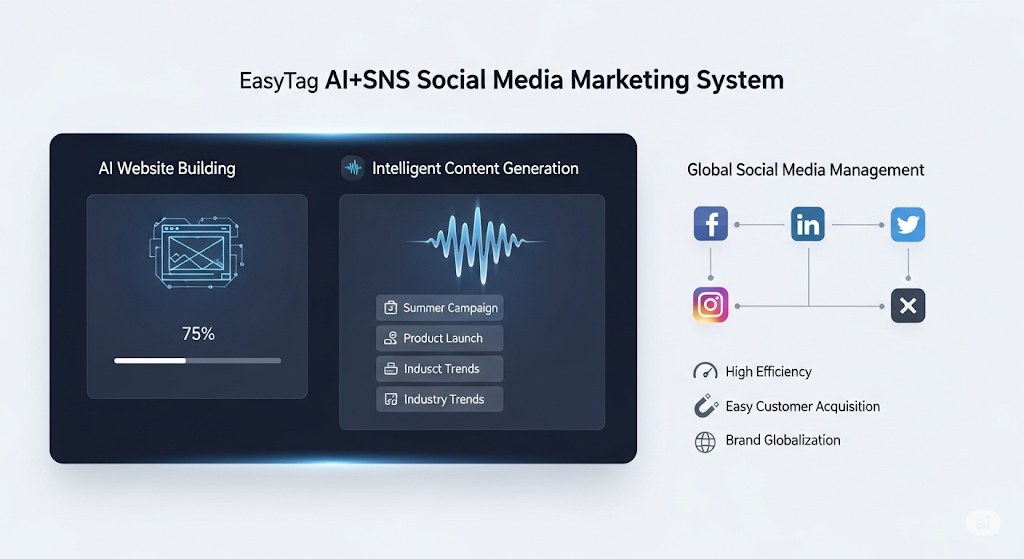
 AI+SNS Social Media Marketing SystemYingbao AI+SNS Social Media Marketing System - Precision social capture for the social media era. Supports one-click content synchronization across major platforms like Facebook and LinkedIn. AI intelligently rewrites posts for enhanced relevance. 24/7 AI customer service and user profiling analysis empower businesses to efficiently expand into global markets.
 AI+SEO营销解决方案易营宝AI+SEO营销解决方案,通过AI批量写作、智能生成TDK、精准关键词扩词等功能,全面优化网站SEO效果,提升流量与转化率。助力企业构建高效智能网站新生态。
 AI+SEM Advertising Marketing SolutionsAI+SEM Advertising Marketing Solution leverages AI technology to deeply empower SEM ad campaigns. It automatically generates weekly/monthly reports using AI, presenting account data across multiple dimensions for comprehensive insights into campaign performance and trends. The system precisely recommends keywords and target countries, intelligently generates high-conversion ad copy, and enables one-click activation of efficient campaign plans to help businesses rapidly acquire customers. Simultaneously, it monitors core metrics in real time, intelligently identifies abnormal fluctuations, and issues timely alerts to ensure stable, high-return advertising results.
 Domain Name ServicesEasyWin provides professional domain name services, including intelligent queries, one-stop registration, brand protection, and full lifecycle management, helping businesses build a digital brand image.
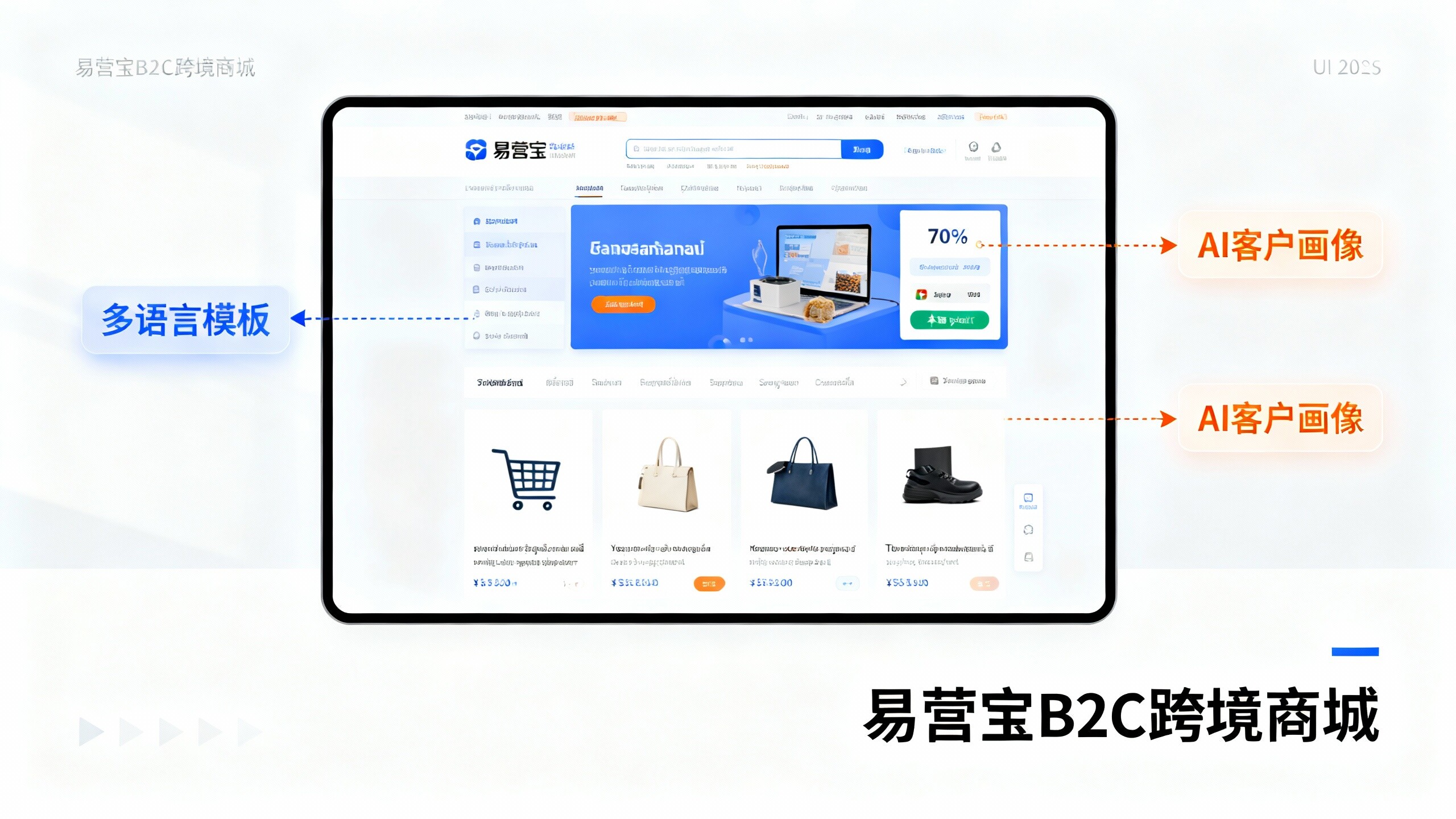
 EasyOperate B2C Cross-Border E-Commerce Platform & Independent WebsiteEasyStore B2C Cross-border E-commerce Independent Store is an intelligent website building and cross-border e-commerce integrated solution independently developed by EasyStore Information Technology (Beijing) Co., Ltd. The system is specially designed for small and medium-sized as well as large export enterprises, integrating 'website building, operation, marketing, advertising, and conversion' into one, helping enterprises quickly establish cross-border e-commerce independent stores to achieve brand globalization and global sales growth.
The platform supports multiple languages, multiple currencies, and multi-channel marketing, with built-in AI intelligent translation and SEO optimization systems, suitable for mainstream markets such as Southeast Asia, Europe and America, Latin America, and the Middle East, assisting Chinese manufacturing enterprises in efficiently deploying international e-commerce strategies. SSL证书易营宝提供专业SSL安全证书服务,包括单域名和泛域名证书,确保网站数据传输加密、身份验证和完整性保护,助力企业建立安全可信的在线业务环境。