









- EU Plans to Raise Tax on Incoming Small Parcels to €5Oct 31, 2026View details
- Maersk Adjusts Middle East Emergency Operating Cost Recovery Surcharge to USD 2,000 per ContainerOct 30, 2026View details
- Ministry of Commerce: Online retail sales grew 4.4% in the first three quarters, while cross-border e-commerce maintained relatively rapid growthOct 29, 2026View details
- CCTV reports: AI-powered smart hardware is expanding overseas at a faster pace, with orders for some best-selling products booked through next yearOct 29, 2026View details
- Alphabet Q3 Earnings: Google Search Advertising Revenue Rises 10.5% to $82 BillionOct 29, 2026View details
- AliExpress Announces New Service Rules for Russia, Linked to Wildberries Product IntegrationOct 28, 2026View details
How Can Responsive Design for a Brand’s Independent Website Adapt to Mobile Screens?
A brand’s standalone website should adapt to mobile screens—not by proportionally shrinking the desktop page, but by rearranging navigation, images, text, and conversion elements to fit the available space. To determine whether the solution works, assess whether visitors can easily find products, understand the information, and submit an inquiry or make a purchase on their phones—not merely whether the entire page is visible.
Mobile responsiveness should be considered alongside page structure, content preparation, and development acceptance as the project progresses. If the desktop version is finalized before being compressed to fit mobile screens, complex navigation, overly long forms, and wide specification tables may all lead to rework. A more reliable approach is to identify key pages and conversion paths first, then plan the layout and testing.
First decide which content should take priority on mobile
Mobile screens have limited space, so information on a page does not need to follow the desktop version’s visual order mechanically. Priorities can be set around visitors’ tasks after they arrive: the homepage should help them quickly understand the business and its main products; product detail pages should highlight the product name, key images, essential specifications, and inquiry entry point; and cross-border e-commerce stores should make prices, specification options, stock status, and purchase buttons easy to see.
For example, a desktop industrial equipment product page might display product images, a specification summary, and a contact form side by side. On mobile, the content can be arranged vertically, with the product and key specifications shown first, followed by a prominent inquiry button. Detailed specifications and downloads can be placed further down the page. Information can be reordered, but essential details that affect purchasing decisions should not be removed just to shorten the page.
At this stage, content responsibilities should also be confirmed: whether mobile headings need to be shortened, whether portrait-oriented product images should be prepared, whether specification tables can be split up, and whether the inquiry button should link to a form or another contact method. Clarifying these requirements in advance can prevent repeated adjustments after design is complete because the available assets are unsuitable.
Use flexible layouts for different screen sizes, not just one phone
Responsive design typically uses flexible grids, relative widths, and media queries to adjust layouts for different viewports. Multi-column product cards on desktop can gradually switch to two columns or a single column as space narrows; sidebars can move into the main content flow; and navigation menus can collapse, while keeping menu labels and the way they expand easy to understand.
Layout breakpoints should be determined by the content, rather than configured for just one phone model. During testing, gradually narrow the browser window and check whether headings wrap awkwardly, cards feel cramped, or buttons overflow. Any point where a problem occurs is a cue to consider adjusting the layout. Mobile browsers also need a correctly configured viewport, such as width=device-width; otherwise, the page may render using a wider virtual viewport and then be scaled down as a whole.

Image adaptation involves both controlling dimensions and preserving information. Product hero images can use responsive widths, with appropriately sized images provided for the display area. For brand banners, check that text and the main product remain visible after cropping. Do not simply make images “fill the screen” if this crops out model numbers, parts of the equipment, or campaign information.
Tables are an area that is easy to overlook. Wide specification tables can be presented as individual items or kept in a clearly indicated horizontal scrolling area; the entire page should not scroll horizontally because of a table. When comparing specifications, make sure users can still identify each parameter and its corresponding value after scrolling through the table.
Make inquiry or purchase actions genuinely usable on mobile
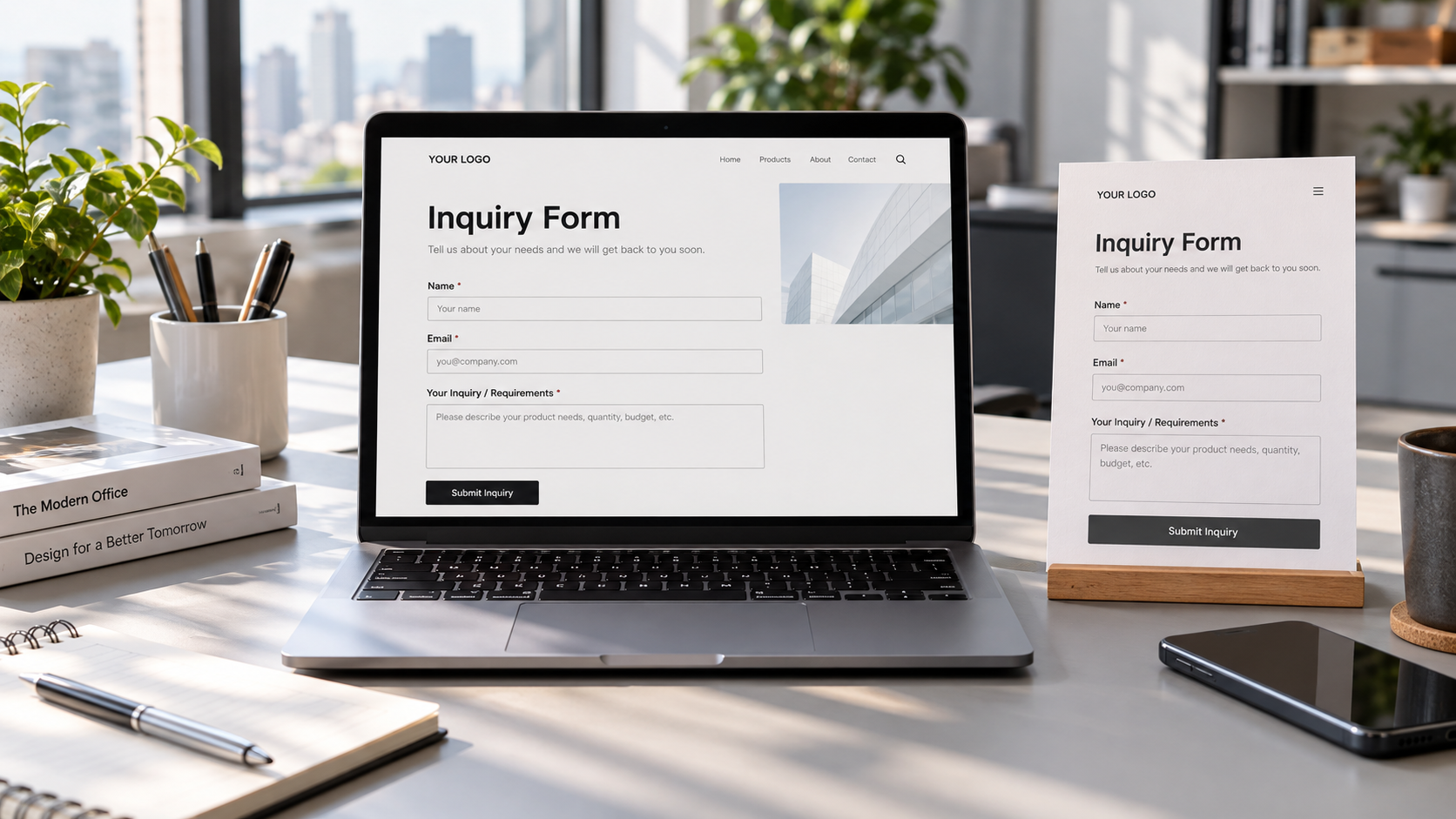
Mobile conversion issues do not occur only with buttons. If visitors click “Get a Quote” and encounter too many form fields, a keyboard that covers the input fields, or no feedback after submission, the page may look responsive while the business process still breaks down.
Form fields should be limited to information necessary for follow-up. For an initial inquiry, prioritize contact details, product requirements, and essential purchasing information; more detailed technical requirements can be collected later as needed. Email and phone fields should invoke the appropriate mobile input types and provide clear error messages. After submission, display a success or failure status to prevent users from clicking repeatedly.
Buttons and links should be easy to tap, with sufficient spacing between them. A fixed inquiry or purchase button at the bottom of the screen can reduce the effort required to find it, but check that it does not cover prices, forms, privacy notices, or system controls. Also confirm that fixed elements do not interfere with data entry when the on-screen keyboard appears.
Cross-border websites also need to be checked against real business requirements. Text length varies across languages, so buttons and navigation should not be designed for just one language. For right-to-left languages, layouts, icon directions, and form order also need to be verified separately. The complete mobile shopping journey—including product options, shipping information, and checkout—must be tested, not just the product page.
Include performance and accessibility in the delivery scope
Mobile adaptation is about more than visual presentation. Large carousel images, autoplay videos, and excessive third-party scripts can slow page loading and delay the time it takes visitors to see content and interact with the page. Prioritize resources actually needed above the fold, use an appropriate lazy-loading strategy for images below the fold, and prevent images from suddenly expanding the page after loading, which can lead to accidental taps.
Image compression should balance file size and clarity: brand imagery can be compressed to reduce file size, while product detail images should keep key structures and markings recognizable. Do not distort product information just to make files smaller, and do not load original images on mobile that are far larger than the display requires.
Text should be readable without users having to zoom in repeatedly, and text should have sufficient contrast against the background. Interactive controls should have clear labels, and key information conveyed in images should also be provided as text. During checks, confirm that pages can be zoomed normally and that pop-up close buttons are not obscured.
Build mobile checks into project milestones
To balance schedule and quality, first confirm the mobile layouts of key pages during the design stage, including the homepage, product listing, product detail, and inquiry or checkout flow. Then extend the same rules to similar pages. Complex pages should be validated early: for example, product detail pages with specification tables, downloadable files, and multiple options are more likely than standard content pages to affect the overall schedule.
Acceptance criteria should be written into the delivery requirements in advance, rather than simply stating “supports mobile.” At a minimum, specify the screen widths, browsers, language versions, and core actions to be covered. Check for horizontal overflow, image cropping, navigation behavior, form submission, buttons being obscured, and page loading performance. Browser developer tools are useful for quickly troubleshooting layouts, but cannot fully replace checks on real devices for touch input, keyboards, and browser interfaces.
When it is not possible to cover every device combination, set priorities based on the website’s existing traffic data or usage scenarios in target markets, while maintaining basic coverage across different screen sizes and major browsers. When an issue is found, record the page URL, device or viewport, steps to reproduce, expected result, and actual result. Determine whether the issue is with the template, content, or a third-party component, then define the scope of the fix and responsibility for retesting.
The delivery criteria for a responsive brand website should focus on reusable page rules and verifiable business workflows: pages should rearrange reliably as screen sizes change, key information should remain intact, and visitors should be able to complete actual tasks. This helps control the cost of adapting new pages later and reduces rework after launch caused by broken mobile workflows.
Related Articles
 How Can Improving the Form Experience Increase Website Inquiry Conversion Rates?
 Few inquiries after launching your international trade website? What’s wrong with the form settings?
 Why Do B2B Export Website Development Costs Vary by Functional Requirements?

Related Products
 Yiyingbao SaaS Intelligent Website Building and Marketing SystemYiyingbao SaaS Intelligent Website Building and Marketing System, AI-powered no-code website building, rapid creation of multilingual B2B international websites in 10 minutes, global server acceleration, AI-powered SEO optimization, helping businesses connect efficiently with global markets. The perfect integration of technology and operation makes building an international trade website remarkably simple
 AI+SEM Intelligent Advertising Marketing SystemAI+SEM drives intelligent ad creation, empowering full-funnel precision advertising marketing. The system automatically generates weekly/monthly reports, AI recommends keywords and target countries, monitors core metrics in real-time with intelligent alerts, and enables one-click high-conversion ad solutions to help quickly acquire customers and improve ROI.
 AI+SEO Dual-Engine System Optimization ServicesYiyingbao’s AI+SEO dual-engine optimization system helps foreign trade enterprises acquire high-quality organic traffic through AI-powered keyword research, content generation, and comprehensive technical optimization, significantly improving search rankings and conversion rates.
 AI+SNS Social Media Marketing SystemYingbao AI+SNS Social Media Marketing System - Precision social capture for the social media era. Supports one-click content synchronization across major platforms like Facebook and LinkedIn. AI intelligently rewrites posts for enhanced relevance. 24/7 AI customer service and user profiling analysis empower businesses to efficiently expand into global markets.
 AI+SEO营销解决方案易营宝AI+SEO营销解决方案,通过AI批量写作、智能生成TDK、精准关键词扩词等功能,全面优化网站SEO效果,提升流量与转化率。助力企业构建高效智能网站新生态。
 AI+SEM Advertising Marketing SolutionsAI+SEM Advertising Marketing Solution leverages AI technology to deeply empower SEM ad campaigns. It automatically generates weekly/monthly reports using AI, presenting account data across multiple dimensions for comprehensive insights into campaign performance and trends. The system precisely recommends keywords and target countries, intelligently generates high-conversion ad copy, and enables one-click activation of efficient campaign plans to help businesses rapidly acquire customers. Simultaneously, it monitors core metrics in real time, intelligently identifies abnormal fluctuations, and issues timely alerts to ensure stable, high-return advertising results.
 Domain Name ServicesEasyWin provides professional domain name services, including intelligent queries, one-stop registration, brand protection, and full lifecycle management, helping businesses build a digital brand image.
 EasyOperate B2C Cross-Border E-Commerce Platform & Independent WebsiteEasyStore B2C Cross-border E-commerce Independent Store is an intelligent website building and cross-border e-commerce integrated solution independently developed by EasyStore Information Technology (Beijing) Co., Ltd. The system is specially designed for small and medium-sized as well as large export enterprises, integrating 'website building, operation, marketing, advertising, and conversion' into one, helping enterprises quickly establish cross-border e-commerce independent stores to achieve brand globalization and global sales growth.
The platform supports multiple languages, multiple currencies, and multi-channel marketing, with built-in AI intelligent translation and SEO optimization systems, suitable for mainstream markets such as Southeast Asia, Europe and America, Latin America, and the Middle East, assisting Chinese manufacturing enterprises in efficiently deploying international e-commerce strategies. SSL证书易营宝提供专业SSL安全证书服务,包括单域名和泛域名证书,确保网站数据传输加密、身份验证和完整性保护,助力企业建立安全可信的在线业务环境。









