








- AI Products Drive Hong Kong Exports Up 64.9% in September, Fastest Growth in Over 40 YearsNov 17, 2026View details
- National Bureau of Statistics: Foreign trade grew rapidly in October, providing stable support for global tradeNov 17, 2026View details
- The U.S. has ended the $800 de minimis exemption for non-postal shipments; express courier packages must be formally declared.Nov 16, 2026View details
- ASEAN Signs Digital Economy Framework Agreement, Moving Toward Harmonized Cross-Border E-Commerce RulesNov 15, 2026View details
- Shenzhen Becomes the First City in Mainland China to Exceed RMB 5 Trillion in Foreign TradeNov 15, 2026View details
- Fujian Announces the First Batch of Provincial-Level Cross-Border E-Commerce Industrial Parks and Key Brands for CultivationNov 14, 2026View details
Low inquiry conversion on your international trade website? How to identify form abandonment
A low inquiry conversion rate on an export website does not necessarily mean visitors are unwilling to buy. They may be unable to find the inquiry entry point, encounter obstacles while completing the form, or submit information that never reaches your sales team. To investigate, first go through the actual inquiry process yourself, then use data to identify where visitors drop off. This is usually more effective than simply increasing your advertising budget.
First, determine whether visitors are not filling out the form or whether submissions are not being delivered
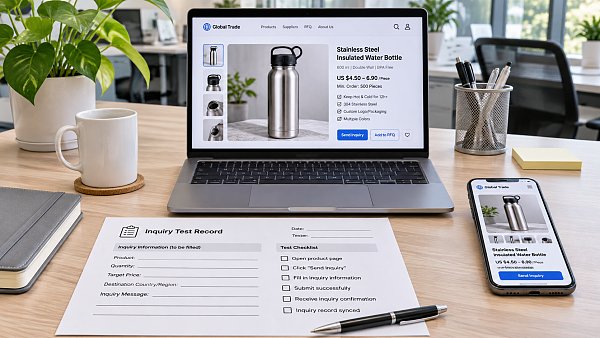
Open the website on both a phone and a computer. Starting from a product page, find the inquiry entry point, enter test information, and submit the form. Check whether the button is clickable, required fields are clearly indicated, a success message appears after submission, and the notification email or inquiry management system receives the information. You can include “Test inquiry” in the message so your sales team can identify it.
A successful submission does not guarantee that the email was delivered. If the page shows a success message but there is no record in the inbox, check the spam folder, notification recipient settings, and the connection between the form and the email system. If the submission appears in the management system but not in the inbox, the issue may be with the notification process. If the page keeps loading, displays an error, or shows the form again, record the device, browser, page URL, and steps taken, then ask a technical specialist to investigate.
After testing, review the data in this order: “arrived at the page → opened or saw the form → started filling it out → submitted successfully.” If many visitors reach the page but few interact with the form, check the entry point and page content first. If many start filling it out but few submit successfully, focus on the fields and submission process. If the relevant events have not been set up, add tracking first and then monitor the results for a while.
Are the form fields making it difficult for buyers to get started?
The goal of an initial inquiry is to establish contact; you do not need to collect a complete purchasing profile all at once. For most B2B products, name, email, and a description of the buyer’s needs are a good starting point. Product model, order quantity, and destination can help with quoting, but whether to make them required should depend on whether your team needs this information to respond.
For example, a custom equipment manufacturer may need specifications to determine whether it can produce the requested product. In that case, keep the specification field and provide an example beside it. If buyers are still comparing options, allow them to describe their needs in general terms and collect detailed specifications in a follow-up conversation. There is no need to include fields such as company address or fax number in the initial inquiry if they are not immediately useful.
Also check whether each field is easy to complete:
- Clear labels: Use labels such as “Work email” or “Email” to explain what to enter. Avoid relying on icons with ambiguous meanings.
- Reasonable validation rules: Names and company names may contain spaces, hyphens, or non-English characters. Phone number formats also vary by country and region, so do not accept only one local format.
- Actionable error messages: Identify the field with an error and explain how to fix it. When an error occurs, preserve the other information the visitor has already entered wherever possible.
- Proportionate verification: CAPTCHA can help reduce spam inquiries, but if it is difficult to complete on a mobile device, genuine buyers may leave as well.
Fewer fields are not necessarily better. If your team receives many vague messages that are impossible to quote, add a question directly related to assessing the buyer’s needs. If qualified buyers often get stuck on a required field, consider making it optional. When assessing the results of a change, look at both the number of submissions and whether your team can use them to start a conversation.
Check mobile usability, page content, and inquiry entry points together
Complete each field on a phone and check whether input boxes are too narrow, the keyboard covers the submit button, dropdown options are difficult to select, or the form fails to display correctly after the page loads. Configuring the email field to open a keyboard suited to entering an email address can also make the form easier to use. On multilingual pages, check that the fields, error messages, and submit button use a consistent language. Avoid situations where the main content has been translated but the form still displays instructions visitors cannot understand.
Place inquiry entry points where they fit the visitor’s decision-making process. On a product detail page, you can place an inquiry button near information such as specifications and applications, and link it to the relevant form. If the form is at the bottom of the page, make sure clicking the button takes visitors to the correct location. Button text such as “Request a Quote” or “Ask About This Product” can help buyers understand what will happen after they submit.
Information near the form can also affect visitors’ willingness to fill it out. Product images, key specifications, applications, and contact details help buyers determine whether the supplier is a good fit. If you collect personal information, explain how it will be used. If a page shows only an empty form, with little product information or no company contact details, visitors may not yet trust the business enough to inquire. Changing the button color may not solve the problem.
Compare different traffic sources instead of attributing every problem to the form
Break down the data by source, landing page, device, and target market. If visitors from organic search browse several product pages, while visitors to a particular ad landing page leave quickly, check whether the ad’s promise matches the page content and whether the ad is attracting genuine buyers. Audiences, products, and purchasing stages may differ across channels, so compare like with like where possible. Avoid jumping to conclusions when traffic volumes are low.
You should also use consistent measurement definitions. Page views, clicks on the submit button, and valid inquiries received in the management system are not the same thing. Repeated clicks, test messages, and spam can all affect your assessment. Only by confirming that the successful submission event corresponds to a genuinely completed inquiry and cross-checking it against records in the management system can you reliably identify where form abandonment occurs.
How can you tell whether a change has worked?
Fix clear technical issues first, such as forms that cannot be submitted, mobile elements that obscure the form, or notifications that are not being delivered. Then address the fields, wording, and placement of inquiry entry points. Try to focus each round of changes on one type of issue, and record when the changes were made, which pages were affected, and the traffic conditions. If you change both the advertising audience and the form fields at the same time, it will be difficult to tell which change caused the result.
Assess the number of successful submissions alongside the quality of valid inquiries. For example, if submissions increase after you reduce the number of required fields, but your sales team cannot identify what products buyers need, you could add a brief question. Even if submission volume changes little, making it easier to identify suitable purchasing needs may still support your current business goals. Teams with an inquiry handling process should also check whether inquiries are assigned and answered promptly, so follow-up issues are not mistaken for form conversion problems.
If different people or service providers handle website development, advertising, and inquiry management, first compile the page URLs, test results, event data, and management system records, then clarify who is responsible for investigating each stage. If you need to plan your website and overseas marketing together, you can also learn about the website development and marketing services offered by 易营宝. Specific changes should still be determined based on your existing website, traffic, and inquiry handling processes.
Related Articles
 Fujian Releases White Paper on Talent Shortages in Cross-Border E-Commerce, Focusing on Industry Talent Challenges
 What Features Should an Inquiry Form on a B2B Export Website Support?
 How Should Customer Conversion Performance Be Measured on a B2B Standalone Website?

Related Products
 Yiyingbao SaaS Intelligent Website Building and Marketing SystemYiyingbao SaaS Intelligent Website Building and Marketing System, AI-powered no-code website building, rapid creation of multilingual B2B international websites in 10 minutes, global server acceleration, AI-powered SEO optimization, helping businesses connect efficiently with global markets. The perfect integration of technology and operation makes building an international trade website remarkably simple
 AI+SEM Intelligent Advertising Marketing SystemAI+SEM drives intelligent ad creation, empowering full-funnel precision advertising marketing. The system automatically generates weekly/monthly reports, AI recommends keywords and target countries, monitors core metrics in real-time with intelligent alerts, and enables one-click high-conversion ad solutions to help quickly acquire customers and improve ROI.
 AI+SEO Dual-Engine System Optimization ServicesYiyingbao’s AI+SEO dual-engine optimization system helps foreign trade enterprises acquire high-quality organic traffic through AI-powered keyword research, content generation, and comprehensive technical optimization, significantly improving search rankings and conversion rates.
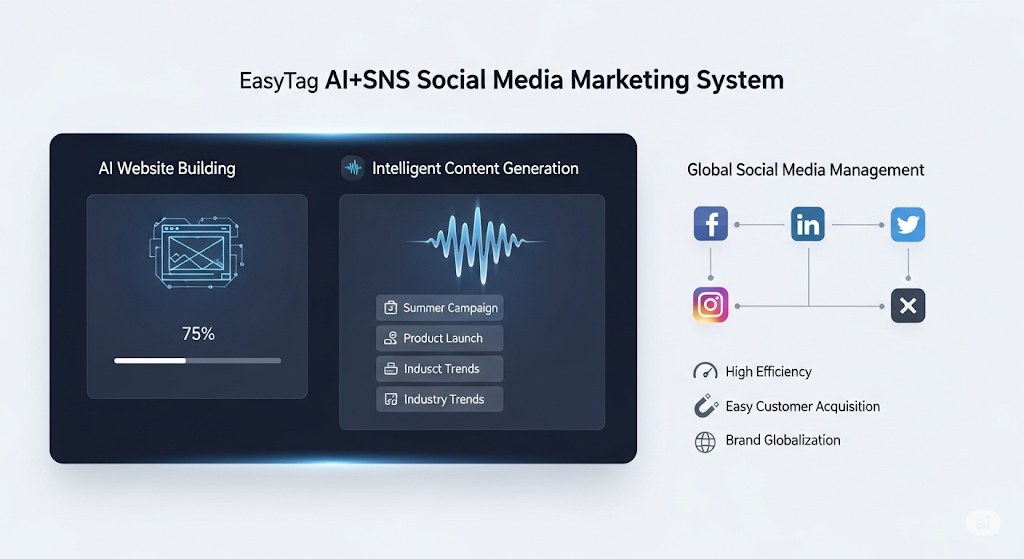
 AI+SNS Social Media Marketing SystemYingbao AI+SNS Social Media Marketing System - Precision social capture for the social media era. Supports one-click content synchronization across major platforms like Facebook and LinkedIn. AI intelligently rewrites posts for enhanced relevance. 24/7 AI customer service and user profiling analysis empower businesses to efficiently expand into global markets.
 AI+SEO营销解决方案易营宝AI+SEO营销解决方案,通过AI批量写作、智能生成TDK、精准关键词扩词等功能,全面优化网站SEO效果,提升流量与转化率。助力企业构建高效智能网站新生态。
 AI+SEM Advertising Marketing SolutionsAI+SEM Advertising Marketing Solution leverages AI technology to deeply empower SEM ad campaigns. It automatically generates weekly/monthly reports using AI, presenting account data across multiple dimensions for comprehensive insights into campaign performance and trends. The system precisely recommends keywords and target countries, intelligently generates high-conversion ad copy, and enables one-click activation of efficient campaign plans to help businesses rapidly acquire customers. Simultaneously, it monitors core metrics in real time, intelligently identifies abnormal fluctuations, and issues timely alerts to ensure stable, high-return advertising results.
 Domain Name ServicesEasyWin provides professional domain name services, including intelligent queries, one-stop registration, brand protection, and full lifecycle management, helping businesses build a digital brand image.
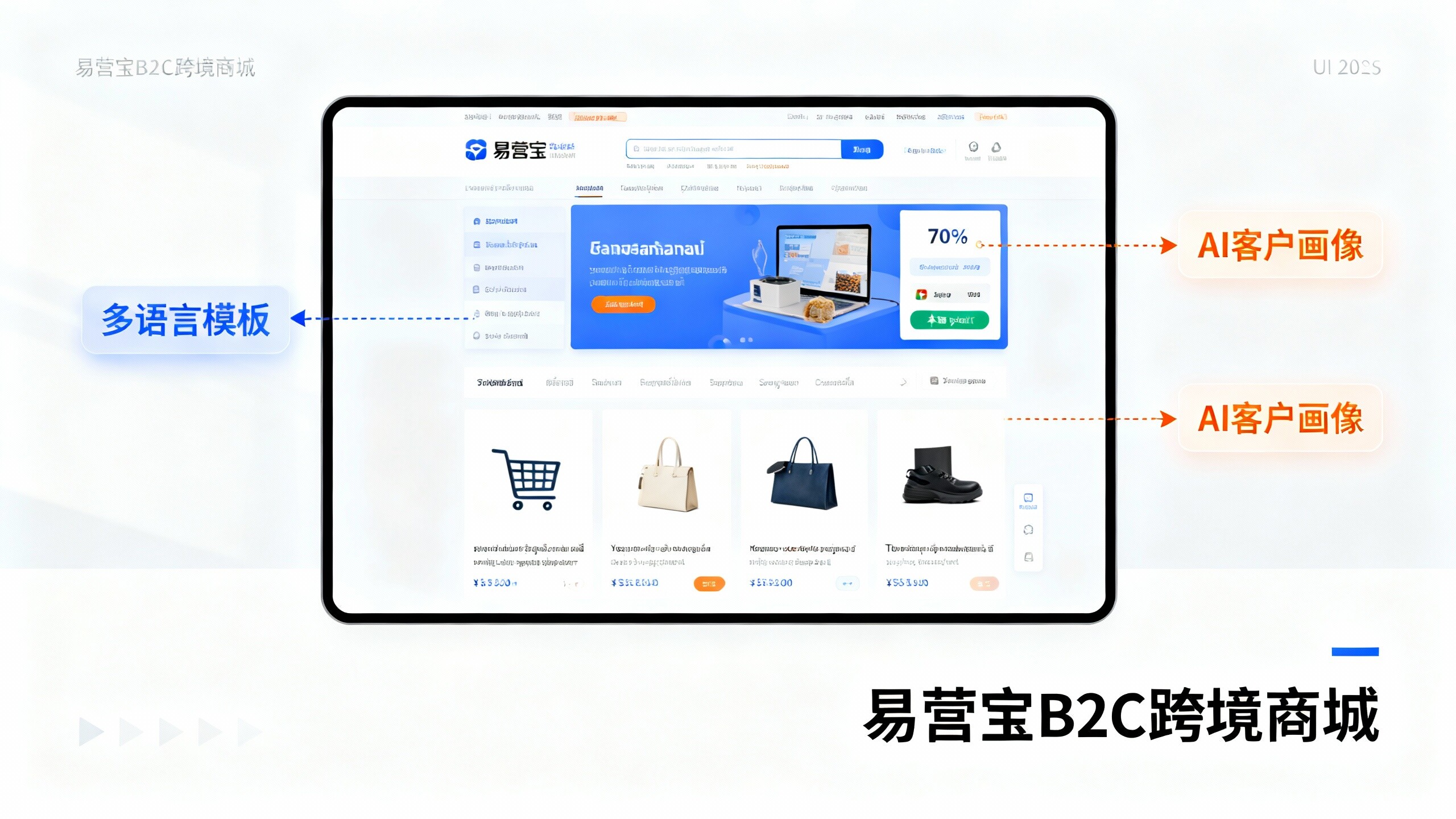
 EasyOperate B2C Cross-Border E-Commerce Platform & Independent WebsiteEasyStore B2C Cross-border E-commerce Independent Store is an intelligent website building and cross-border e-commerce integrated solution independently developed by EasyStore Information Technology (Beijing) Co., Ltd. The system is specially designed for small and medium-sized as well as large export enterprises, integrating 'website building, operation, marketing, advertising, and conversion' into one, helping enterprises quickly establish cross-border e-commerce independent stores to achieve brand globalization and global sales growth.
The platform supports multiple languages, multiple currencies, and multi-channel marketing, with built-in AI intelligent translation and SEO optimization systems, suitable for mainstream markets such as Southeast Asia, Europe and America, Latin America, and the Middle East, assisting Chinese manufacturing enterprises in efficiently deploying international e-commerce strategies. SSL证书易营宝提供专业SSL安全证书服务,包括单域名和泛域名证书,确保网站数据传输加密、身份验证和完整性保护,助力企业建立安全可信的在线业务环境。