








- AliExpress Global Double 11: Brand Sales Grow Nearly 50% in the First Week, U.S. GMV Rises 70%Nov 21, 2026View details
- Ministry of Commerce Reports E-commerce Development from January to October 2026, with Cross-Border Imports Performing StronglyNov 21, 2026View details
- Amazon Black Friday Orders Sluggish on Day One; NRF Forecasts 4.2 Million Fewer ParticipantsNov 21, 2026View details
- 21st Century Business Herald: AI and CTV Become Core Growth Engines for Digital Marketing in Overseas MarketsNov 18, 2026View details
- China Presents 25 Cooperation Outcomes in Areas Including Cross-Border E-Commerce During APECNov 18, 2026View details
- AI Products Drive Hong Kong Exports Up 64.9% in September, Fastest Growth in Over 40 YearsNov 17, 2026View details
How Should an Export Website for Industrial Components Present Product Specifications?
When building an export website for industrial components, the goal of presenting specifications is not to transfer a product catalog to a webpage. It is to help overseas buyers confirm whether a product is suitable for their equipment, operating conditions, and purchasing requirements. Model numbers, key dimensions, materials, operating conditions, and applicable standards should be presented as information that can be searched, compared, and verified, rather than scattered across images, promotional copy, and attachments.
Project managers should first establish a basic principle: every parameter displayed on the website must correspond to a clearly identified product model and applicable conditions. Incomplete parameters can lead to more rounds of communication, while seemingly complete parameters associated with the wrong model may result in incorrect product selection and subsequent delivery risks.
Build a Product Specification Structure Around Selection Criteria
The selection criteria differ from one component to another. Fasteners need clearly stated thread specifications, length, material, and surface finish; bearings need to specify the bore, outside diameter, width, and applicable load information; seals should state their dimensions, material, and applicable media. Do not use the same set of generic fields for every product, or rely solely on descriptions such as “full range of sizes” or “customization available.”
When organizing specifications, first create a list of fields for each product series, then distinguish between attributes common to the series and differences between individual models. For example, parts in the same series may use the same material and manufacturing process but have different mounting dimensions and rated parameters. Common information can be included in the series overview, while model-specific differences should be listed row by row in a specification table. This avoids duplicate maintenance and makes it easier for buyers to compare products side by side.
Values related to performance should also include the measurement or operating conditions. For example, the operating temperature range needs to be assessed in relation to the specific material and medium; load capacity should specify the applicable load type and relevant conditions. Stating a maximum value on its own may lead buyers to assume that it applies to all operating conditions.
Use Specification Tables and Drawings Together to Explain Dimensions
On the product page, display the model number, key dimensions, material, and main application above the fold or near the product images so visitors can quickly decide whether to continue exploring. A complete specification table is better placed in the product details, with each model clearly matched to its parameters.
For example, a specification table for a flange series can list nominal size, connection dimensions, material, and applicable pressure rating by model. Letter designations used for dimensions should be identified in a dimension drawing on the same page. If “A,” “B,” and “C” in the table are not linked to a drawing, it may be difficult to determine the exact measurement locations, even when the values are accurate.
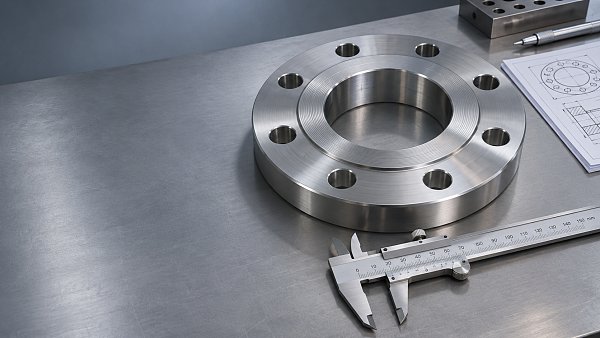
Dimension drawings should indicate units, key measurement datums, and necessary tolerances. For components with tight installation-space requirements, overall dimensions alone may not be sufficient to confirm compatibility; information such as hole locations, mating surfaces, and thread direction may also be needed. Web thumbnails are suitable for quick viewing, while complex drawings can be provided as clear downloads, labeled with the applicable models, revision, and publication date.
Units should be consistent across English-language pages. If both metric and imperial values need to be shown, clearly identify the primary unit and the converted value, and account for rounding errors in the conversion. Do not treat an approximate conversion as a manufacturing tolerance, or imply that a product can be used as a direct replacement simply because two dimensions are close.
Match Filtering Functions to Actual Model Data
When a series includes many models, a long table alone is not conducive to finding products. Filter criteria should be based on fields that determine product selection, such as size range, material, connection type, or operating conditions, rather than non-critical attributes such as product images or color.
Implementation involves addressing two issues. First, use consistent names and units for the same parameter to prevent data from being split across fields such as “outside diameter” and “external diameter.” Second, link filter results directly to specific models, rather than returning only a series page containing a large number of specifications. After users select criteria, they should be able to see the matching models and their key differences.
Range filters should also reflect the meaning of the parameters. For example, when a buyer enters the required operating pressure, the system should match products based on their applicable range under the relevant conditions, rather than mechanically comparing two isolated numbers. If performance depends on temperature, medium, or other combined conditions, a simple filter cannot replace engineering confirmation, so the page should retain the necessary notes.
Fields with no data or that are not applicable should be labeled separately as “Not provided” and “Not applicable.” Do not use a blank or “0” for both. Ambiguous empty values can affect filter results and lead visitors to misjudge product capabilities.
Define the Scope of Applicability for Standards, Certifications, and Customization
Standard numbers help buyers assess interface or technical requirements, but the page should distinguish between “manufactured in accordance with a standard,” “dimensions based on a standard,” and “obtained the relevant certification.” If only some dimensions meet a standard, do not state broadly that the entire product complies with it. Certificates should also correspond to specific products, models, and scopes of validity; company-level qualifications should not be equated with certification of every component.
The scope of customization should also be clearly defined. Rather than simply stating “customization available upon request,” list the items open for discussion, such as material, dimensions, surface finish, or packaging, and explain what drawings, quantities, and operating conditions are required before a quotation can be prepared. Performance and lead times that have not yet been confirmed should not be presented as fixed specifications.
Parameters in downloadable materials, website specification tables, and inquiry forms should use consistent model names. If an older catalog is still accessible, clearly label its version status to prevent buyers from requesting quotations based on outdated information.
Connect Specification Presentation to the Inquiry and Update Process
The inquiry form should retain information about the product the buyer is viewing, at minimum linking the inquiry to the series and model, and allowing the buyer to enter quantity, target market, application conditions, and attachments. Adding a few necessary fields for different products is more effective than using one lengthy form for every component: for seals, ask about the medium and temperature; for fasteners, ask about specifications, material, and surface finish requirements.
Before specifications go live, the person responsible for product or engineering documentation should confirm the source of the parameters, the website implementation team should check how the information is displayed, and relevant staff should verify the English terminology, units, and attachment versions. After a product change, review the specification table, filter fields, drawings, and inquiry options together to prevent outdated data from remaining in some locations after an update elsewhere.
Acceptance testing should go beyond checking whether the page opens. Select an existing model and follow a buyer’s path to search, filter, view the drawing, and submit an inquiry. Check whether the key dimensions, applicable conditions, and items requiring confirmation can be identified. If information cannot be confirmed online, clearly prompt visitors to contact the company rather than using vague descriptions to conceal data gaps.
Related Articles
 What Processing Examples Should a Laser Engraving Machine Export Website Showcase?
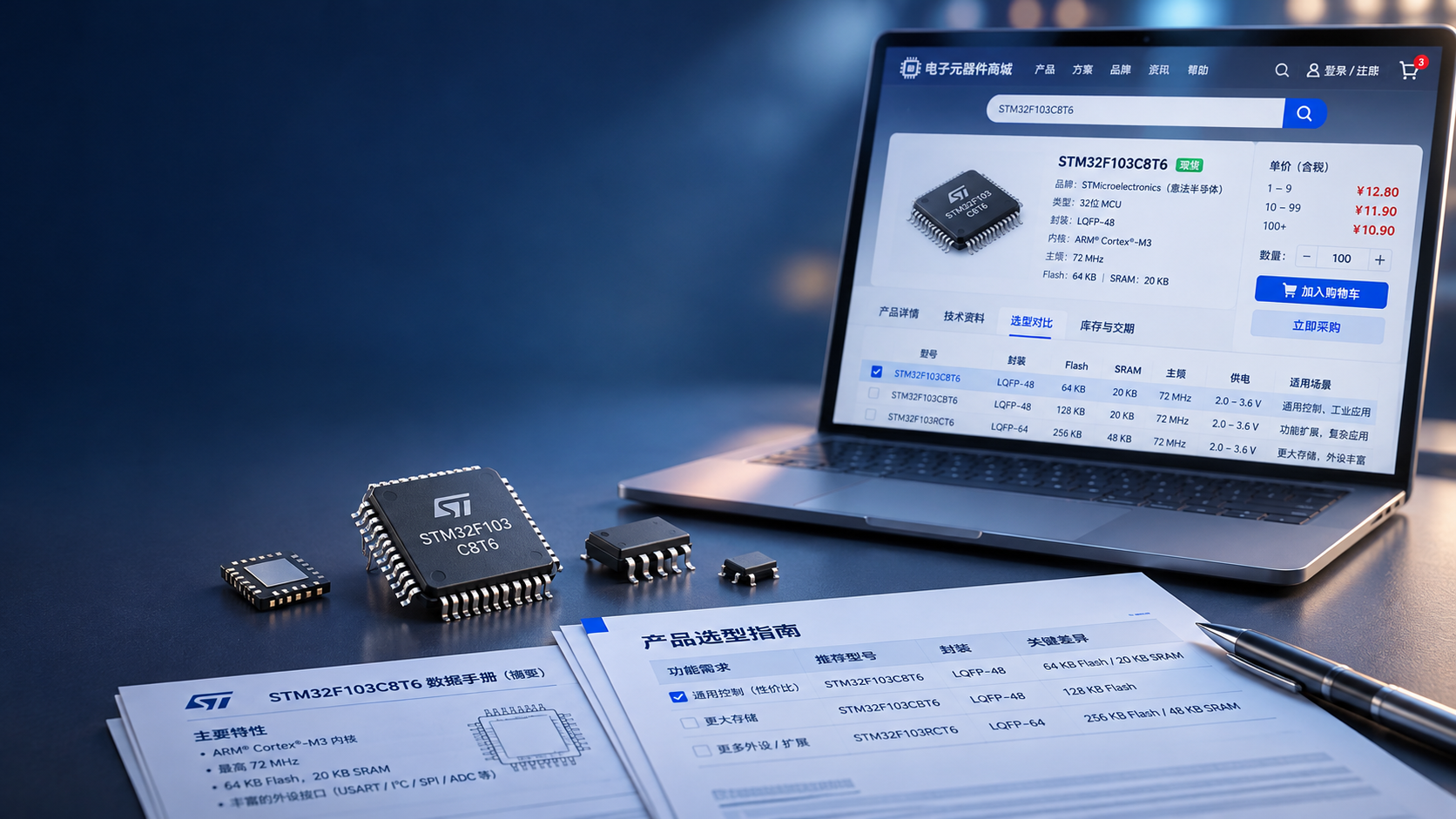
 How Can Digital Marketing Reach Buyers Searching for Electronic Component Part Numbers?
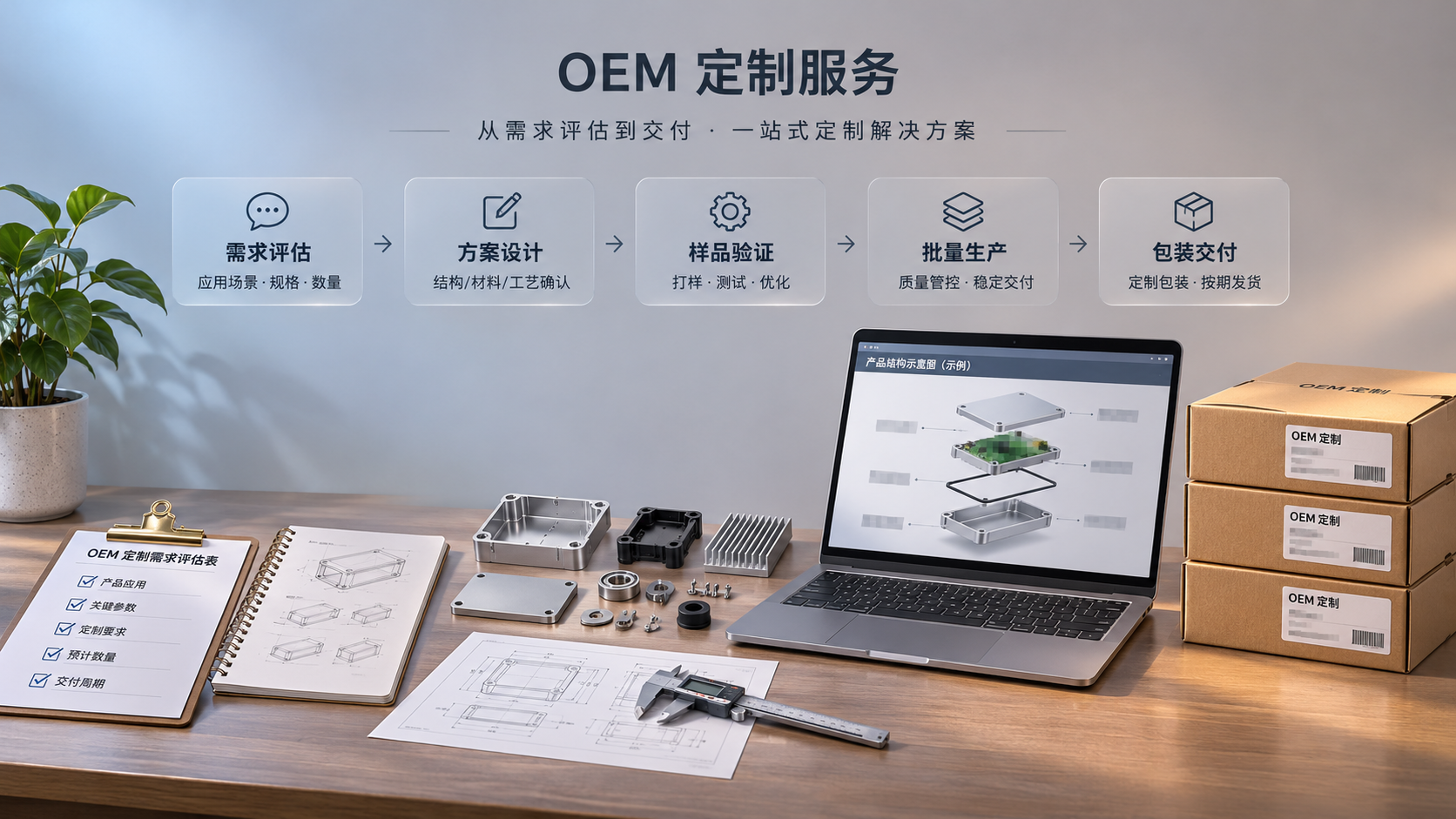
 How Can an OEM Export Website Showcase the Customization Process?

Related Products
 Yiyingbao SaaS Intelligent Website Building and Marketing SystemYiyingbao SaaS Intelligent Website Building and Marketing System, AI-powered no-code website building, rapid creation of multilingual B2B international websites in 10 minutes, global server acceleration, AI-powered SEO optimization, helping businesses connect efficiently with global markets. The perfect integration of technology and operation makes building an international trade website remarkably simple
 AI+SEM Intelligent Advertising Marketing SystemAI+SEM drives intelligent ad creation, empowering full-funnel precision advertising marketing. The system automatically generates weekly/monthly reports, AI recommends keywords and target countries, monitors core metrics in real-time with intelligent alerts, and enables one-click high-conversion ad solutions to help quickly acquire customers and improve ROI.
 AI+SEO Dual-Engine System Optimization ServicesYiyingbao’s AI+SEO dual-engine optimization system helps foreign trade enterprises acquire high-quality organic traffic through AI-powered keyword research, content generation, and comprehensive technical optimization, significantly improving search rankings and conversion rates.
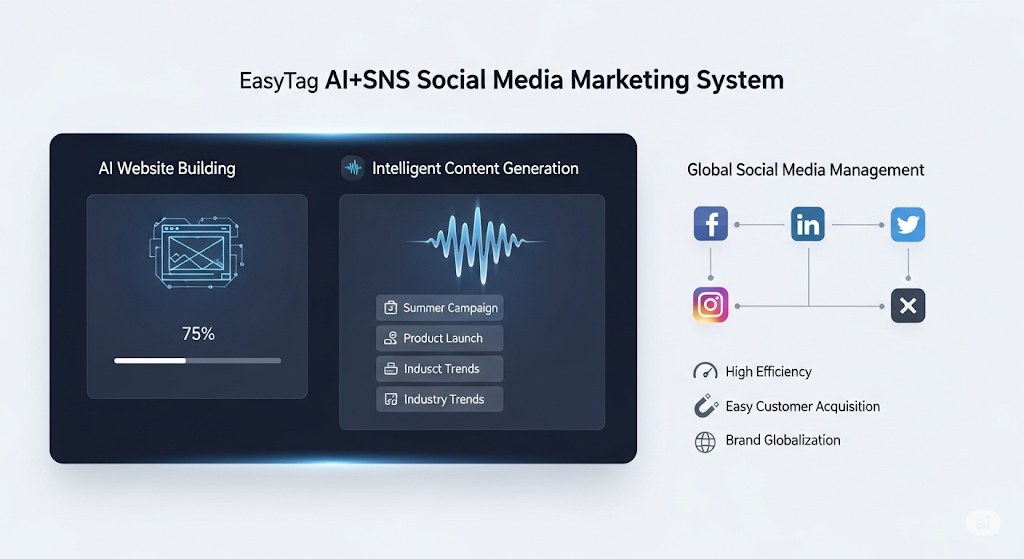
 AI+SNS Social Media Marketing SystemYingbao AI+SNS Social Media Marketing System - Precision social capture for the social media era. Supports one-click content synchronization across major platforms like Facebook and LinkedIn. AI intelligently rewrites posts for enhanced relevance. 24/7 AI customer service and user profiling analysis empower businesses to efficiently expand into global markets.
 AI+SEO营销解决方案易营宝AI+SEO营销解决方案,通过AI批量写作、智能生成TDK、精准关键词扩词等功能,全面优化网站SEO效果,提升流量与转化率。助力企业构建高效智能网站新生态。
 AI+SEM Advertising Marketing SolutionsAI+SEM Advertising Marketing Solution leverages AI technology to deeply empower SEM ad campaigns. It automatically generates weekly/monthly reports using AI, presenting account data across multiple dimensions for comprehensive insights into campaign performance and trends. The system precisely recommends keywords and target countries, intelligently generates high-conversion ad copy, and enables one-click activation of efficient campaign plans to help businesses rapidly acquire customers. Simultaneously, it monitors core metrics in real time, intelligently identifies abnormal fluctuations, and issues timely alerts to ensure stable, high-return advertising results.
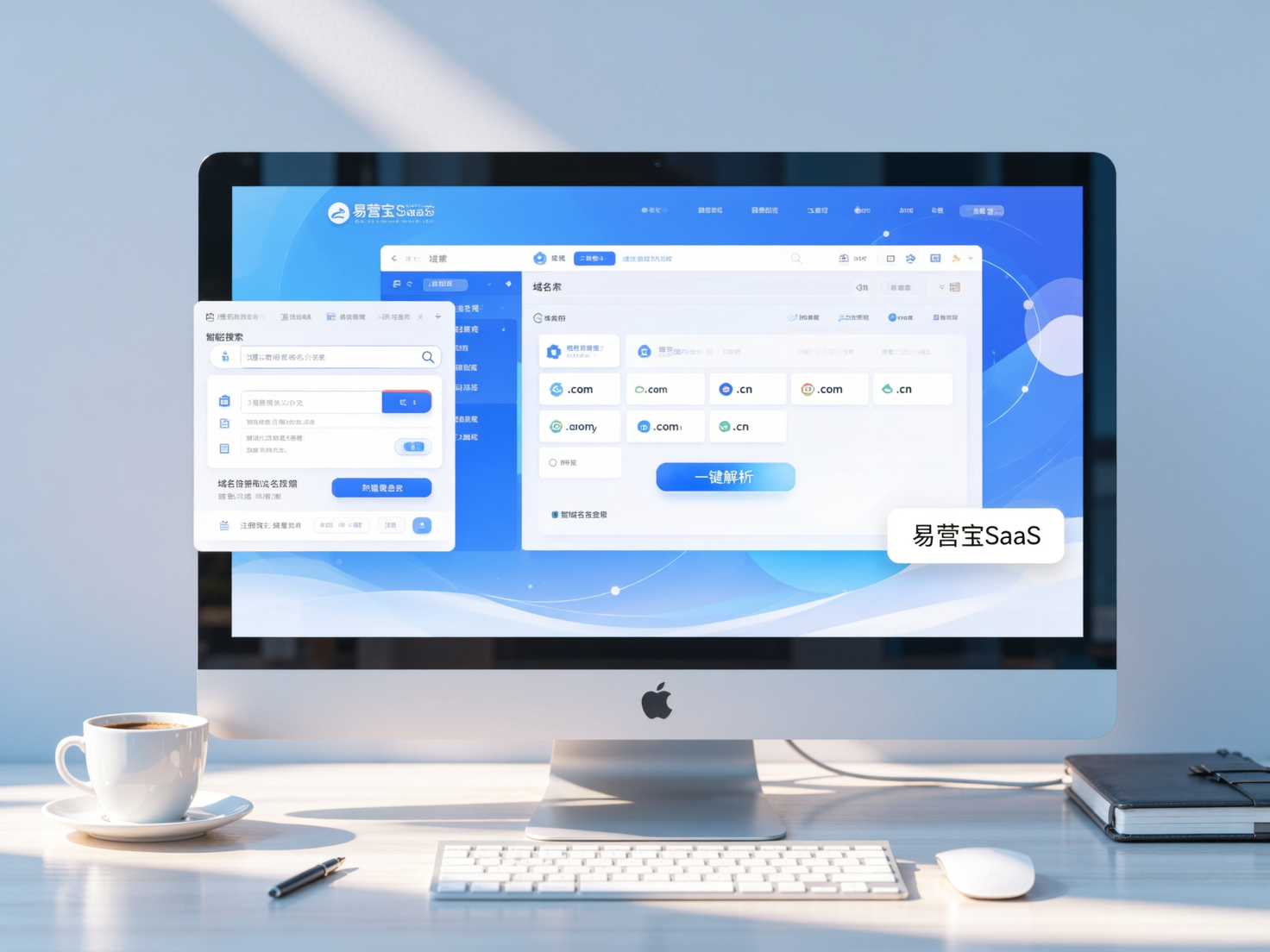
 Domain Name ServicesEasyWin provides professional domain name services, including intelligent queries, one-stop registration, brand protection, and full lifecycle management, helping businesses build a digital brand image.
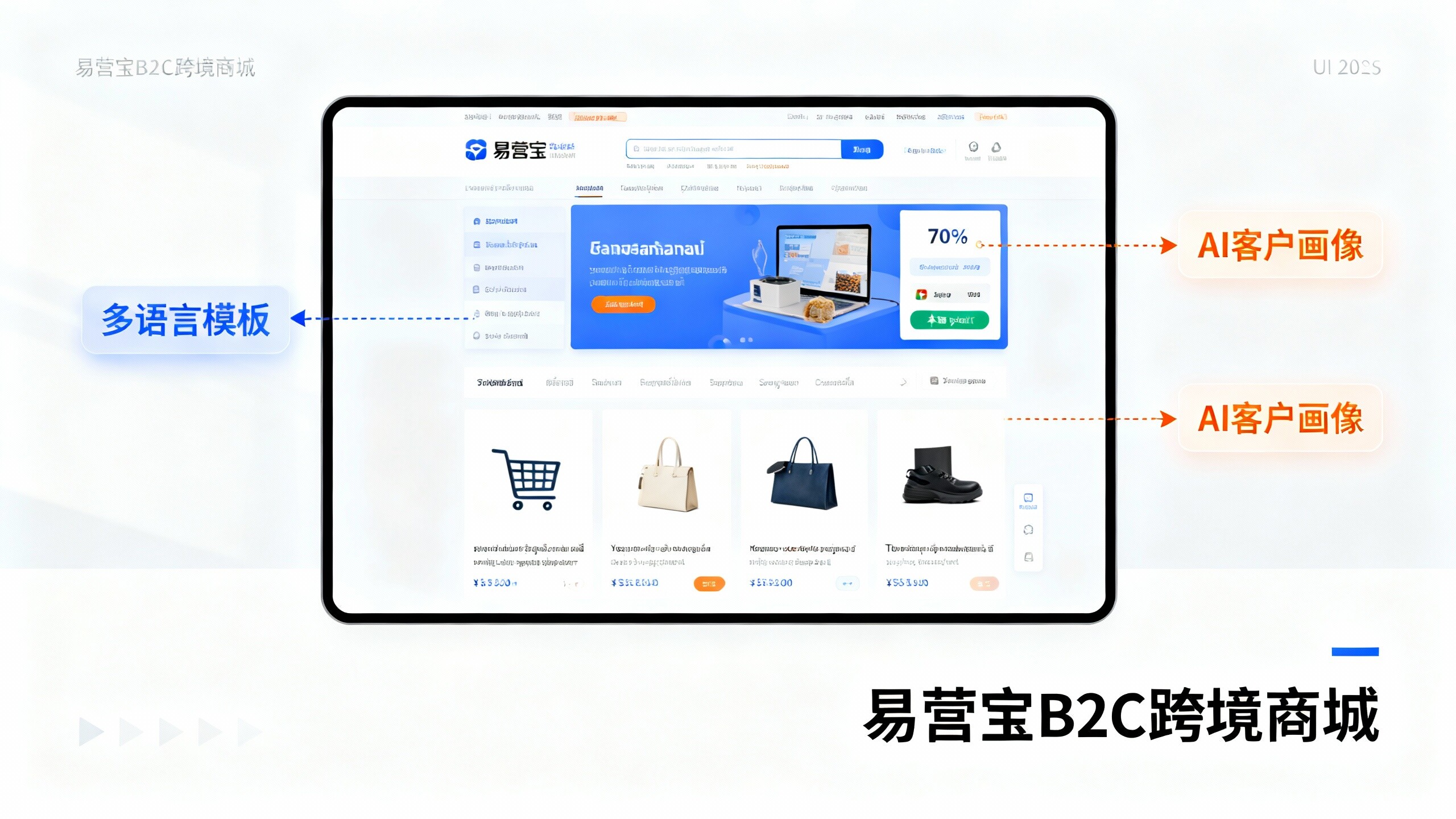
 EasyOperate B2C Cross-Border E-Commerce Platform & Independent WebsiteEasyStore B2C Cross-border E-commerce Independent Store is an intelligent website building and cross-border e-commerce integrated solution independently developed by EasyStore Information Technology (Beijing) Co., Ltd. The system is specially designed for small and medium-sized as well as large export enterprises, integrating 'website building, operation, marketing, advertising, and conversion' into one, helping enterprises quickly establish cross-border e-commerce independent stores to achieve brand globalization and global sales growth.
The platform supports multiple languages, multiple currencies, and multi-channel marketing, with built-in AI intelligent translation and SEO optimization systems, suitable for mainstream markets such as Southeast Asia, Europe and America, Latin America, and the Middle East, assisting Chinese manufacturing enterprises in efficiently deploying international e-commerce strategies. SSL证书易营宝提供专业SSL安全证书服务,包括单域名和泛域名证书,确保网站数据传输加密、身份验证和完整性保护,助力企业建立安全可信的在线业务环境。