








- What Are the Ranking Criteria for China's Top 100 SaaS Companies?Nov 28, 2026View details
- Eight Departments, Including the Ministry of Commerce, Issue the 15th Five-Year Plan for the Development of Trade in ServicesNov 27, 2026View details
- General Administration of Customs Issues New Rules on Import and Export Cosmetic Labeling, Effective December 1Nov 26, 2026View details
- U.S. to Announce Section 301 Investigation Findings on 16 Economies, Potentially Proposing New TariffsNov 26, 2026View details
- Hapag-Lloyd’s $4.2 billion acquisition of ZIM faces a closing delay; ZIM reports third-quarter net profit of $830 millionNov 24, 2026View details
- SCFI falls for a third straight week to 3,503.78 points, with blank sailings on trans-Pacific routes rising to 10Nov 24, 2026View details
Can Schema.org structured data guarantee rich results in search?

Not necessarily. Adding Schema.org structured data can help search engines understand information on a page, such as products and articles. However, whether rich elements such as prices and ratings appear in search results also depends on whether the search engine supports the relevant type, whether the markup meets its requirements, and whether the page and specific search context are suitable for display.
In “schema.orgとは,” the Japanese word “とは” means “what is.” Schema.org is a vocabulary of structured data used to describe webpage content. A website can use it to indicate that a piece of information represents a product name, price, or article title, making it easier for search engines to identify relationships between pieces of information. Rich search results are a format that displays additional information alongside standard search results, such as a product’s price or stock status.
Why doesn’t structured data appear in search results?
First, Schema.org supporting a particular type does not mean that a search engine will necessarily offer a corresponding rich result format. Schema.org covers a broad range of vocabulary, while the search features supported by each search engine have their own limitations. Even if the fields are written correctly, check the target search engine’s documentation for the relevant feature to confirm whether that page type is eligible to appear.
Second, being eligible does not mean that a rich result will appear for every search. Search engines determine how results are displayed based on signals such as the query, device, location, and page quality. The same page may also appear differently for different search conditions. The absence of additional information in search results alone does not prove that the code is ineffective.
Whether the page itself can be crawled and indexed also affects the assessment. If structured data is on a page that the search engine cannot access, or the page has not yet been reprocessed, the markup may not take effect right away. Searching immediately after making changes and seeing no difference is not enough to prove that the changes failed. First confirm that the search engine can access the page, then check its indexing and processing status.
Valid syntax and meeting display requirements are two different things
Structured data is commonly added to webpages in JSON-LD format. A tool indicating that the code can be parsed only means that a machine can read its basic syntax. To be eligible for a particular rich result, the markup must also meet that feature’s requirements for type, required properties, and content.
For example, marking up a product page with a name does not mean that its price will necessarily appear in search results. Information such as price, currency, and purchase options must be provided as required by the target search engine and must match the content actually displayed on the page. If the price varies by location or product variant, avoid presenting a price under one set of conditions as though it applied to all visitors.
Ratings are also easy to misinterpret: displaying star icons on a page does not automatically mean that the page can mark them up as eligible reviews. The subject of the reviews, the source of the ratings, and the content visible on the page must all meet the requirements of the relevant feature. Adding reviews that do not exist just to obtain star ratings would make the markup inconsistent with the facts on the page.
Similarly, an article can use an article type to describe information such as its title and author, but that does not mean that search results will necessarily display an image or other enhanced features. Some search features also have separate content or site eligibility requirements, so the Schema.org vocabulary alone is not enough to determine eligibility.
First, determine what the page describes
When choosing a type, start with the page’s main content. For a product detail page selling a specific product, check whether product-related markup is appropriate. For an article about a particular topic, consider an article-related type. Do not apply markup that does not correspond to the page content simply because a particular type of result looks prominent.
For example, An Exploration of Corporate Financial Digital Transformation under the Financial Shared Services Model could have its title included as part of the article information if presented as an article. Whether the page is suitable for other types depends on its actual content and the requirements of the target search feature; this cannot be determined from the title alone.
Multilingual websites should also pay attention to the relationships between their localized pages. If an English page displays a price in US dollars but its structured data references the Chinese-language page’s price in renminbi, the information will conflict. Each language or regional version should describe the content actually shown on that page, with the corresponding URL, language, and product information kept consistent.
How can you distinguish a markup problem from a display decision?
Troubleshoot specific pages first rather than changing the entire site template. Check the page source or the content actually retrieved by the search engine to confirm that the structured data is present and refers to the correct page. If the markup is generated by a script, also confirm that the search engine can retrieve and process the generated content.

Next, enter the page URL in the target search engine’s rich results testing tool and review the detected items, errors, and warnings. The testing tool can identify missing required fields or parsing issues, but passing the test only means that the detected markup meets the conditions checked by the tool; it does not guarantee that the content will be displayed.
If the test finds no errors that would prevent eligibility, check the page’s indexing status and relevant enhancement reports in the search management tool. A page that is not indexed, markup that cannot be read, and missing fields are different from a page that has been processed but whose search result does not use an enhanced format. Each calls for a different response. After a bulk template update, spot-checking different page types and language versions can help uncover field-mapping errors or inconsistent content.
If a price or rating appeared in search results before but later disappeared, there is no need to immediately add the code again. First check whether the page content has changed and whether the markup still meets the requirements, then assess the situation in light of the search conditions and tool reports. Inserting multiple conflicting sets of data can make troubleshooting more difficult.
Related Articles
 What markup errors can structured data optimization tools detect?
 How to Use the TDK Template Generator to Set Product Page Titles in Bulk
 Google’s November core update is complete, with a December update announced and five documents released



Related Products
 Yiyingbao SaaS Intelligent Website Building and Marketing SystemYiyingbao SaaS Intelligent Website Building and Marketing System, AI-powered no-code website building, rapid creation of multilingual B2B international websites in 10 minutes, global server acceleration, AI-powered SEO optimization, helping businesses connect efficiently with global markets. The perfect integration of technology and operation makes building an international trade website remarkably simple
 AI+SEM Intelligent Advertising Marketing SystemAI+SEM drives intelligent ad creation, empowering full-funnel precision advertising marketing. The system automatically generates weekly/monthly reports, AI recommends keywords and target countries, monitors core metrics in real-time with intelligent alerts, and enables one-click high-conversion ad solutions to help quickly acquire customers and improve ROI.
 AI+SEO Dual-Engine System Optimization ServicesYiyingbao’s AI+SEO dual-engine optimization system helps foreign trade enterprises acquire high-quality organic traffic through AI-powered keyword research, content generation, and comprehensive technical optimization, significantly improving search rankings and conversion rates.
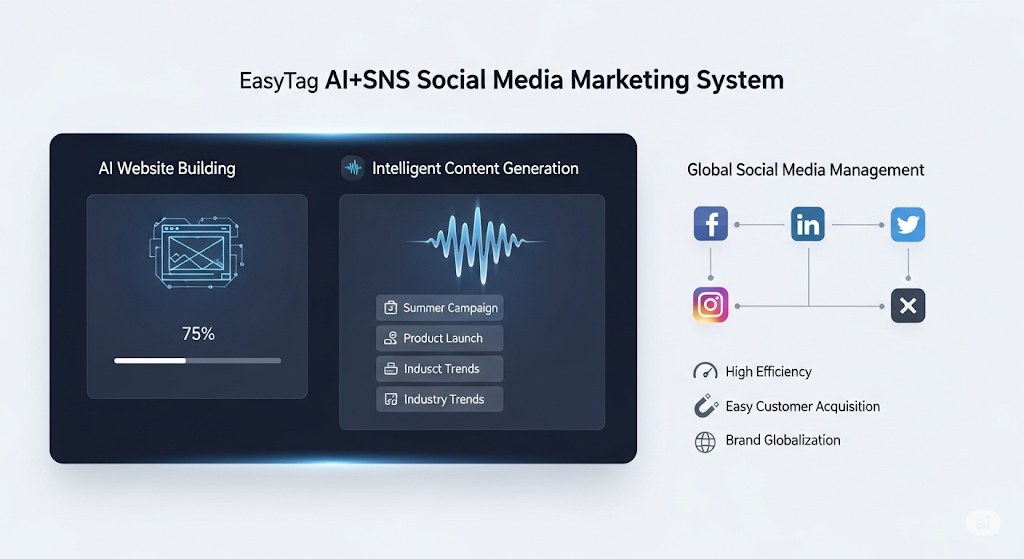
 AI+SNS Social Media Marketing SystemYingbao AI+SNS Social Media Marketing System - Precision social capture for the social media era. Supports one-click content synchronization across major platforms like Facebook and LinkedIn. AI intelligently rewrites posts for enhanced relevance. 24/7 AI customer service and user profiling analysis empower businesses to efficiently expand into global markets.
 AI+SEO营销解决方案易营宝AI+SEO营销解决方案,通过AI批量写作、智能生成TDK、精准关键词扩词等功能,全面优化网站SEO效果,提升流量与转化率。助力企业构建高效智能网站新生态。
 AI+SEM Advertising Marketing SolutionsAI+SEM Advertising Marketing Solution leverages AI technology to deeply empower SEM ad campaigns. It automatically generates weekly/monthly reports using AI, presenting account data across multiple dimensions for comprehensive insights into campaign performance and trends. The system precisely recommends keywords and target countries, intelligently generates high-conversion ad copy, and enables one-click activation of efficient campaign plans to help businesses rapidly acquire customers. Simultaneously, it monitors core metrics in real time, intelligently identifies abnormal fluctuations, and issues timely alerts to ensure stable, high-return advertising results.
 Domain Name ServicesEasyWin provides professional domain name services, including intelligent queries, one-stop registration, brand protection, and full lifecycle management, helping businesses build a digital brand image.
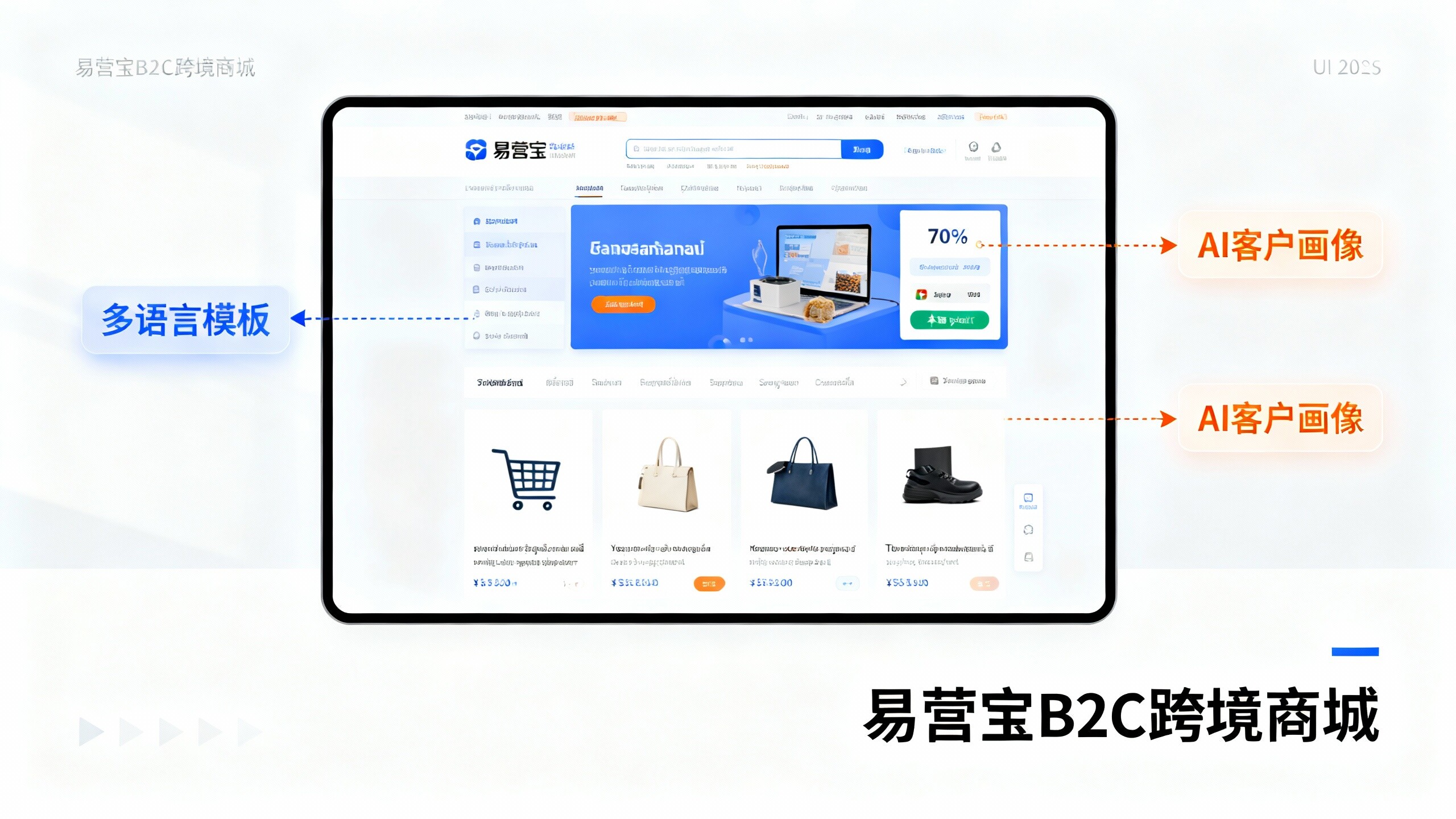
 EasyOperate B2C Cross-Border E-Commerce Platform & Independent WebsiteEasyStore B2C Cross-border E-commerce Independent Store is an intelligent website building and cross-border e-commerce integrated solution independently developed by EasyStore Information Technology (Beijing) Co., Ltd. The system is specially designed for small and medium-sized as well as large export enterprises, integrating 'website building, operation, marketing, advertising, and conversion' into one, helping enterprises quickly establish cross-border e-commerce independent stores to achieve brand globalization and global sales growth.
The platform supports multiple languages, multiple currencies, and multi-channel marketing, with built-in AI intelligent translation and SEO optimization systems, suitable for mainstream markets such as Southeast Asia, Europe and America, Latin America, and the Middle East, assisting Chinese manufacturing enterprises in efficiently deploying international e-commerce strategies. SSL证书易营宝提供专业SSL安全证书服务,包括单域名和泛域名证书,确保网站数据传输加密、身份验证和完整性保护,助力企业建立安全可信的在线业务环境。