









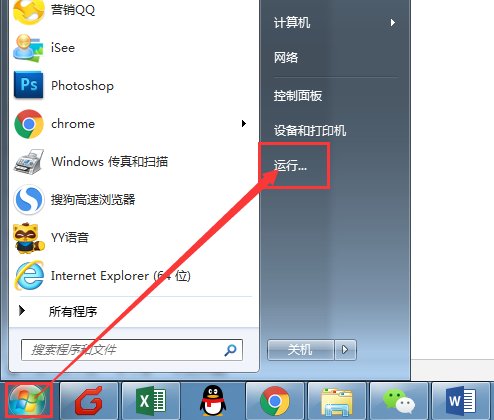
1, Click "Start" button to run
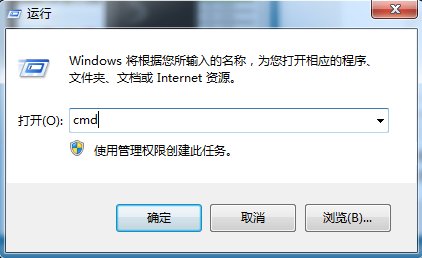
2, Enter cmd in the run window and click OK
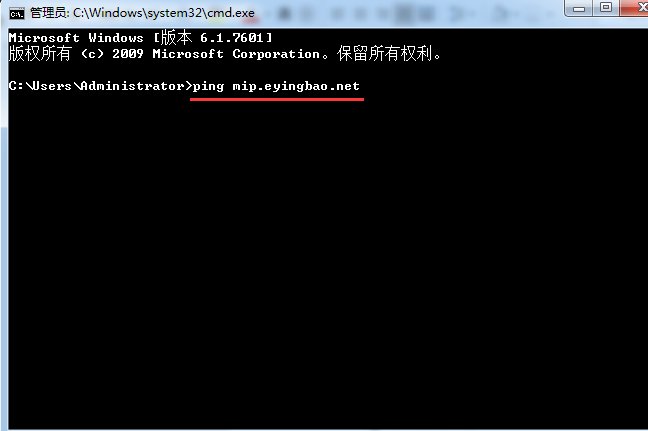
3,Type ping followed by a space and domain name in the pop-up window (as shown below), then press Enter
4,If resolution is successful, the resolved address or IP will appear after ping (as shown below).
Different servers may resolve to different addresses, so the red box should display your added resolution address.
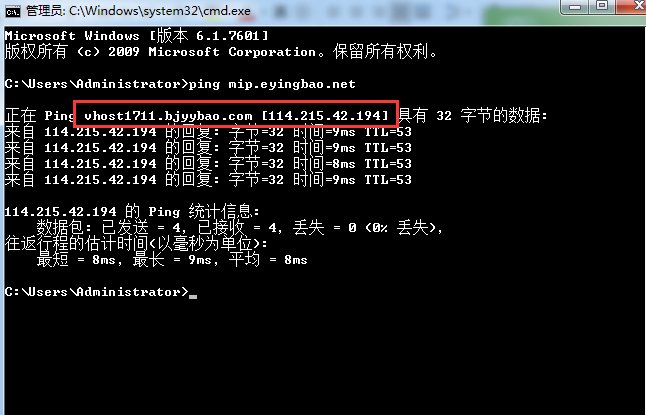
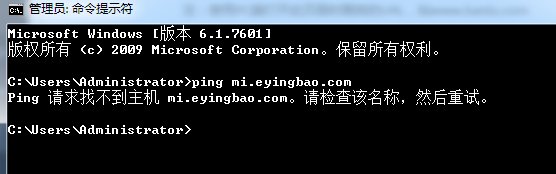
5, If the displayed address/IP is incorrect or shows "host not found" (as shown below), it indicates incorrect or inactive resolution
*Note:
① Domain resolution is operated in domain management backend (DNS control panel provided by domain registrar).
② Domain resolution takes 24 hours to propagate globally, with varying effective times across regions.
Online Inquiry
