









【Solution】
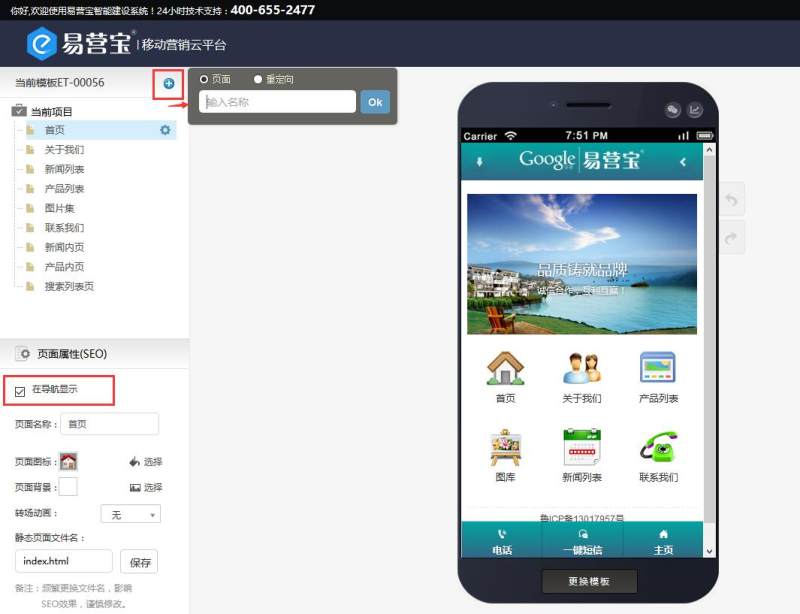
On the current project, click the plus sign on the right side of the template number, enter the page name, click OK, and you will get a new first-level navigation. Note: If this first-level navigation needs to be displayed in the navigation, you need to check the box below to display it in the navigation.
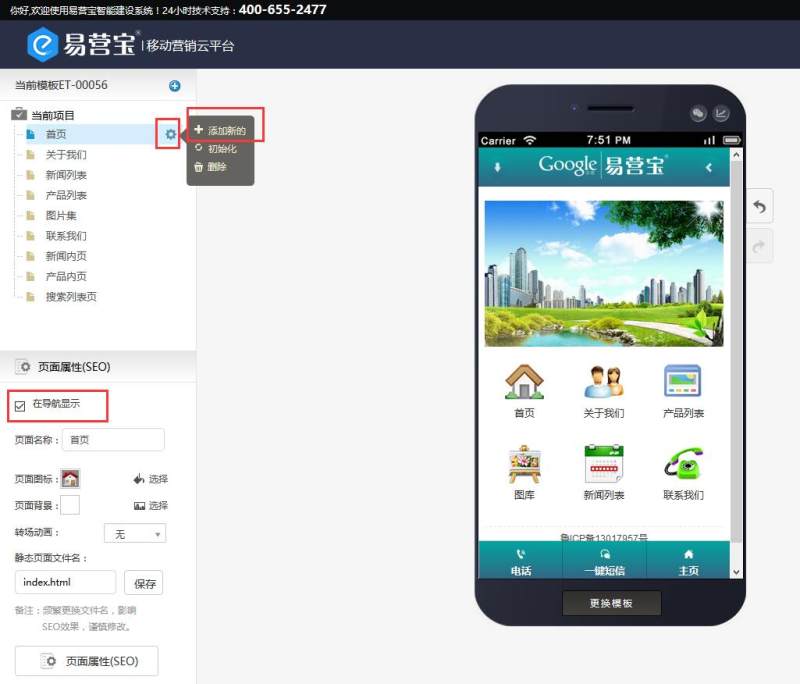
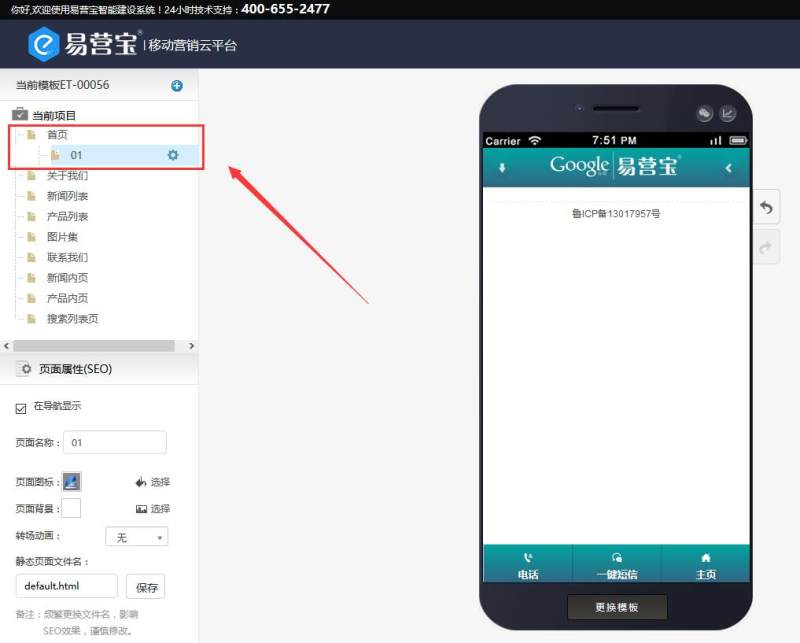
Select the first-level navigation where you want to add a second-level navigation, click the gear icon on the right, choose to add a new one, enter the page name, and you will get the second-level navigation.
Online Inquiry
