









Feature Introduction
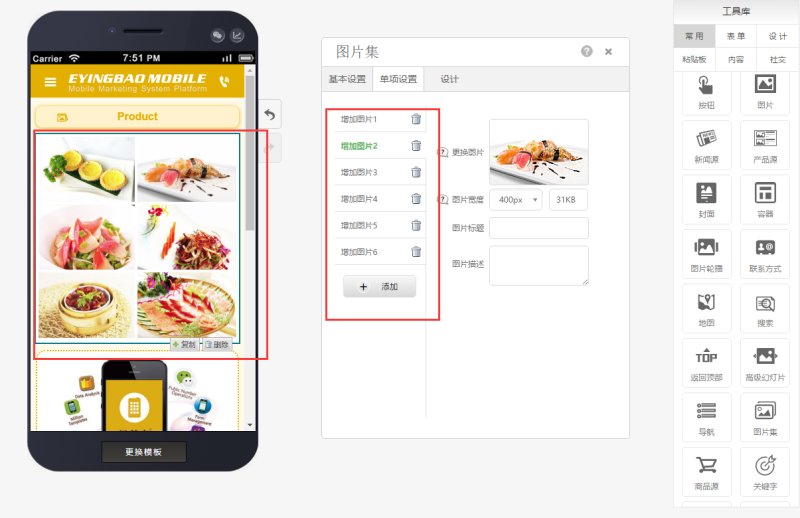
For a mobile website, images have stronger visual impact than text, providing visitors with better visual effects and user experience. As the internet has evolved to this day, whether it's a web or mobile site, images occupy a significant proportion in website design, production, and operation. Therefore, an effective image display format is crucial for a website. EasyStore's image gallery component can meet users' needs to display different styles of images on a page. The usage effect is roughly as shown in the following image:
Usage Process
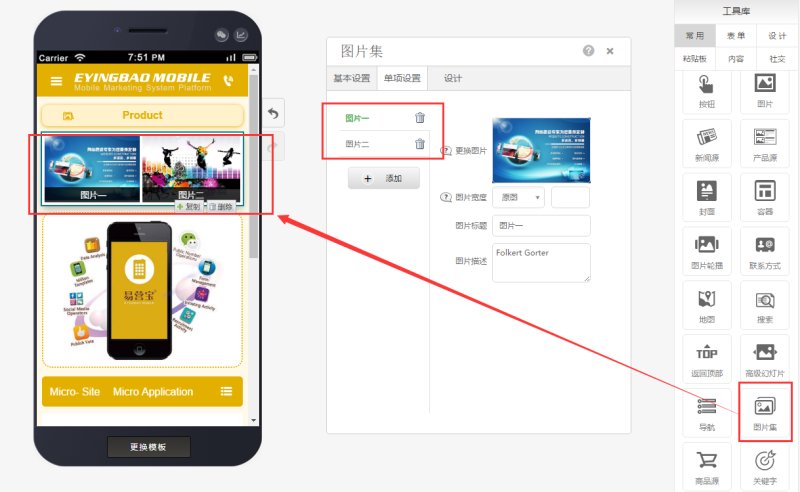
Step 1: Drag the image gallery component to the EasyStore page, select the display count or corresponding image gallery style. The default count is 2, as shown in the following image:
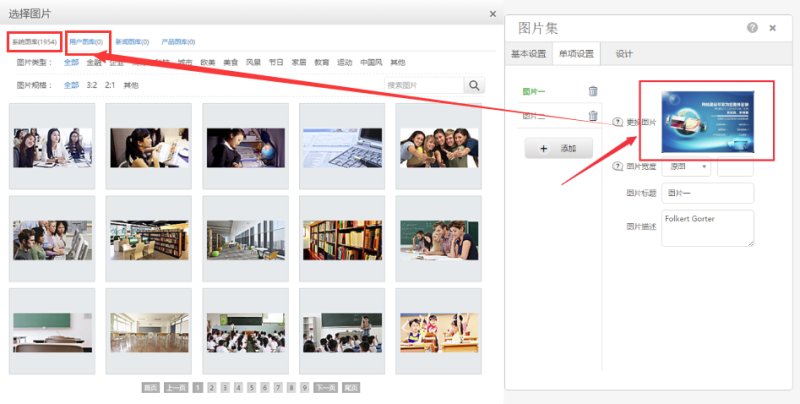
Step 2: Select images (can be chosen from the system library or locally) as shown in the following image:
The final effect (when selecting style 3) is as follows:
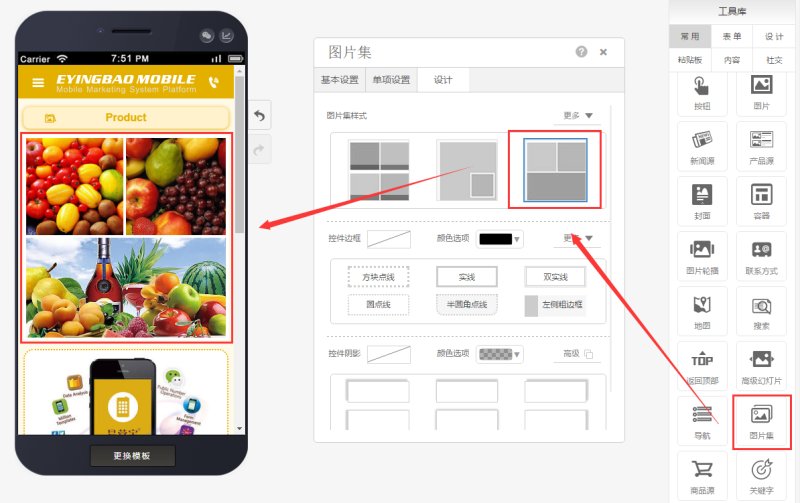
When selecting style 7, the effect is as shown in the following image:
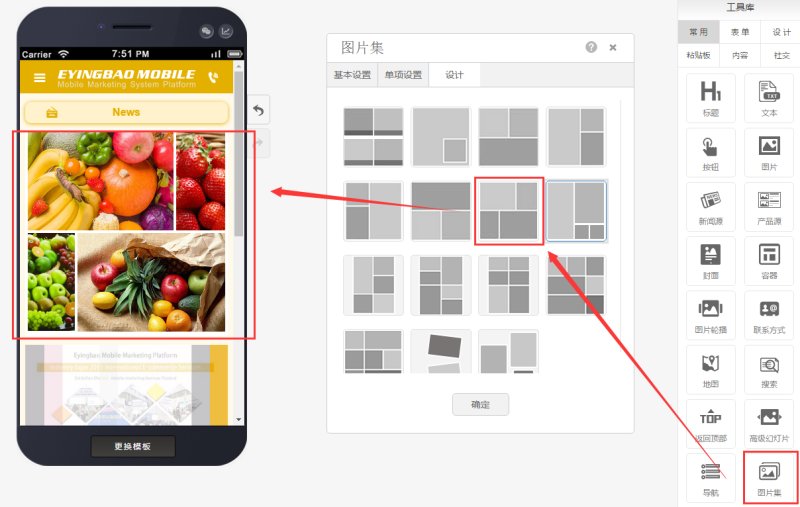
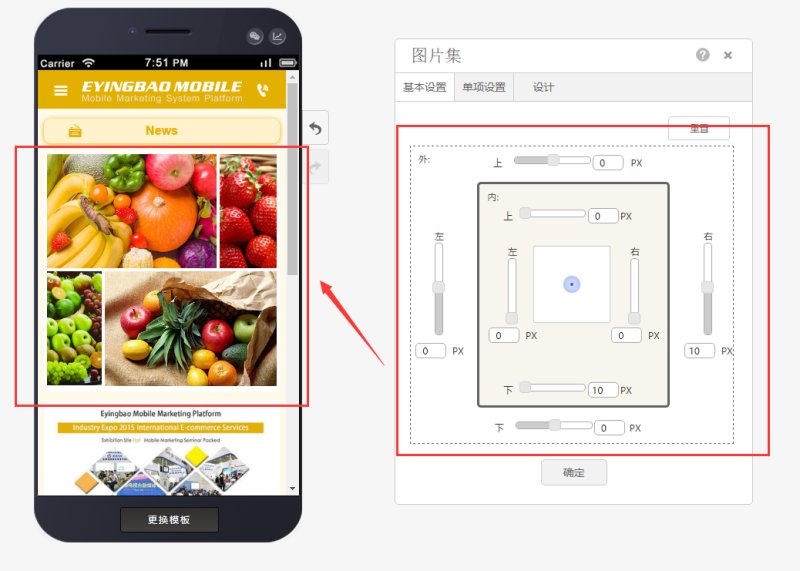
If you need to adjust the positioning of the image gallery, you can modify it in the properties, as shown in the following image:
Online Inquiry
