









Feature Introduction:For a mobile site, images have stronger expressive power than text, providing visitors with better visual effects and user experience. As the internet has evolved to this day, whether it's web or mobile sites, images occupy a significant proportion in website design, production, and operation. Therefore, a good image display format is crucial for a site.
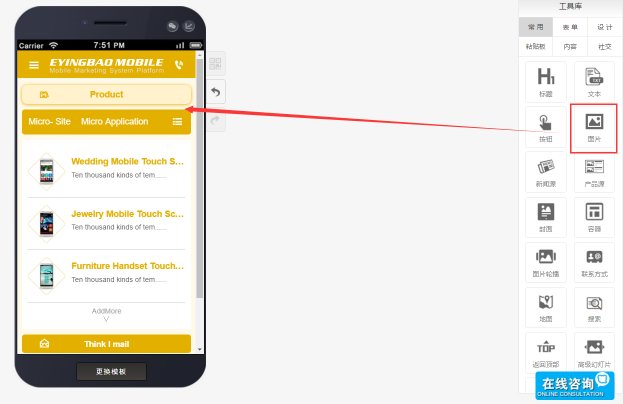
Usage Process:Find the "Image" control in the component library and drag it to the editing page.
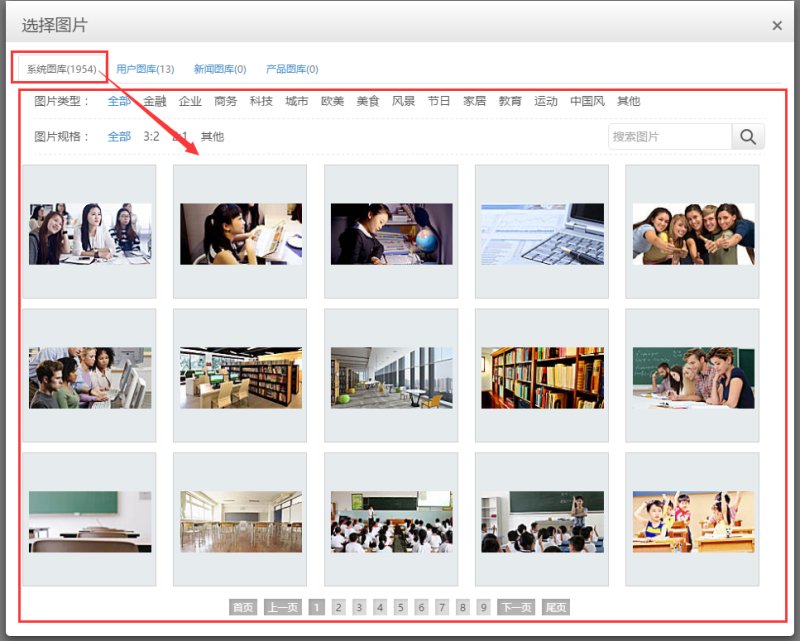
Images can be selected from the "System Image Library" or uploaded manually.System Image Library:
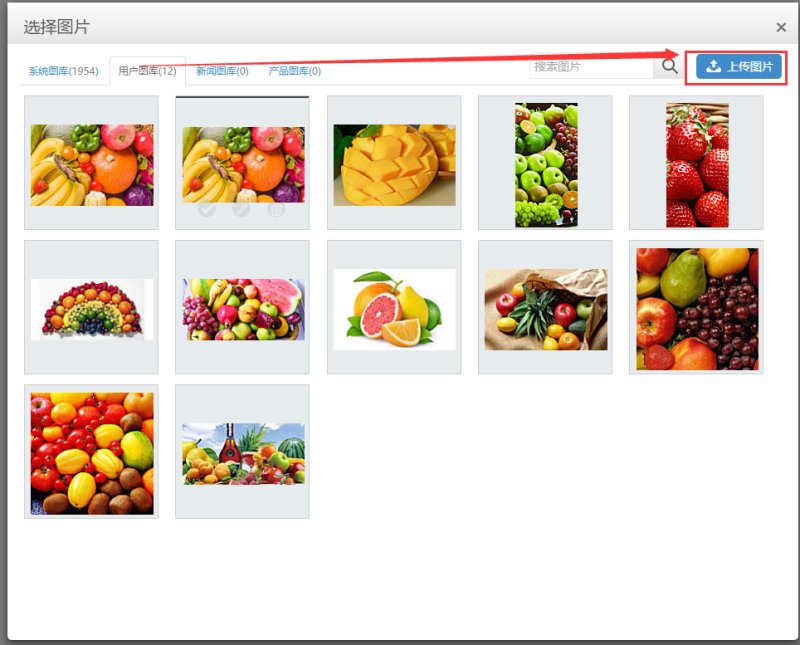
Manual Upload: (It is recommended to compress images before uploading)
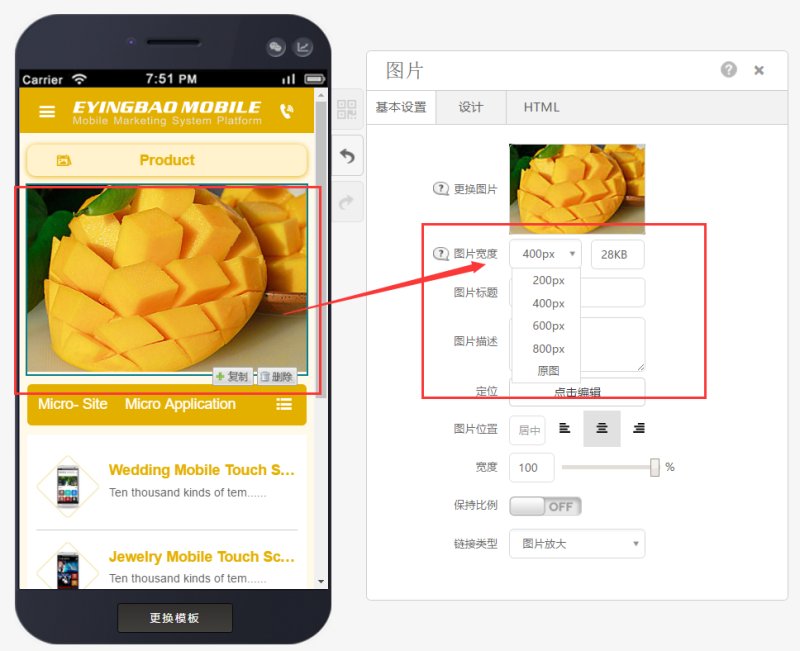
After successfully adding an image, you can adjust "Image Width" to set the preview clarity.
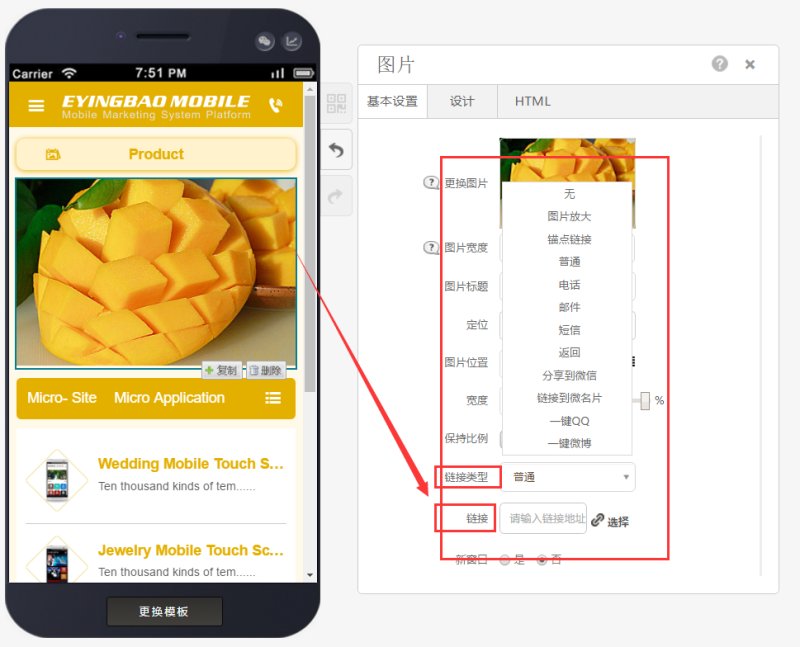
Images can exist independently or have hyperlinks set for each image (including phone calls, webpage redirects, etc.) to meet user needs.
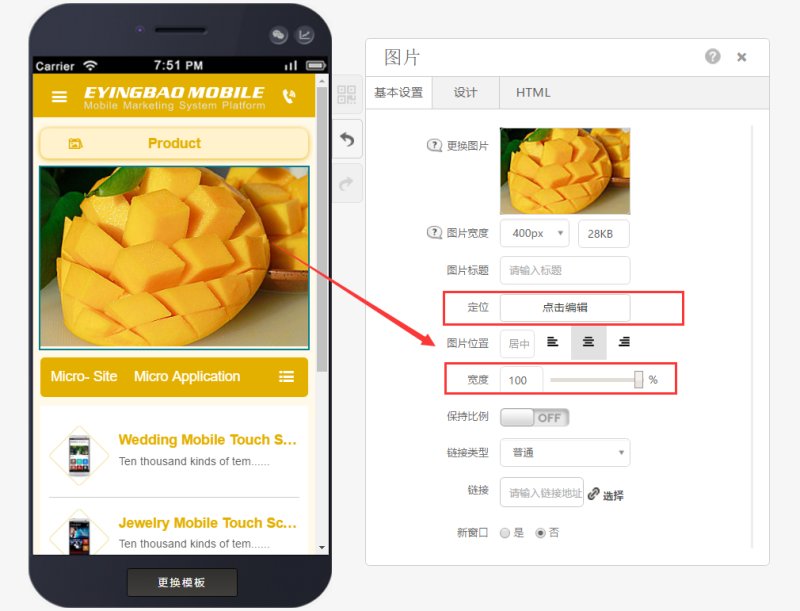
You can adjust positioning, image placement, and image width to meet different layout requirements.
Online Inquiry
