









Feature Introduction
Cover components are typically used on site landing pages or homepages to enhance design aesthetics and enrich page content. A content-rich site requires not only text, images, and video functionalities but also animations that stimulate the senses.
Usage Process
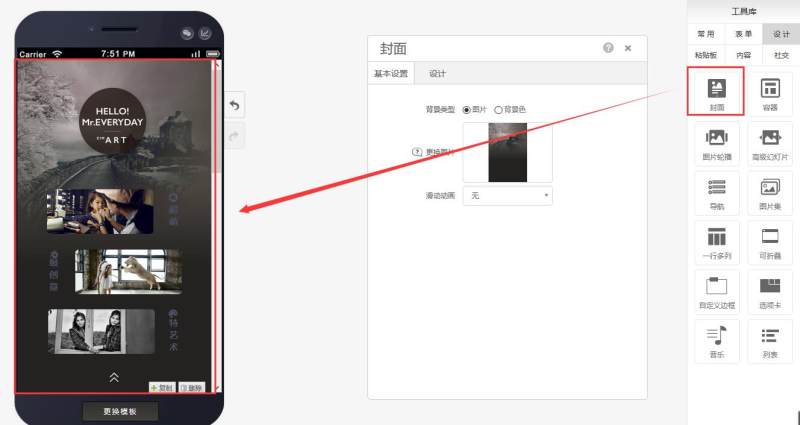
Step 1: Drag and drop a cover component onto the desired page, as shown below:
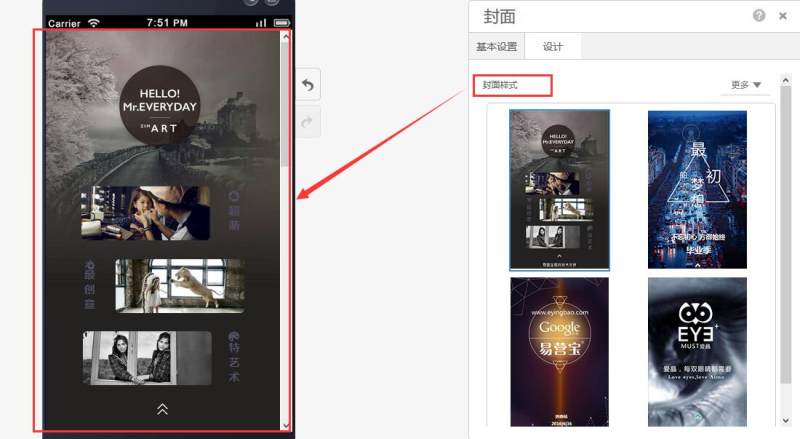
Step 2: Select the appropriate cover style based on your needs, as shown below:
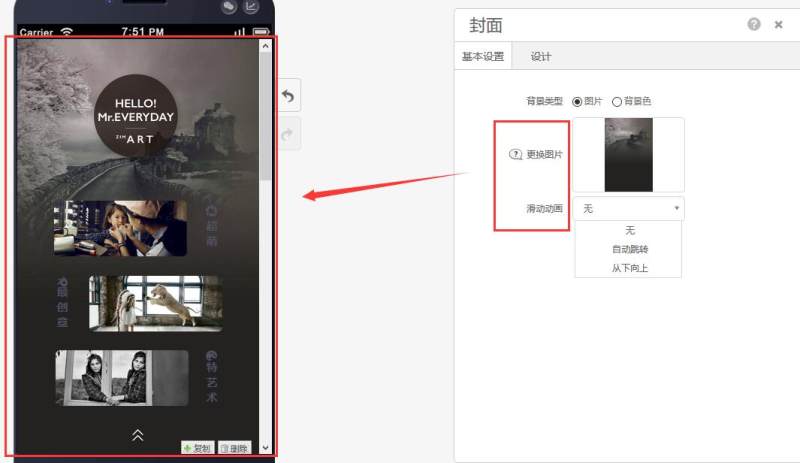
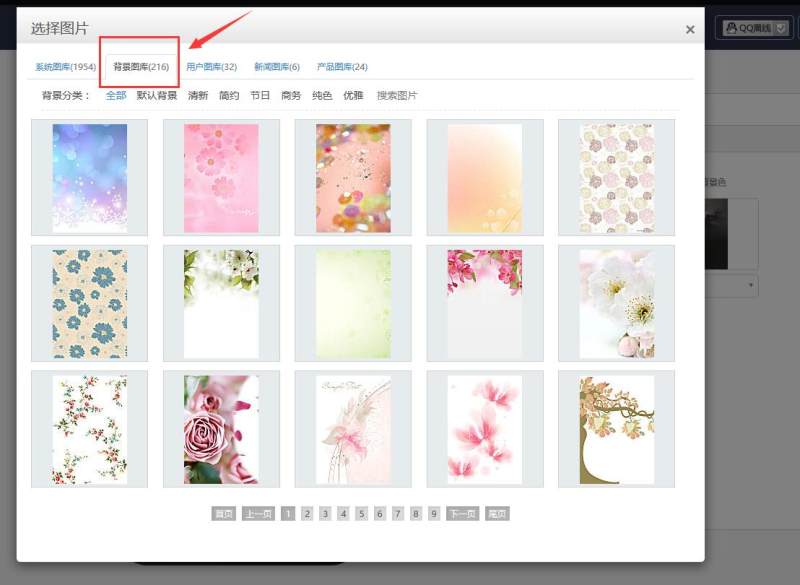
Step 3: Edit basic settings according to your requirements, including background images (or background colors) and selecting specialized animations (3 formats available). As shown below:
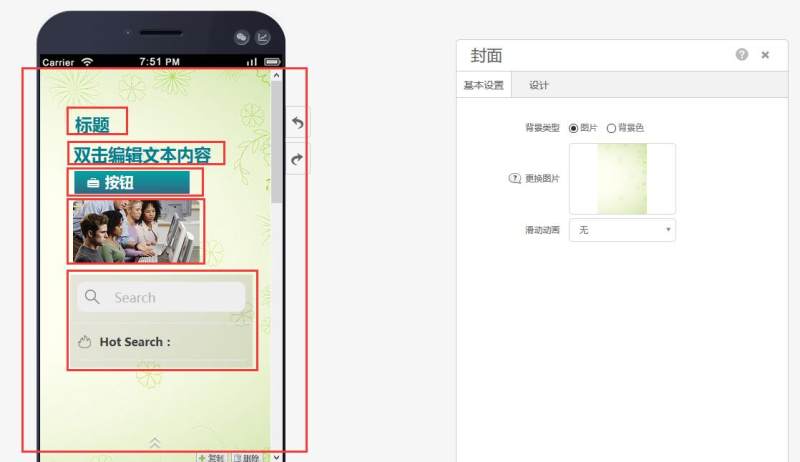
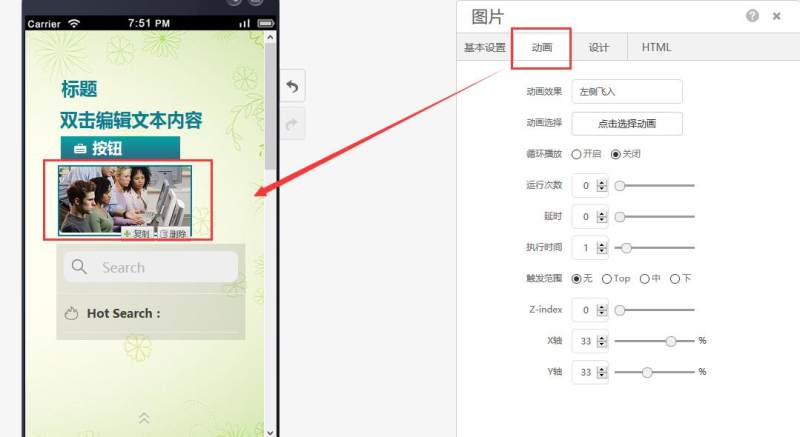
Step 4: Within the cover, you can drag and drop components such as titles, buttons, text, images, and search controls, and apply animation effects to these elements. As shown below:
Online Inquiry
