









Feature Introduction
The navigation control is used to set up navigation for the page, allowing links to other pages or locations.
Usage Process
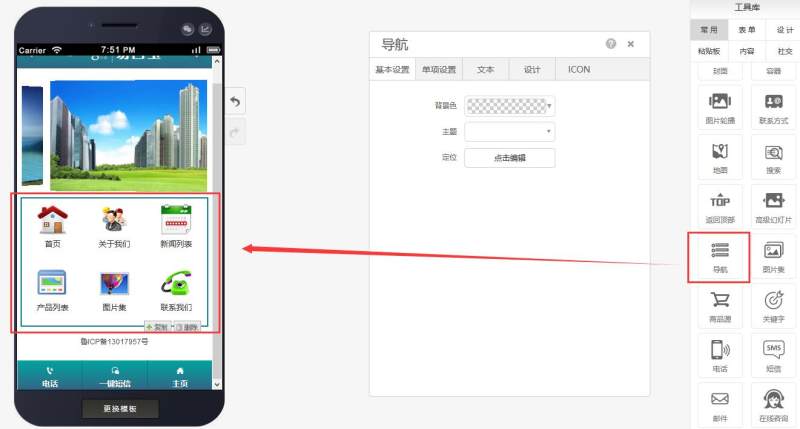
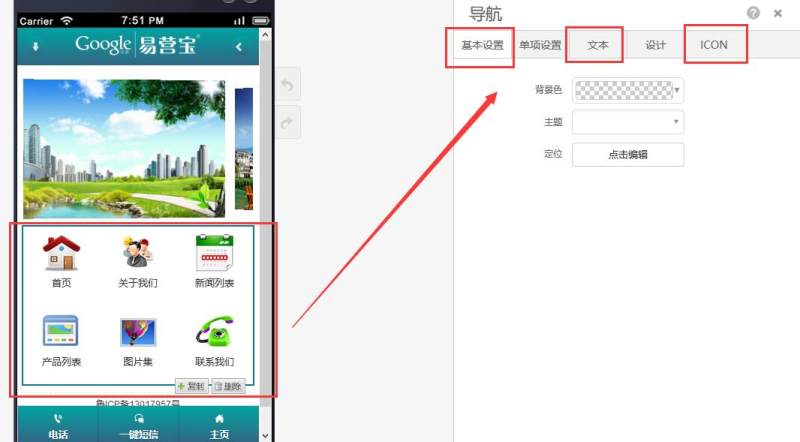
Step 1: Drag a navigation control to the desired page, as shown below:
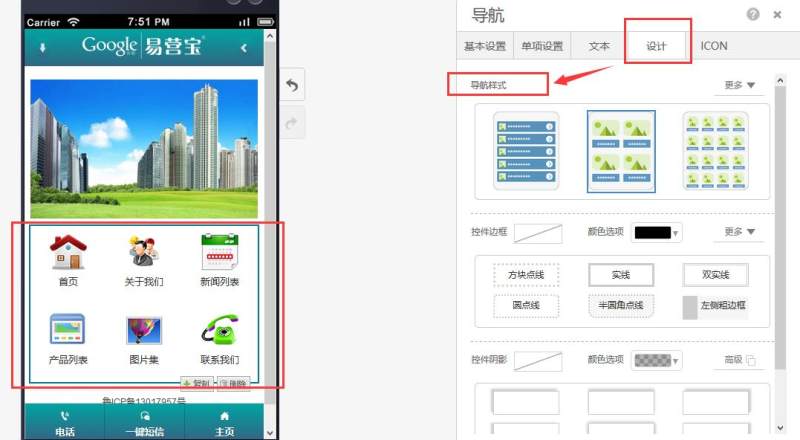
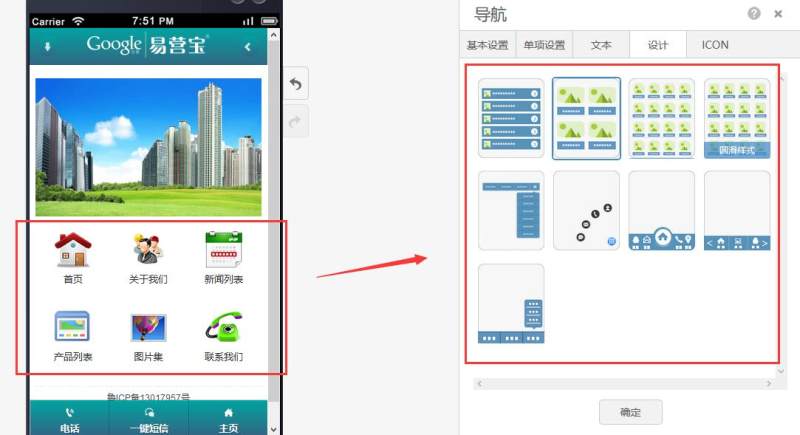
Step 2: Based on your needs, find the design options and select a navigation style (9 styles available), as shown below:
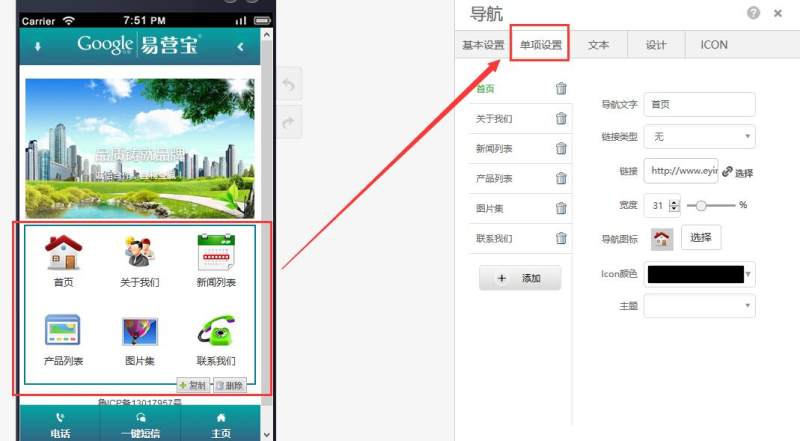
Step 3: After selecting the style, you can configure individual settings (edit navigation text, link type, add links, adjust width, replace icons, change icon colors, and themes), as shown below:
Step 4: After completing individual settings, finalize the basic setup, text attributes, and icon colors/sizes.
Online Inquiry
