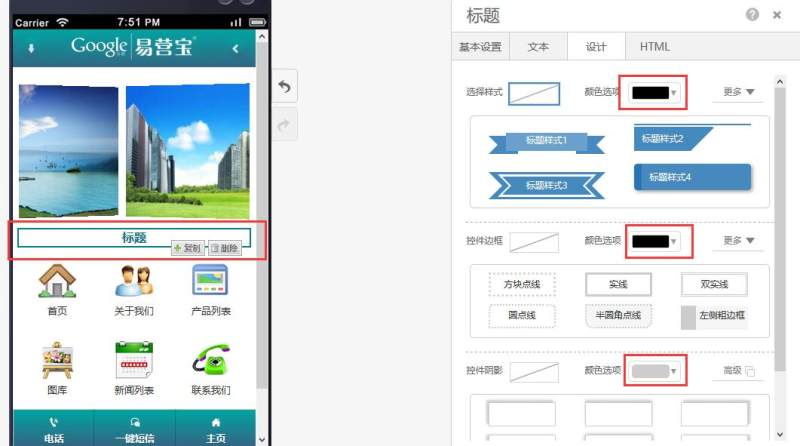
Feature Introduction
Add title controls to the page with multiple style options available.
Usage Process
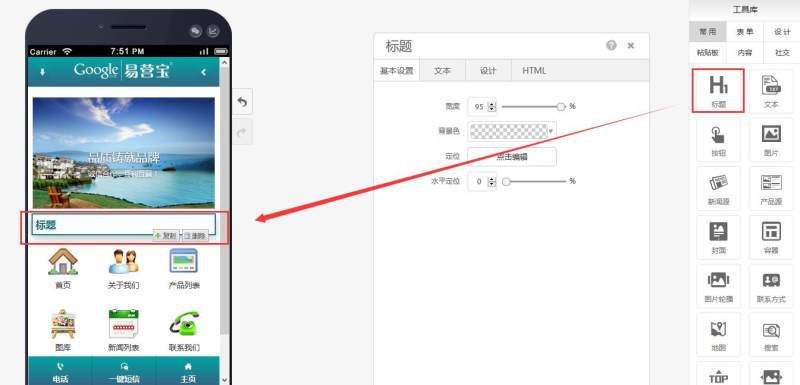
Step 1: Drag and drop a title control to the desired page as shown below:
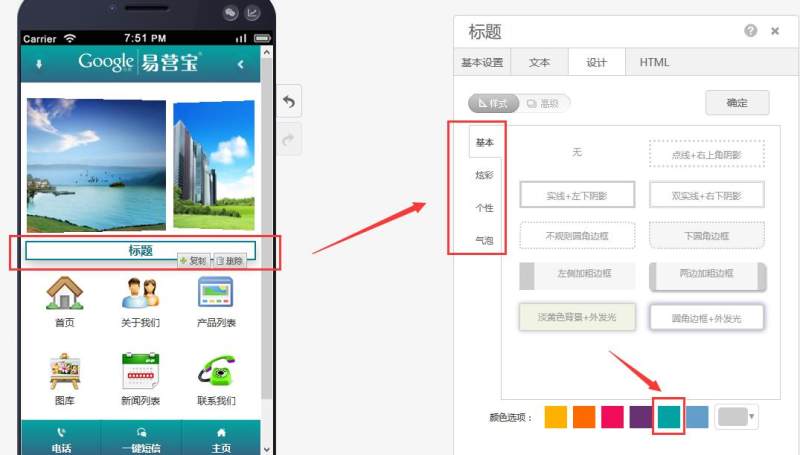
Step 2: Customize the design according to your needs, add borders or shadows, and modify colors as shown below:
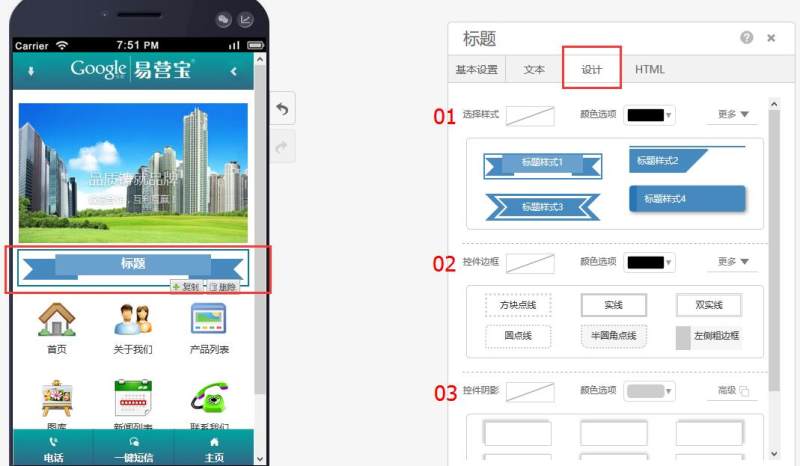
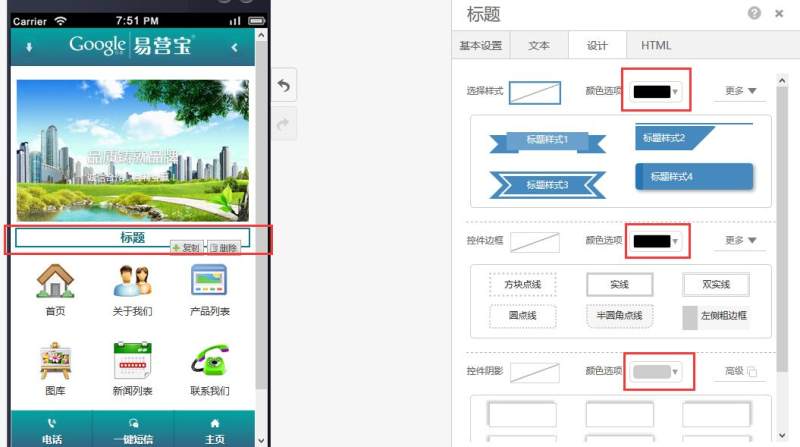
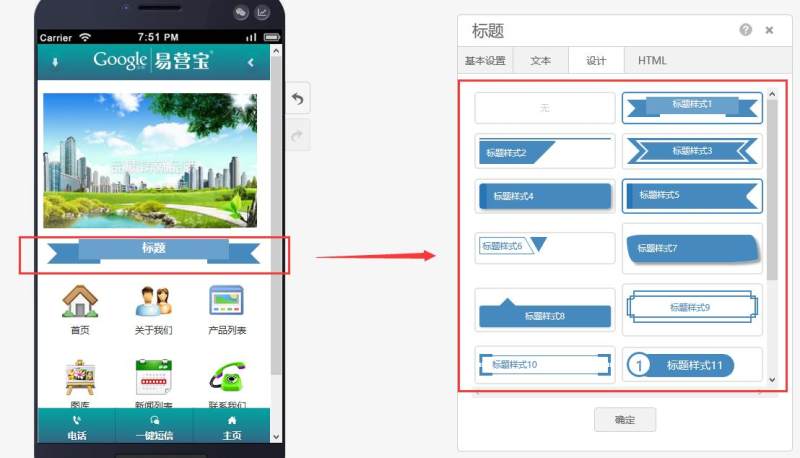
01 Select Style (16 different styles available)
02 Add Border (4 border types available)
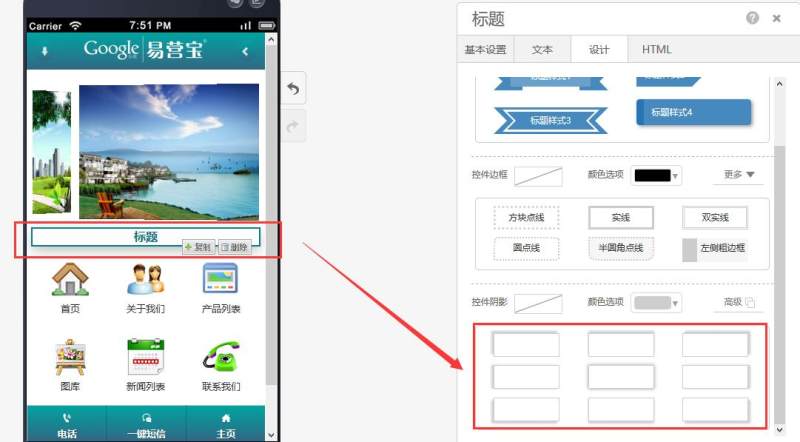
03 Add Shadow
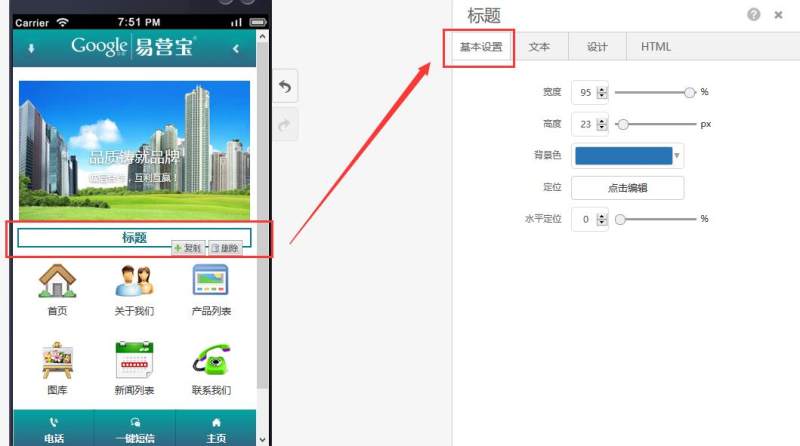
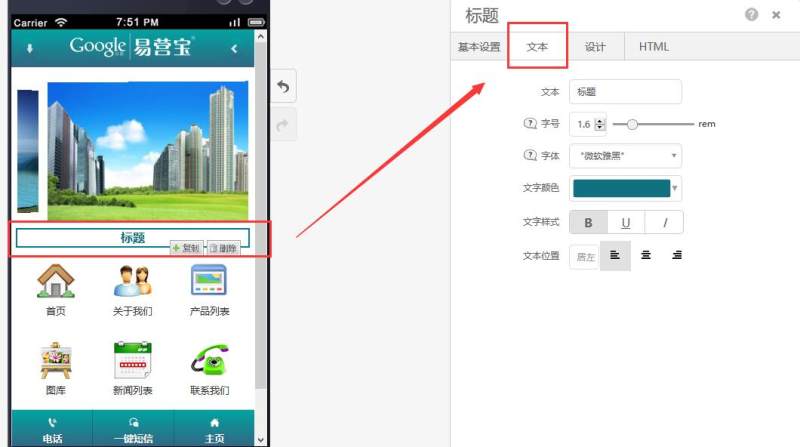
Step 3: Adjust basic settings and text properties according to your requirements as shown below:
Online Inquiry