









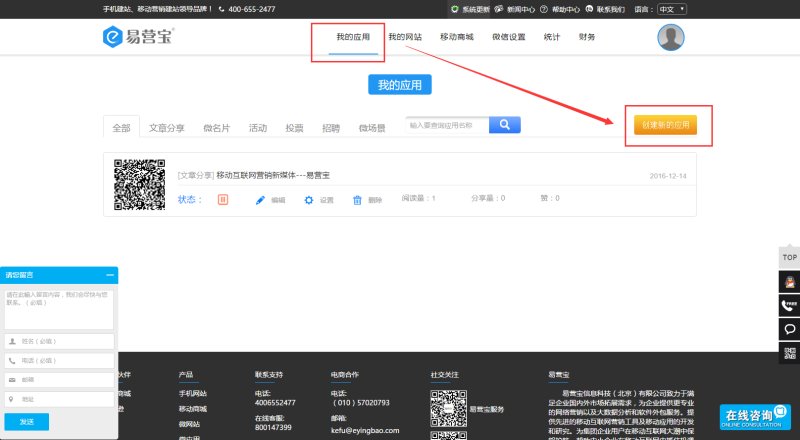
1. After logging in to EasyStore, click "My Apps" —— "Create New App"
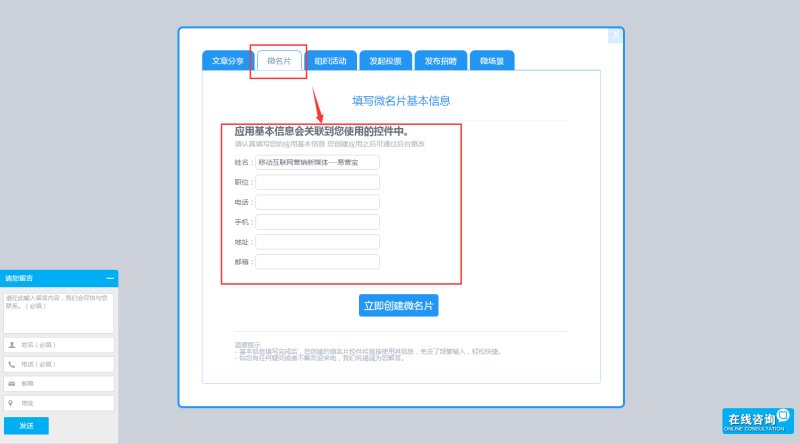
2. Select a micro business card and fill in personal information
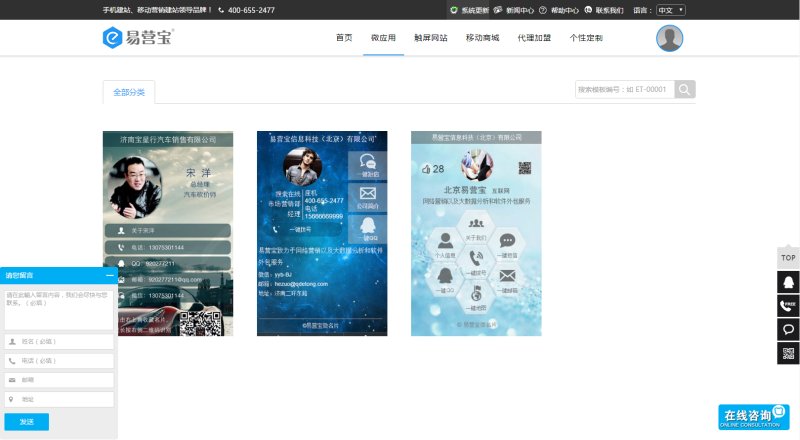
3. Choose a micro business card template, scan the QR code above the template to preview
4. After entering the operation page, use the controls on the right to beautify the micro business card
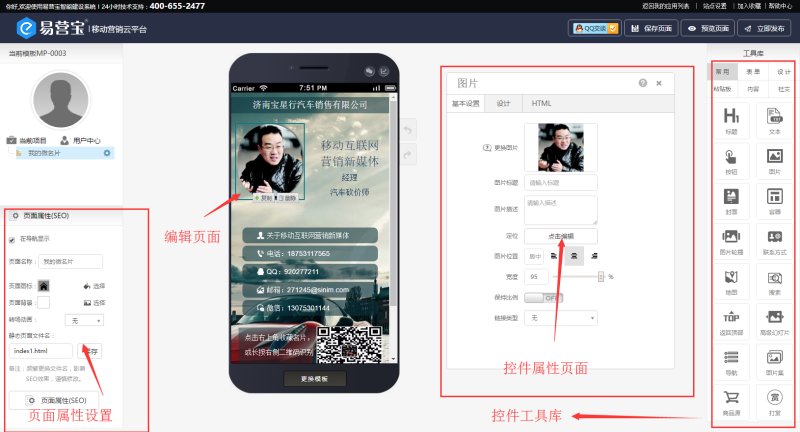
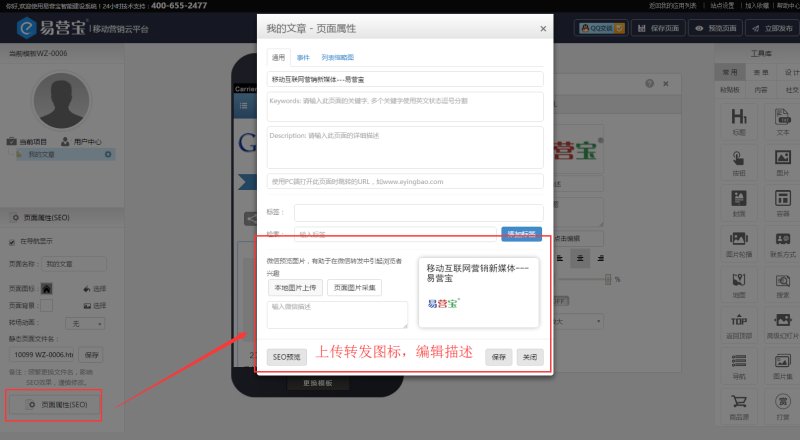
5. Upload a logo in the page properties at the bottom left and write a description
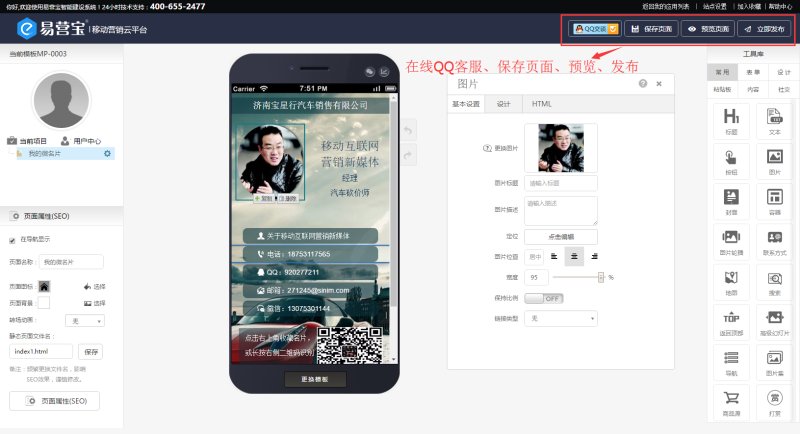
6. Save preview and publish
Online Inquiry
